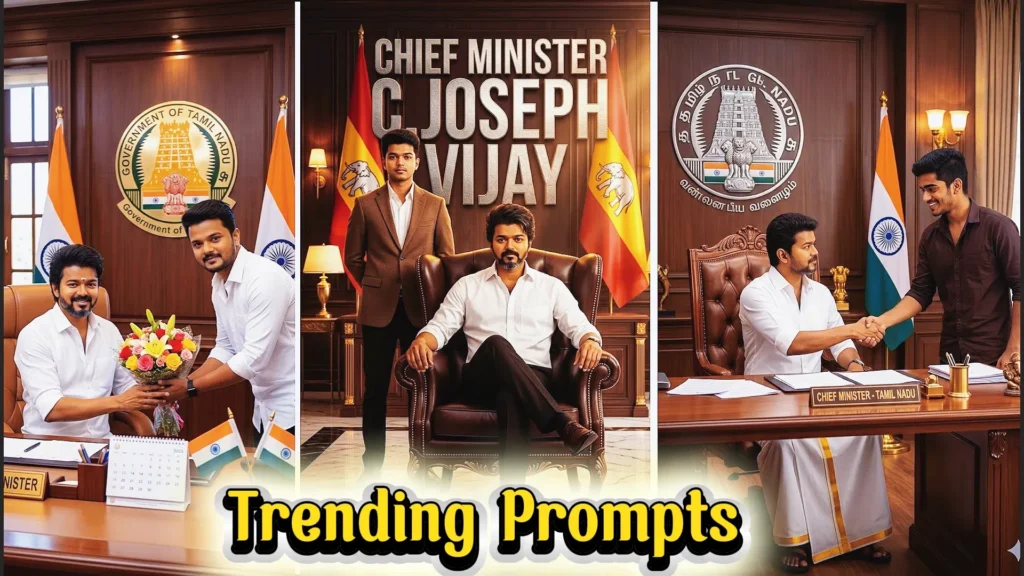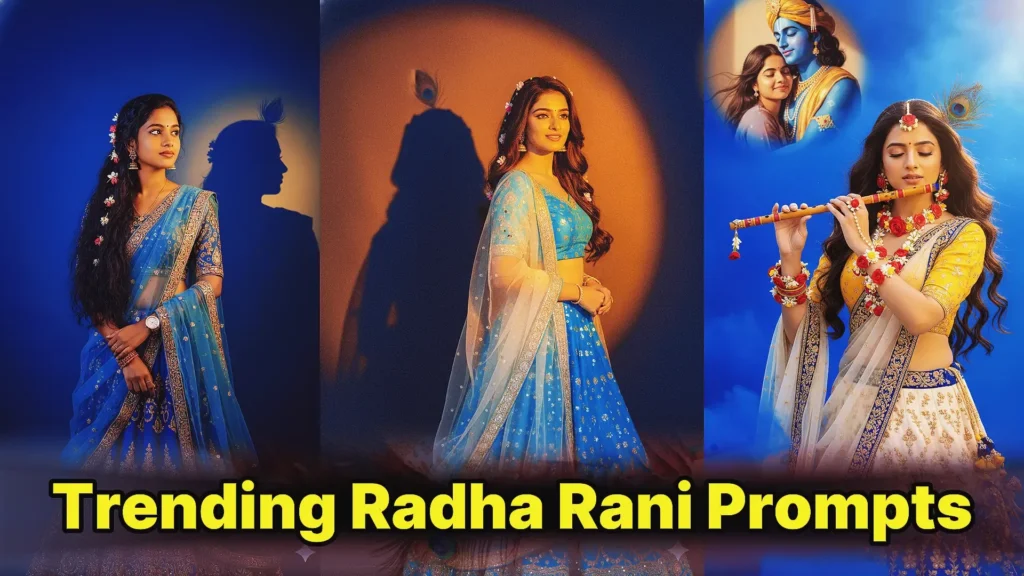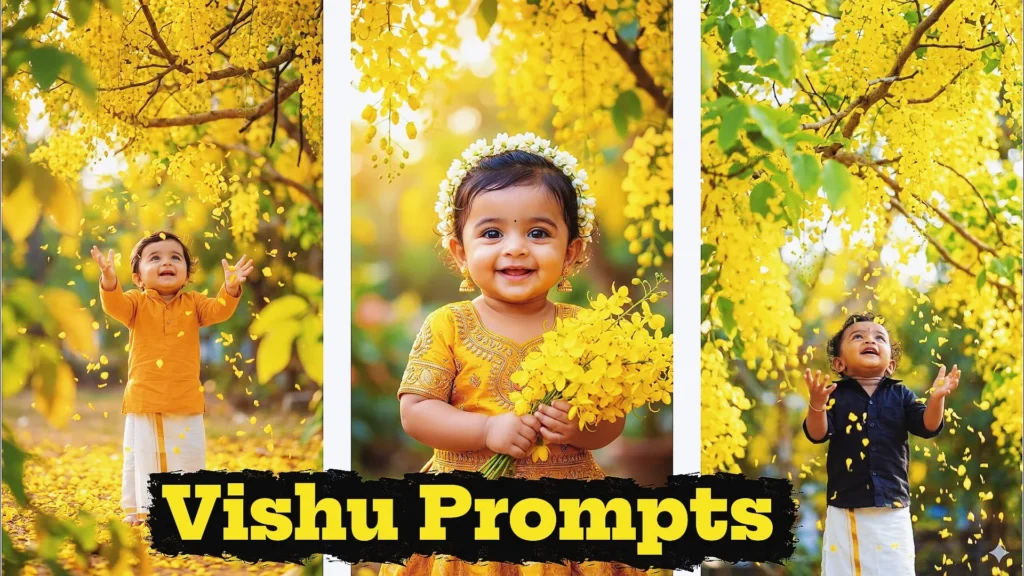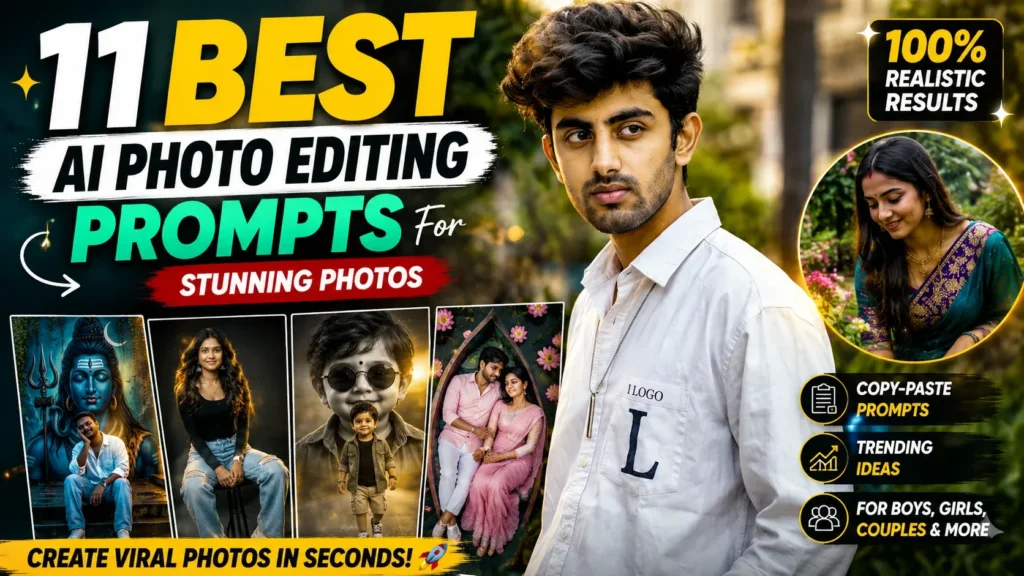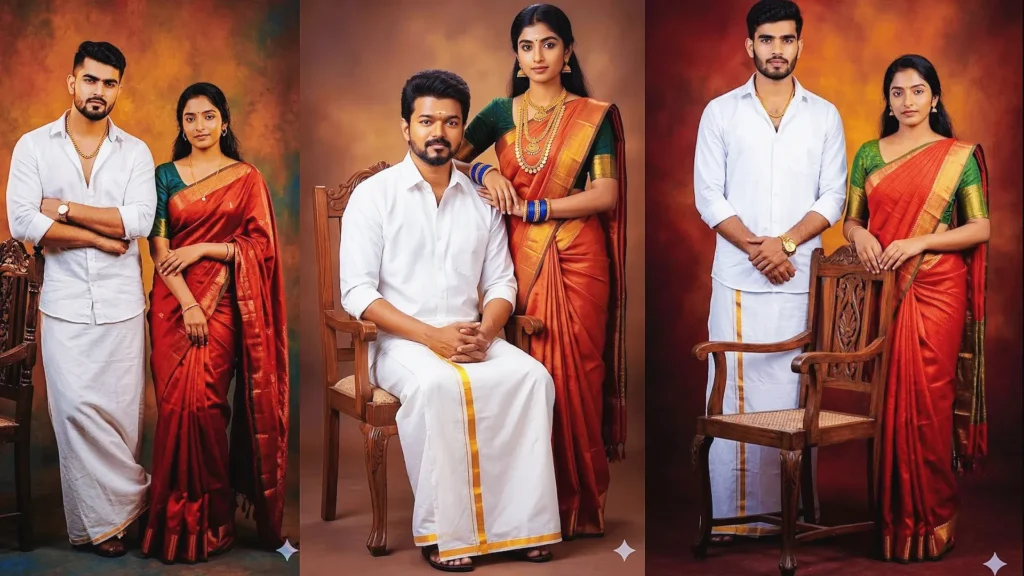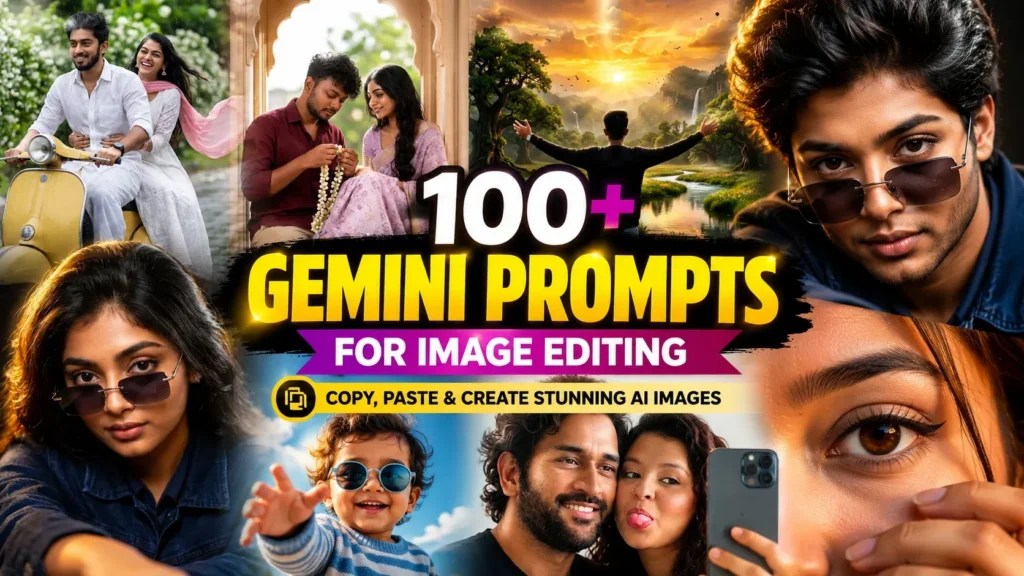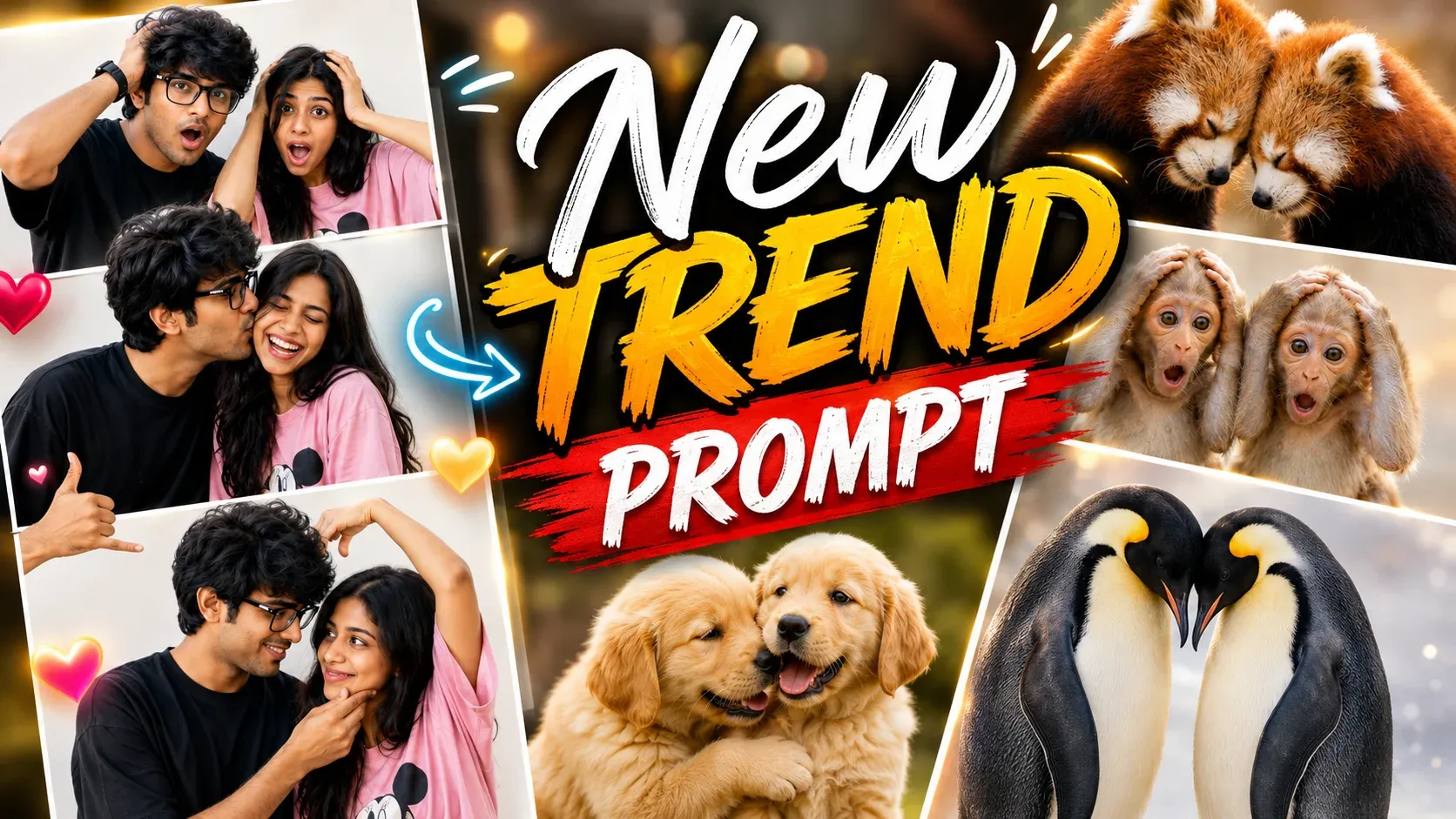
AI photo editing is entering a new era in 2026. You no longer need advanced Photoshop skills, expensive editing software, or professional design experience to turn an ordinary picture into something extraordinary. With the right AI prompt, you can describe your creative idea and let artificial intelligence handle the visual transformation.
The latest ChatGPT photo editing prompts trend focuses on creating stylish, realistic, and share-worthy images with simple text instructions. From cinematic portraits and Instagram profile pictures to romantic couple photos, aesthetic selfies, and YouTube thumbnails, AI makes it easier to experiment with different looks in just a few steps.
What makes these prompts especially useful is the level of control they offer. You can explain the background, lighting, outfit, camera angle, colors, mood, and overall style you want. You can also ask AI to preserve important facial features and maintain the original identity of the person in the uploaded photo.
In this complete guide, you’ll find the latest viral AI photo editing ideas, creative ChatGPT prompts, and copy-paste examples to help you create stunning images for social media, personal branding, special occasions, and everyday photography.
What Makes ChatGPT Photo Editing Prompts So Popular in 2026?
AI photo editing has become a popular creative tool because it allows people to explore professional-style visuals without complicated editing techniques. A simple description can help turn a regular photograph into a cinematic scene, a vintage portrait, or a trendy social media image.
Here are some reasons creators are experimenting with these prompts:
- Simple creative process: Describe your desired edit instead of manually adjusting every detail.
- Multiple visual styles: Explore cinematic, vintage, aesthetic, realistic, and artistic photo transformations.
- Social media ready: Create attractive images for Instagram posts, reels, WhatsApp DPs, and other platforms.
- Personalized results: Choose your preferred outfit, background, lighting, pose, and atmosphere.
- Beginner-friendly editing: Try new photo concepts without needing extensive design knowledge.
- Quick experimentation: Test different ideas and refine the result through additional instructions.
- Creative freedom: Transform everyday photos into unique visuals based on your imagination.
Why Does a Detailed Prompt Matter?
The quality of your instructions can make a major difference in the editing process. A short request such as “make my photo cinematic” may leave many creative details open to interpretation. A more descriptive prompt can explain the lighting, composition, background, clothing, colors, and mood.
For example, instead of asking for a simple portrait edit, you could describe a dramatic cinematic portrait with soft background lighting, natural skin texture, a stylish outfit, and a realistic photography look.
The more clearly you communicate your creative direction, the easier it becomes to guide the AI toward the style you want. However, results can vary depending on the image, instructions, and available editing capabilities.
Tip: If preserving your appearance is important, mention that the AI should retain your recognizable facial features and overall identity while making the requested changes.
ChatGPT Photo Editing Prompts New Trend (2026) | Viral AI Photo Editing Prompts
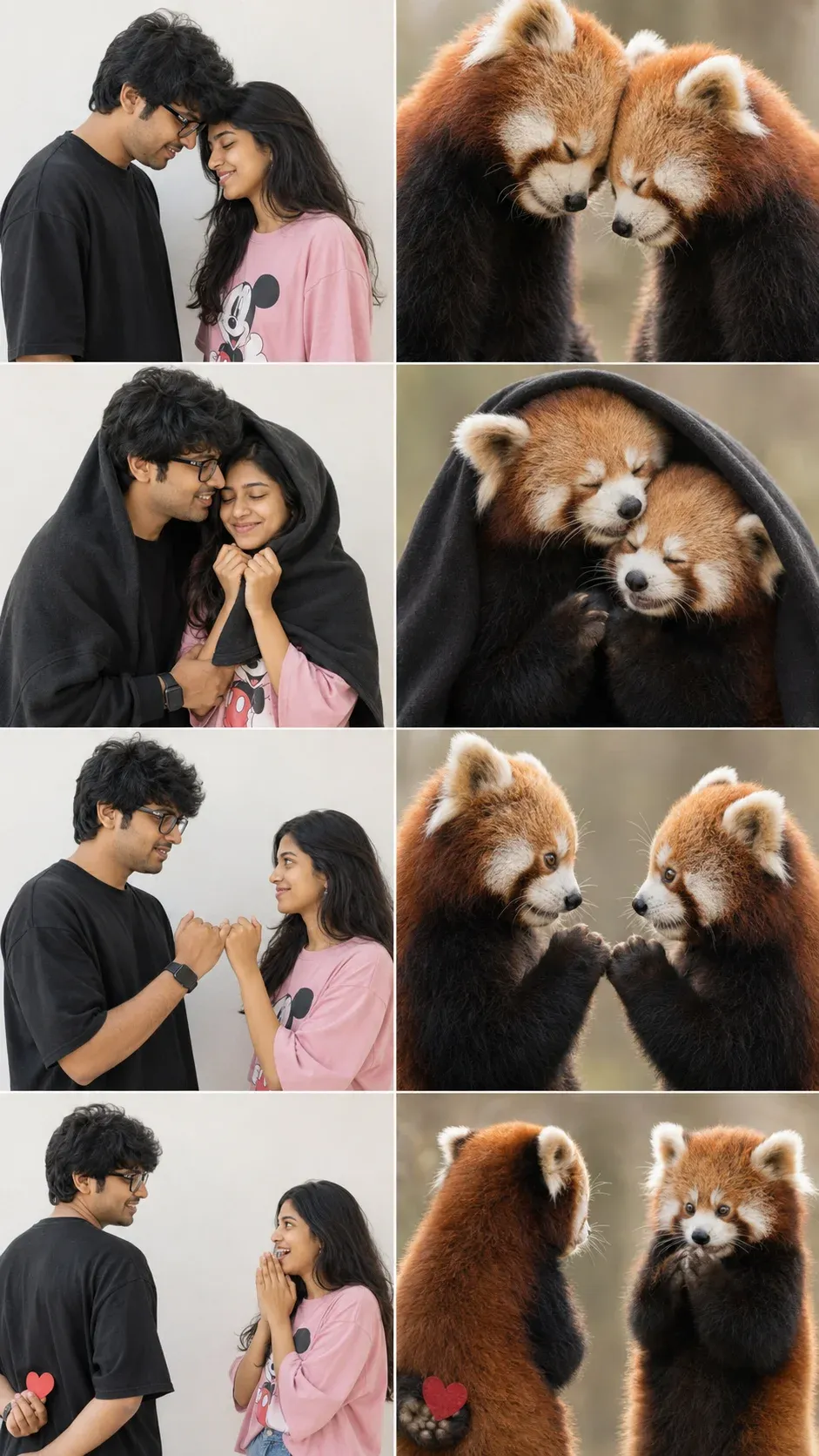
1. Romantic Red Panda Meme Collage
Create a fun romantic meme where a couple and adorable red pandas recreate the same poses. This is one of the chatgpt photo editing prompts new trend and works perfectly as a trending chat gpt prompt for photo editing for Instagram and Reels.
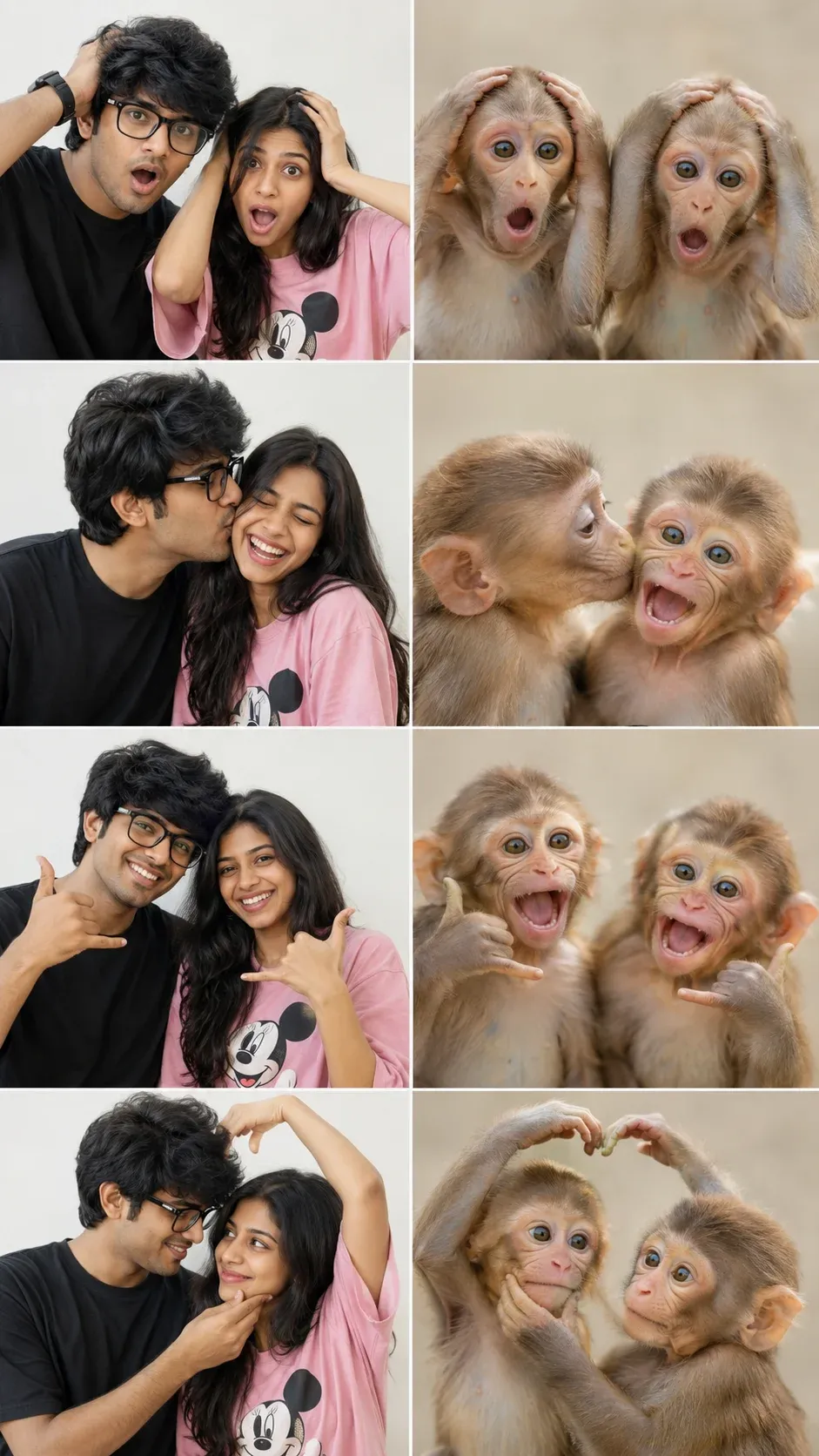
2. Funny Baby Monkey Pose Challenge
Generate a hilarious split-comparison collage with a couple and baby monkeys copying each pose. This is one of the best chatgpt image prompts and a great photo editing prompt for creating viral AI images.
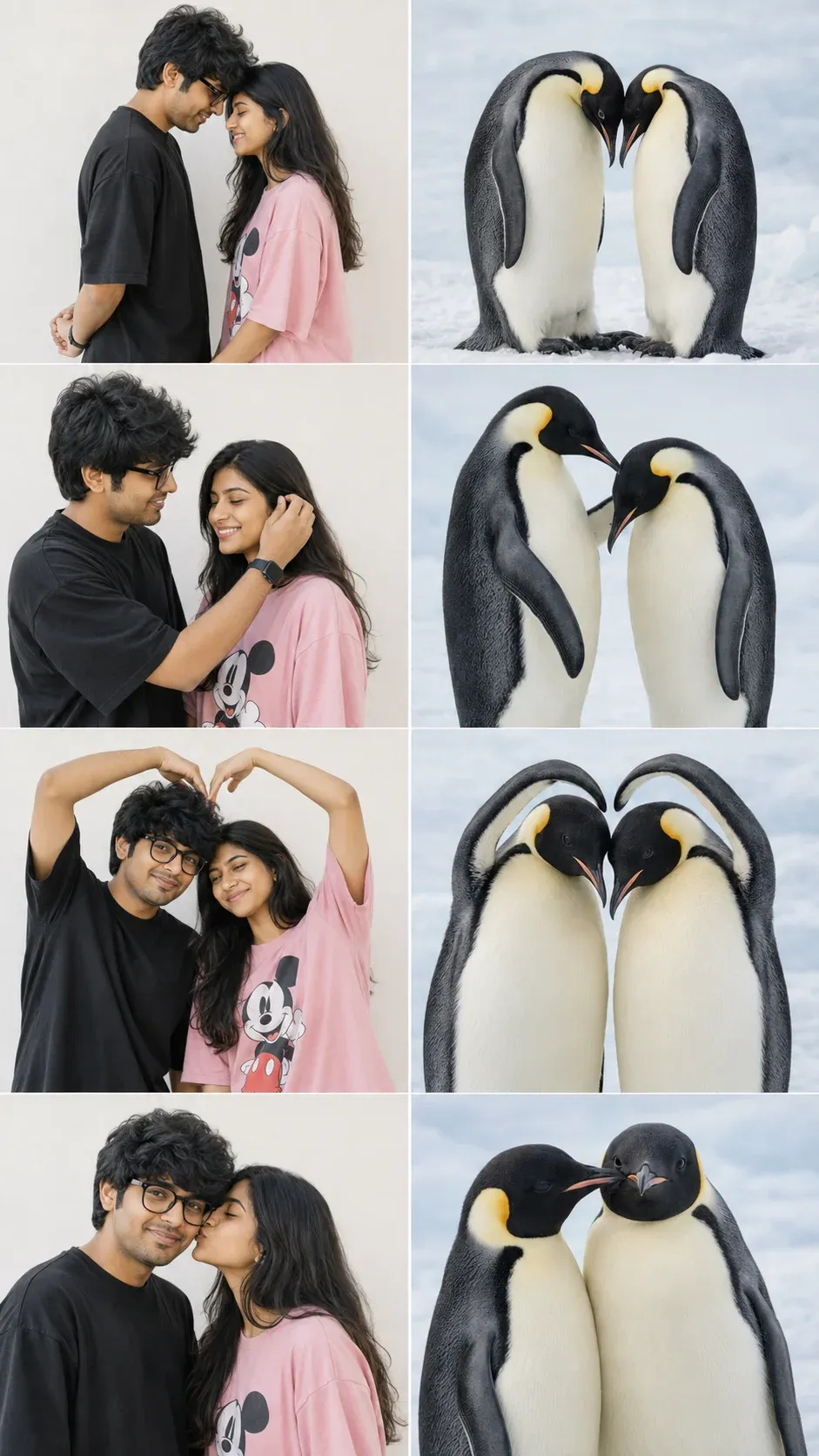
3. Cute Penguin Love Story Comparison
Design a heartwarming collage where emperor penguins mirror a couple’s romantic poses. This prompt for chatgpt photo editing trending is ideal for anyone looking for chatgpt photo editing prompts 2026.
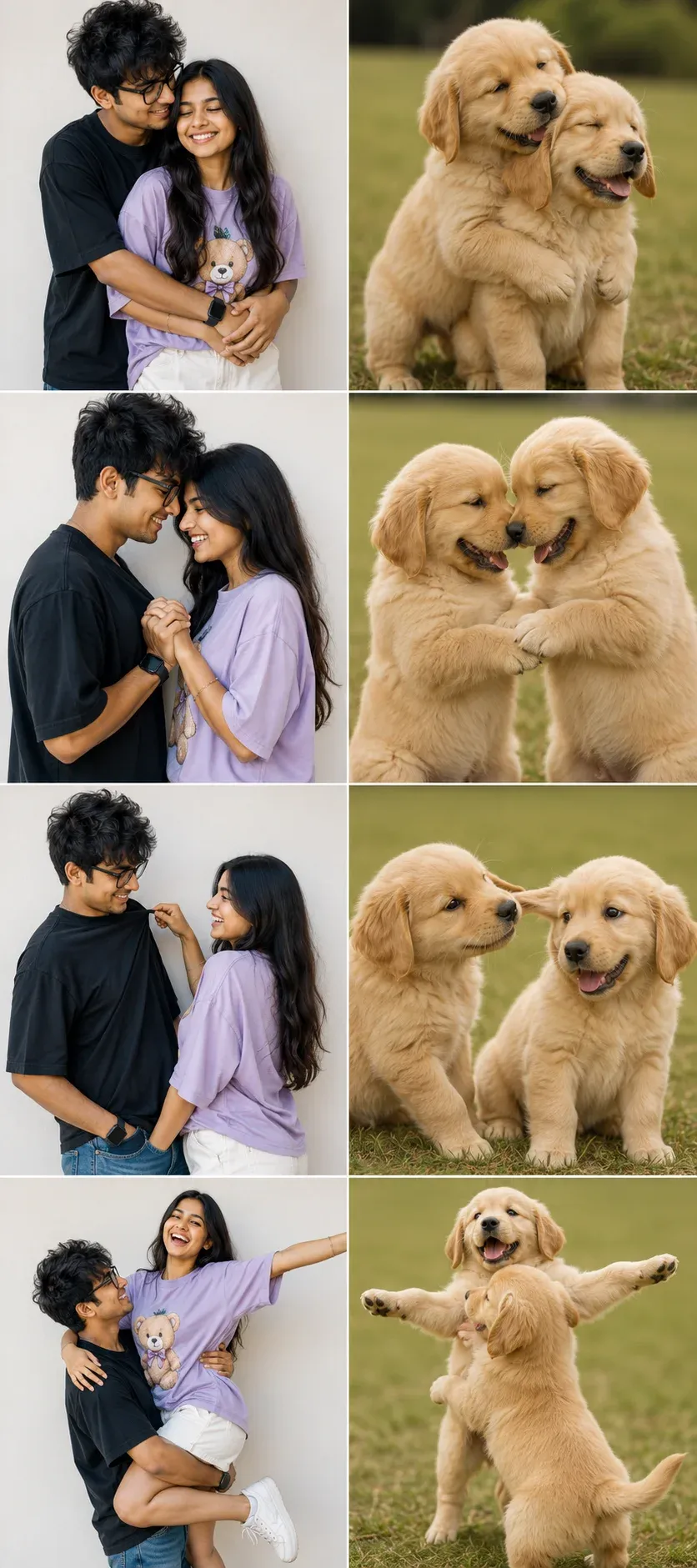
4. Golden Retriever Romantic Meme Edit
Create an adorable comparison featuring a couple and playful Golden Retriever puppies in matching poses. This new trending photo editing prompt is perfect for social media and works well as a photo prompt chatgpt.
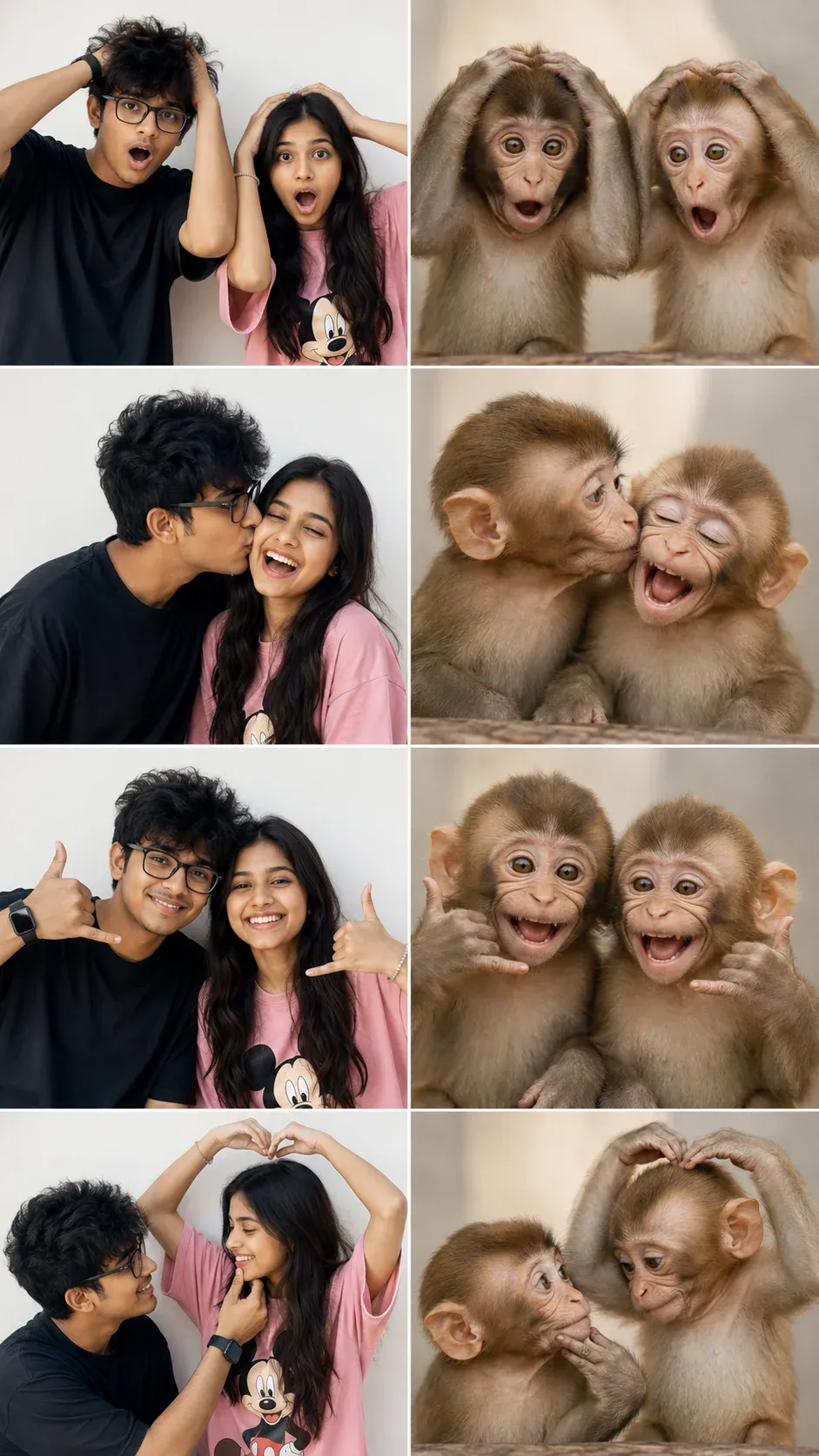
5. Baby Monkey Romantic Reaction Meme
Make a funny side-by-side collage with a romantic couple and expressive baby monkeys. One of the new photo editing prompts for chatgpt, it’s a great choice if you’re looking for chatgpt photo editing prompts trending copy and paste.
How to Edit Photos Using ChatGPT Prompts
Creating an AI-edited photo with ChatGPT is easier than traditional photo editing. You only need a suitable image, a clear instruction, and access to an image editing feature. Follow this simple process to get started.
Step-by-Step Guide to Using ChatGPT Photo Editing Prompts
- Open ChatGPT: Visit ChatGPT through the app or website and sign in to your account.
- Upload your picture: Tap the plus (+) icon or image upload option and choose the photo you want to transform.
- Select a creative prompt: Browse the prompts in this guide and pick one that matches your desired photo style.
- Add your instructions: Paste the prompt into the conversation alongside your uploaded image. Include identity-preservation instructions when you want to maintain your appearance.
- Generate the edited image: Send your request and allow ChatGPT to process the image. If the result needs improvement, describe the changes you want in a follow-up message.
Helpful tip: Tell ChatGPT to maintain your natural facial features, skin tone, and recognizable appearance if you want an edit that still looks like you. Results may vary depending on the source photo and the editing capabilities available in your ChatGPT account.
Trending ChatGPT Photo Editing Prompts for Girls
AI portrait editing has opened up countless creative possibilities for girls who want fresh and stylish profile pictures. You can turn a simple selfie into a dreamy portrait, a fashionable photoshoot, or a fantasy-inspired image using the right prompt.
Whether you prefer soft colors or dramatic cinematic visuals, these ideas can help you choose your next photo transformation.
Popular Girl Photo Editing Ideas
- Royal princess portrait: Create an elegant princess-inspired look with a beautiful gown and a palace background.
- Dreamy butterfly garden: Transform a regular portrait into a magical garden filled with butterflies and soft natural light.
- Korean-inspired aesthetic: Try a clean, minimal portrait with soft lighting and modern Korean fashion.
- Pastel pink photoshoot: Use pink tones, gentle lighting, and a romantic background for a soft aesthetic.
- Luxury café portrait: Place yourself in a stylish café with fashionable clothing and warm indoor lighting.
- Flower garden photography: Create a natural-looking portrait surrounded by colorful flowers.
- Winter wonderland edit: Add falling snow, cozy clothing, and a beautiful winter atmosphere.
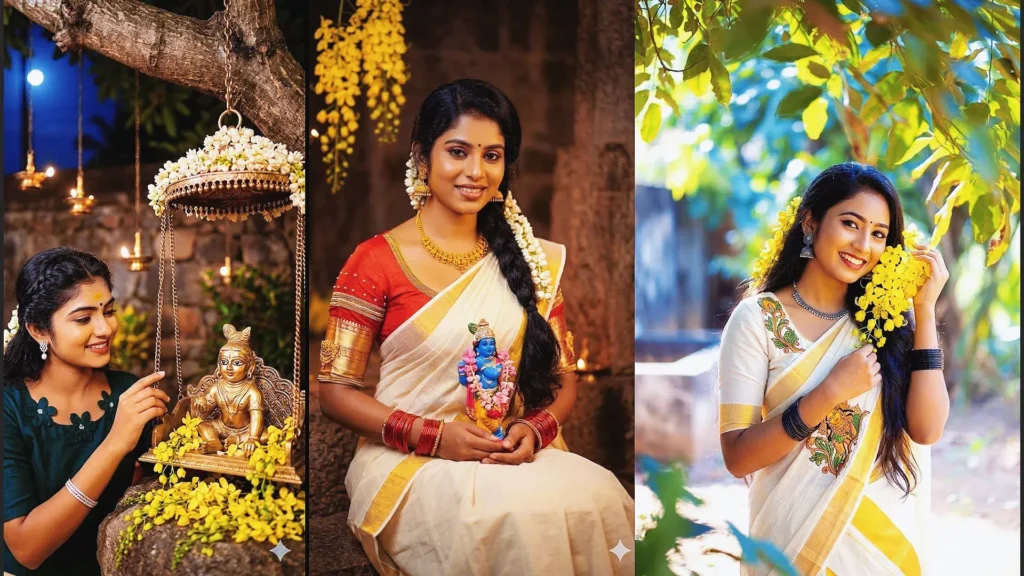
- Traditional saree portrait: Turn your image into an elegant saree photoshoot with traditional styling.
- Bollywood-inspired glamour: Experiment with cinematic lighting, fashionable outfits, and a dramatic film-inspired setting.
- Fairy queen transformation: Design a magical portrait with fantasy-inspired clothing, glowing details, and an enchanting background.
These concepts are useful for experimenting with Instagram profile photos, Pinterest-style visuals, and creative AI photography.
Trending ChatGPT Couple Photo Editing Prompts
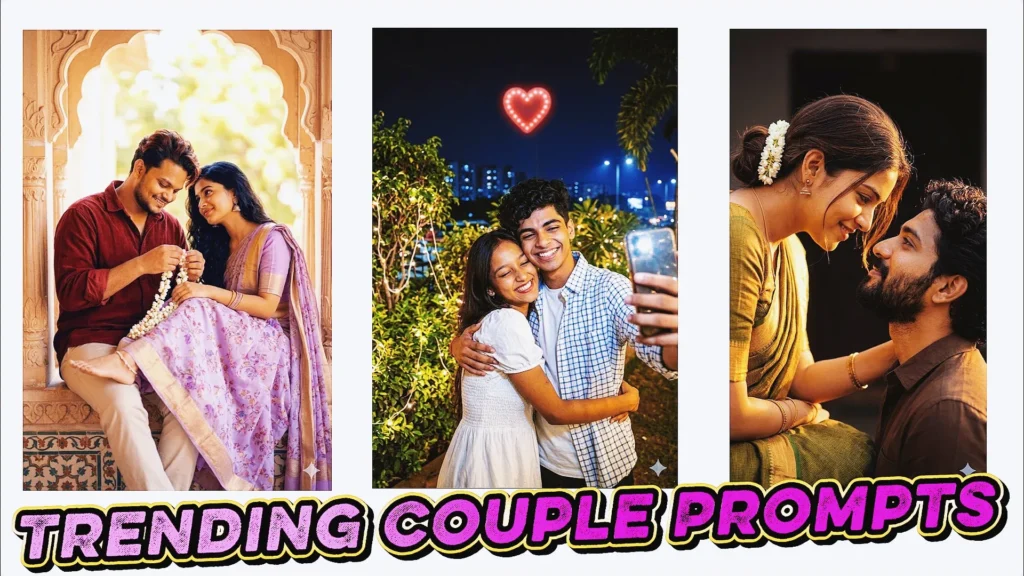
Couple photo editing prompts are popular among creators who want to turn ordinary pictures into memorable visual stories. Instead of simply changing the background, you can create a complete scene that reflects romance, celebration, travel, or everyday moments together.
The best couple edits combine a suitable setting with natural poses, realistic lighting, and details that match both people.
Creative Couple Photo Ideas to Try
1. Romantic Rainy-Day Walk
Create a cinematic image of a couple walking together in the rain, with soft reflections on the street and a romantic atmosphere.
2. Cozy Umbrella Moment
Place the couple under one umbrella during light rain, using natural expressions and a realistic outdoor background.
3. Coffee Shop Date
Transform a couple’s picture into a warm café scene with two cups of coffee, comfortable outfits, and soft evening lighting.
4. Mountain Sunrise Portrait
Create a scenic couple photo with mountains in the background, golden sunrise light, and a peaceful travel-inspired mood.
5. Beach Sunset Romance
Design a beautiful beach portrait featuring the couple near the ocean during sunset, with warm colors and natural poses.
6. Rooftop Evening Photoshoot
Give the image a stylish city rooftop setting with evening lights, fashionable outfits, and a cinematic atmosphere.
7. Wedding Photography Style
Turn a couple’s picture into an elegant wedding-inspired photoshoot with coordinated outfits, beautiful decoration, and professional lighting.
8. Matching Hoodie Portrait
Create a casual and cute couple photo featuring matching hoodies, a natural pose, and a modern outdoor setting.
9. Festival Celebration
Add a festive atmosphere with traditional outfits, decorative lights, and a joyful celebration scene.
10. Candlelight Dinner
Create an intimate restaurant-style portrait with candlelight, elegant clothing, and a warm romantic background.
How to Preserve Both Faces in Couple Edits
When editing photos of two people, include clear instructions about identity preservation. Ask ChatGPT to retain both individuals’ recognizable facial features, natural expressions, and important appearance details.
You can also specify whether the original clothing should remain unchanged or whether you want a completely new outfit. This helps communicate the intended edit more clearly, although AI may still alter some details.
How to Improve Your ChatGPT AI Photo Editing Results
A good prompt is only one part of successful AI image editing. The source photo and the way you describe your idea can also influence the result. Use the following techniques to create more consistent and realistic images.
1. Choose a Clear Source Image
Start with a photo that has good lighting and a clearly visible subject. A sharp image makes it easier for AI to understand facial features, clothing, and the overall composition.
2. Explain Your Desired Style
Mention whether you want a realistic portrait, cinematic photograph, vintage look, fashion photoshoot, or artistic transformation. Avoid leaving the entire creative direction unclear.
3. Describe the Background
Tell ChatGPT where the edited photo should take place. For example, you could choose a luxury café, mountain landscape, flower garden, city street, or beach.
4. Add Lighting and Camera Details
Instructions about soft daylight, golden-hour lighting, studio photography, shallow depth of field, or cinematic shadows can help guide the visual appearance.
5. Mention Facial Identity
If the purpose is to edit your own photograph, clearly state that your recognizable facial features should remain consistent. This is especially important for profile pictures and couple photography.
6. Keep the Prompt Focused
A detailed prompt does not need to contain every possible effect. Focus on the main subject, setting, clothing, lighting, and desired result. Add extra details only when they support the concept.
7. Refine the Image With Follow-Up Instructions
If the first result is not what you expected, explain the specific problem. You might ask for a more natural background, different lighting, a better pose, or a closer match to the original photo.
Common Problems That Can Affect AI Photo Editing
Even with a well-written prompt, the final image may not always match your expectations. Understanding common problems can help you improve your instructions.
Unclear Editing Instructions
A prompt such as “make my photo beautiful” does not explain the desired style. Try describing the exact visual changes you want.
Too Many Conflicting Styles
Combining a vintage film look, futuristic neon effects, traditional photography, and cartoon styling in one request can make the result inconsistent. Choose a main style first.
Poor Source Quality
Images that are blurry, heavily cropped, or poorly lit may be harder to edit accurately. Use the clearest photo available.
Unwanted Changes to Facial Features
AI editing may sometimes change parts of a person’s face, hairstyle, or expression. Add an identity-preservation instruction and review the generated image carefully.
Unrealistic Background Details
Some generated scenes may contain visual inconsistencies, such as distorted objects or unnatural lighting. Request a simpler and more realistic composition when needed.
Excessive Prompt Length
Long prompts are not automatically better. Remove details that do not contribute to the main image concept and keep your instructions easy to understand.
Can ChatGPT Be Used Instead of Photoshop for Photo Editing?
ChatGPT can be a useful option for many everyday image editing tasks. It allows users to explore creative ideas through natural language instead of manually adjusting every setting.
For example, you can use it to create social media portraits, profile pictures, blog visuals, thumbnail concepts, and creative photo transformations.
However, Photoshop and other professional editing tools remain valuable for tasks that require precise control. Detailed commercial retouching, advanced layer editing, exact brand colors, complex compositing, and professional production workflows may still benefit from traditional software.
The most useful approach depends on the project. ChatGPT can help with creative experimentation, while professional editing tools provide more manual control when precision is essential.
Frequently Asked Questions About ChatGPT Photo Editing Prompts
What are ChatGPT photo editing prompts?
ChatGPT photo editing prompts are written instructions that explain how you want an image to be changed. They can describe the subject, background, lighting, outfit, pose, colors, and artistic style.
Can beginners use these AI photo editing prompts?
Yes. Beginners can start with simple instructions and gradually add details as they become more comfortable with AI image editing.
Are ChatGPT photo editing prompts free to use?
Writing prompts does not require purchasing a prompt pack. However, image generation and editing access depends on the features and usage limits available with your ChatGPT account.
Which photo editing styles can I try with ChatGPT?
You can experiment with cinematic portraits, romantic couple photography, vintage edits, luxury fashion styles, fantasy scenes, traditional outfits, and many other creative concepts.
How can I keep my face recognizable in an AI edit?
Upload a clear photo and ask ChatGPT to preserve your recognizable facial features and overall identity. Keep in mind that AI-generated edits may still change some facial details.
Can I use ChatGPT-edited images on Instagram?
Yes, you can create images for Instagram posts, profile pictures, Stories, and other social media content, subject to the platform’s rules and any applicable image rights.
Why does my AI-generated photo look different from the original?
AI editing can reinterpret facial features, clothing, lighting, or background details. Clear instructions, a suitable source image, and follow-up corrections may help you get closer to the intended result.
Final Thoughts
ChatGPT photo editing prompts are changing how people approach creative photography in 2026. What once required advanced editing knowledge can now begin with a simple description of your idea.
From elegant girl portraits and cinematic couple photos to aesthetic profile pictures and creative social media visuals, there are many styles to explore. The key is to choose a clear concept, provide useful details, and refine the image when necessary.
If you want more consistent results, pay attention to the source photo, facial identity, lighting, background, and overall composition. With regular experimentation, you can build a collection of personalized AI photo editing prompts that match your creative style.
Explore different ideas, try new visual trends, and use ChatGPT as a creative partner for your next photo transformation.