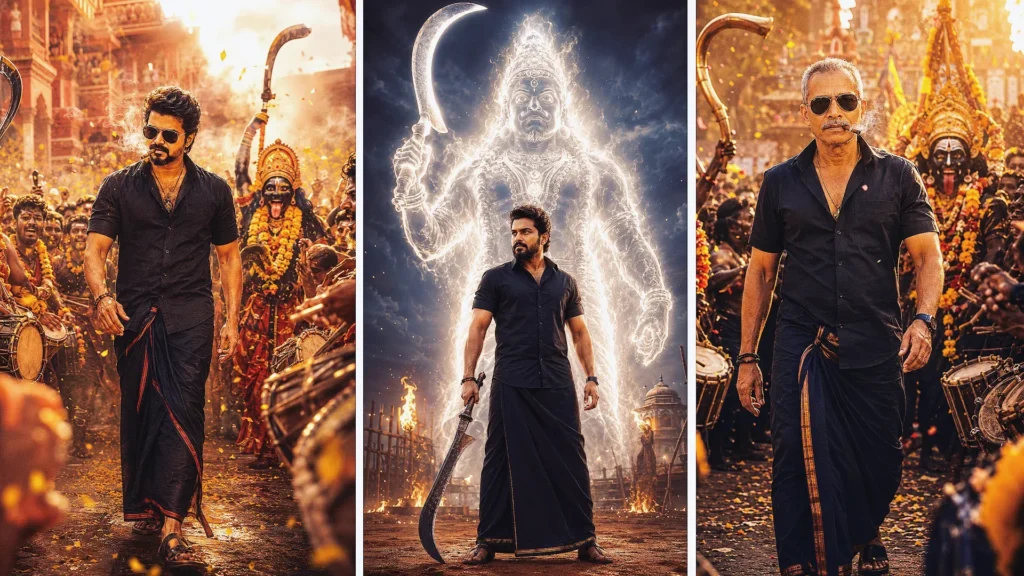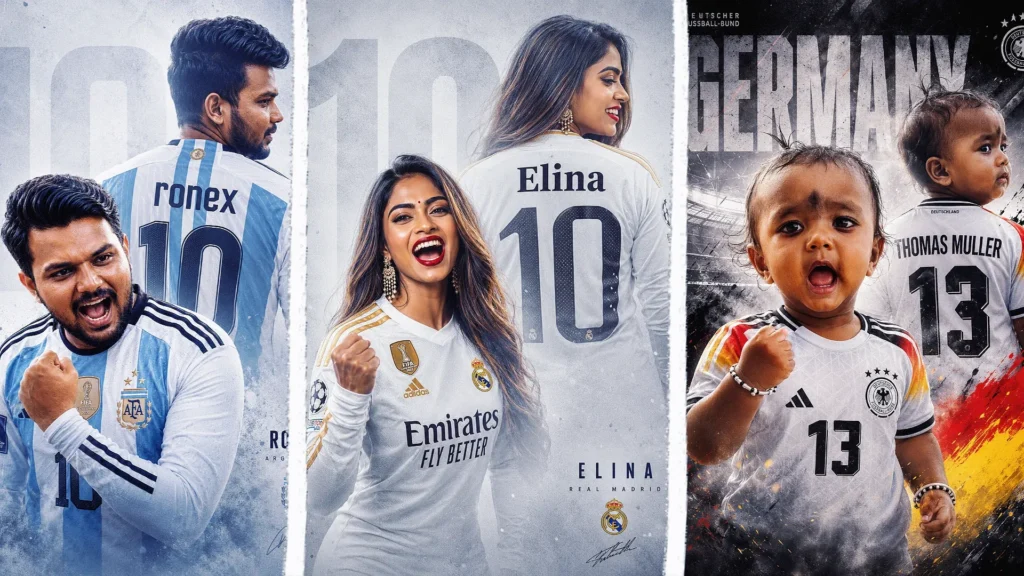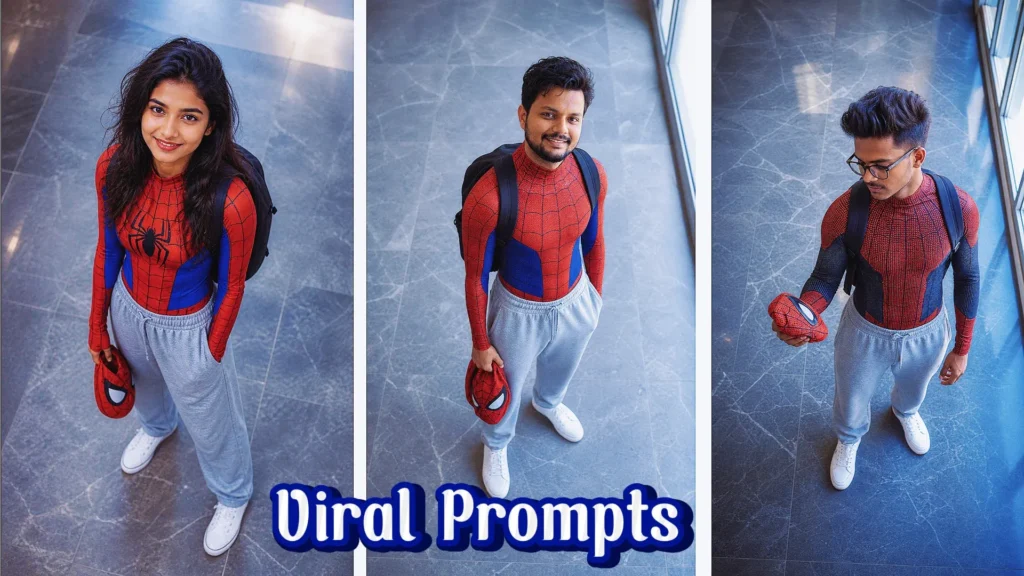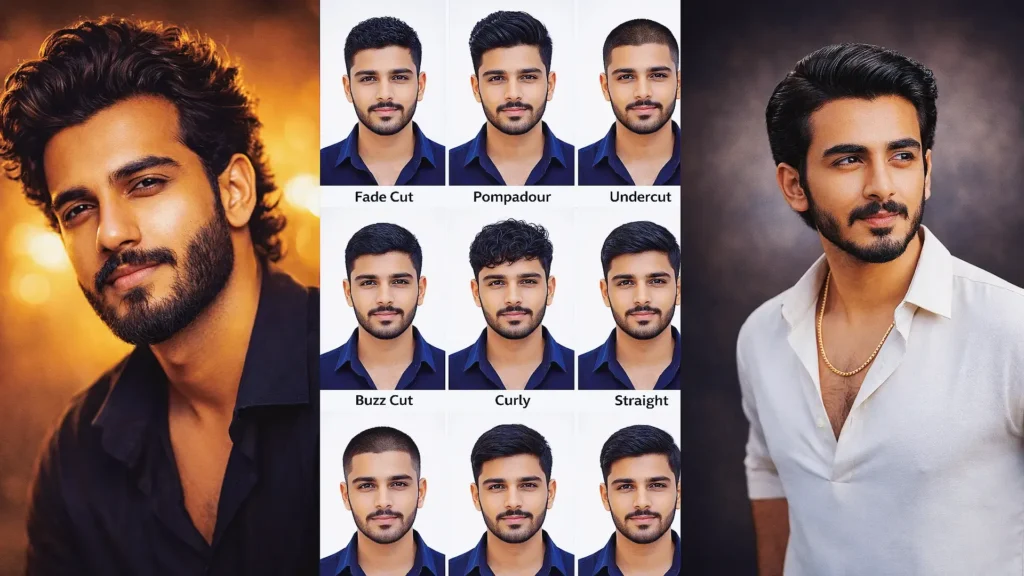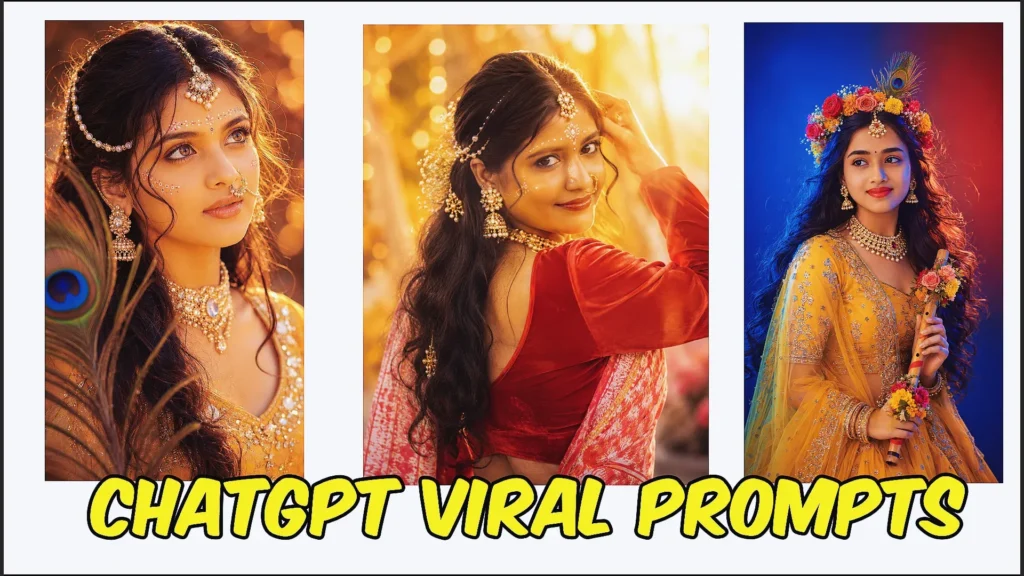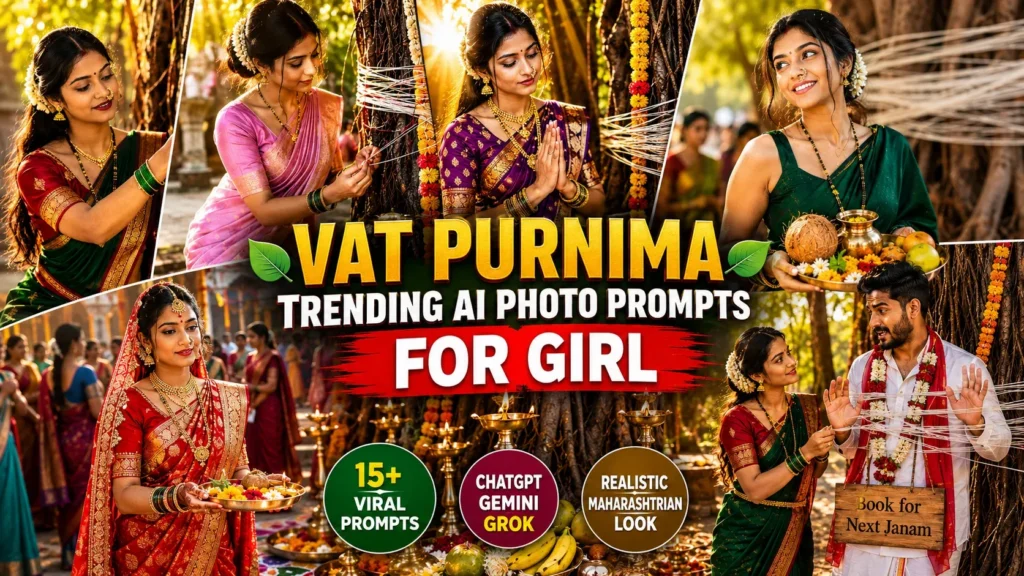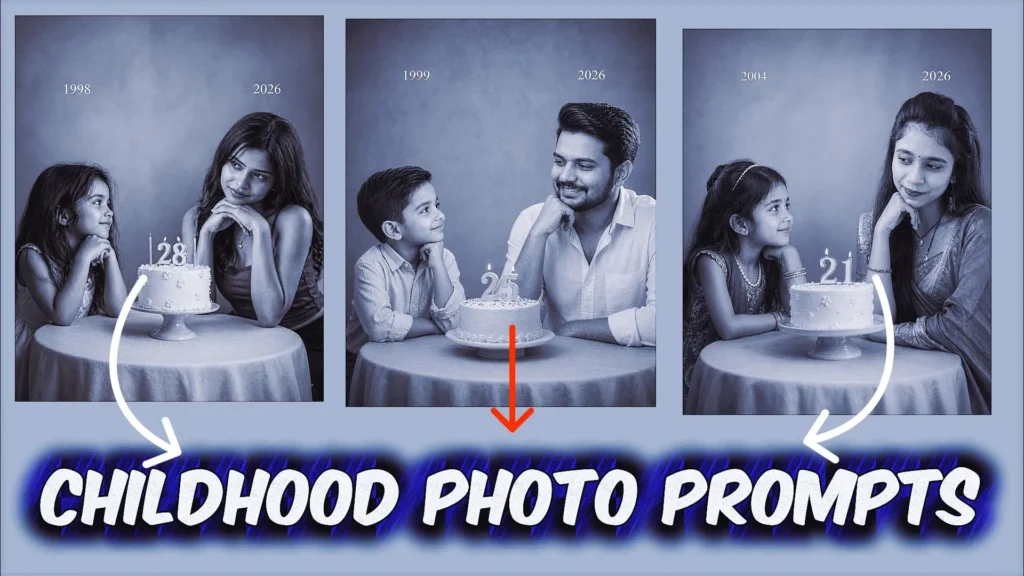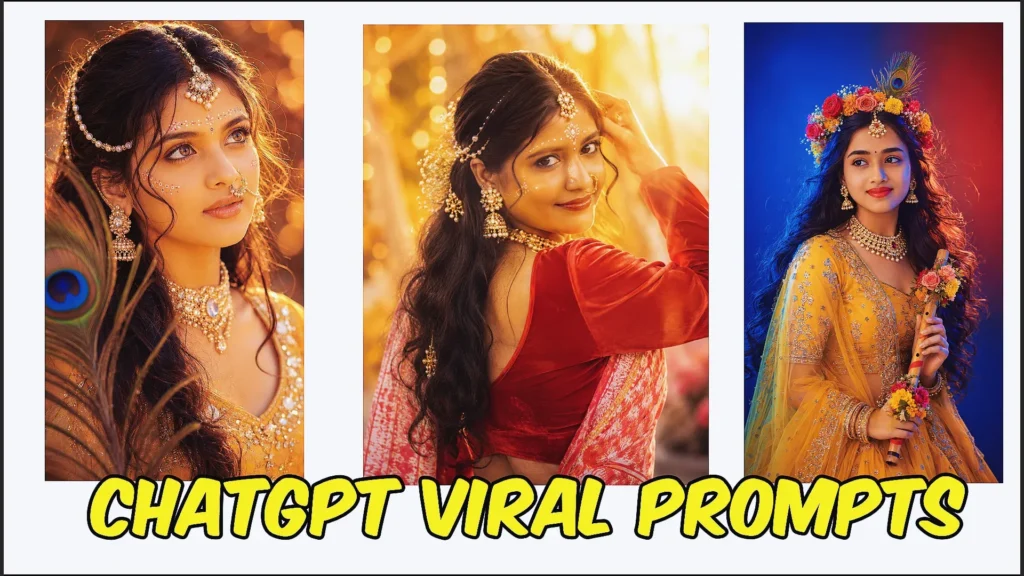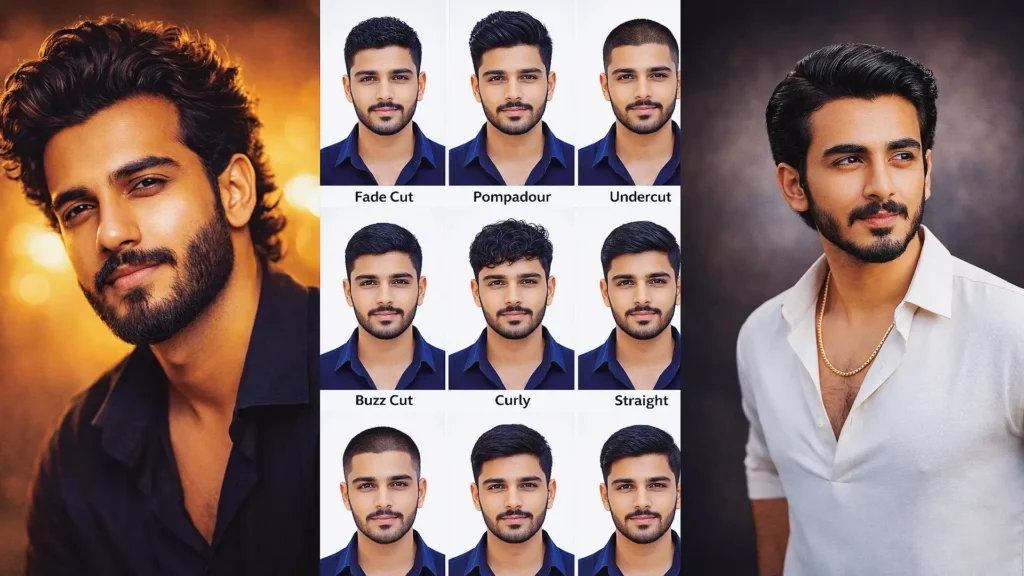
Artificial intelligence has made it much easier to turn creative ideas into eye-catching images. Tools such as ChatGPT, Gemini, and other AI image platforms allow users to create customized visuals by simply describing the scene they have in mind.
For fans of Thalapathy Vijay and the TVK community, AI prompts can be used to explore a wide range of creative concepts, including cinematic portraits, fan moments, stylish posters, and social media images. Instead of relying on ready-made graphics, you can describe the outfit, setting, lighting, mood, and composition and let the AI create a personalized visual concept.
The quality of the final image largely depends on how clearly the idea is explained. A well-structured prompt gives the image generator more information about the subject and the desired appearance.
In this guide, you’ll discover five creative TVK Vijay prompts that can be adapted for ChatGPT, Gemini, and compatible AI image tools. The examples are written in a beginner-friendly way so you can understand how different prompt elements work.
What Is a TVK Vijay AI Prompt?
A TVK Vijay AI prompt is a written description that guides an AI image generator when creating a Vijay-themed visual. Instead of making a vague request, you provide details about the subject, environment, styling, lighting, and photographic appearance.
For example, a basic instruction might simply say:
“Create an image of Vijay.”
That gives the AI very little creative direction. A more descriptive request could explain the complete scene:
“Create a realistic cinematic portrait of Thalapathy Vijay wearing a crisp white outfit with a red-and-yellow TVK-inspired scarf, standing against a dramatic outdoor backdrop, natural facial expression, realistic skin texture, soft evening light, professional photography, high detail.”
The second approach provides considerably more information about the intended result.
Important Elements to Include in Your Prompt
When creating your own TVK Vijay prompts, consider mentioning the following details:
- Subject: Describe who or what should appear in the image.
- Outfit: Specify clothing, colors, accessories, or styling.
- Expression: Mention whether the subject should look confident, cheerful, serious, or relaxed.
- Location: Choose a studio, street, event, stadium, stage, or another setting.
- Lighting: Add details such as golden-hour light, studio illumination, dramatic shadows, or soft daylight.
- Camera style: You can request a portrait photography look, wide-angle composition, close-up shot, or cinematic framing.
- Mood: Explain whether you want an energetic, emotional, celebratory, or dramatic atmosphere.
- Image quality: Terms such as realistic details, natural textures, sharp focus, and professional photography can help communicate the desired visual style.
Combining these elements gives the AI a clearer understanding of your concept.
Why Are TVK Vijay AI Prompts Popular?
AI-generated celebrity-inspired visuals have become a creative way for fans to experiment with photography and digital artwork. Instead of using the same template as everyone else, users can describe their own scene and explore different visual concepts.
Create Customized Fan Posters
AI can help transform a simple idea into a poster-style composition. You can experiment with cinematic backgrounds, dramatic lighting, bold typography concepts, event-style settings, or fan celebration themes.
For example, you could create a movie-inspired portrait with a dramatic background and professional lighting or design a fan-event concept featuring a large crowd and stage atmosphere.
Create Social Media-Worthy Visuals
Unique AI images can be adapted for platforms such as Instagram, X, Facebook, and other social networks. You can experiment with portrait formats, square compositions, and vertical images depending on where you plan to publish them.
A carefully designed prompt can help you create visuals that look different from ordinary photographs and standard fan edits.
Try a Fan Selfie Concept
Another creative idea is a simulated fan-meet or selfie-style image. You can describe the camera angle, environment, crowd, lighting, and expressions to create a realistic-looking scene.
For example, you could request a smartphone-style selfie composition with Vijay at a public fan event, natural lighting, realistic expressions, and a slightly blurred background.
When creating such images, remember that AI-generated visuals are fictional creations and may not represent an actual meeting or photograph.
Experiment With TVK-Inspired Colors
You can also incorporate a red-and-yellow color palette into your creative concept through clothing, backgrounds, lighting, decorations, or graphic elements.
For example, a prompt could describe a cinematic portrait with a white outfit, red-and-yellow visual accents, dramatic stage lighting, and a celebratory atmosphere.
If you’re creating content for public sharing, be clear about whether the image is AI-generated so viewers do not mistake it for a genuine photograph.
How to Make Your TVK Vijay Prompts More Effective
Start with the main visual idea and then gradually add supporting details. You don’t need to describe every possible element in a single sentence.
A useful prompt structure is:
Subject + Outfit + Location + Pose + Lighting + Camera Style + Mood + Quality
For example:
“Create a realistic portrait of Thalapathy Vijay wearing a stylish white shirt, standing at an outdoor fan celebration, confident expression, cinematic evening lighting, shallow depth of field, professional DSLR photography, natural skin texture, realistic details, high-resolution composition.”
You can then modify individual elements to create different versions without rewriting the entire prompt from scratch.
Keep the Scene Consistent
If you want a realistic result, make sure the different parts of your prompt fit together. For example, studio lighting may not make sense if you’re specifically asking for a natural outdoor sunrise scene.
Describe the Image You Want
Instead of using only broad terms such as “amazing” or “beautiful,” explain what makes the image look the way you want. Mention the environment, lighting, colors, pose, clothing, and composition.
Use Follow-Up Instructions
If the first generated image isn’t quite right, refine the request. You could ask for a different background, more natural lighting, a wider camera angle, or a more realistic photographic appearance.
This step-by-step approach can be more effective than trying to include every possible instruction in the first prompt.
Best TVK Prompt ChatGPT: 15 Thalapathy Vijay Photo Prompts
Below are five tested prompts you can copy and paste into ChatGPT or Gemini AI.
Each one produces a different style of image.
1. Dark Academia Disposable Camera Style – TVK Vijay Prompt
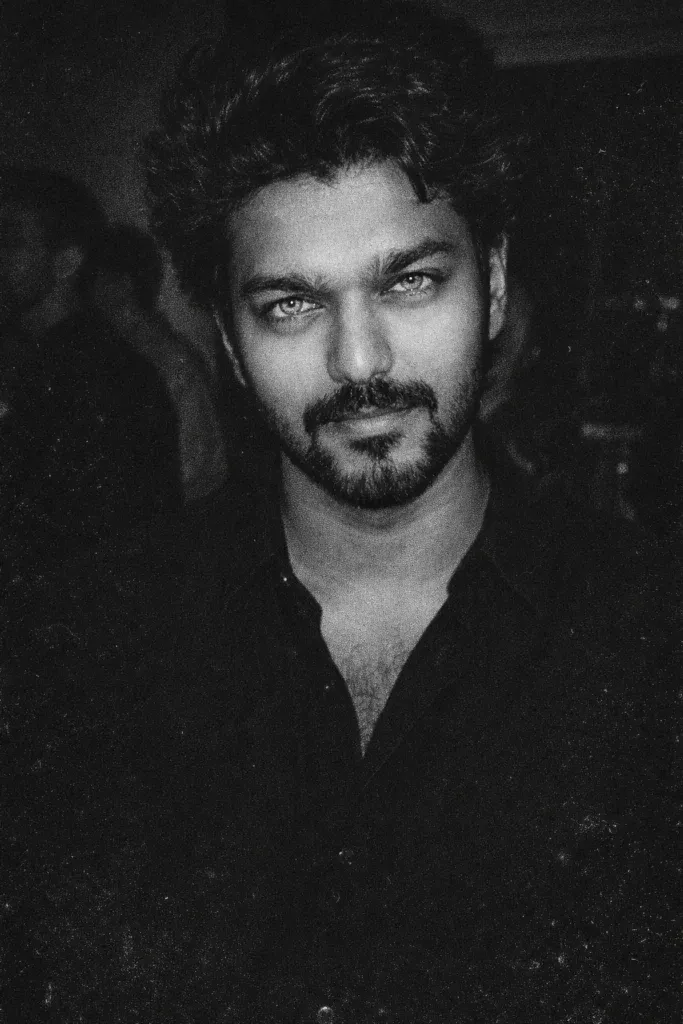
This tvk vijay gemini prompt creates a dramatic black-and-white portrait inspired by 1990s disposable camera photography. The grainy texture, harsh flash, and intense eye focus give the image a mysterious dark-academia vibe. It works well with tools like ChatGPT or Gemini AI, making it a creative vijay prompt for fans who want a cinematic, vintage-style portrait. The result looks like a raw party snapshot while maintaining the subject’s natural facial identity.
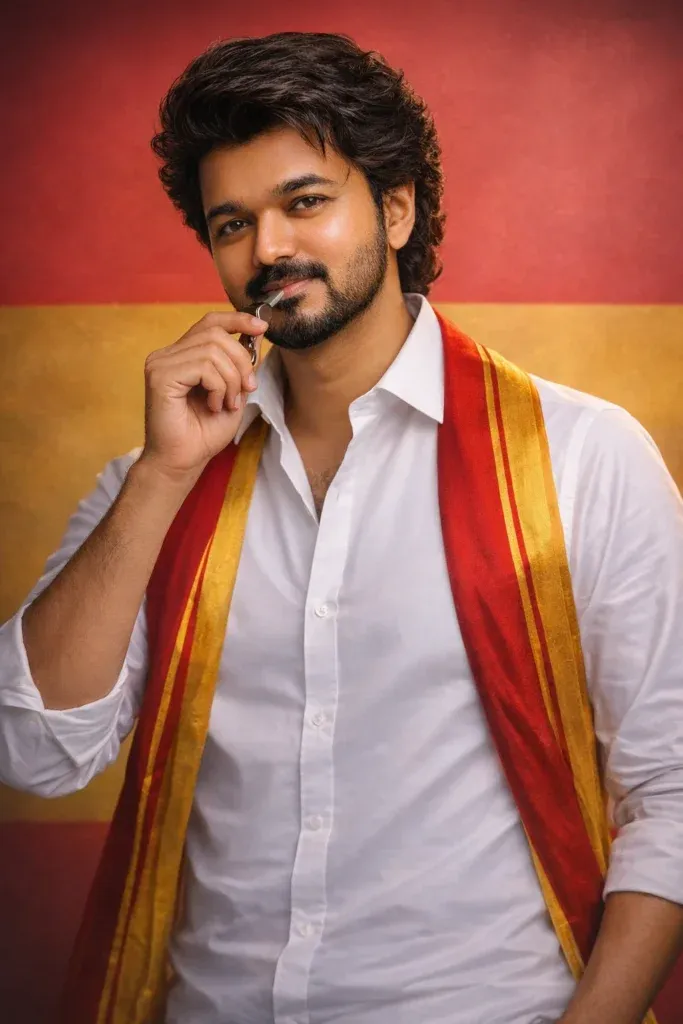
2. TVK Political Poster Style – Thalapathy Vijay AI Prompt
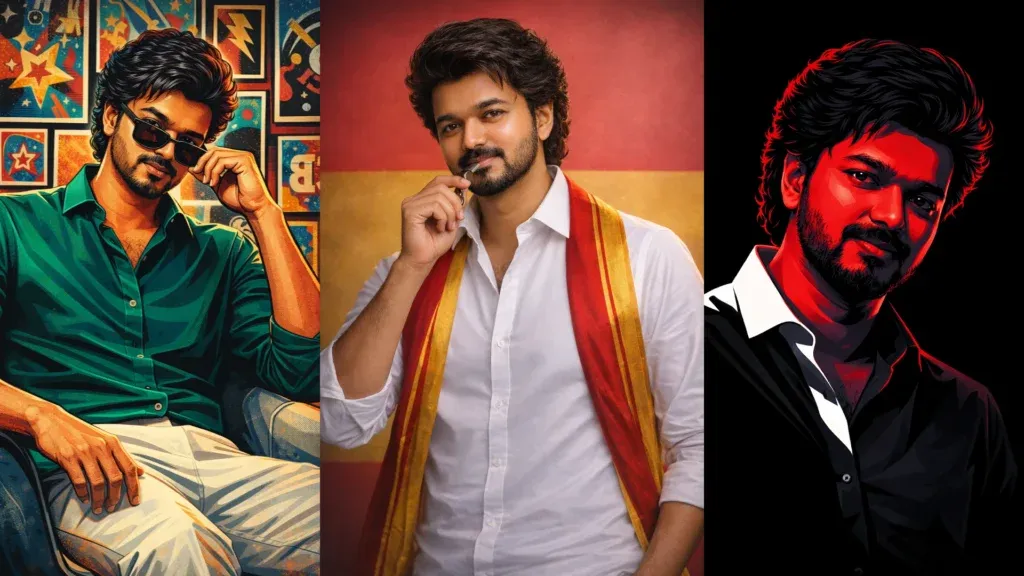
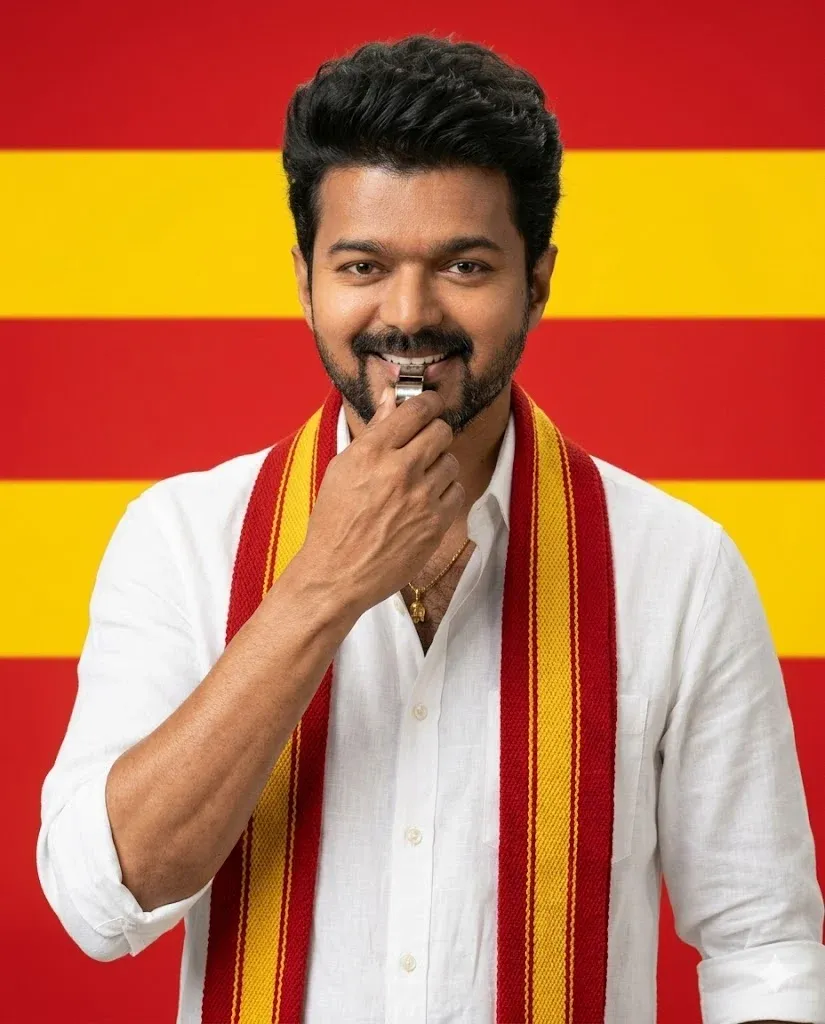
This prompt generates a clean and powerful poster using the iconic red and yellow color theme associated with TVK. The tvk whistle prompt focuses on keeping the original face while creating a newly generated body pose and realistic hand gesture. It’s a popular tvk vijay ai prompt used by fans to create political-style portraits with studio lighting and a professional poster look. This style works well in both tvk prompt ChatGPT and tvk prompt Gemini AI image generators.
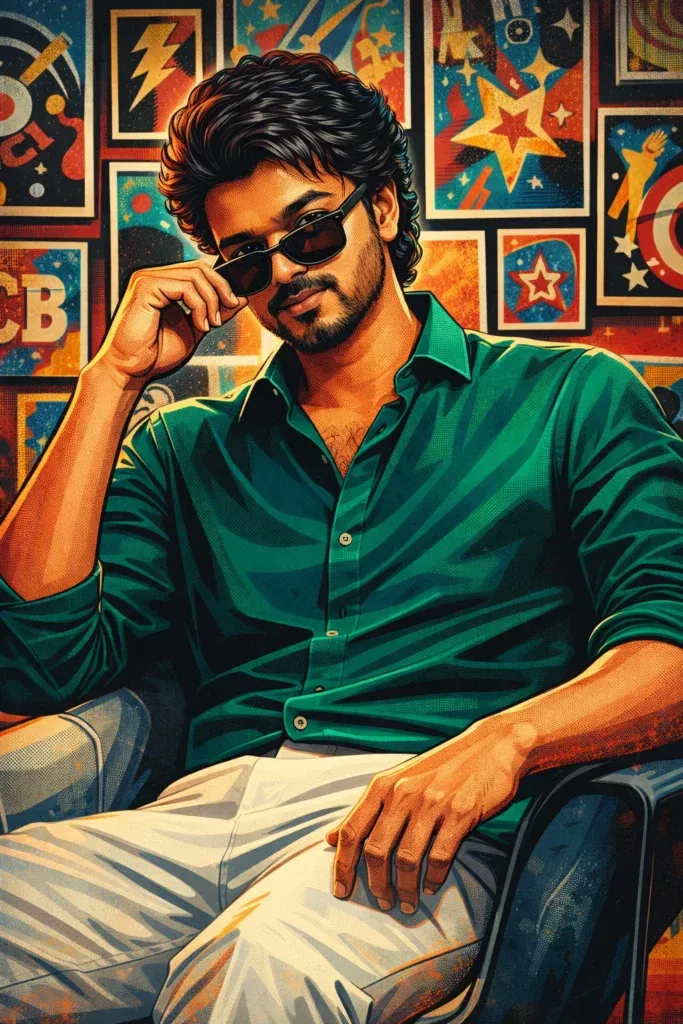
3. Pop Art Illustration Style – Vijay Prompt for Creative Posters
This artistic vijay prompt gemini produces a vibrant pop-art illustration with bold colors, strong rim lighting, and comic-book inspired details. The emerald green outfit, stylized shading, and poster-filled background create a modern graphic design aesthetic. Many designers use this tvk gemini prompt or vijay tvk prompt to generate unique digital artwork that looks perfect for social media banners, wallpapers, or Behance-style portfolio designs.
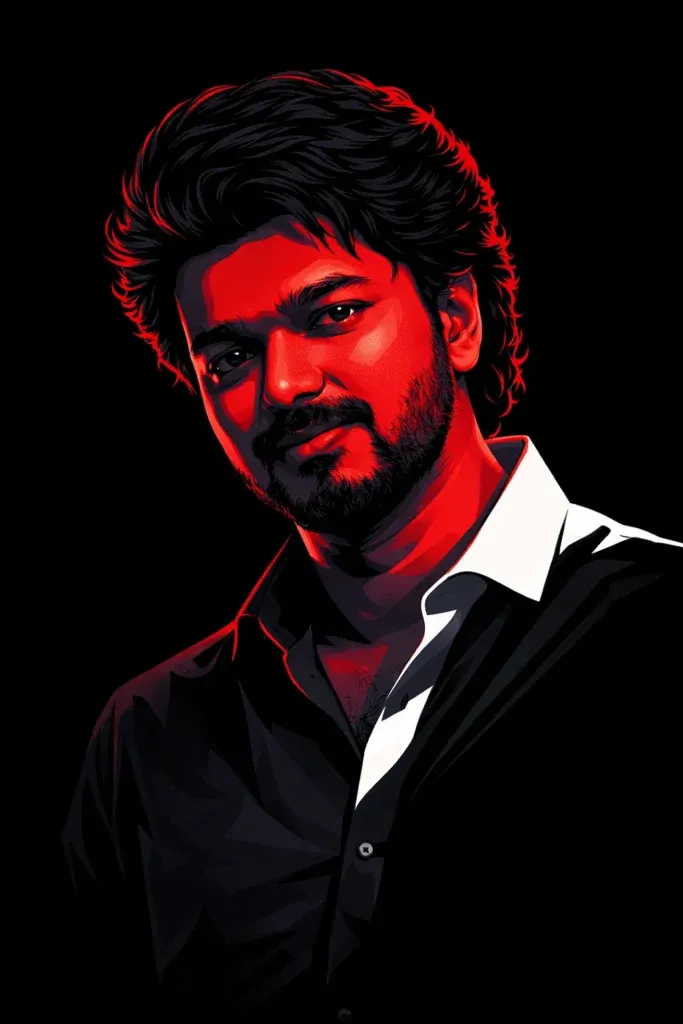
4. Neo-Noir Vector Portrait – Thalapathy Vijay Prompt ChatGPT
This prompt transforms a reference portrait into a cinematic neo-noir vector illustration. With a solid black background and dramatic crimson rim lighting, the image gains a powerful movie-poster atmosphere. The thalapathy vijay ai prompt focuses on preserving every facial detail while only changing the artistic style. Creators often use this tvk vijay prompt gemini or thalapathy vijay prompt ChatGPT format to generate minimalist yet striking profile images.
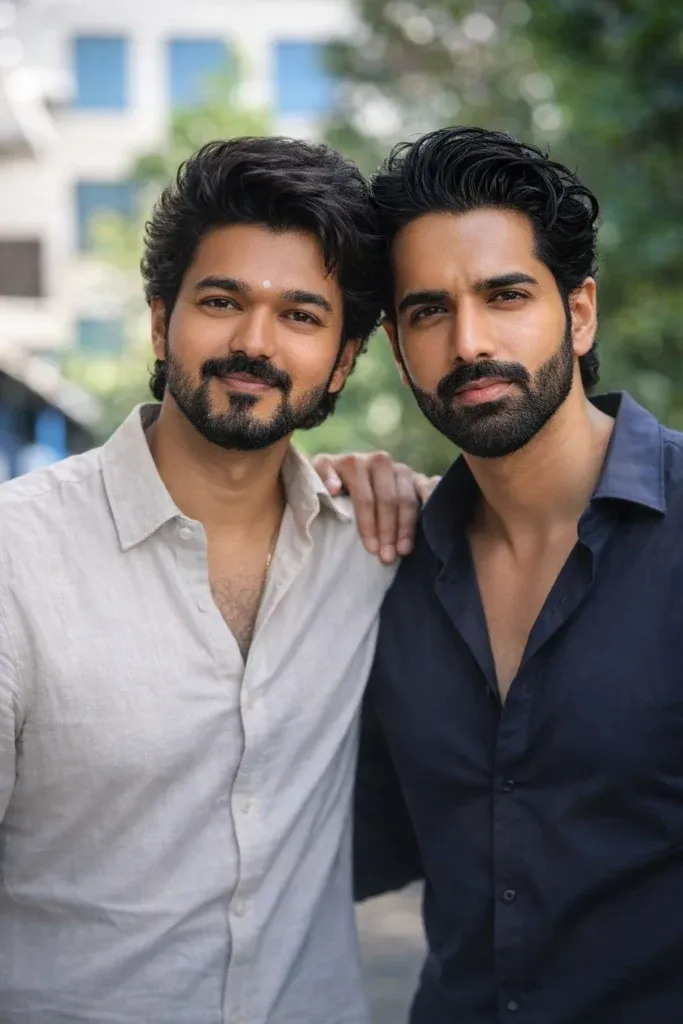
5. Selfie With Vijay Fan Meet Style – Realistic AI Photo Prompt
This selfie with vijay prompt combines a fan photo with Vijay’s image to create a realistic fan-meet moment. The prompt keeps natural proportions, clear facial details, and the original background to make the scene believable. It’s one of the most searched tvk chatgpt prompt styles because it allows fans to generate an authentic photo with their favorite star using AI tools. This approach also works well as a tvk vijay chatgpt prompt for creating memorable fan edits.
6. Ultra-Realistic TVK whistle prompt with Perfect Face Reference Control
This advanced tvk ai prompt is designed to generate a cinematic, poster-quality portrait while strictly preserving the exact face and hairstyle from the reference image. It ensures 100% facial accuracy while intelligently creating a new, natural body, hands, and posture for a clean and realistic result. With detailed control over lighting, expression, and composition, this TVK whistle prompt is ideal for creating professional AI visuals that look authentic, balanced, and visually powerful.
How to Create TVK Vijay AI Images Using ChatGPT
Creating a Vijay-themed AI image with ChatGPT can be done with just a few simple steps. You can upload a suitable reference image, describe the scene you want, and provide instructions about the visual style, clothing, background, lighting, and composition.
If you are new to AI image generation, follow this straightforward process.
Step-by-Step Process
- Open ChatGPT: Launch ChatGPT on your phone or computer and sign in to your account.
- Start a new conversation: Create a fresh chat so your image instructions remain focused.
- Add your reference image: Use the image or upload option to attach the photograph you want to work with.
- Choose a suitable photo: A sharp, well-lit image with clearly visible facial features can make the editing process easier.
- Enter your prompt: Paste your TVK Vijay AI prompt and explain the exact transformation you want.
- Add important details: Mention the desired outfit, setting, lighting, pose, camera perspective, colors, and overall mood.
- Generate the image: Submit your request and allow ChatGPT to process the instructions.
- Review the result: Check the generated image carefully and identify anything that needs adjustment.
- Refine the request: If necessary, ask ChatGPT to change specific elements such as the background, lighting, composition, or clothing.
- Save the finished image: Once you are satisfied with the result, save it and use it according to your intended purpose.
Tips for Better Results
Use a high-quality reference photograph whenever possible. Avoid images that are extremely blurry, dark, heavily cropped, or have the subject’s face partially hidden.
If you want the person’s appearance to remain recognizable, clearly state that the AI should preserve the subject’s facial identity and important features. Keep in mind that AI image generation can still introduce changes, so generated images should be reviewed before publishing.
Can TVK Vijay Prompts Work With Gemini AI?
Yes, you can adapt many TVK Vijay prompts for Gemini and other AI image-generation platforms. The exact output can differ between tools because each platform interprets instructions and handles images differently.
A prompt that works well in ChatGPT may sometimes need a small adjustment when used with Gemini. If the generated result doesn’t match your expectations, simplify the instructions and focus on the most important visual elements.
For example, instead of giving Gemini a very long description, start with the subject, setting, outfit, lighting, and photography style. You can then add extra details through follow-up instructions.
Testing the same concept across different AI tools can also help you understand how each platform handles your prompt.
Frequently Asked Questions About TVK Vijay AI Prompts
What does a TVK Vijay AI prompt mean?
A TVK Vijay AI prompt is a written description used to guide an image-generation or editing tool toward a particular Vijay-themed visual. It can include information about the subject, clothing, environment, lighting, pose, colors, camera angle, and artistic style.
How can I use a Vijay prompt with ChatGPT?
Open ChatGPT, upload a suitable image when your intended workflow requires one, and describe the image you want to create or edit. Add your Vijay-related prompt with specific instructions about the scene and visual appearance. ChatGPT will then generate or modify the image according to the available image features.
Are TVK prompts compatible with Gemini?
Many prompts can be adapted for Gemini. You can paste your instructions into Gemini’s image-generation workflow and modify the wording if the first result does not produce the desired composition.
What types of Vijay AI images can I create?
There are many creative possibilities. You can experiment with cinematic portraits, fan-art concepts, event-style photography, poster-inspired compositions, artistic illustrations, social media graphics, and fictional fan-meet scenes.
How can I make my AI image prompt more detailed?
Start by describing the main subject and then add information about the environment, outfit, pose, lighting, camera perspective, color palette, and mood. Avoid adding unrelated instructions that could make the scene confusing.
Can AI create a fan selfie-style image with Vijay?
AI image tools can be used to create fictional fan-selfie concepts. You can describe a smartphone-style composition, the surrounding environment, facial expressions, lighting, and camera angle. Make it clear when sharing such content that it is AI-generated if viewers could otherwise mistake it for a real photograph.
What is a TVK flag AI prompt?
A TVK flag AI prompt is an instruction that incorporates TVK-associated visual elements into an AI-generated scene. You can describe red-and-yellow visual accents, flags, clothing details, stage decorations, or backgrounds depending on the concept you want to create.
Which AI tools can be used for Vijay-themed prompts?
Depending on their current image-generation capabilities, platforms such as ChatGPT, Gemini, Midjourney, and Leonardo can be used for different types of AI image creation. Results can vary significantly between platforms, so the same prompt may produce different compositions and styles.
Why does my AI image look different from the prompt?
AI image generators interpret written instructions rather than following them like traditional editing software. Some details may be changed, omitted, or visually reinterpreted. A clearer prompt and targeted follow-up instructions can help you refine the result.
How can I improve an unsatisfactory AI-generated image?
Instead of rewriting the entire prompt, identify the specific problem. For example, you can ask for a more realistic background, different lighting, a wider composition, a more natural pose, or closer preservation of the reference image’s appearance.
Final Thoughts
TVK Vijay AI prompts give fans and creators a simple way to experiment with different digital image concepts. By combining a clear reference image with specific instructions, you can explore cinematic portraits, poster-style artwork, fan-event concepts, and other creative visuals.
The most effective approach is to start with a simple idea and gradually add useful details. Describe the subject, environment, clothing, lighting, composition, and mood rather than filling the prompt with unnecessary words.
You can also adapt your prompts for different platforms, including ChatGPT and Gemini, and compare how each tool interprets the same creative concept.
Whether you’re creating a social media graphic, a fictional fan selfie, or a TVK-inspired poster concept, clear prompting and careful refinement can help you produce more consistent AI-generated visuals.