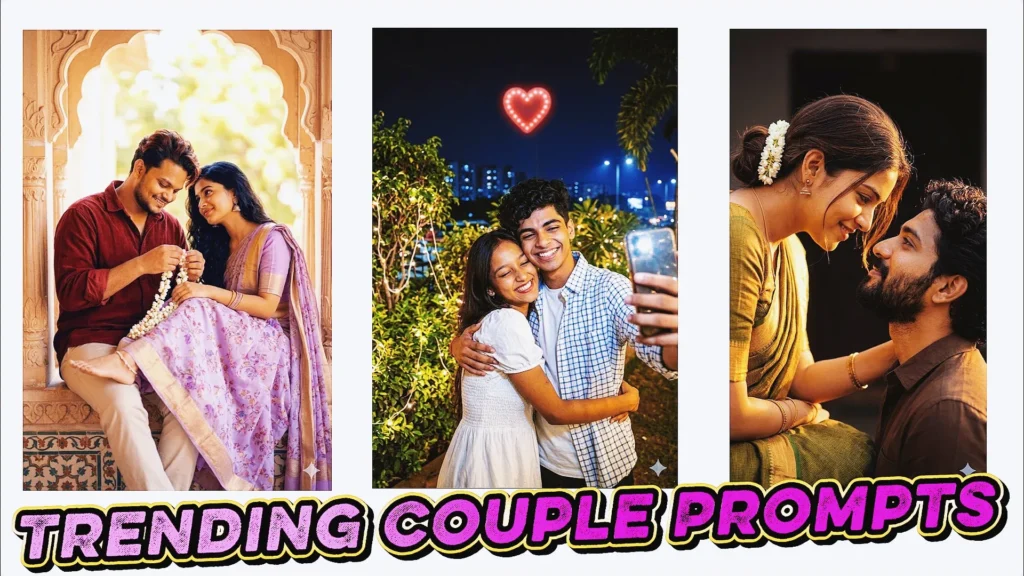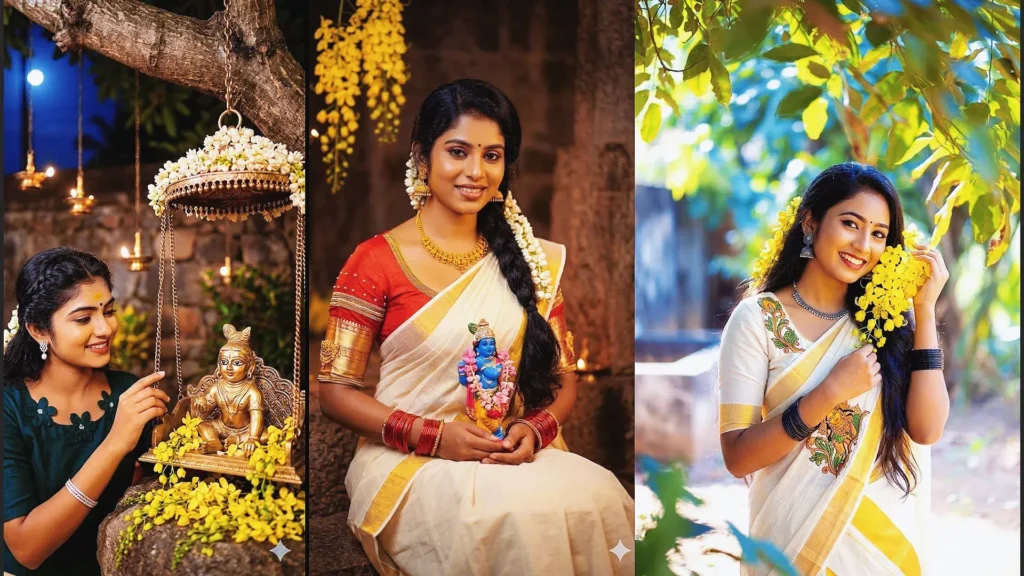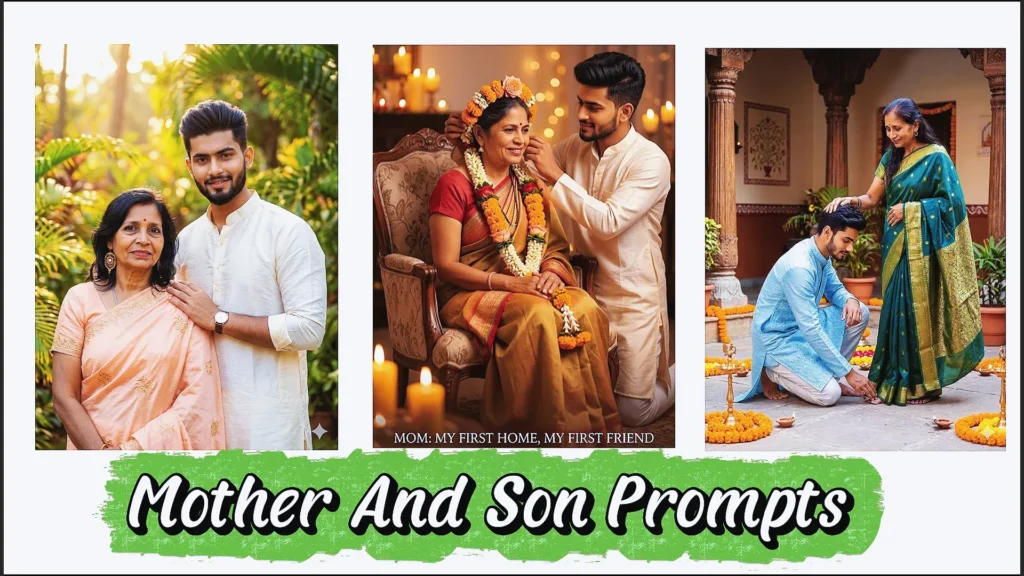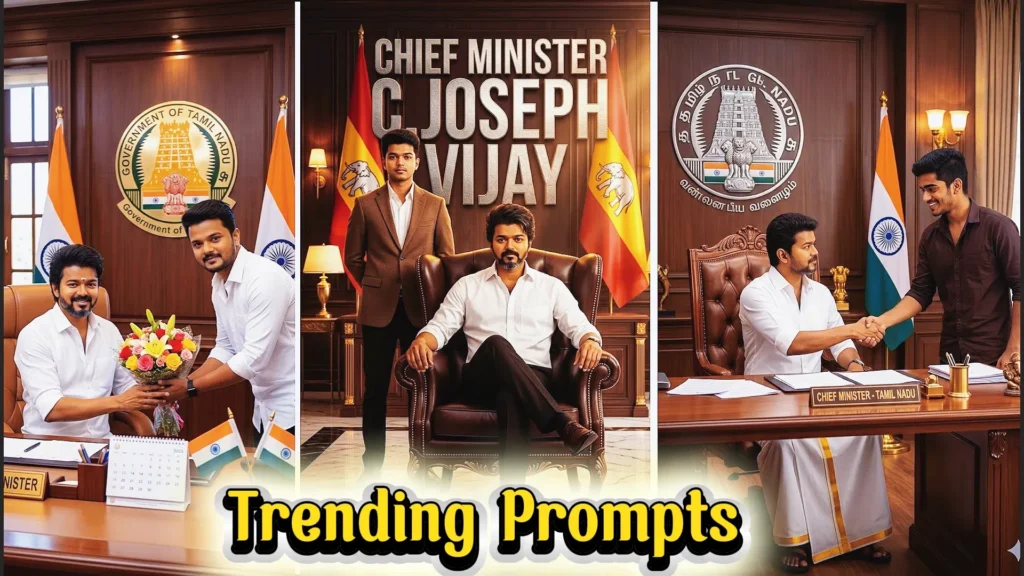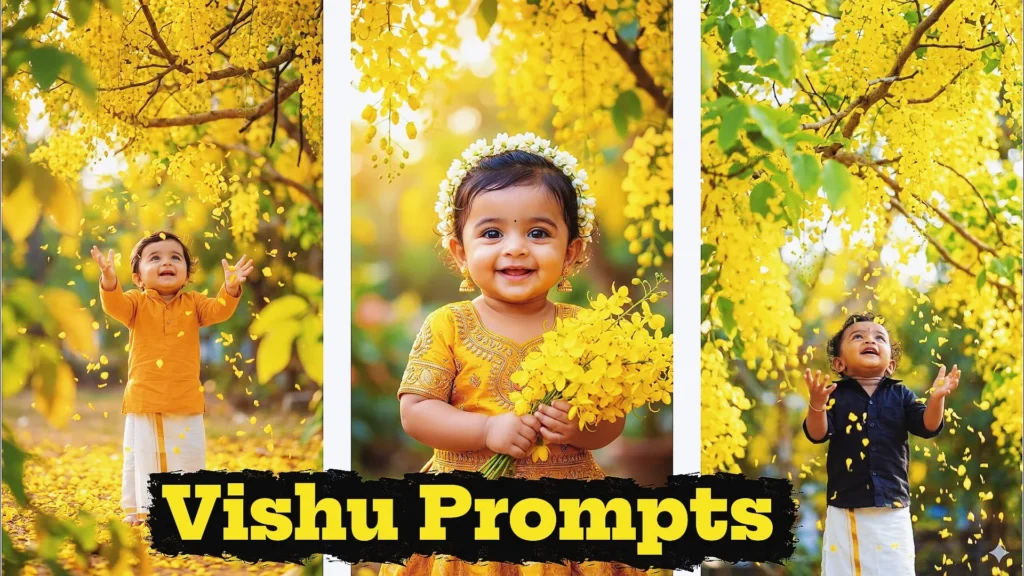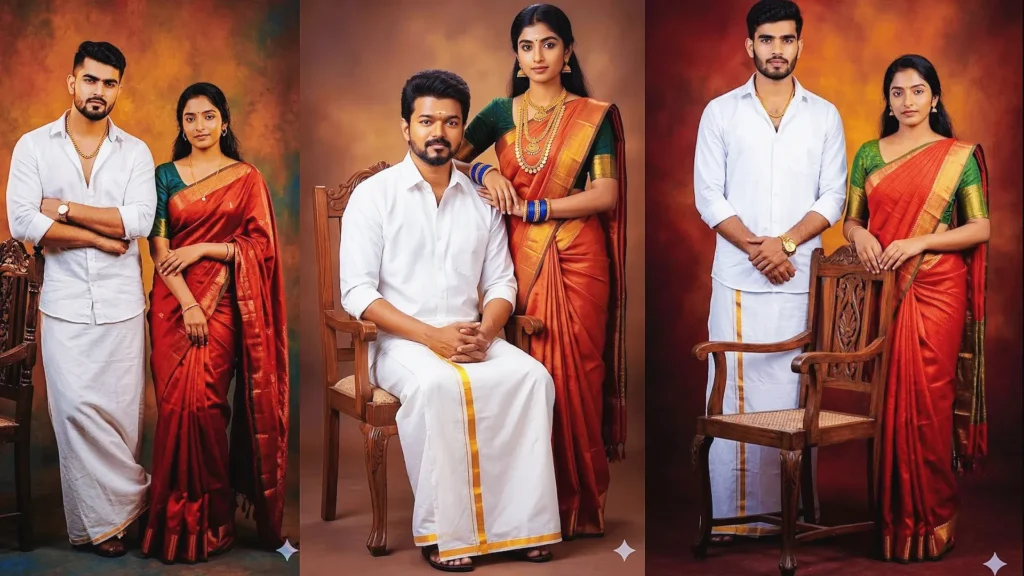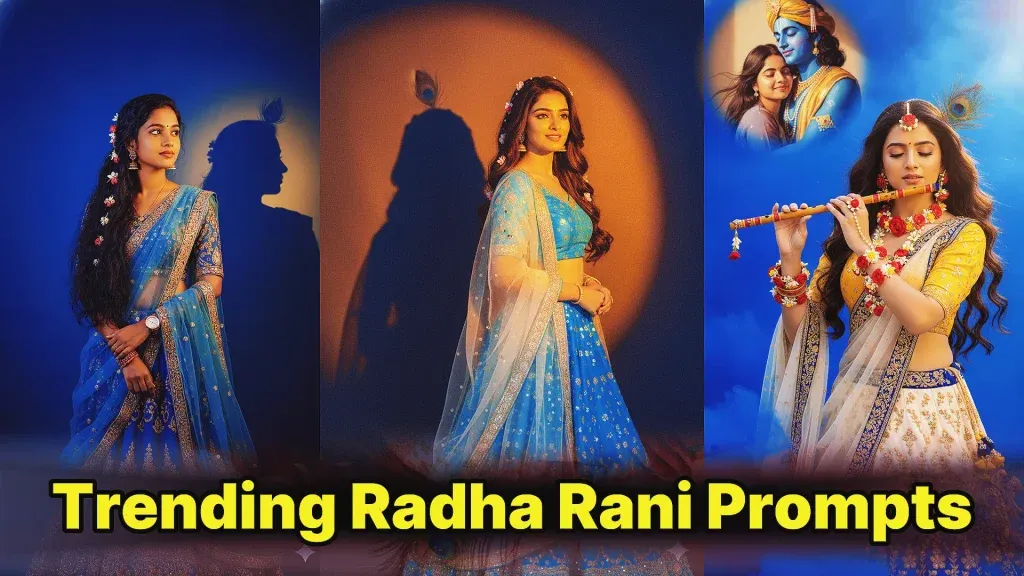
Radha Rani prompts for Gemini AI can help you create beautiful devotional portraits inspired by traditional Indian art, Vrindavan settings, floral jewellery, elegant lehengas and peaceful spiritual themes.
Instead of giving Gemini a short instruction such as “make me look like Radha,” a detailed prompt can explain the clothing, expression, jewellery, pose, lighting, background and overall mood you want.
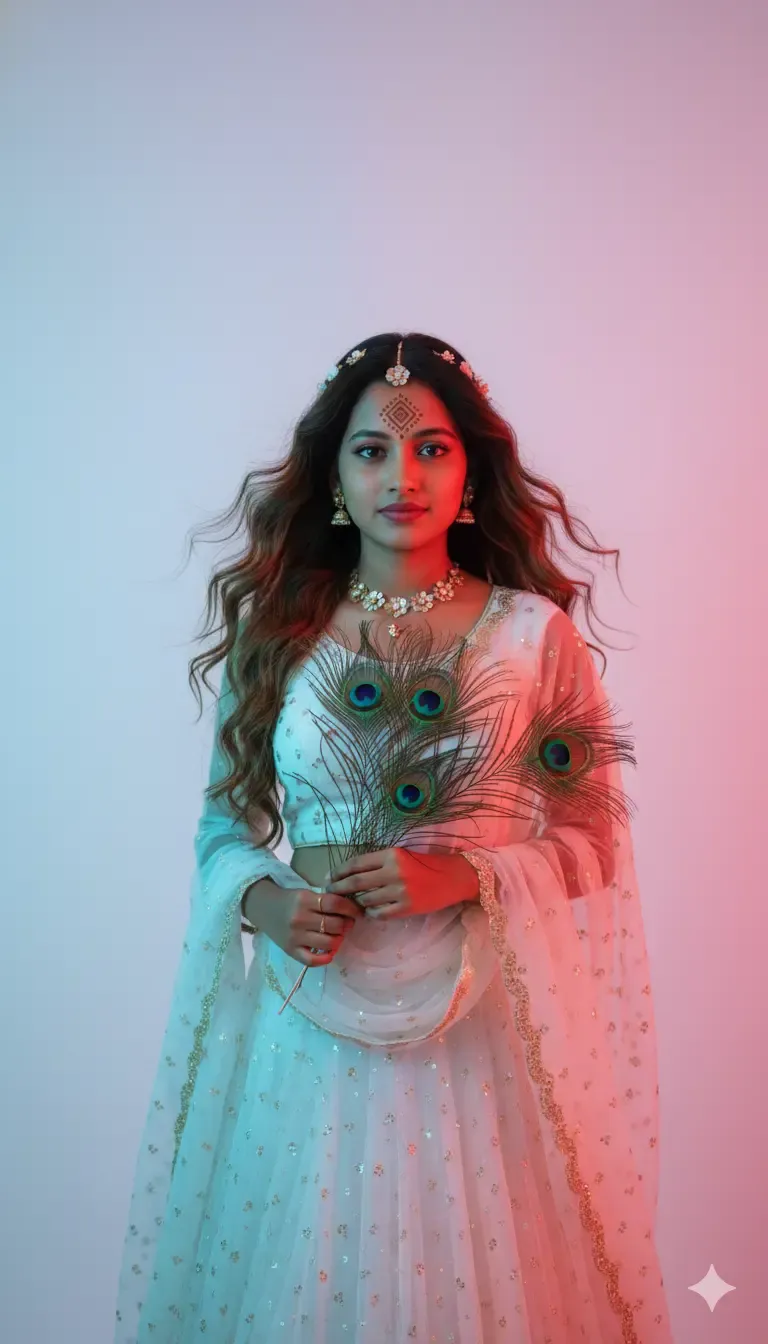
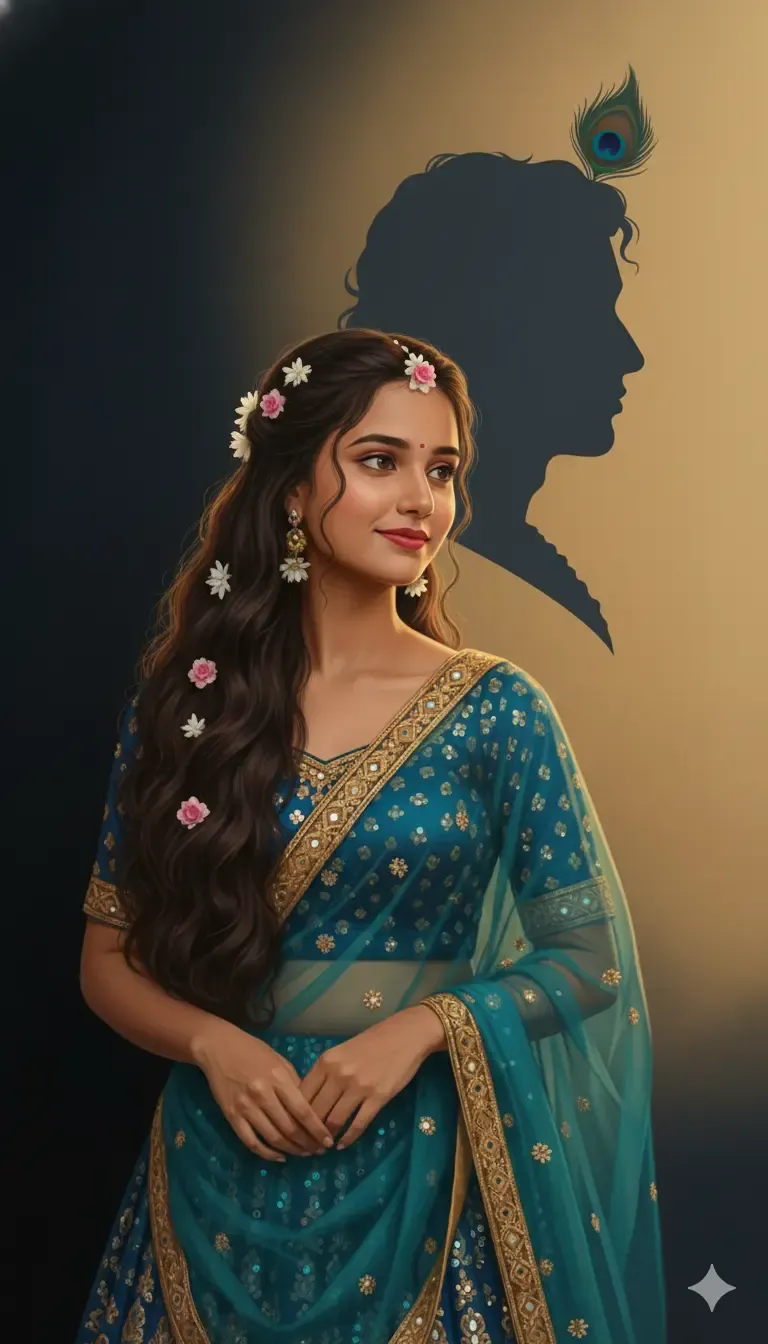
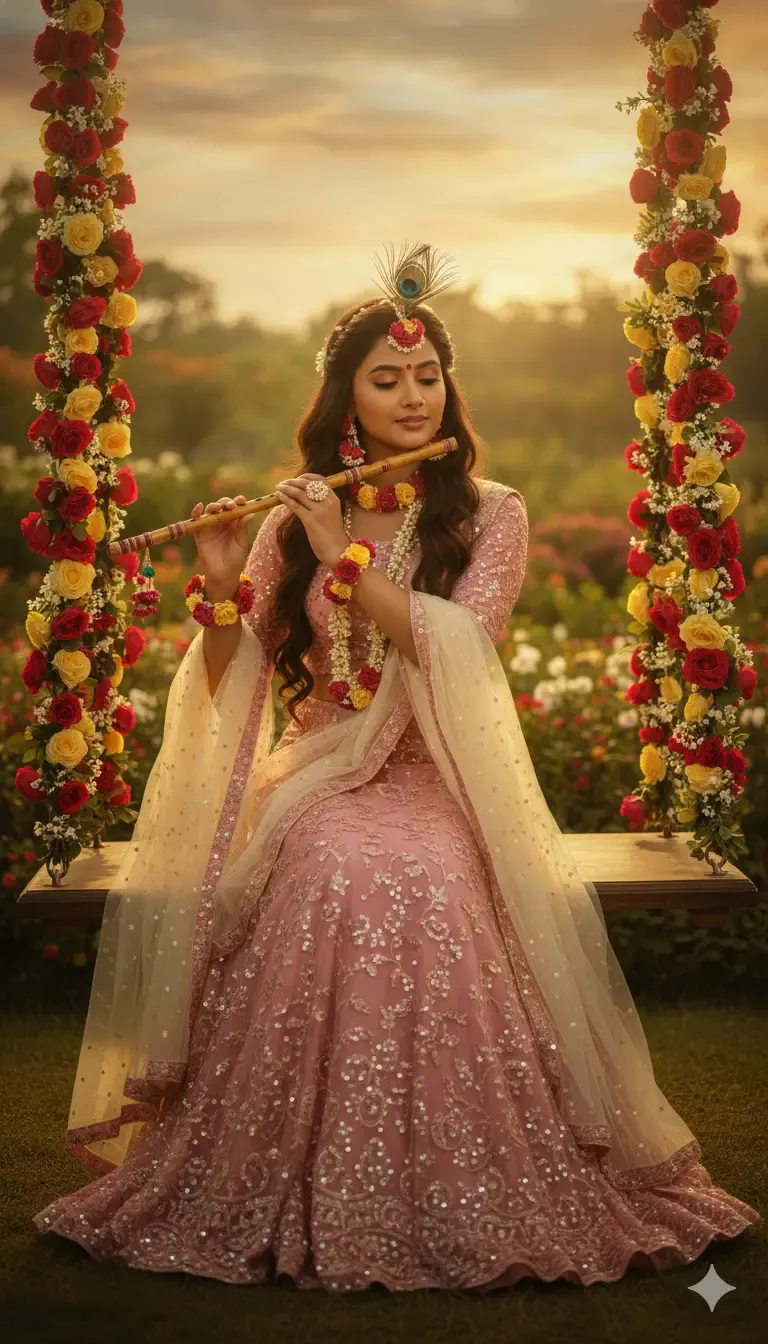
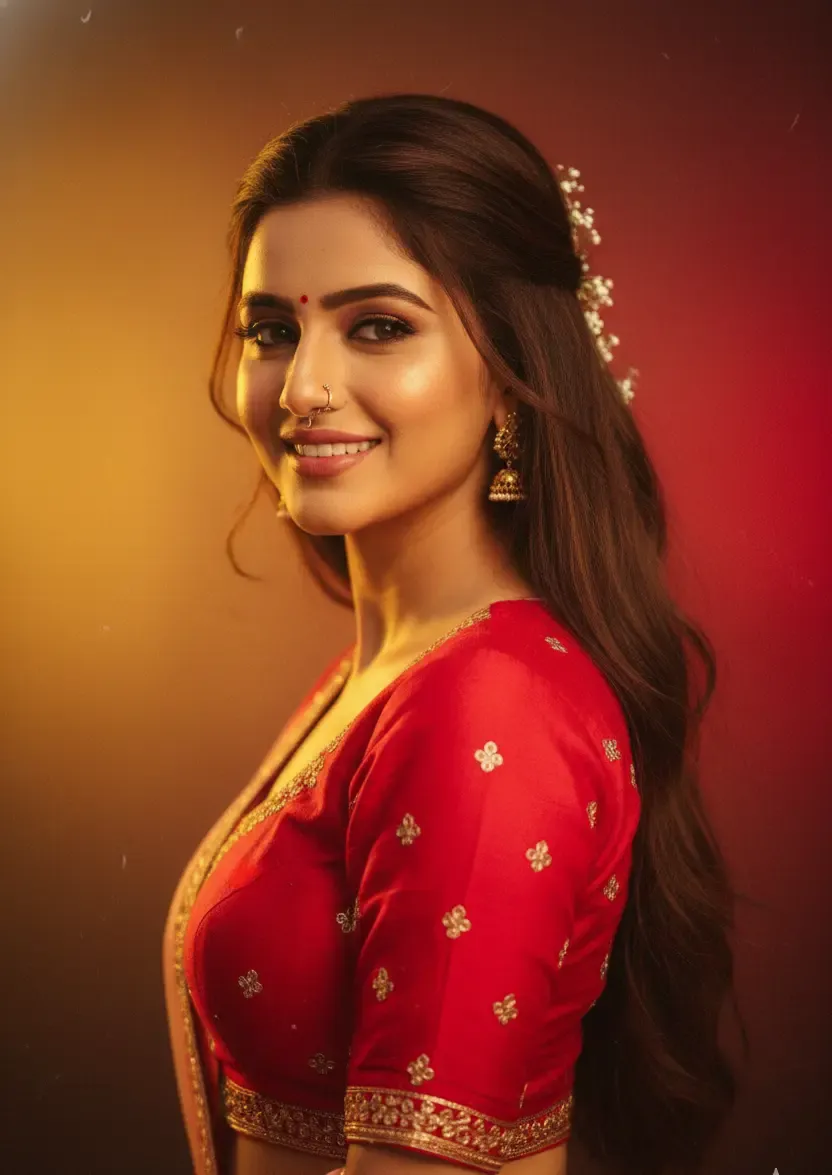
You can create soft traditional portraits, cinematic Vrindavan scenes, flower-filled swing photographs, temple-inspired compositions, golden-hour portraits and artistic studio images.
If you are working with your own photograph, the prompt can also explain which facial characteristics, hairstyle and natural features you want the AI to preserve.
This complete guide includes ready-to-use Radha Rani prompts for Gemini AI, prompt-writing formulas, photo-editing tips, realistic portrait ideas, common problem fixes and frequently asked questions.
What Is a Radha Rani Prompt for Gemini AI?
A Radha Rani prompt is a detailed text instruction used to create an AI-generated portrait inspired by the devotional imagery, traditional clothing and artistic atmosphere associated with Radha Rani.
The prompt can describe the person, outfit, jewellery, flowers, setting, expression, camera angle, lighting and photographic style.
A simple request leaves many creative decisions to the AI.
A detailed prompt provides much more control.
For example:
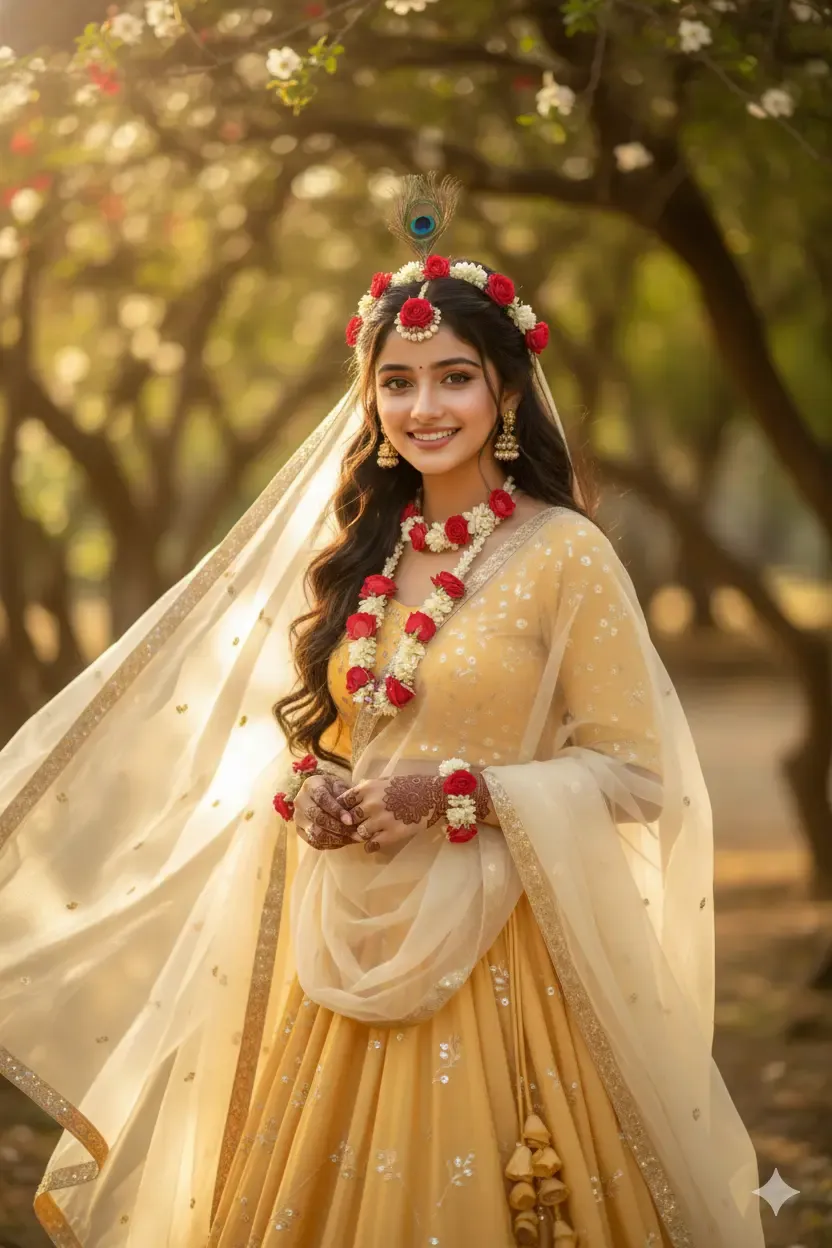
“Use my uploaded portrait as a visual reference. Preserve my recognizable facial characteristics and natural appearance. Create a graceful Radha Rani-inspired devotional portrait with a cream-and-gold lehenga, delicate floral jewellery, jasmine flowers in the hair and a softly flowing dupatta. Place the subject in a peaceful Vrindavan-inspired garden during golden hour. Use warm natural light, realistic skin texture and elegant portrait photography.”
What Makes a Good Radha Rani AI Prompt?
The strongest prompts combine cultural styling with specific photographic directions.
Rather than using only words such as “beautiful,” “divine” or “cinematic,” explain exactly how those qualities should appear in the image.
Important Details to Include
Useful details include the reference image, facial characteristics to preserve, lehenga colour, dupatta style, jewellery, floral accessories, hairstyle, expression, pose, location, lighting, camera composition and overall devotional mood.
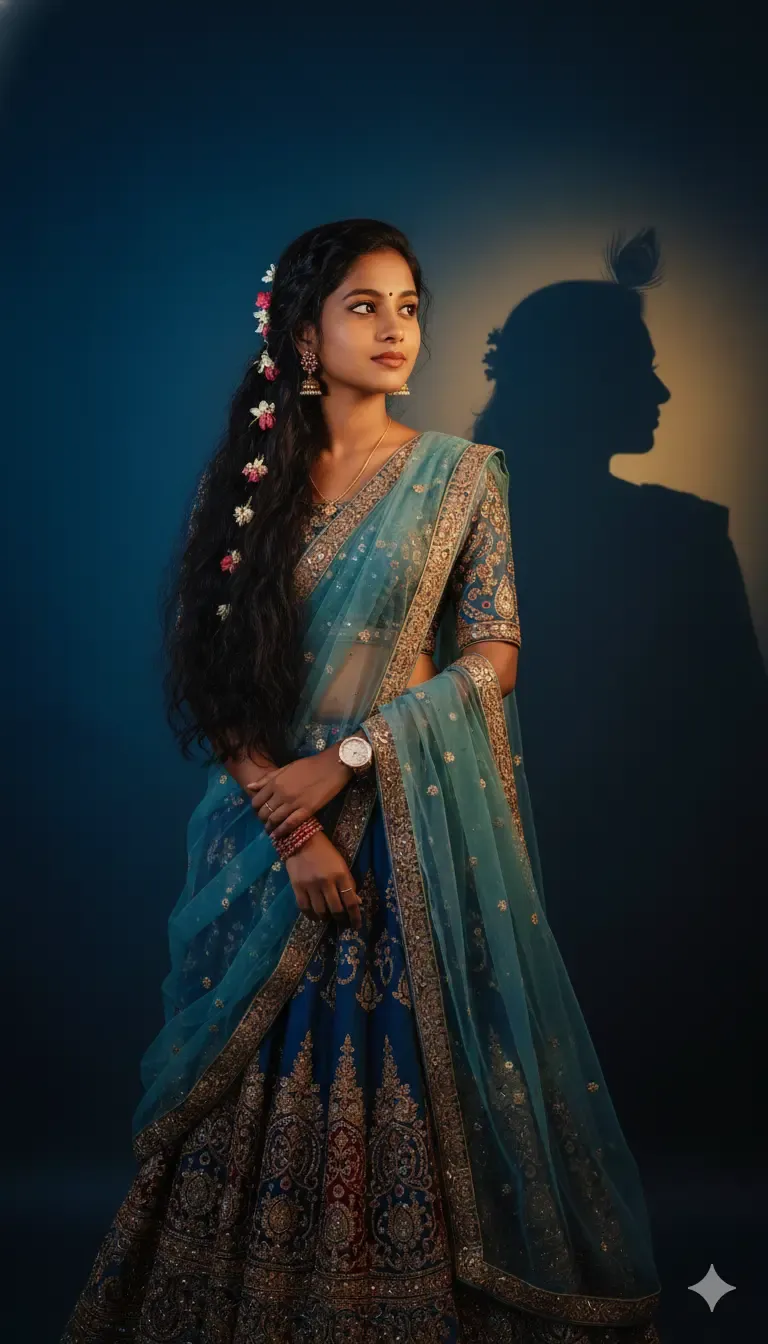
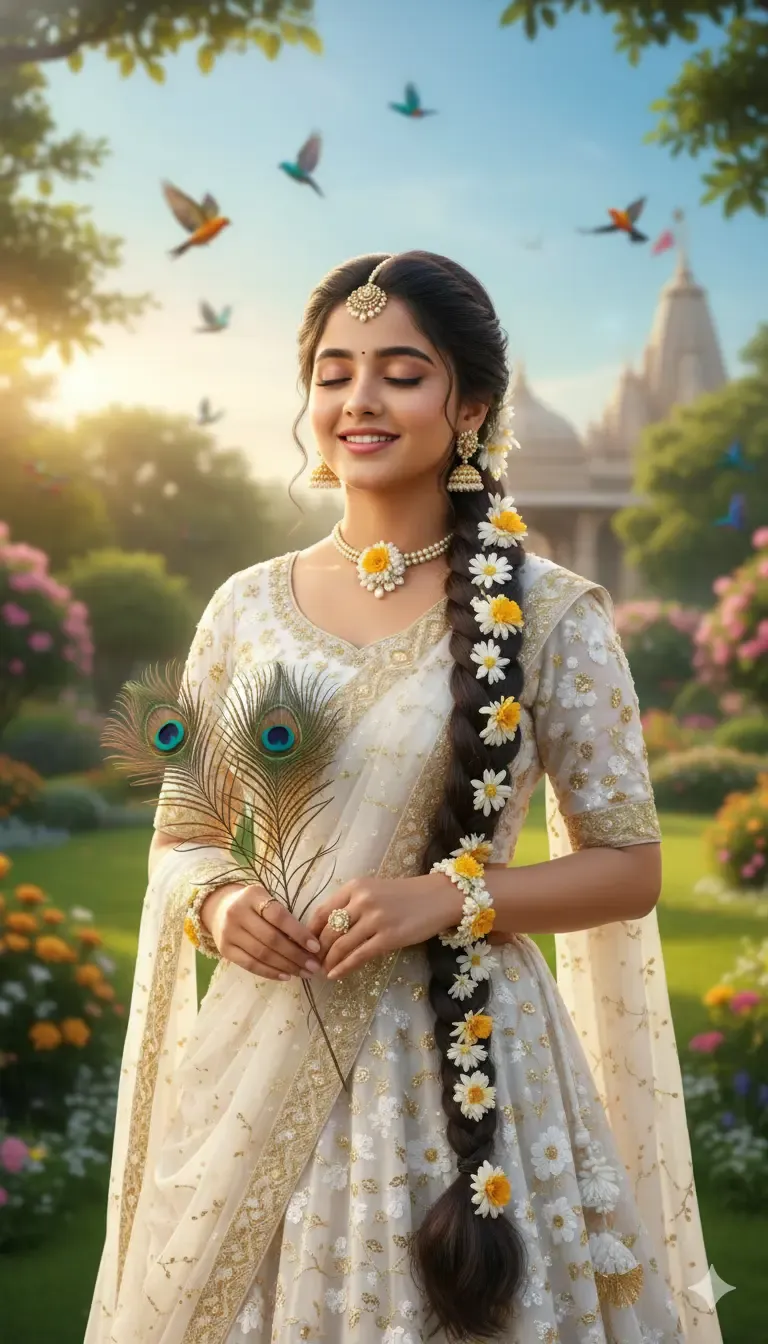
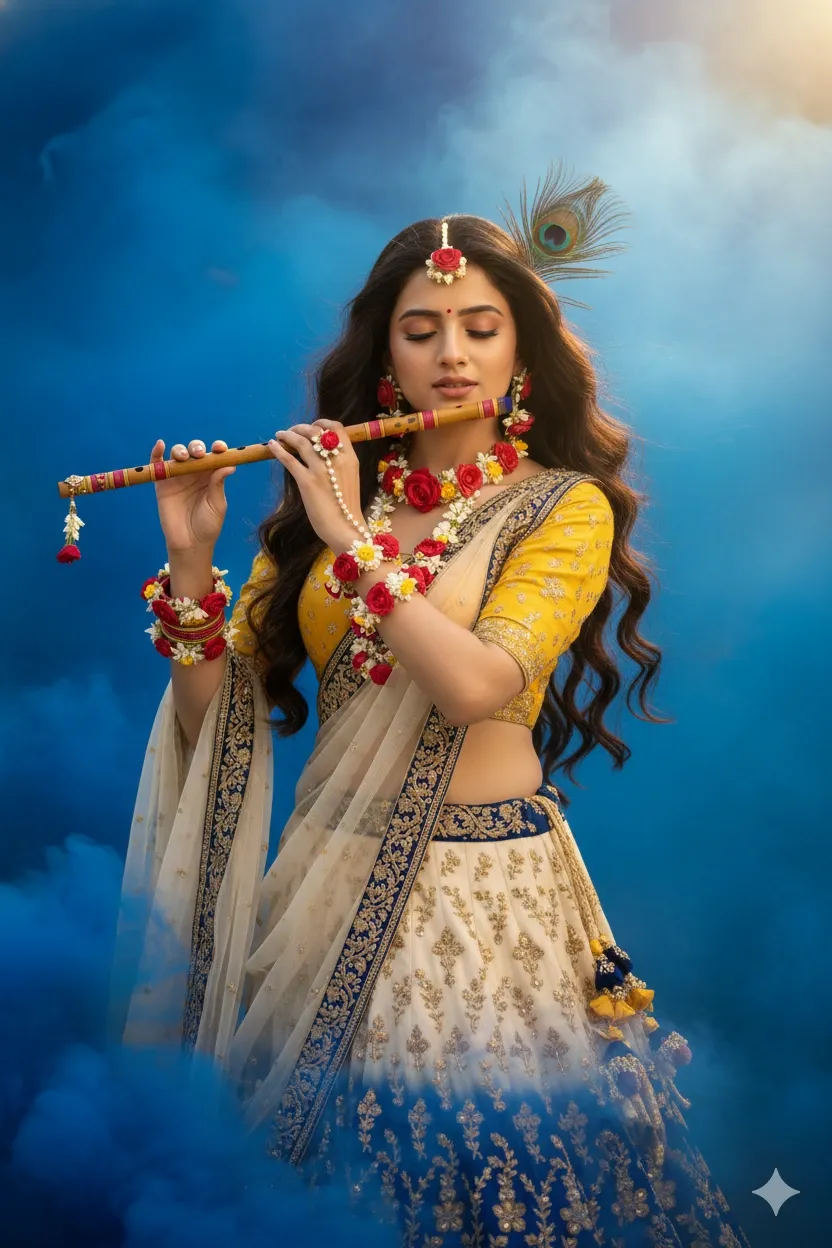
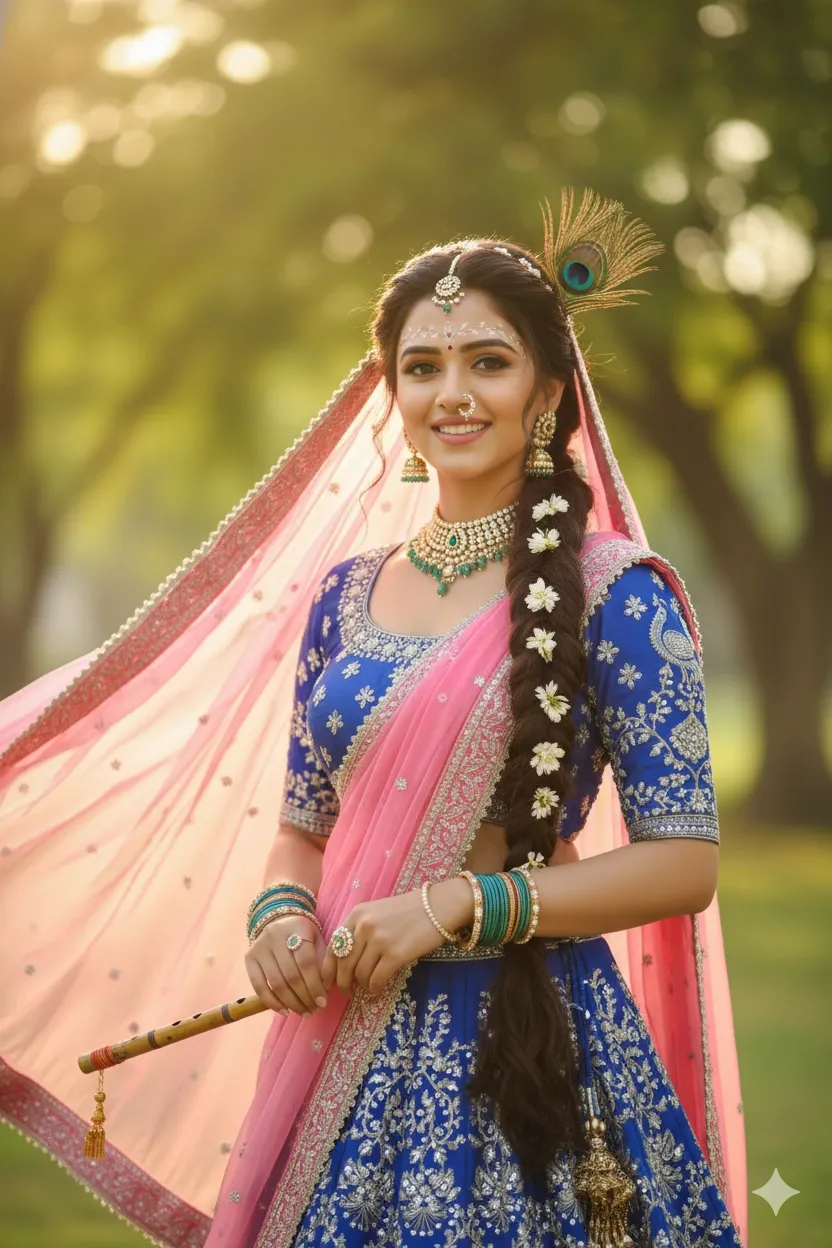
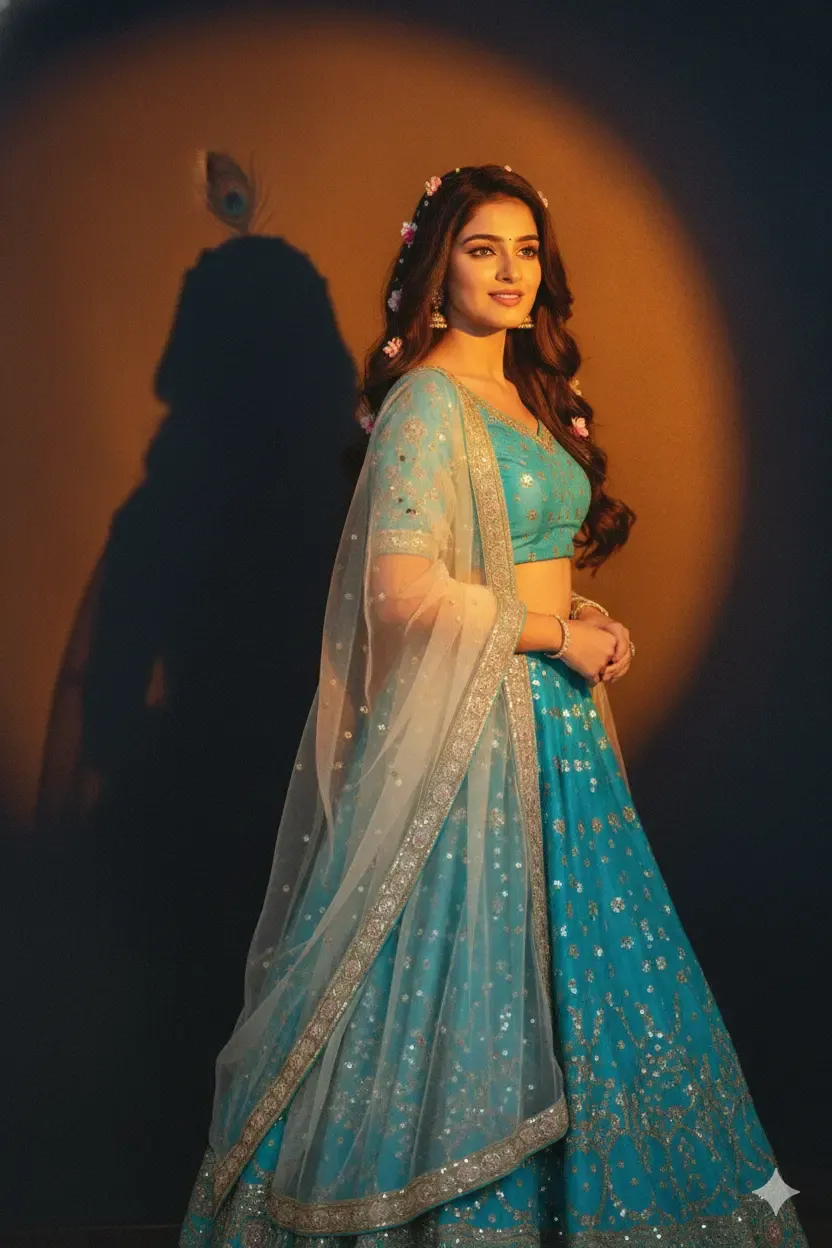
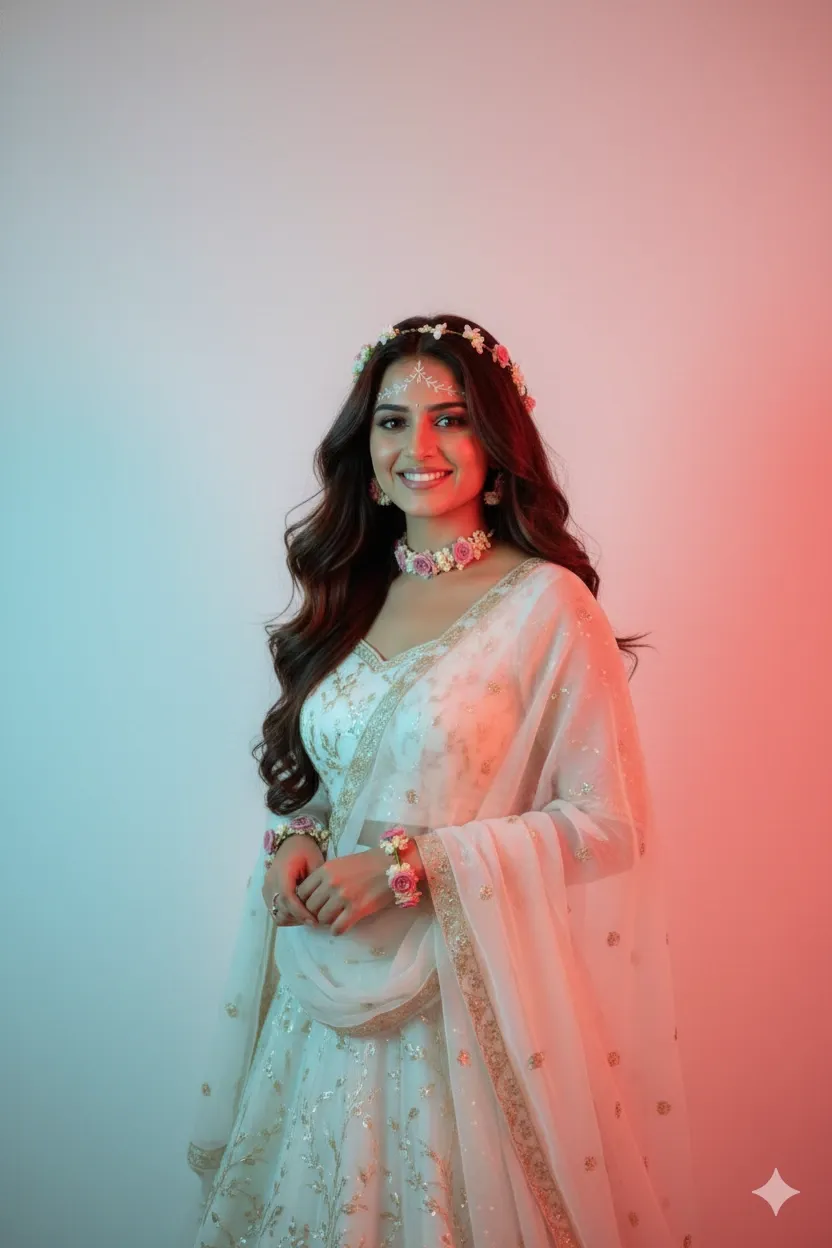
Best Radha Rani Prompts for Gemini AI
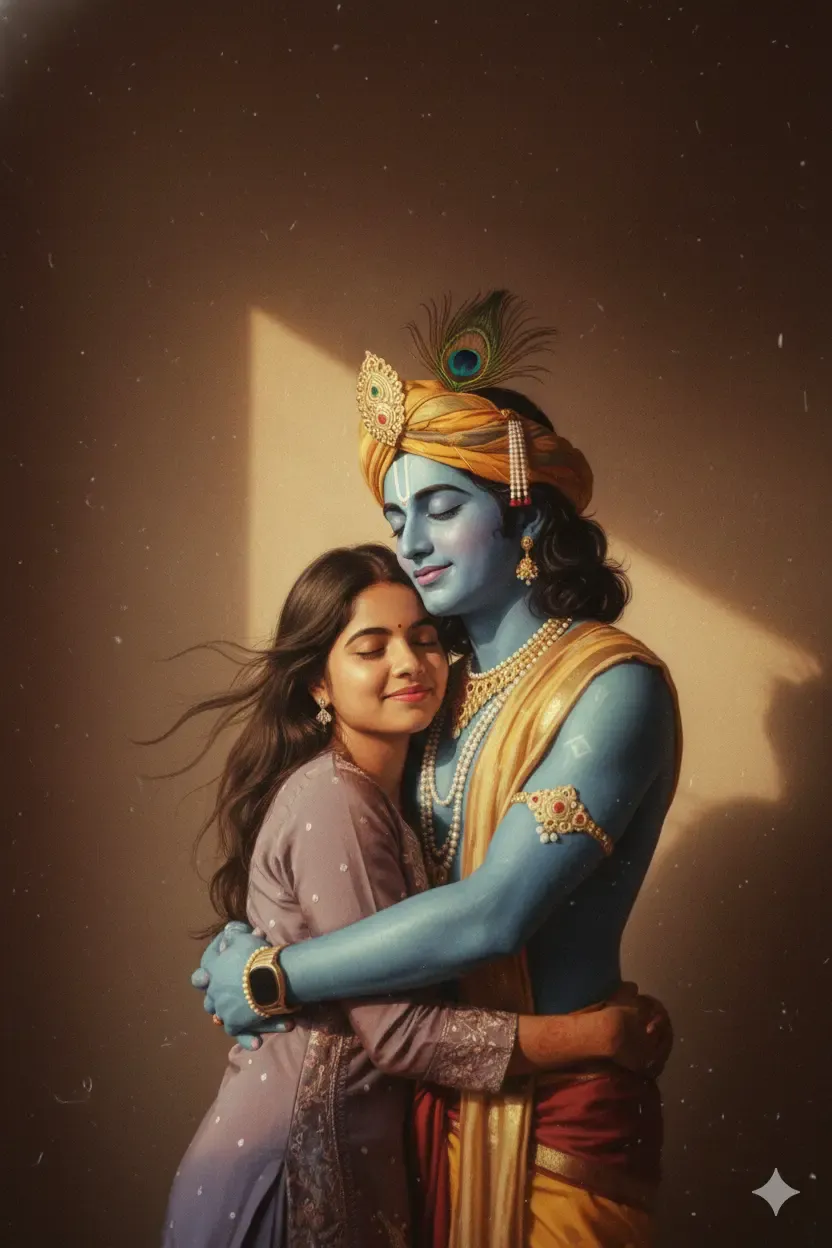
The following prompts are written as customizable templates.
You can change the colours, flowers, backgrounds, outfits and poses according to the image you want.
How to Use Radha Rani Prompts in Gemini AI
A clear workflow can make the editing process easier.
Step 1: Choose a Clear Reference Photo
Select a well-lit portrait where your face is clearly visible.
Front-facing or gently angled images generally provide better visual information than blurred, distant or heavily filtered photographs.
Step 2: Upload the Photograph
Open Gemini and use the available image-generation or image-editing experience.
Upload the reference image when your Gemini version supports photo editing.
Step 3: Choose a Radha Rani Prompt
Copy one of the prompts from this guide.
Then customize the outfit colour, flowers, jewellery, pose, location and lighting.
Step 4: Generate the Image
Submit the prompt and inspect the result.
Look closely at the face, hair, hands, jewellery, clothing and background.
Step 5: Refine Specific Details
If the overall portrait looks good but one element needs improvement, change only that part.
For example:
“Keep the face, lehenga, background, pose and lighting unchanged. Reduce the amount of floral jewellery and make the jasmine flowers look more natural.”
How to Keep Your Face Consistent in Gemini AI
Face consistency is a common concern when transforming a real portrait into a creative scene.
Start With a Clear Portrait
Choose an image where the face is sharp and unobstructed.
Heavy filters, sunglasses, extreme side angles and strong motion blur can reduce useful facial detail.
Explain What Should Stay Recognizable
Add an instruction such as:
“Use the uploaded photograph as the identity reference. Preserve my recognizable facial characteristics, face shape, hairstyle, approximate age and natural skin tone while changing only the outfit, accessories and environment.”
Do Not Depend on “100% Same Face”
No generative image system should be assumed to provide perfect pixel-for-pixel identity reproduction.
A better instruction is to ask the model to preserve recognizable facial characteristics as closely as possible.
What If Gemini Changes the Face?
Use a focused correction prompt instead of recreating the entire image.
Face Correction Prompt
Prompt:
Keep the current Radha Rani-inspired outfit, flowers, jewellery, pose, lighting and background unchanged. Refine only the face so it follows the recognizable characteristics of the uploaded reference photograph more closely. Preserve the natural face shape, approximate age, hairstyle and skin texture. Avoid excessive smoothing or artificial beauty effects.
How to Make Radha Rani AI Photos Look Realistic
Realism comes from believable details rather than repeatedly adding terms such as “8K” or “ultra HD.”
Use Natural Skin Texture
Ask for realistic skin rather than flawless or glass-like skin.
Small natural details help the portrait feel more photographic.
Describe the Light Source
Instead of writing “cinematic lighting,” specify the direction.
For example:
“Warm sunlight entering from the left side and softly illuminating the face.”
Keep Jewellery Balanced
Too many necklaces, flowers and headpieces can distract from the subject.
Choose a few well-defined accessories.
Add Realistic Fabric Details
Mention materials such as chiffon, silk or embroidered fabric.
Also ask for natural folds, weight and movement.
Common Problems With Radha Rani AI Photos
Face Looks Different
Use a clearer reference photograph and ask Gemini to preserve recognizable facial features while changing fewer elements at once.
Jewellery Looks Excessive
Request minimal or delicate floral jewellery instead of simply asking for “heavy jewellery.”
Hands Look Incorrect
Simplify the pose or use a follow-up instruction focused only on hand anatomy and positioning.
Background Looks Artificial
Ask for realistic perspective, natural depth of field, matching light direction and believable shadows.
Flowers Look Fake
Specify real flower varieties such as jasmine or roses and request realistic petal texture.
Image Is Too Saturated
Ask for natural colour balance, restrained cinematic grading and realistic skin tones.
Best Aspect Ratios for Radha Rani AI Photos
The right image shape depends on where the portrait will be displayed.
9:16 Vertical Portrait
A vertical format works well for mobile wallpapers, Instagram Stories, Reels covers and YouTube Shorts.
4:5 Portrait
This format is useful for Instagram feed portraits and full-body compositions.
1:1 Square
Square images work well for social posts and profile-style devotional artwork.
16:9 Landscape
Landscape compositions are useful for desktop wallpapers, YouTube thumbnails and wider Radha-Krishna scenes.
Radha Rani Prompts for Social Media
Different platforms benefit from different compositions.
Instagram Radha Rani Prompt
Prompt:
Create a vertical Radha Rani-inspired portrait designed for an Instagram post. Keep the subject’s face clearly visible and position her slightly off-centre. Dress her in an elegant pastel lehenga with floral jewellery and a flowing dupatta. Use a softly blurred Vrindavan-inspired garden background, warm golden-hour light and realistic portrait photography. Leave a small amount of uncluttered space around the subject.
YouTube Thumbnail Prompt
Prompt:
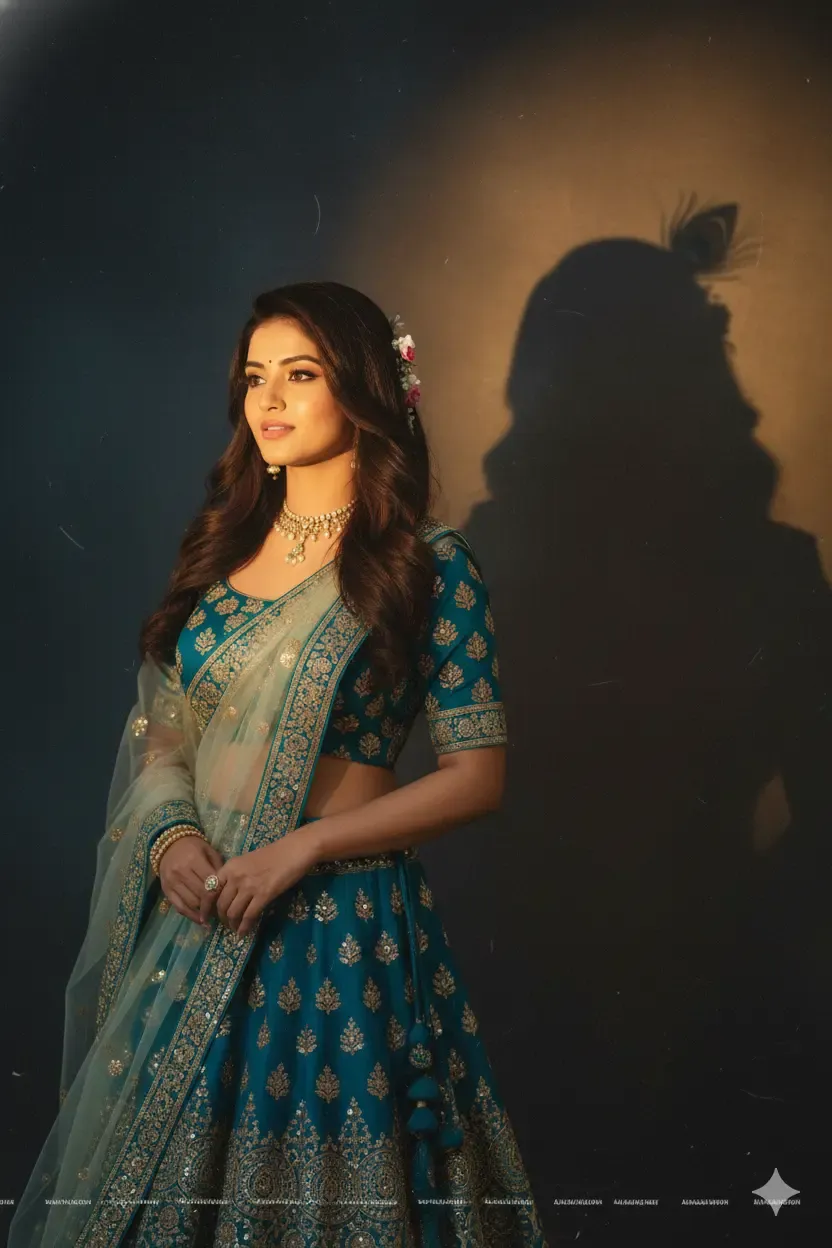
Create a wide 16:9 Radha Rani-inspired portrait suitable for a YouTube thumbnail. Position the subject prominently on the right side wearing an elegant cream-and-blue lehenga with floral jewellery. Use warm cinematic lighting and a softly detailed devotional garden background. Keep the left side cleaner and darker so thumbnail text can be added without covering the face.
Mobile Wallpaper Prompt
Prompt:
Create a vertical 9:16 Radha Rani-inspired mobile wallpaper. Position the subject in the lower-middle section wearing an elegant yellow-and-cream lehenga surrounded by subtle jasmine flowers. Use a peaceful Vrindavan-inspired garden at sunrise. Keep the upper section relatively clean so the phone clock and notifications remain readable.
How to Write Your Own Radha Rani Prompt
Once you understand the basic structure, you can create unlimited prompt variations.
Radha Rani Prompt Formula
Use this formula:
Reference photo + facial details to preserve + Radha-inspired clothing + jewellery + hairstyle + pose + location + lighting + photography style + emotional mood
For example:
“Use my uploaded portrait as reference. Preserve my recognizable facial characteristics, hairstyle and natural complexion. Create a Radha Rani-inspired look with a pastel-yellow lehenga, cream dupatta, jasmine floral jewellery and a long decorated braid. Position me walking through a peaceful Vrindavan-style garden during golden hour. Use soft backlighting, natural skin texture, realistic fabric movement, shallow depth of field and serene devotional portrait photography.”
Why This Formula Works
Each part gives the image model a specific visual decision.
The reference establishes the subject, while clothing and jewellery define the styling. Pose and location create the composition, and lighting plus photography instructions control the final atmosphere.
Details You Can Customize
You can change the lehenga colour, dupatta, flowers, jewellery, hairstyle, setting, pose, time of day and image orientation.
Easy Prompt Variation
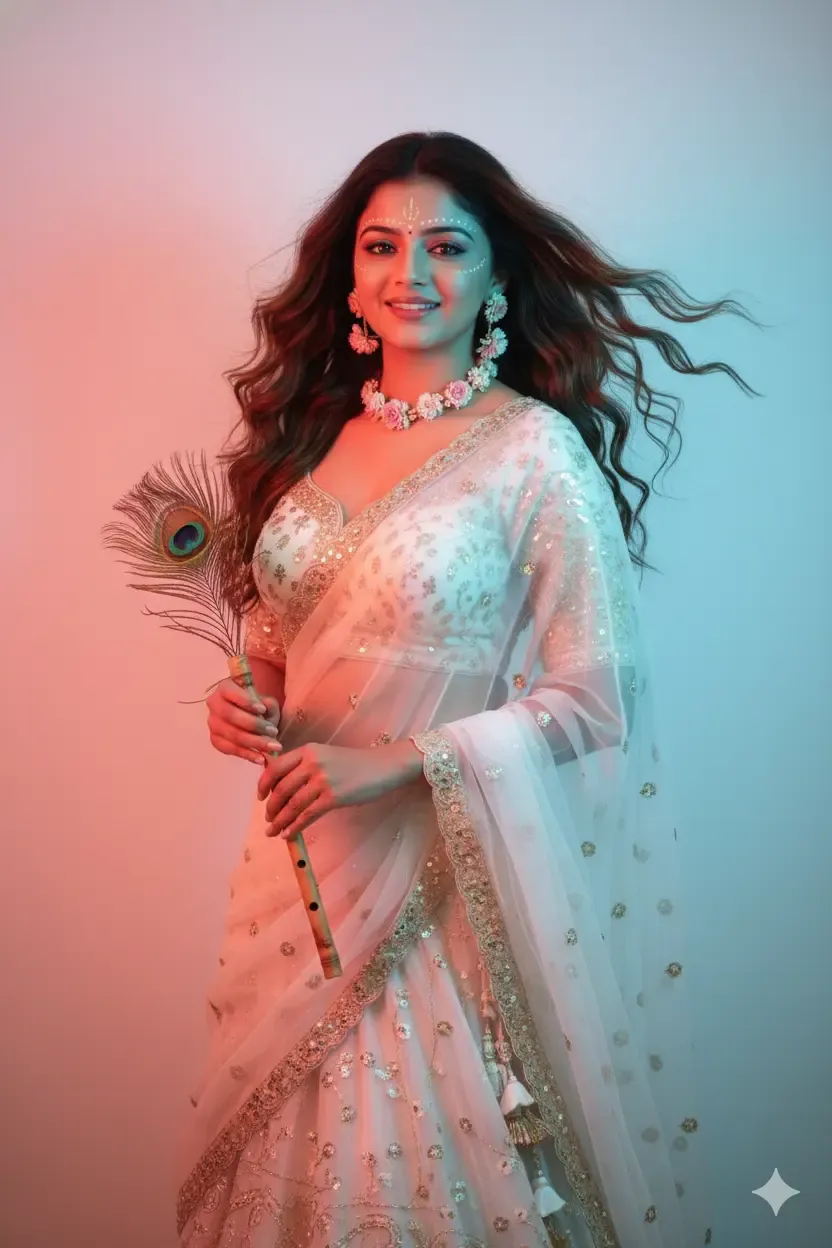
Keep the same prompt and replace “golden-hour Vrindavan garden” with “minimal cream studio with soft window light.”
The portrait keeps the Radha Rani-inspired styling while gaining a completely different visual atmosphere.
Respectful Use of Radha Rani-Inspired AI Art
Radha Rani holds deep devotional importance for many people, so culturally and spiritually themed AI images benefit from thoughtful presentation.
Keep the Styling Respectful
Choose graceful clothing, natural poses and calm expressions rather than unnecessarily provocative or mocking representations.
Distinguish AI Art From Religious Originals
AI-generated artwork can be inspired by traditional devotional aesthetics, but it should not be misrepresented as an authentic historical painting, temple image or religious artefact.
Respect Reference Photos
Only upload personal photographs that you are entitled to use.
When another person appears in a reference image, consider their privacy and permission before generating or publicly sharing a transformed portrait.
Frequently Asked Questions About Radha Rani Prompts for Gemini AI
What Is the Best Radha Rani Prompt for Gemini AI?
A strong prompt describes the reference person, traditional clothing, jewellery, hairstyle, facial expression, pose, background, lighting and overall devotional atmosphere.
The more specific the visual instructions are, the less the AI needs to guess.
Can Gemini Create Radha Rani-Inspired Photos From My Picture?
When image editing is available in your Gemini experience, you can upload a suitable reference photograph and describe the Radha Rani-inspired transformation you want.
Clear preservation instructions can help communicate which facial characteristics should remain recognizable.
How Do I Make My Radha Rani AI Photo Look Realistic?
Use realistic skin texture, believable lighting, natural fabric movement, balanced jewellery and an uncluttered background.
Avoid relying only on quality terms such as “8K,” “HD” or “masterpiece.”
Which Outfit Is Best for a Radha Rani AI Photo?
Popular creative choices include cream-and-gold, yellow-and-white, royal blue, pastel pink and red traditional lehengas.
The best option depends on the mood and background of the portrait.
Can I Add Peacock Feathers to a Radha Rani Prompt?
Yes, but keeping the detail subtle often creates a more balanced composition.
Peacock feathers are strongly associated with Krishna iconography and can be included as a small hair or background accent in a Radha-Krishna-inspired scene.
Can I Add a Flute?
Yes.
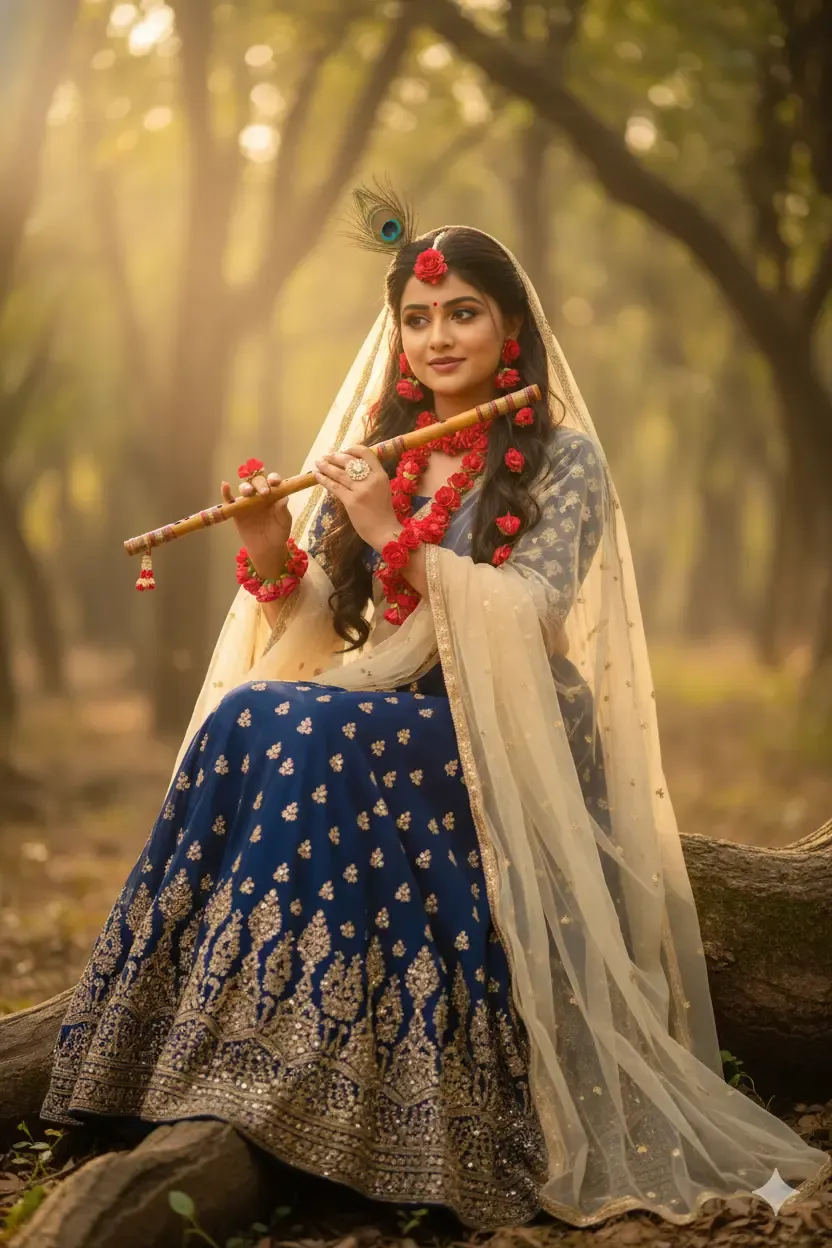
A flute can be used as a devotional prop, particularly in Radha-Krishna-inspired compositions.
Specify exactly how it should be held so the AI has clear hand-positioning instructions.
What Background Works Best for Radha Rani AI Photos?
Vrindavan-inspired gardens, flowering courtyards, riversides, heritage architecture, minimal studios and warm neutral backgrounds all work well.
Choose a background that complements rather than competes with the outfit.
Why Does Gemini Change My Face?
Generative image systems reconstruct visual information instead of simply placing new clothing over unchanged pixels.
Clear reference photographs and targeted follow-up instructions can improve consistency, but perfect reproduction should not be assumed.
Can I Make a Radha Rani Mobile Wallpaper?
Yes.
Request a vertical 9:16 composition and leave some clean space near the top for the phone clock and notifications.
Can I Create Radha-Krishna AI Art With These Prompts?
Yes.
For Radha-Krishna-inspired artwork, describe both figures, their clothing, body positions, devotional setting and overall artistic style.
Keep the representation respectful and clearly identify AI-generated work when appropriate.
Final Thoughts on Gemini AI Photo Radha Rani Prompts
Radha Rani prompts for Gemini AI can help transform a simple portrait idea into an elegant devotional composition with traditional clothing, floral jewellery, peaceful expressions and Vrindavan-inspired surroundings.
Better results begin with a clear creative direction.
First identify which characteristics from the reference photograph should remain recognizable. Then describe the lehenga, dupatta, flowers, jewellery, hairstyle and pose.
Next, define the environment and lighting.
A golden-hour garden creates a very different mood from a minimalist studio, riverside scene or heritage courtyard.
If the first generation is close to what you want, refine one element at a time. Correcting the face, hands, flowers or jewellery separately can be more effective than repeatedly generating an entirely new composition.
Most importantly, treat devotional imagery thoughtfully. Radha Rani-inspired AI art can combine modern image-generation tools with traditional visual themes while remaining graceful, respectful and creative.