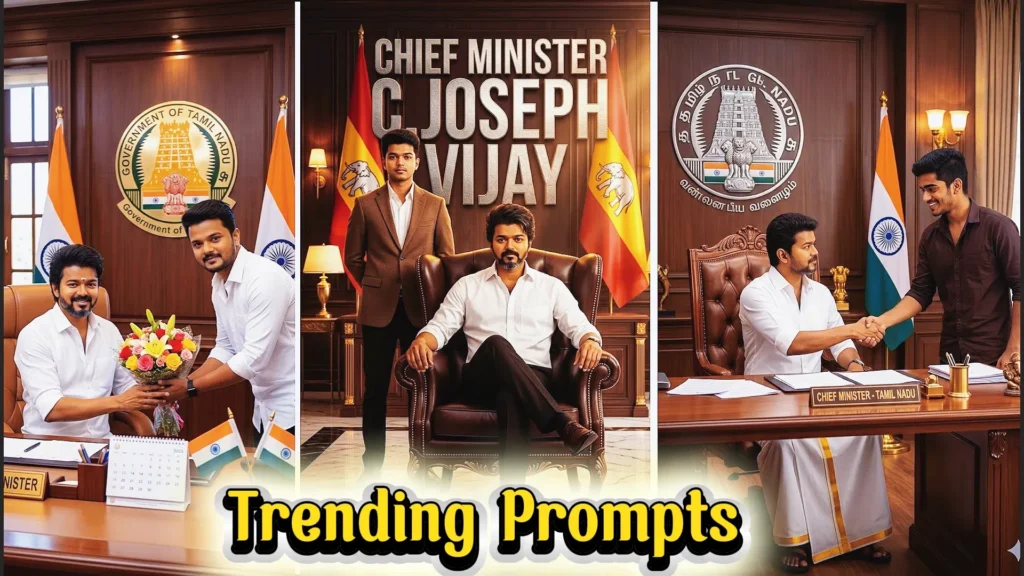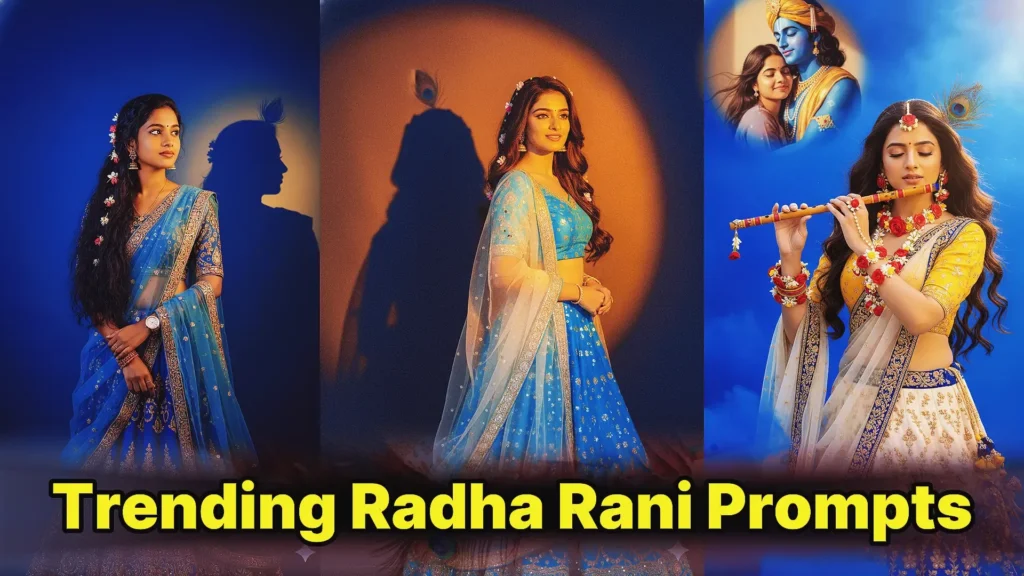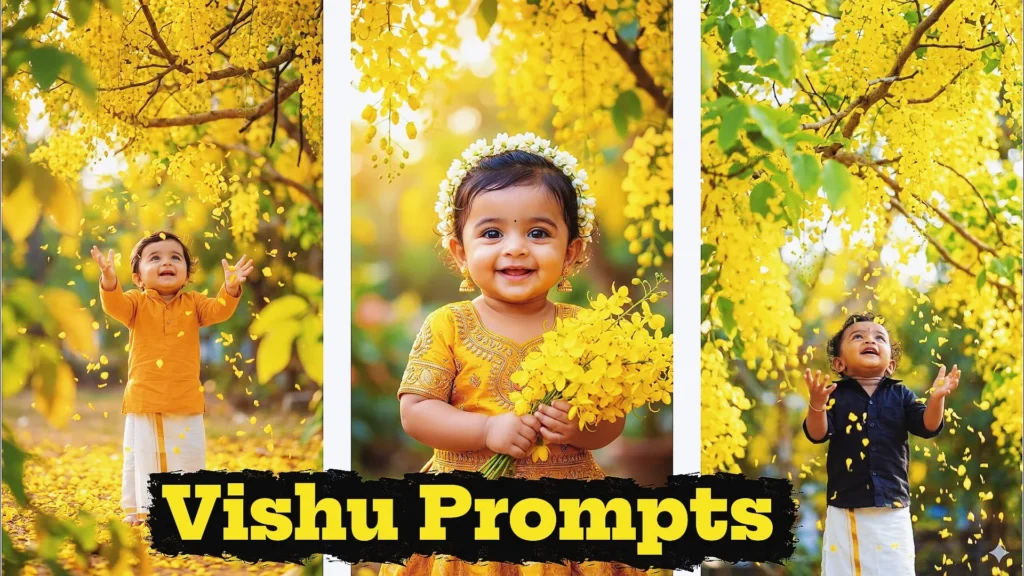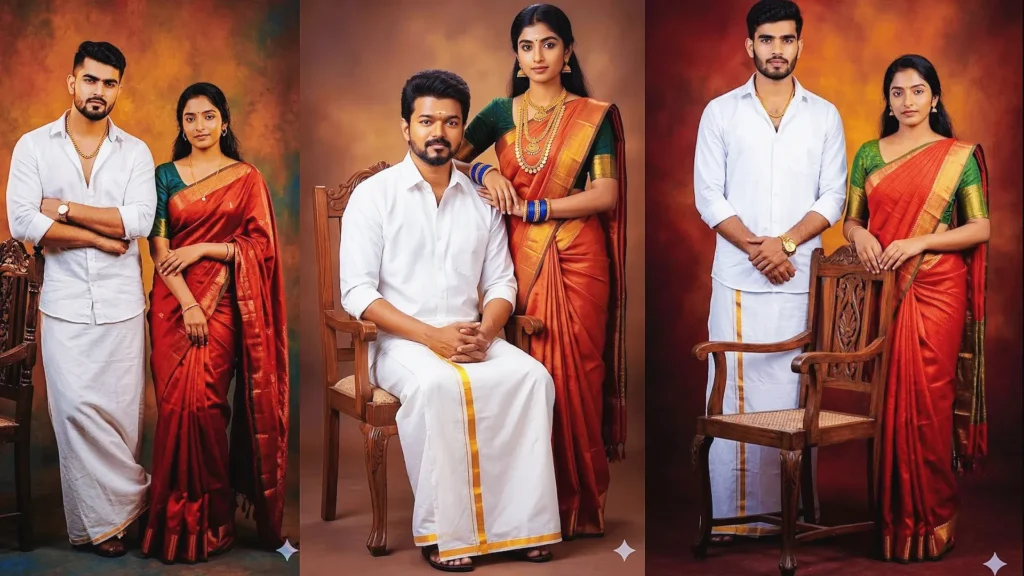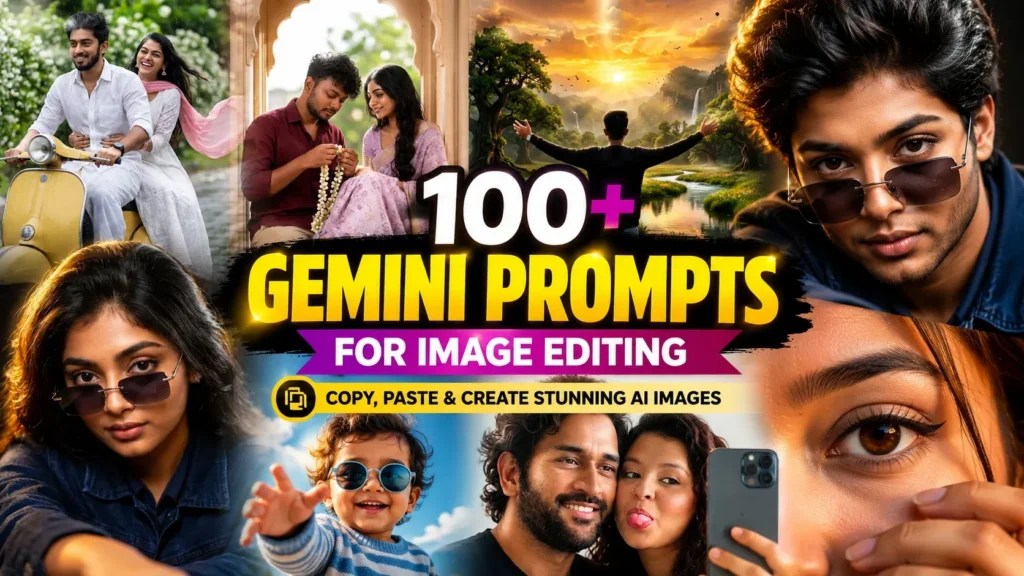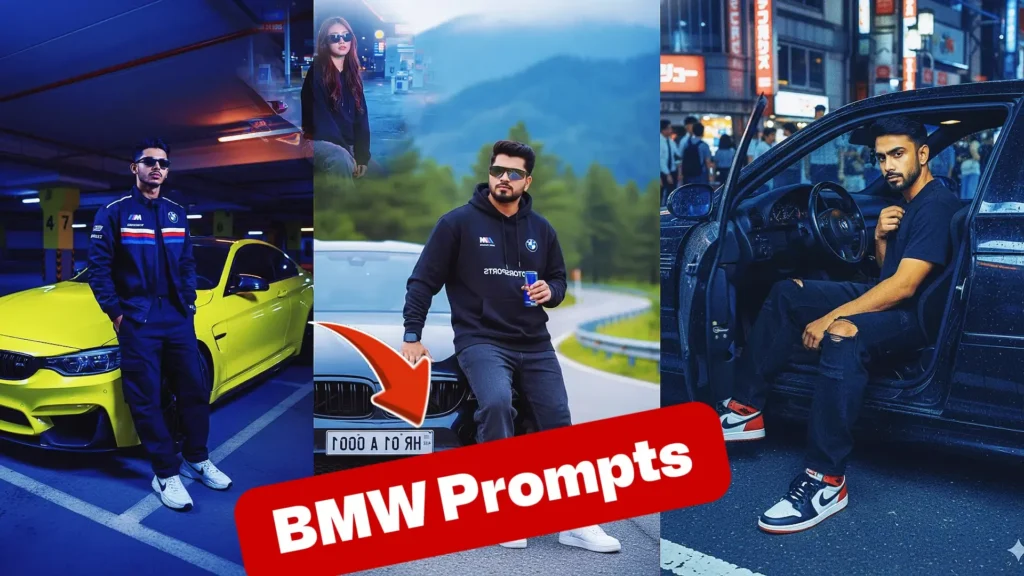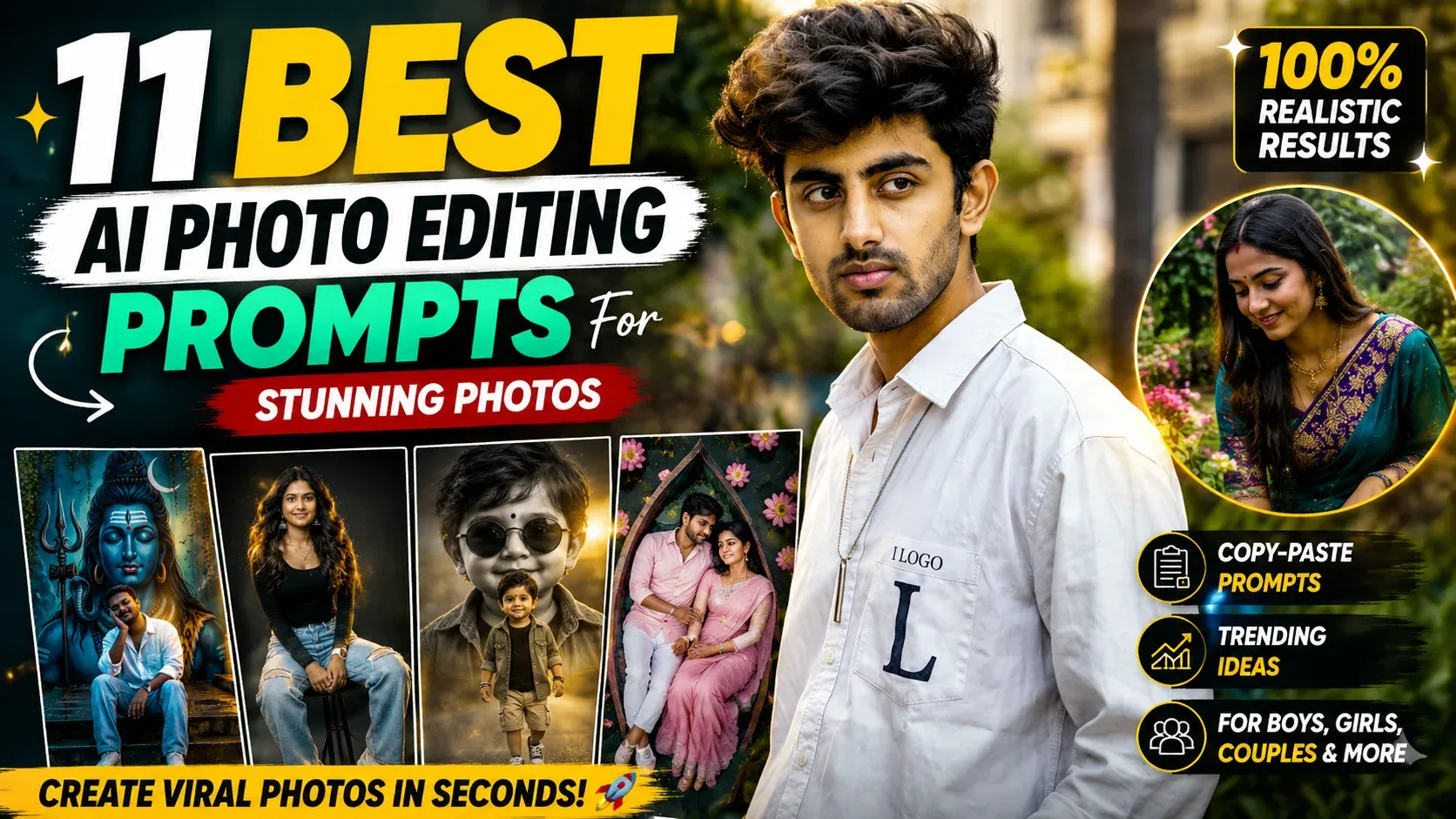
Google Gemini has turned AI photo editing into a simple prompt-based experience. Instead of spending hours adjusting filters, backgrounds, outfits, or lighting manually, you can describe the changes you want and let Gemini generate a new version of your image.
With the right Google Gemini AI photo editing prompts, you can explore a wide range of creative styles, from cinematic portraits and modern fashion edits to romantic couple pictures, traditional looks, devotional visuals, and social-media-friendly photos. Detailed instructions also give you more control over elements such as clothing, pose, environment, lighting, camera angle, and mood.
Whether you want to experiment with a stylish male portrait, create an elegant female transformation, enhance a couple photo, or build a creative family scene, Gemini gives you a convenient way to test different visual concepts. Results can vary depending on the reference image and prompt, so specific instructions are useful when you want a particular look.
In this guide, you’ll discover 100+ Google Gemini AI photo editing prompts designed for easy copy-and-paste use. Choose a prompt, add your reference photo, make any personal adjustments, and generate different versions until you find a style that fits your idea.
How to Edit Photos With Gemini AI Prompts
Getting started doesn’t require complicated editing software. You can follow this basic workflow:
- Open Google Gemini and start a new chat with image generation available.
- Upload your original photo as the reference image.
- Choose a prompt that matches the type of edit you want.
- Paste the complete instruction into the chat and customize details such as clothing, background, or lighting if needed.
- Generate the edited image and review the result carefully.
- Refine the prompt if you want to change a specific element, such as the pose, outfit, facial appearance, or background.
- Save your preferred version and use it for your intended purpose, such as social media or personal projects.
Trending Google Gemini AI Photo Editing Prompts for Stunning AI Images (Free Copy-Paste)
Explore trending Google Gemini AI photo editing prompts for boys, girls, couples, and family photos. Create professional-quality AI images using free copy-paste prompts.
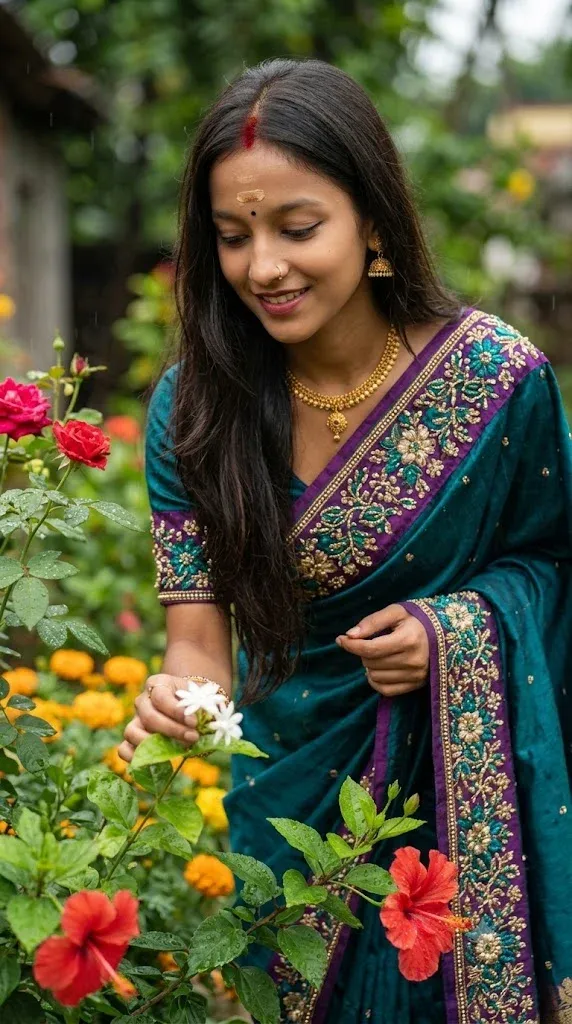
1. Luxury Saree Garden Portrait
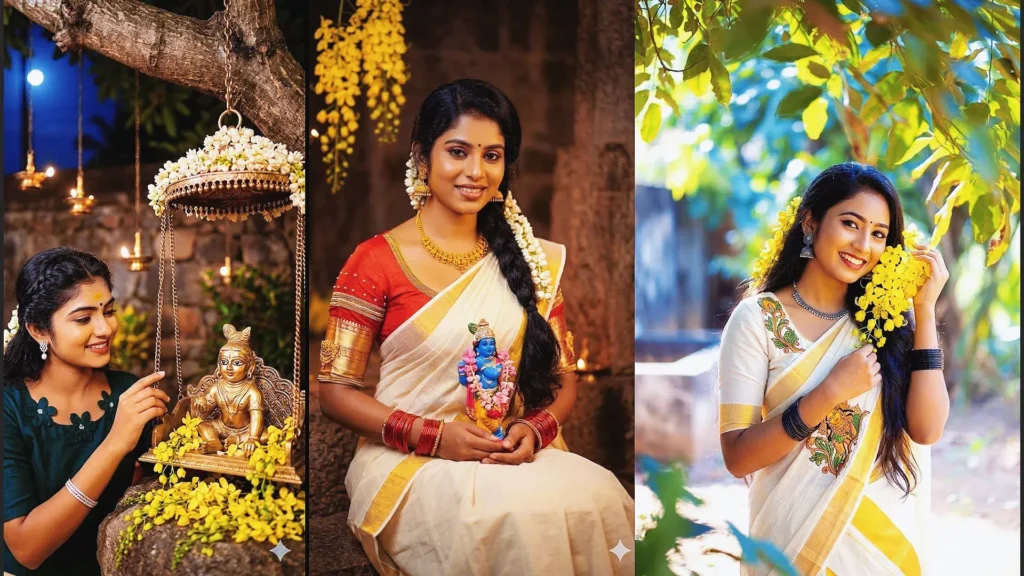
Create a stunning traditional portrait featuring elegant saree styling, natural floral surroundings, and cinematic lighting effects. This google gemini ai photo prompt is perfect for users looking for realistic fashion photography and premium google gemini ai photo editing prompts for girls. The detailed composition helps Gemini AI generate beautiful, social-media-ready portraits while preserving facial identity.
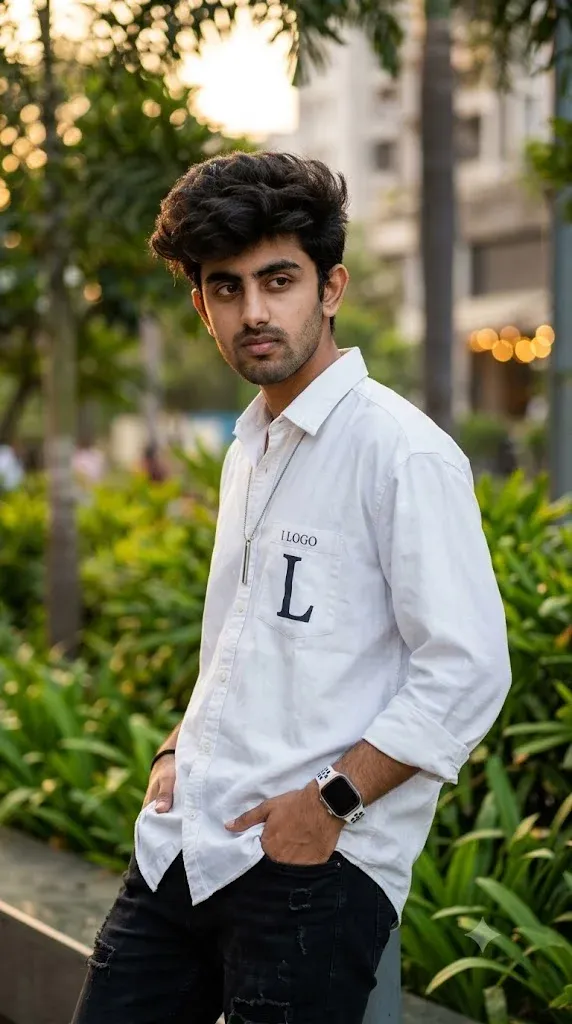
2. Stylish Outdoor Fashion Boy Look
This trendy outdoor portrait focuses on modern fashion, natural backgrounds, and influencer-style photography. If you’re searching for a gemini ai photo prompt copy paste trending boy 2026, this prompt delivers realistic results with professional DSLR-style effects. It’s one of the most popular google gemini ai photo editing prompts boys currently used for Instagram and Facebook content.
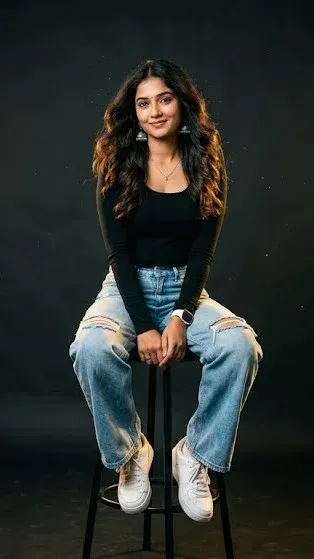
3. Premium Black Studio Portrait for Women
Transform ordinary photos into luxury studio portraits with dramatic lighting and fashion-magazine aesthetics. This google gemini ai photo editing prompt copy paste girl is ideal for creating stylish social media content using the latest gemini ai photo editor techniques and premium editorial photography effects.
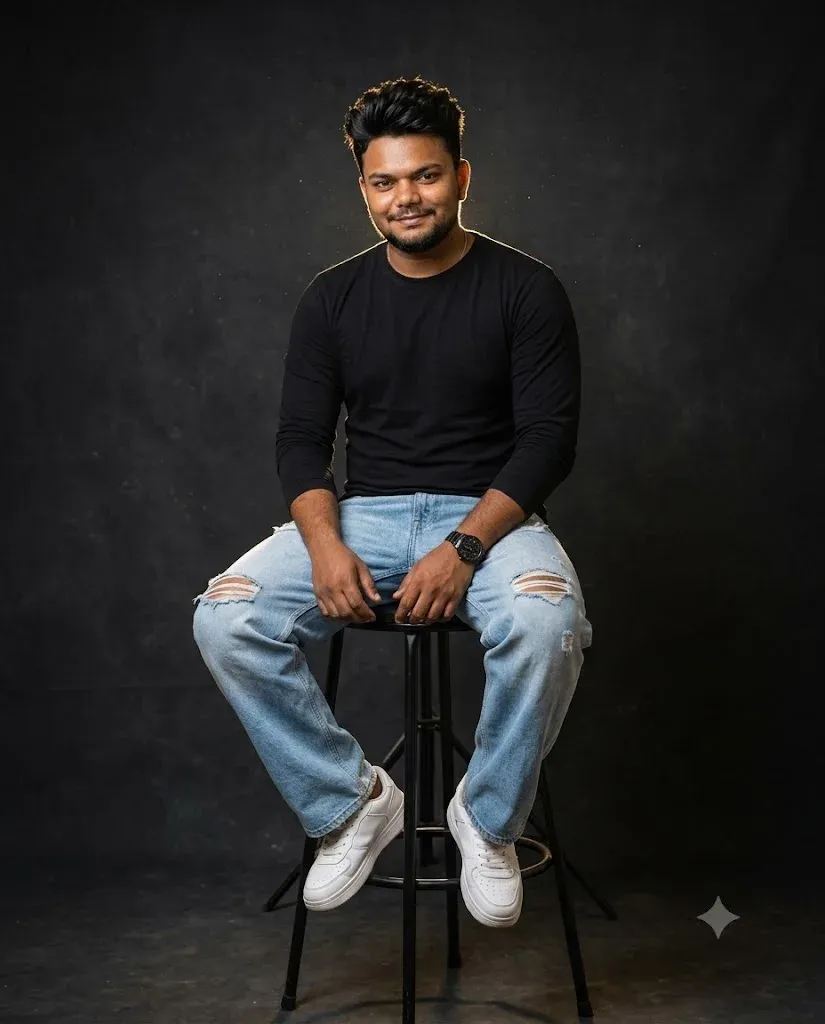
4. Luxury Fashion Studio Portrait for Men
Designed for modern fashion photography lovers, this photo editing gemini prompt creates professional-quality portraits with realistic lighting, detailed clothing textures, and studio-grade results. It’s an excellent google gemini ai photo editing prompt copy paste boy for creating viral profile pictures and fashion-focused social media posts.
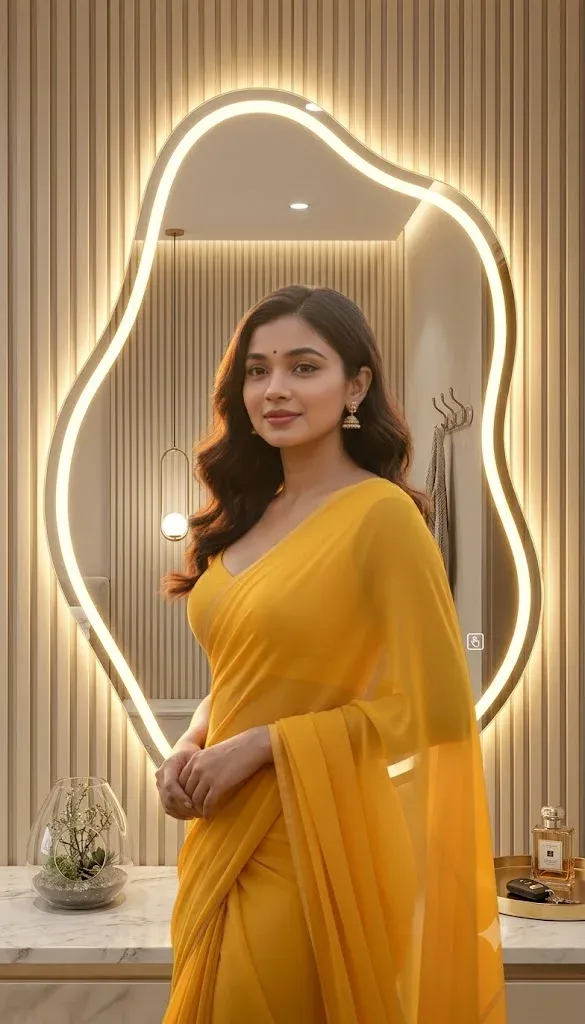
5. Luxury LED Mirror Selfie Transformation
Upgrade a simple mirror selfie into a premium luxury portrait with warm LED lighting and modern interior aesthetics. This gemini photo editing prompt is perfect for users who want a realistic makeover without changing their original appearance. The result looks like a professional photoshoot captured in a luxury hotel or designer studio.
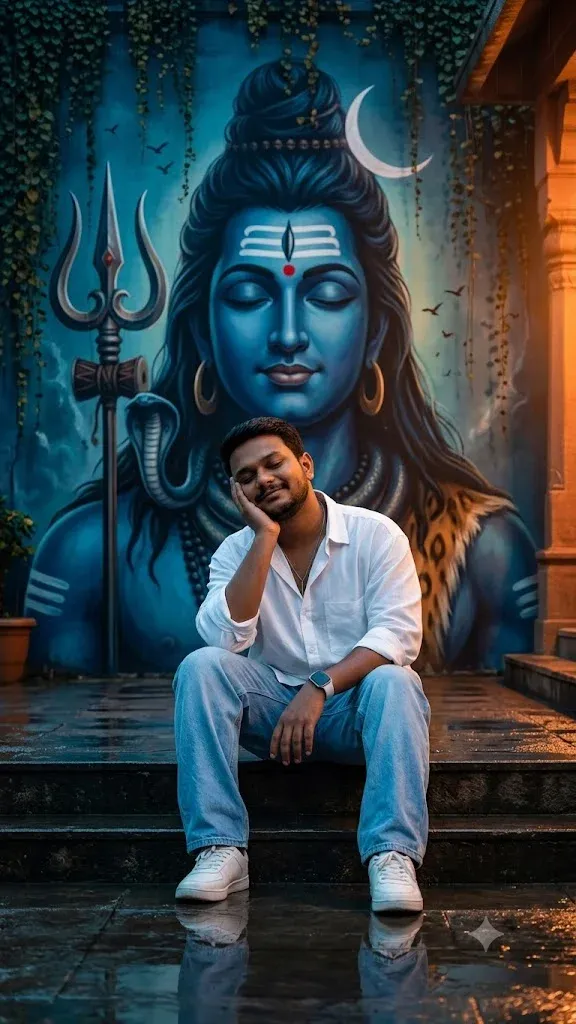
6. Divine Lord Shiva Wall Portrait
Create a spiritual and cinematic masterpiece featuring devotional artwork and dramatic temple-inspired lighting. This google gemini ai photo editing prompt combines realistic portrait photography with divine aesthetics, making it ideal for users who want unique and meaningful AI-generated images.
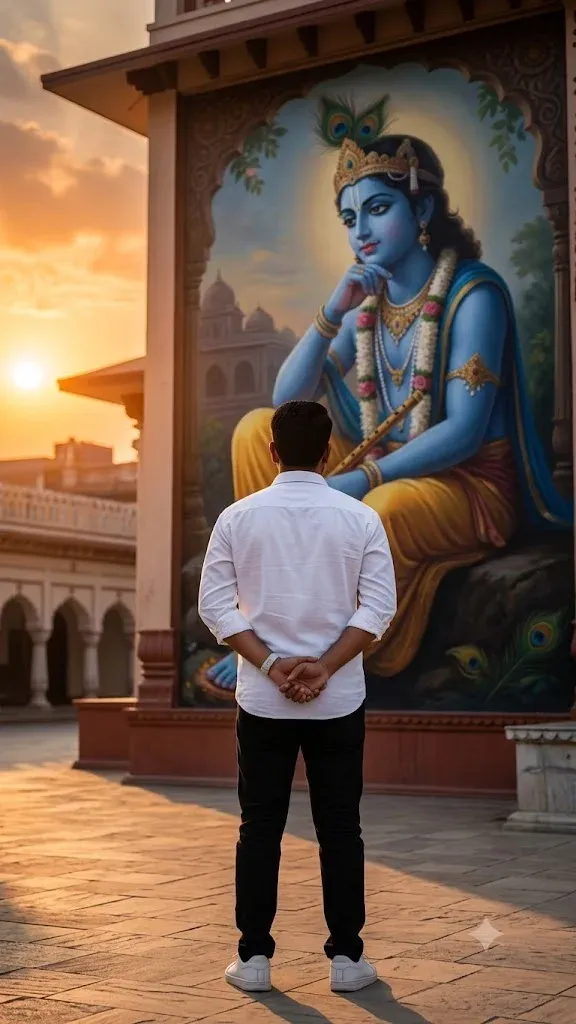
7. Golden Hour Krishna Temple Scene
Capture a peaceful devotional atmosphere with stunning sunset lighting and realistic temple surroundings. This gemini ai photo prompt is perfect for creating artistic spiritual portraits while maintaining a natural and photorealistic appearance. The cinematic composition adds depth and emotion to every image.
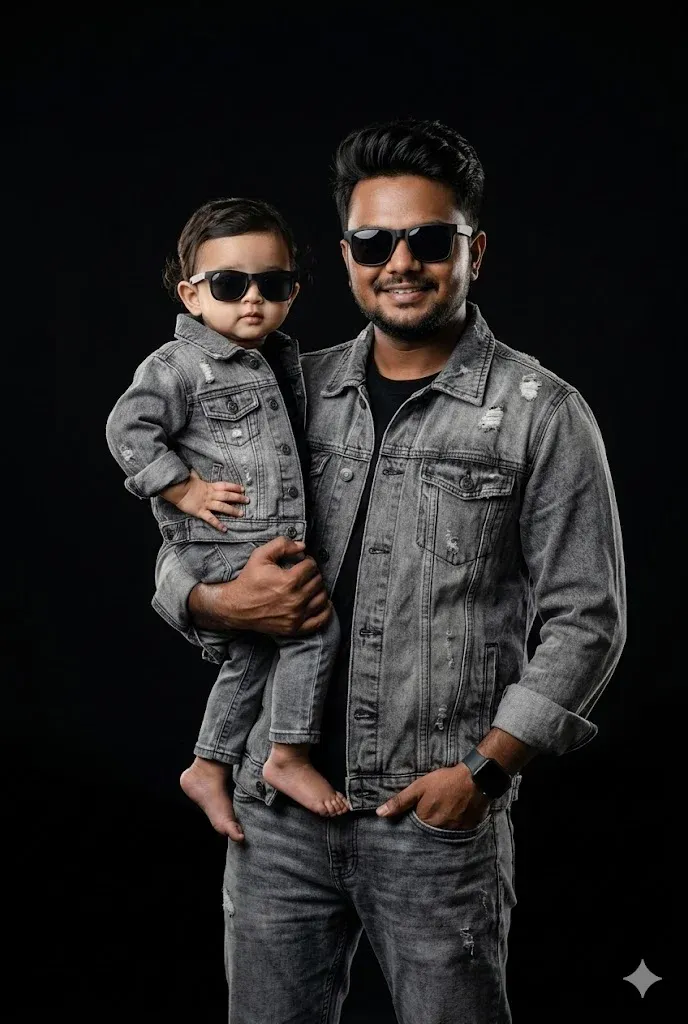
8. Stylish Father and Daughter Studio Photoshoot
Celebrate the special bond between a father and daughter with a professional fashion-inspired portrait. This google gemini ai photo editing prompt copy paste father daughter creates premium studio-quality images and is one of the most popular family photo prompts for social media, albums, and memorable keepsakes.
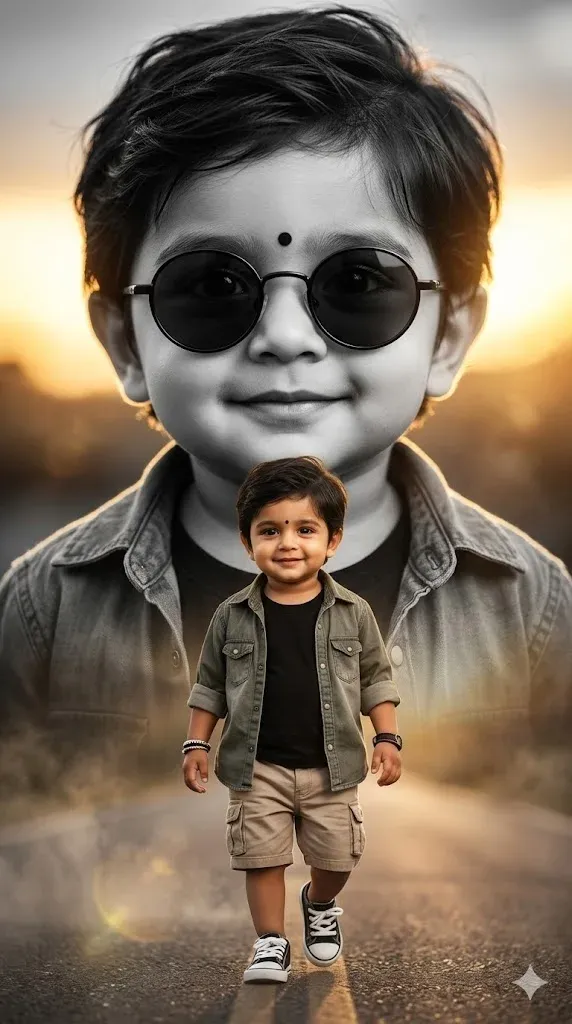
9. Luxury Double Exposure Toddler Portrait
Create an eye-catching editorial-style portrait featuring a creative double-exposure effect and luxury fashion aesthetics. This gemini ai photo editor prompt is ideal for parents who want unique family photo prompts that showcase their child’s personality in a stylish and artistic way.
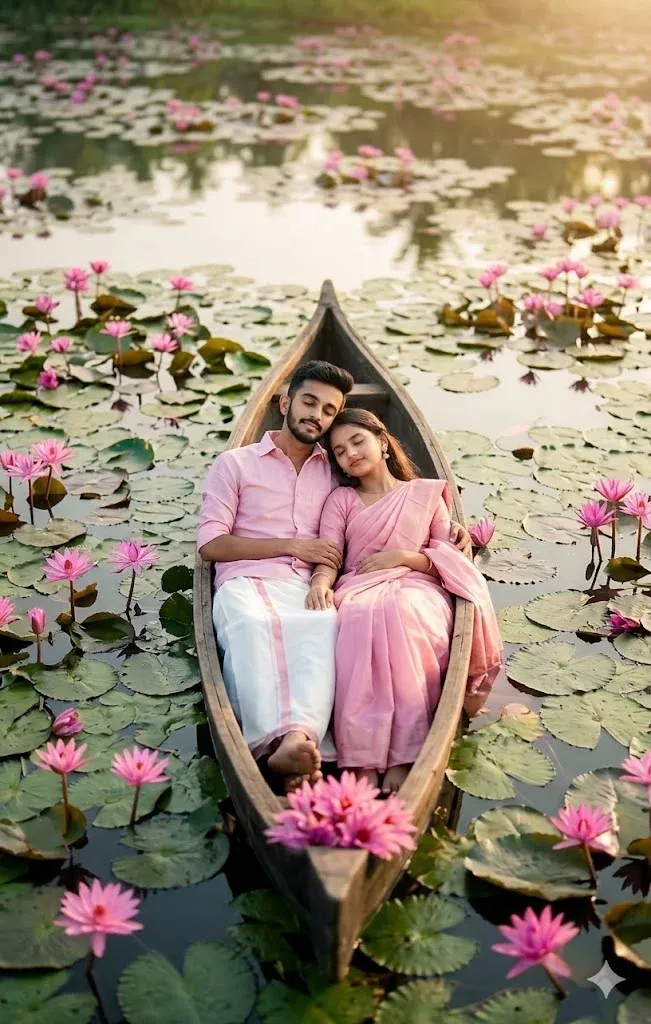
10. Romantic Lotus Pond Boat Scene
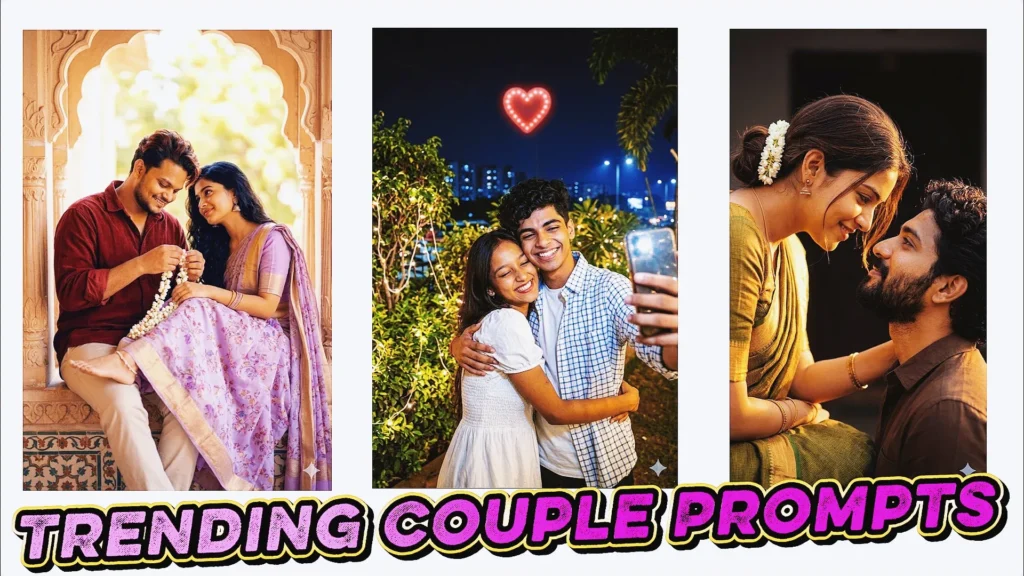
Generate a breathtaking romantic portrait surrounded by lotus flowers and peaceful water reflections. This google gemini ai photo editing prompt couple is perfect for engagement photos, anniversary memories, and creative social media content. The cinematic aerial perspective adds a unique storytelling element to the final image.
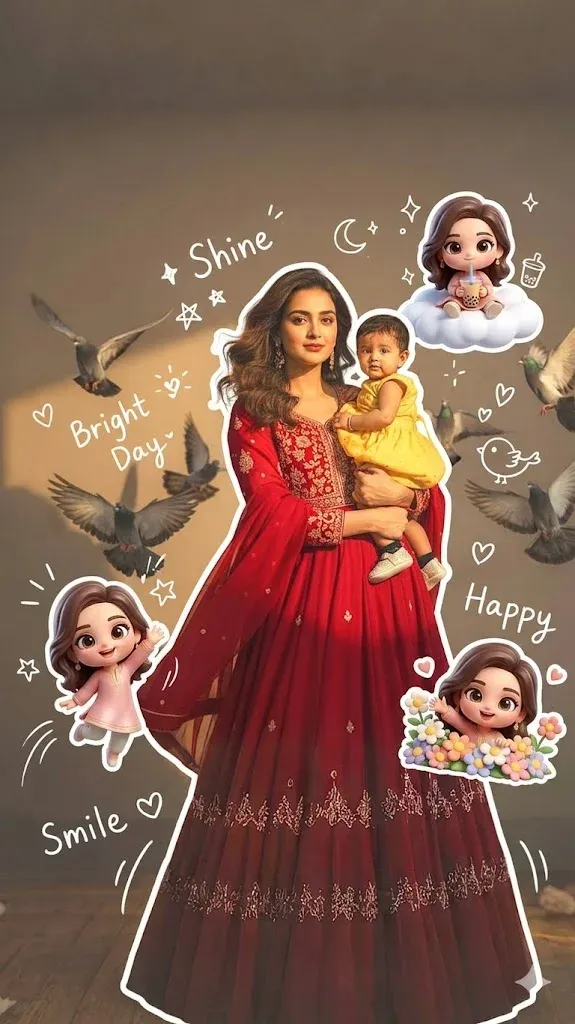
11. Cute Chibi Character Photo Effect
Turn a regular portrait into a fun and creative artwork with adorable 3D chibi characters and playful doodle elements. This google gemini ai photo editing prompt copy paste creates highly shareable images while preserving the original face. It’s perfect for users looking for unique profile pictures, creative edits, and family photo prompts with a modern Korean-inspired aesthetic.
Mistakes to Avoid When Creating AI Photo Edits
Getting a good result from Gemini isn’t always about using a longer prompt. The instructions also need to contain the right visual information. Beginners commonly make these mistakes:
- Giving Gemini too little information — A vague request can leave important creative decisions to the AI.
- Leaving the setting undefined — If you don’t mention the environment, Gemini may create a background that doesn’t match your concept.
- Ignoring the lighting — Lighting affects the mood, realism, and overall appearance of the generated image.
- Skipping outfit details — Clearly describe the clothes, colors, fabric, and overall fashion style you want.
- Not mentioning facial consistency — When using a reference photo, tell Gemini that recognizable facial characteristics should be retained.
- Starting with a poor-quality reference image — Blurry, dark, or heavily cropped photos can make it harder to produce a convincing edit.
FAQs About Google Gemini AI Photo Editing Prompts
What exactly are Google Gemini AI photo editing prompts?
They are written instructions that explain to Gemini what you want to change or create in an image. A prompt can include details about the subject, clothing, setting, lighting, pose, camera perspective, colors, and artistic style.
How can I apply a photo editing prompt in Gemini?
Upload your image to Gemini, select an appropriate prompt, and paste the instructions into the conversation. You can then generate the edit and refine the wording if certain elements need to be changed.
Can Gemini modify a photo that I already have?
Yes, Gemini can work with uploaded images for supported image-editing features. Depending on the request and available capabilities, you can ask for changes to elements such as the background, lighting, clothing, composition, or overall visual style. Results can vary based on the source image and instructions.
Does Gemini provide photo editing for free?
Gemini has offered image-generation and editing capabilities through different plans and features. Availability, usage limits, and advanced options can change based on your Google account, location, product version, and current Google policies. Check the options available in your Gemini account before relying on a specific feature.
Final Thoughts
AI photo editing has made it much easier to experiment with different visual concepts without relying entirely on traditional editing software. With well-written Google Gemini AI photo editing prompts, you can explore cinematic portraits, fashion-inspired transformations, couple images, family compositions, traditional looks, and many other creative styles.
The quality of your instructions plays an important role in the result. Instead of writing a basic request, describe the subject, outfit, pose, environment, lighting, camera perspective, and mood you want. If you’re working with a personal photograph, you can also explain which recognizable features should remain consistent.
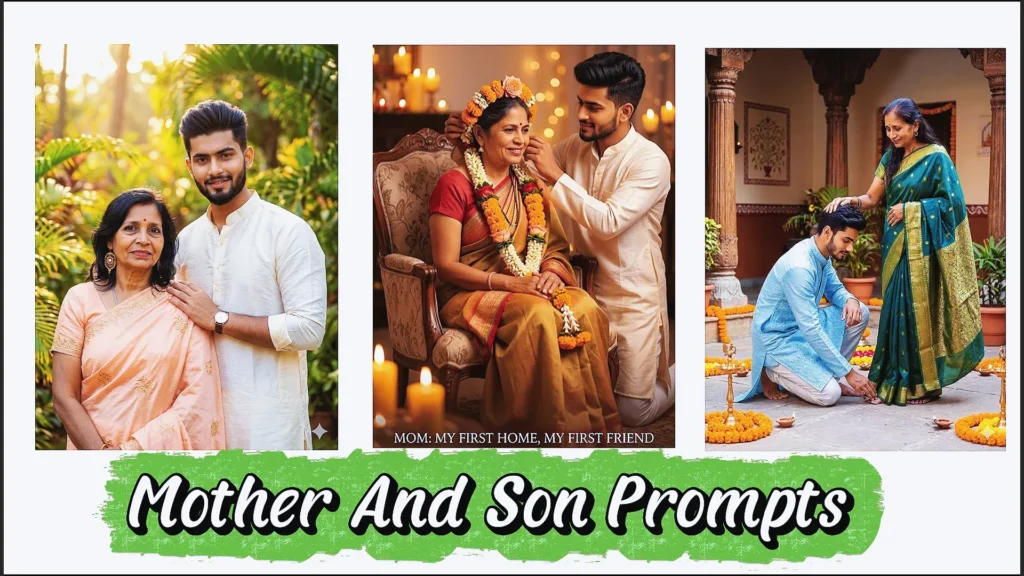
The prompts in this guide can be adapted for different subjects, including boys, girls, couples, mother-and-son portraits, and father-and-daughter photos. Try changing individual elements rather than replacing the entire prompt every time. Small adjustments to the background, clothing, lighting, or composition can produce noticeably different results.
If you’re creating content for Instagram, Facebook, blogs, or personal projects, experiment with different Gemini AI photo editing prompts and develop your own variations. Save the prompts that work well for your preferred image style and revisit them whenever you want to create a new edit.
As AI image tools continue to develop, learning how to write clear visual instructions can help you get more predictable and personalized results from your creative workflow.