Vishu Gemini Prompts
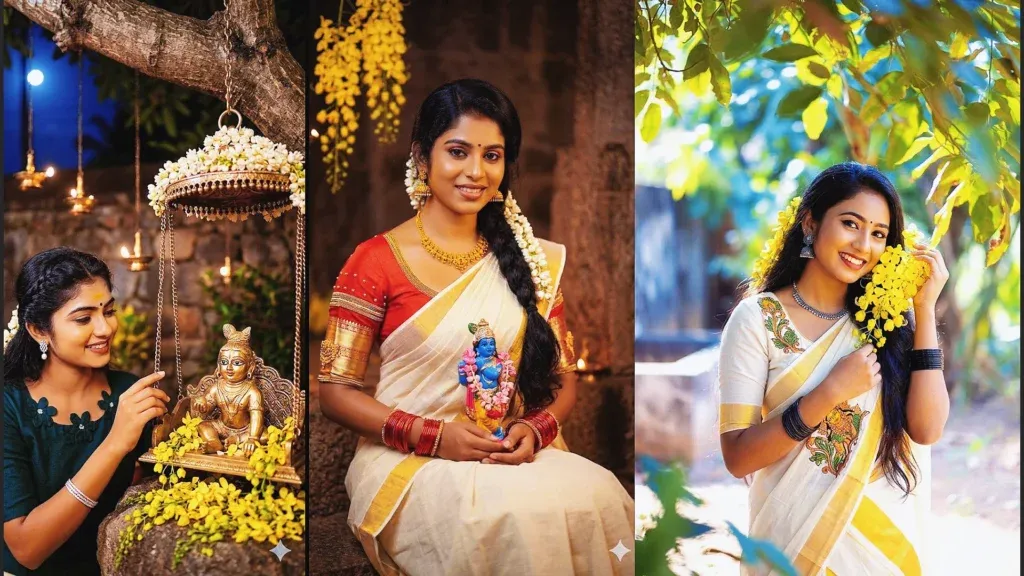
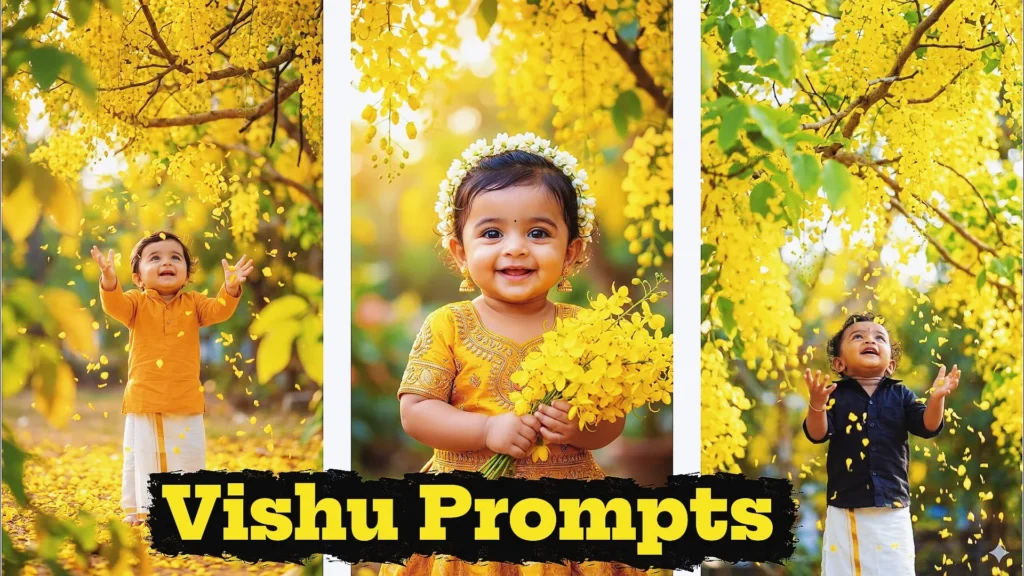
Vishu is one of the most beautiful festivals celebrated in Kerala, and AI image generation has opened up a fun new way to capture its traditional charm. With Vishu Gemini prompts, you can turn a simple photo or idea into a beautiful festive image featuring Vishukkani, Kanikonna flowers, traditional Kerala outfits, diyas, and devotional elements.
You don’t need professional photography skills or advanced editing knowledge. A well-written prompt can help Gemini create realistic and creative Vishu-themed images in just a few steps.
In this guide, you’ll find Vishu Gemini prompts that you can copy, paste, and customize for Instagram, WhatsApp, Facebook, profile pictures, festive greetings, and other social media content.
What Is a Vishu Gemini Prompt?
A Vishu Gemini prompt is a detailed instruction that tells Gemini what kind of Vishu-themed image you want to create.
You can describe the:
- Traditional Kerala clothing
- Vishukkani arrangement
- Kanikonna flowers
- Lord Krishna
- Golden diyas
- Temple-inspired backgrounds
- Family celebrations
- Lighting and photography style
- Pose and facial expression
- Background and atmosphere
The more clearly you describe your idea, the easier it is for the AI to understand the scene you want.
Why Are Vishu Gemini Prompts Popular?
AI-generated festival images are becoming popular because they make creative photo editing accessible to almost everyone.
With the right prompt, you can create images that look suitable for:
- Instagram posts
- Instagram Stories
- WhatsApp Status
- Facebook posts
- YouTube thumbnails
- Vishu greeting cards
- Profile pictures
- Festival posters
You can also change individual details in a prompt to create completely different versions of the same concept.
Best Vishu Gemini Prompts for AI Images (Copy & Paste Free)
Try these powerful vishu prompt for gemini ai ideas to generate realistic and aesthetic Vishu visuals. Perfect gemini free prompt collection for beginners and creators.
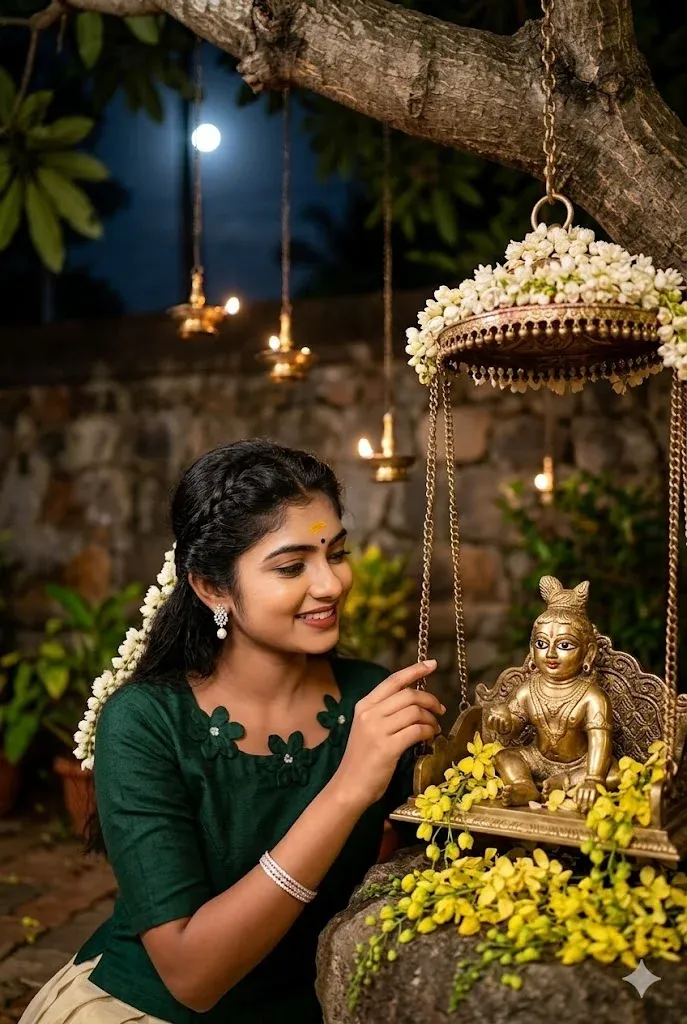
1. Night Scene with Baby Krishna & Golden Swing
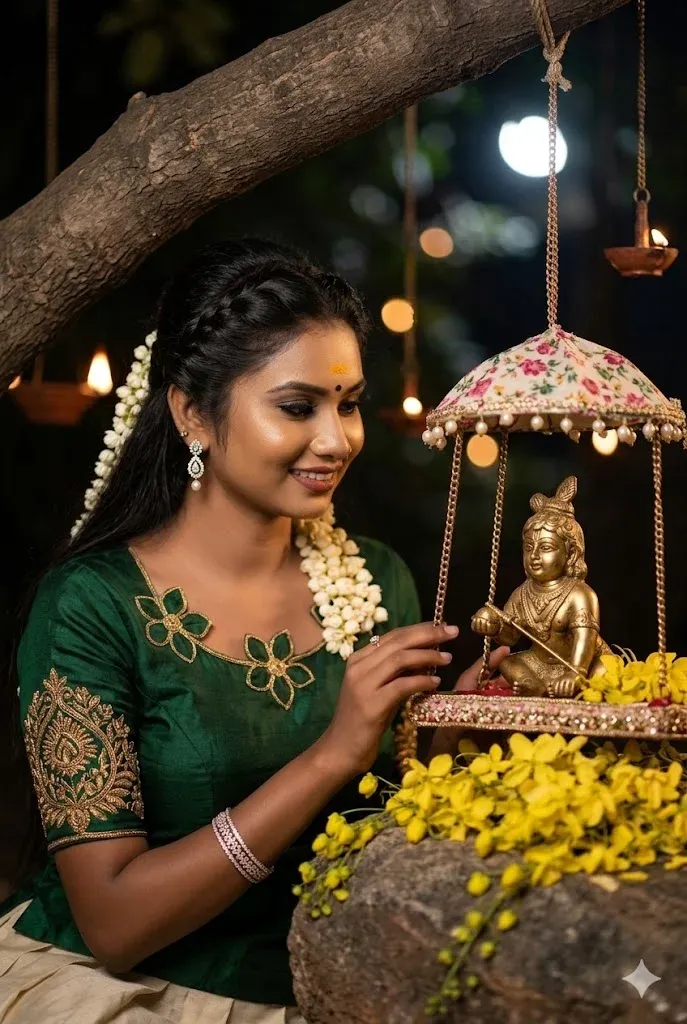
This vishu gemini prompt captures a peaceful night setting where devotion meets aesthetic beauty. With moonlight, hanging diyas, and kanikonna flowers, this Lord Krishna gemini prompt creates a divine and emotional composition. Perfect for users looking for gemini prompts aesthet with soft lighting, detailed textures, and a spiritual vibe for Vishu celebrations.
2. Kerala Saree Portrait with Kanikonna Flowers
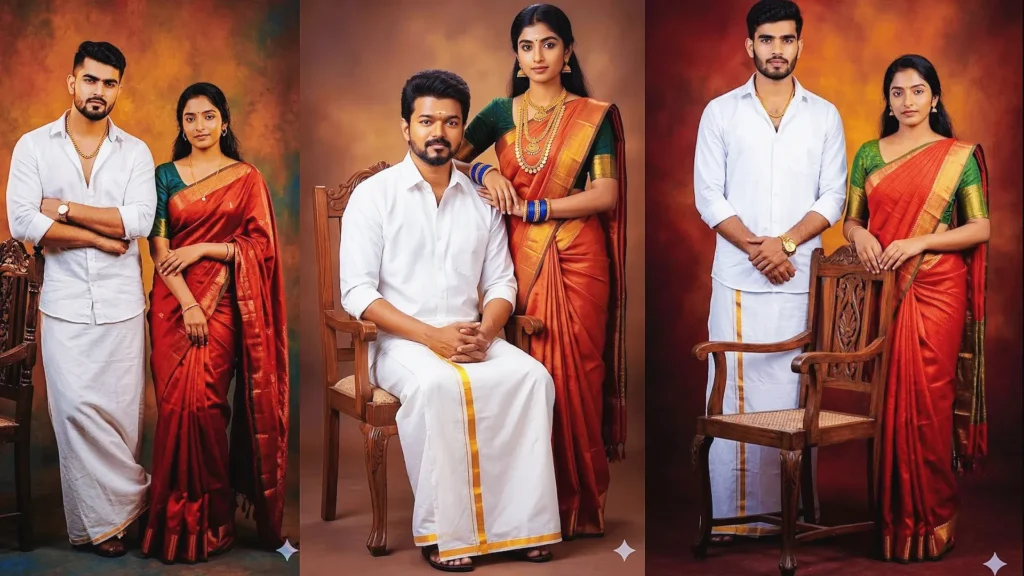
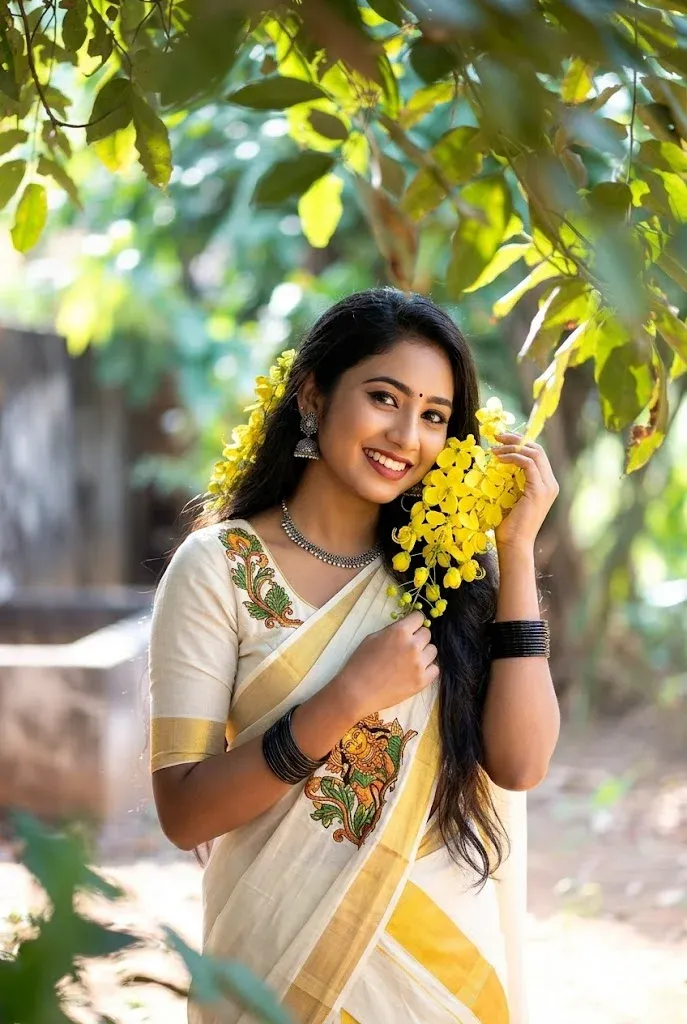
This elegant vishu prompt for gemini ai focuses on a joyful Kerala-style portrait featuring Kasavu saree and golden flowers. The combination of natural lighting and traditional styling makes it one of the best vishu gemini AI prompts for creating festive, Instagram-ready visuals. Ideal for beginners searching for a gemini free prompt with realistic output.
3. Devotional Krishna Night Composition
A beautifully detailed gemini vishu prompt designed for creating artistic night scenes with divine elements. Featuring a serene woman and baby Krishna idol, this Lord Krishna prompt blends cultural richness with cinematic lighting. Great for users exploring vishu gemini prompts that focus on emotional storytelling and aesthetic depth.
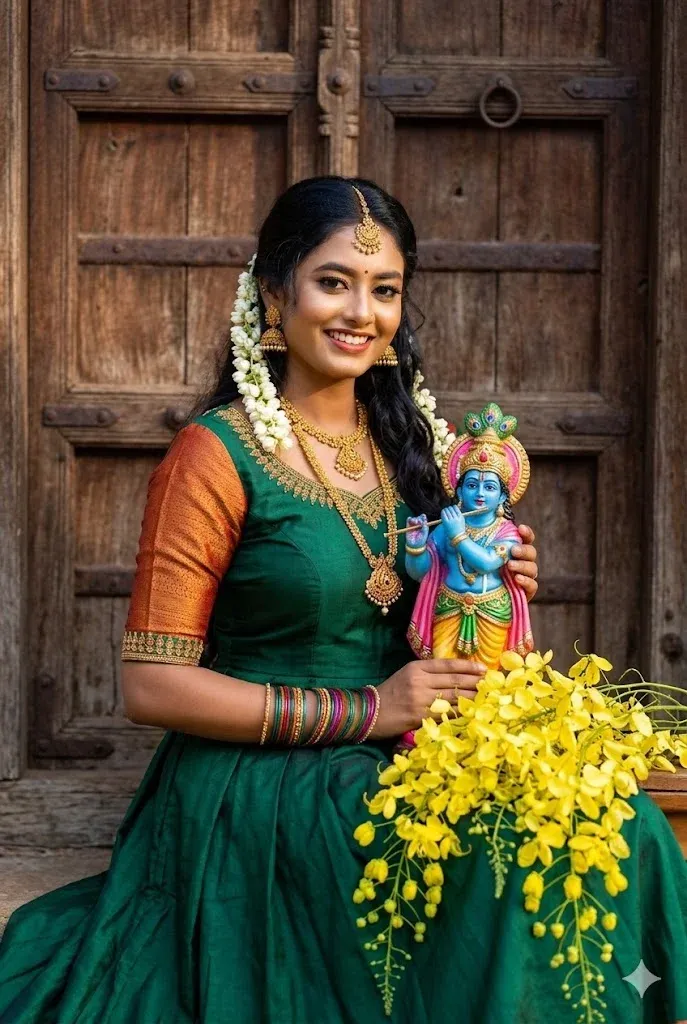
4. Traditional Portrait with Rustic Background
This Lord Krishna for gemini prompt delivers a rich, cultural portrait with authentic South Indian styling. From gold jewelry to kanikonna flowers, every detail enhances realism. It’s a powerful vishu prompt for users who want a balance of tradition and professional-quality visuals using gemini prompts aesthet techniques.
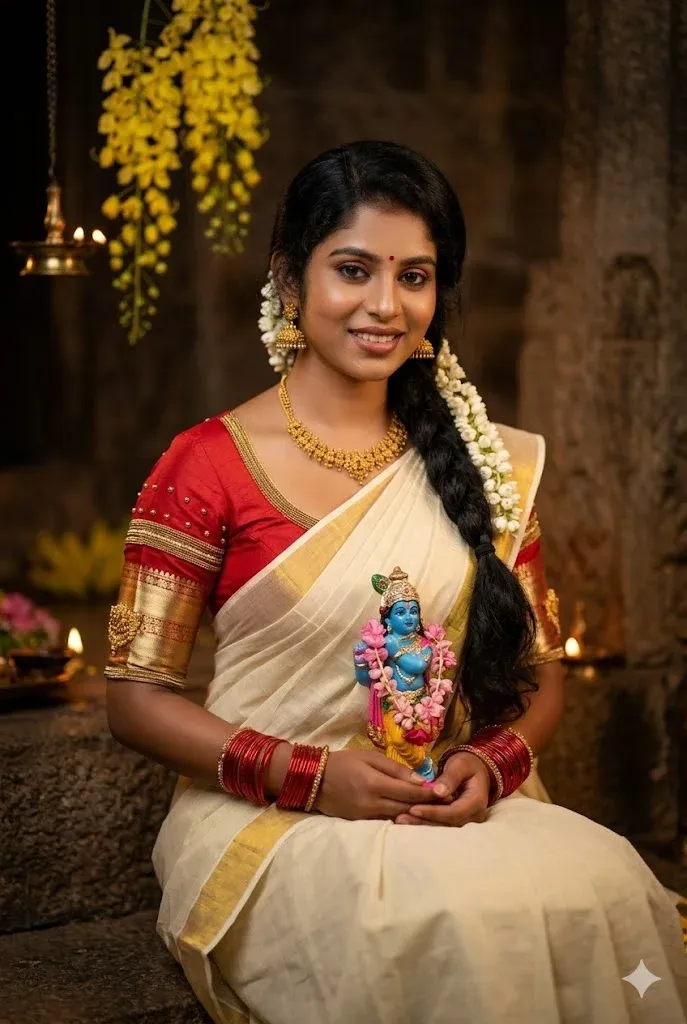
5. Kasavu Saree Portrait with Krishna Idol
A highly detailed vishu gemini AI prompt that highlights traditional elegance and devotion. The warm lighting, rustic background, and Krishna idol make this one of the most engaging vishu gemini prompts for festive content. Perfect for creators looking for a Lord Krishna gemini prompt that feels both authentic and visually stunning.
How to Use Vishu Gemini Prompts
You don’t need advanced AI skills to get started.
Step 1: Choose Your Photo
Select a clear photograph where your face is visible. A high-quality source image usually gives better results.
Step 2: Open Gemini
Open Gemini and use its image-generation or image-editing feature when available.
Step 3: Upload Your Photo
If you want to create a personalized portrait, upload your reference image.
Step 4: Copy a Prompt
Choose one of the Vishu prompts from this article and paste it into Gemini.
Step 5: Generate Your Image
Let Gemini process the request and generate the image.
Step 6: Improve the Result
If the first result isn’t exactly what you want, modify the prompt. You can change the:
- Saree color
- Background
- Lighting
- Flowers
- Pose
- Jewelry
- Camera angle
- Facial expression
- Krishna idol placement
Small changes can create noticeably different results.
Tips for Better Vishu AI Images
Use a High-Quality Reference Photo
A clear, well-lit image gives the AI more useful information about your face and appearance.
Describe the Scene Clearly
Don’t simply write “make a Vishu photo.” Explain the clothing, background, lighting, pose, flowers, and overall mood.
Mention Important Details
If you want a traditional Kerala look, specifically mention elements such as Kasavu saree, Kanikonna flowers, jasmine, diyas, Vishukkani, and Kerala-style decorations.
Keep the Face Natural
When editing a personal photograph, include instructions such as “preserve facial identity” and “keep natural facial features.” This can help maintain consistency.
Try Multiple Versions
Don’t stop after one generation. Change the lighting, background, pose, or clothing and create several variations.
Vishu Gemini Prompts for Social Media
Your AI-generated Vishu images can be used for several types of content, including:
Instagram: Create festive posts, Stories, Reels covers, and profile pictures.
WhatsApp: Use your image as a Status update or send it as a personalized Vishu greeting.
Facebook: Create traditional family portraits and festive posts.
Greeting Cards: Add a short Vishu message to your generated image and create a digital greeting card.
Frequently Asked Questions
What is a Vishu Gemini prompt?
A Vishu Gemini prompt is a detailed text instruction used to create or edit images around Vishu themes. It can include traditional Kerala clothing, Vishukkani, Kanikonna flowers, diyas, Krishna imagery, and festive backgrounds.
Can I create Vishu photos with my own picture?
Yes. You can upload a suitable reference photo and provide instructions asking Gemini to create a Vishu-themed version while preserving your appearance.
Can Gemini create Lord Krishna Vishu images?
Yes, you can describe devotional scenes featuring Lord Krishna, traditional decorations, flowers, lamps, and other festive elements. The final result depends on the prompt and the image tool’s capabilities.
Are these Vishu Gemini prompts beginner-friendly?
Yes. They are designed to be copied, pasted, and customized. You can start with a complete prompt and then change individual details according to your preferences.
How can I make my Vishu AI image more realistic?
Use a clear reference photo and include specific instructions about natural skin texture, realistic lighting, detailed clothing, accurate jewelry, depth of field, and professional photography.
Final Thoughts
Creating a beautiful Vishu image no longer requires professional photography or advanced editing skills. With a clear reference photo and a detailed Vishu Gemini prompt, you can experiment with traditional Kerala outfits, Kanikonna flowers, Vishukkani decorations, diyas, and devotional themes.
The key is to be specific. Instead of giving Gemini a short instruction, describe the scene, clothing, lighting, background, pose, and mood you want.
Start with one of the prompts above, generate a few variations, and then adjust the details until you get an image that matches your idea.
Whether you’re creating an Instagram post, WhatsApp Status, festive greeting, or a personal Vishu portrait, these prompts give you a simple starting point for creating unique AI images.
Happy Vishu, and enjoy experimenting with your own Gemini creations!