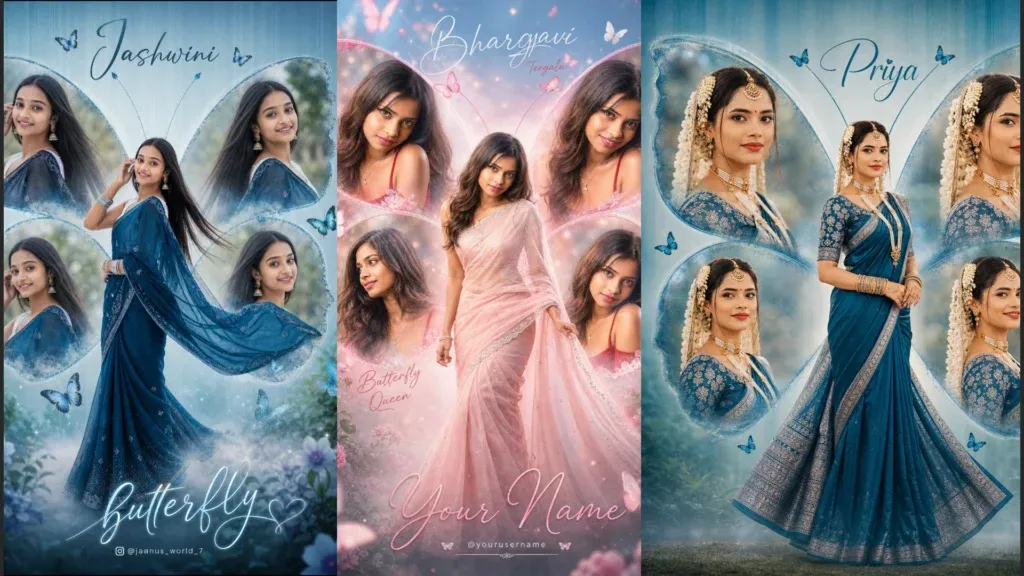
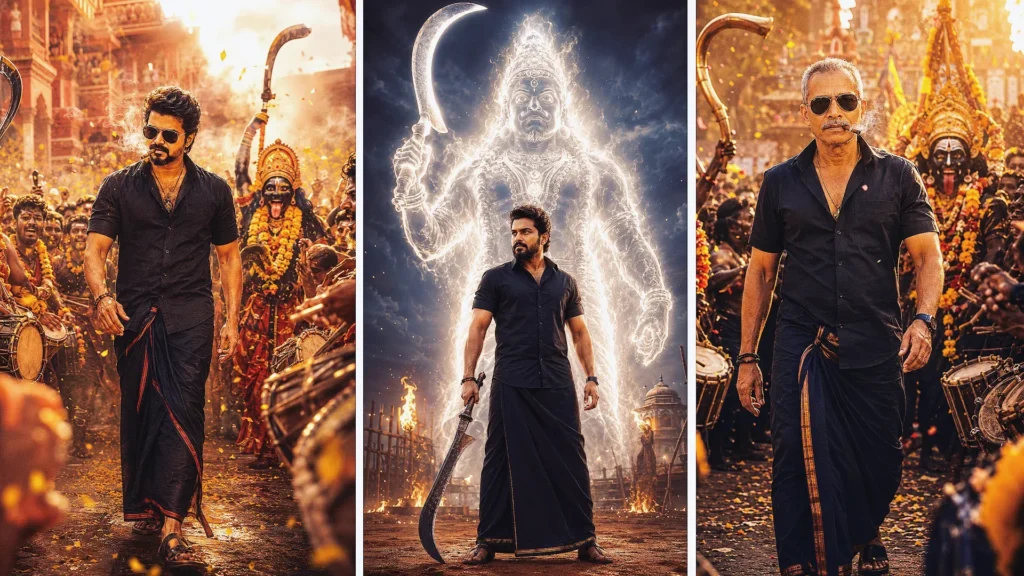
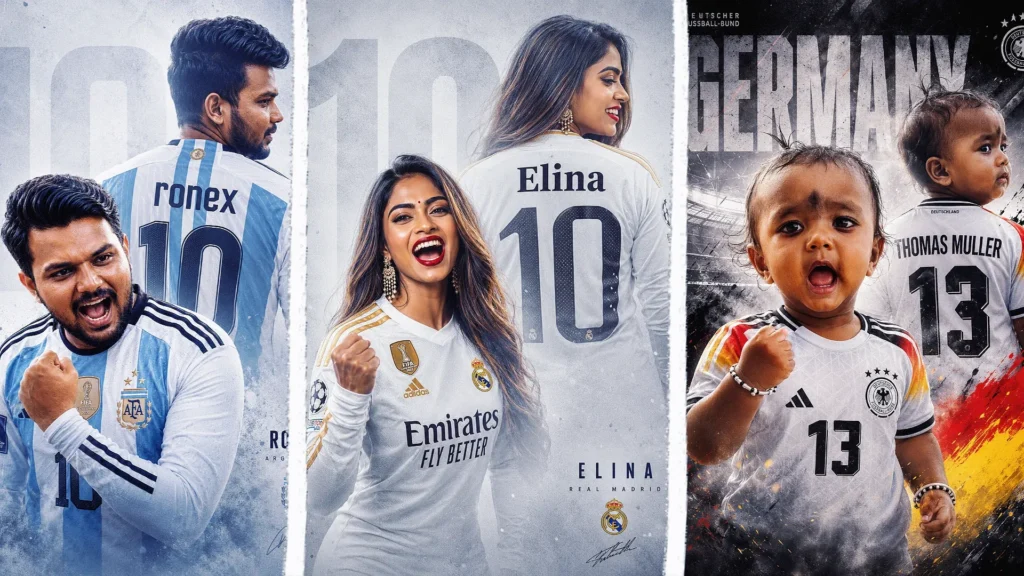
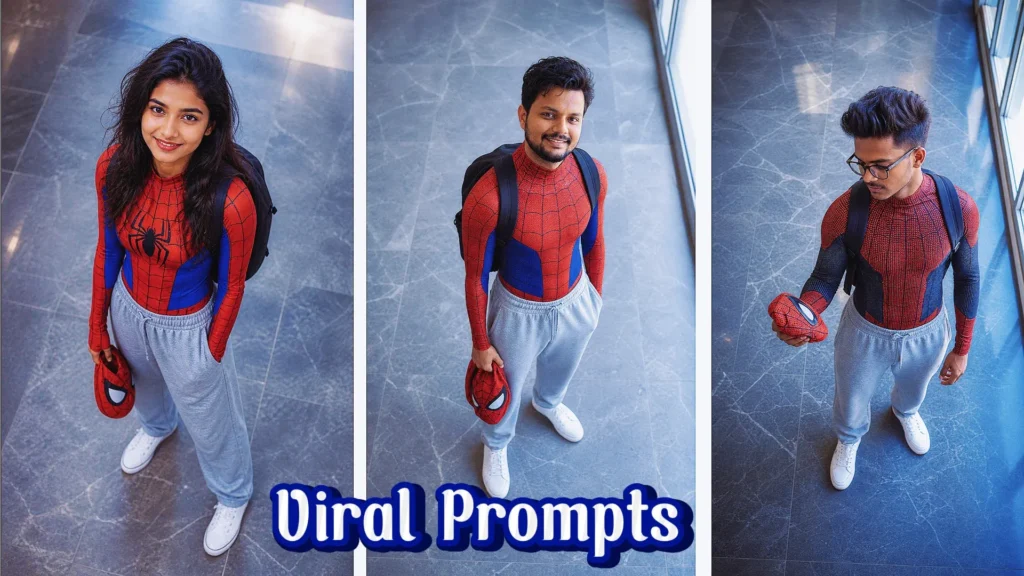
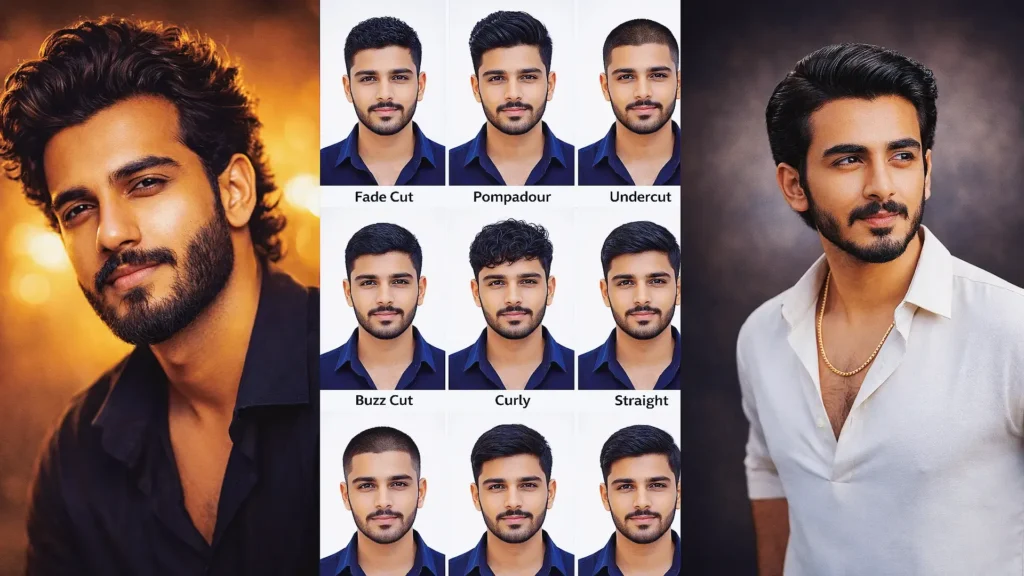
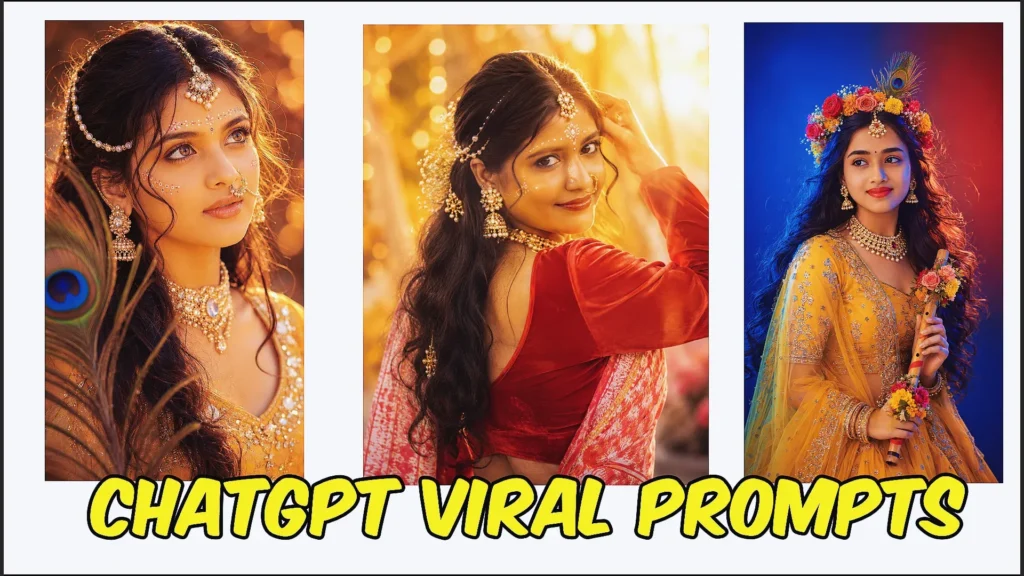
If you’ve been scrolling through Instagram lately, you’ve probably seen the dreamy butterfly-themed photos and aesthetic collages that are trending across social media. From soft lighting and elegant poses to glowing butterflies and cinematic effects, these images can look like they came straight from a professional photoshoot.
The best part? You don’t need advanced photo-editing skills to create them.
With the right butterfly prompt for ChatGPT, you can turn an ordinary photo into a beautiful butterfly-inspired AI edit in just a few minutes. Simply copy and paste a prompt, upload your photo, and let the AI create the visual style for you.
In this guide, you’ll find everything you need to get started, including ready-to-use ChatGPT prompts for image editing, practical tips for better results, and beginner-friendly ideas for creating Instagram-worthy butterfly photos without complicated editing software.
Why Are Butterfly ChatGPT Prompts Trending?
Butterfly-themed AI edits have become popular because they combine soft aesthetics, creative photography, and eye-catching visual effects. They’re especially useful for creating unique social media content and experimenting with different photo styles.
Here are some reasons this trend is gaining attention:
🌸 Soft and aesthetic visuals create an elegant, dreamy look.
📸 Social-media friendly designs work well for Instagram posts, Reels, Stories, and profile photos.
🎨 Professional-looking effects can be created without traditional editing software.
✨ Copy-and-paste prompts make the process simple, even for beginners.
Whether you want a dreamy portrait, glowing butterfly effect, cinematic collage, or creative profile picture, these trending ChatGPT prompts can help you explore different AI image-editing styles.
Here are some of the best Instagram trending prompt copy and paste options you can give your audience.
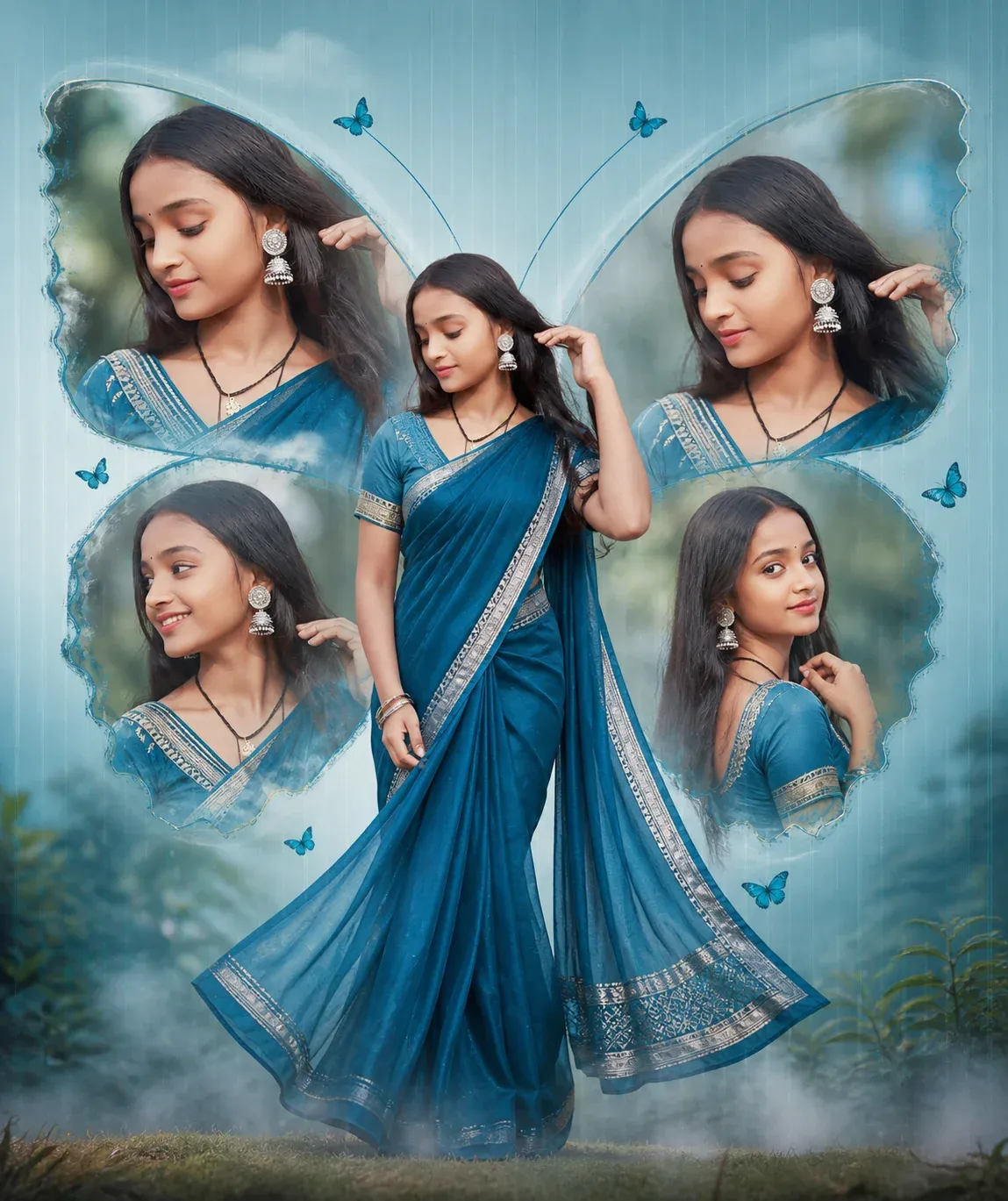
1. Create a Soft Cinematic Butterfly Collage with This ChatGPT Prompt
This butterfly prompt ChatGPT is perfect if you want a clean, elegant collage with a soft cinematic feel. It focuses on a central full-body pose with symmetrical butterfly-style portraits around it. The pastel background and natural lighting make it ideal for beginners trying chatgpt photo editing prompts text for the first time.
“Create a high-resolution, cinematic butterfly-themed collage poster of a young South Indian woman. Name: Professional editor 01 Use the uploaded image as the exact face reference (strict face preservation – 100% identical facial features, skin tone, hairstyle, expression, no changes at all). The design should feature: A large central full-body image of the woman wearing a traditional saree (deep teal/blue tone with silver border), standing gracefully and slightly twirling the Surrounding her, include 4 smaller portrait shots (close-up angles, smiling, side poses) arranged symmetrically in a butterfly wing shape. Add soft feathered edges around the smaller images to blend into the background. Background: Soft pastel teal/blue gradient background with subtle vertical texture lines. Light mist/fog effect at the bottom. Slight nature touch (blurred trees or greenery in background for depth). Styling: Elegant, dreamy, and feminine aesthetic. Soft natural lighting with smooth skin tones.”
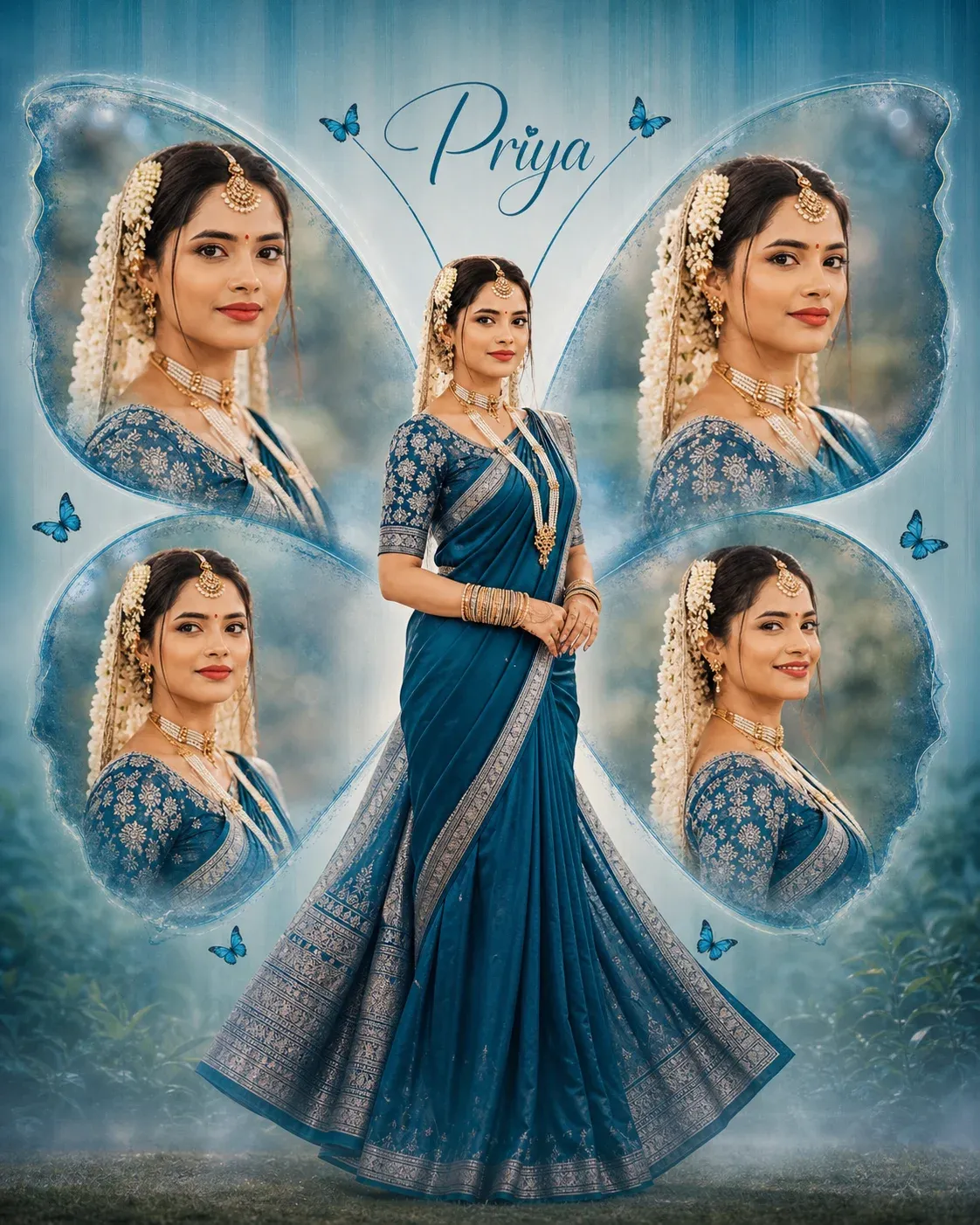
2. Turn Your Photo into a Personalized Butterfly Poster with AI
If you want something more personal, this butterfly photo prompt for girl includes custom name styling while keeping the same aesthetic layout. It’s a great option for Instagram posts where adding identity matters. This type of chatgpt prompt helps your content feel more unique without changing the overall design.
“Create a high-resolution, cinematic butterfly-themed collage poster of a young South Indian woman. Name: Priya. Use the uploaded image as the exact face reference (strict face preservation – 100%identical facial features, skin tone, hairstyle, expression, no changes at all). The design should feature: A large central full-body image of the woman wearing a traditional saree (deep teal/blue tone with silver border), standing gracefuly and slightly twirling the Surrounding her, include 4 smaller portrait shots (close-up angles, smiling, side poses) arranged symmetrically in a butterfly wing shape. Add soft feathered edges around the smaller images to blend.”
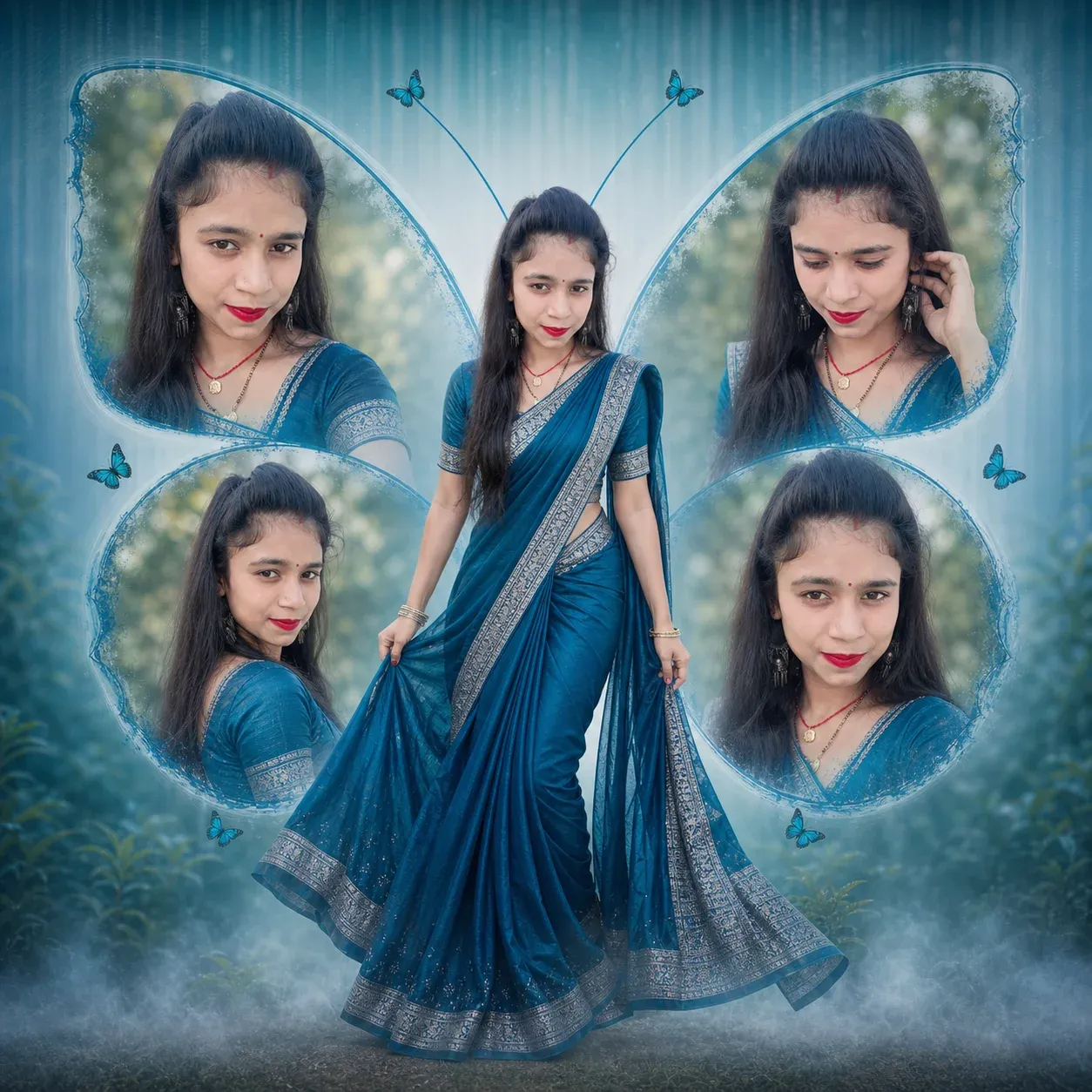
3. Square Frame Butterfly Edit Prompt for Instagram-Ready Photos
Designed for 1:1 ratio images, this is a trending prompt ChatGPT style that fits perfectly for Instagram feeds. The mix of teal tones, fog effects, and balanced composition gives a polished look. If you’re exploring new prompt chatgpt ideas for social media, this one is a strong choice.
“Create a high resolution, cinematic butterfly-themed collage poster of a young South Indian woman. Use the uploaded image as the exact face reference (strict face preservation 100% Identical facial features, skin tone, hairstyle, expression, no changes at all). The design should feature:A large central full body image of the woman wearing a traditional saree (deep teal/blue tone with silver border), standing gracefully and slightly twirling the Surrounding her, include 4 smaller portrait shots (close-up angles, smiling, side poses) arranged symmetrically in a butterfly wing shape. Add soft feathered edges around the smaller images to blend into the background. Background:Soft pastel teal/ dark blue gradient background with subtle vertical texture lines. Light mist/fog effect at the bottom.Slight nature touch (blurred trees or greenery in background for depth).Styling: Elegant, dreamy, and feminine aesthetic. Soft natural lighting with smooth skin tones. frame ratio 1:1.”
4. Dark Aesthetic Butterfly Theme Prompt for Bold AI Photo Editing
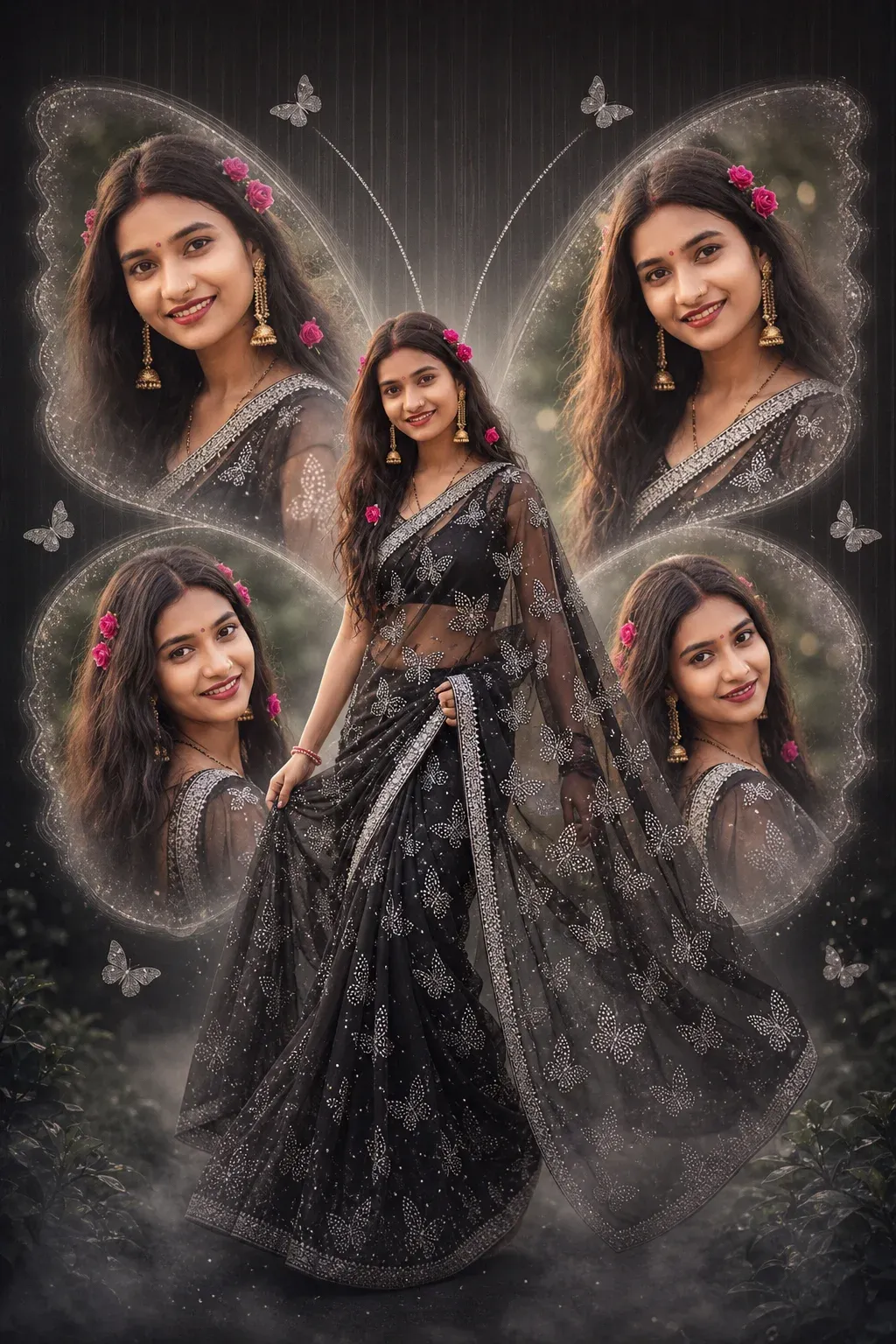
This version brings a bold twist with a black gradient background and glowing effects. It’s a different take on the usual soft aesthetic and works well for standout posts. This chat gpt prompt for image editing is ideal if you want something eye-catching and slightly dramatic.
“Create a high-resolution, cinematic butterfly-themed collage poster of a young South Indian woman. Use the uploaded image as the exact face reference (strict face preservation – 100% identical facial features, skin tone, hairstyle, expression, no changes at all). A large central full-body image of the woman wearing a net saree with white moti se puri sari me butterfly bane hai (black/black tone with silver border), standing gracefully and slightly twirling.A Collage Layout: Surrounding her, include 4 smaller portrait shots (close-up angles, smiling, side poses) arranged symmetrically in a butterfly wing shape. Add soft feathered edges around the smaller images to blend smoothly into the background. Background: Soft black gradient background with subtle vertical texture lines Light mist/fog effect at the bottom Slight nature touch (blurred trees/ greenery) for depthStyling:Elegant, dreamy, and feminine aesthetic Soft natural lighting with smooth skin tones Add subtle glow. Frame ratio 1:1.”
5. Viral Butterfly Queen Style Prompt for Premium Instagram Edits
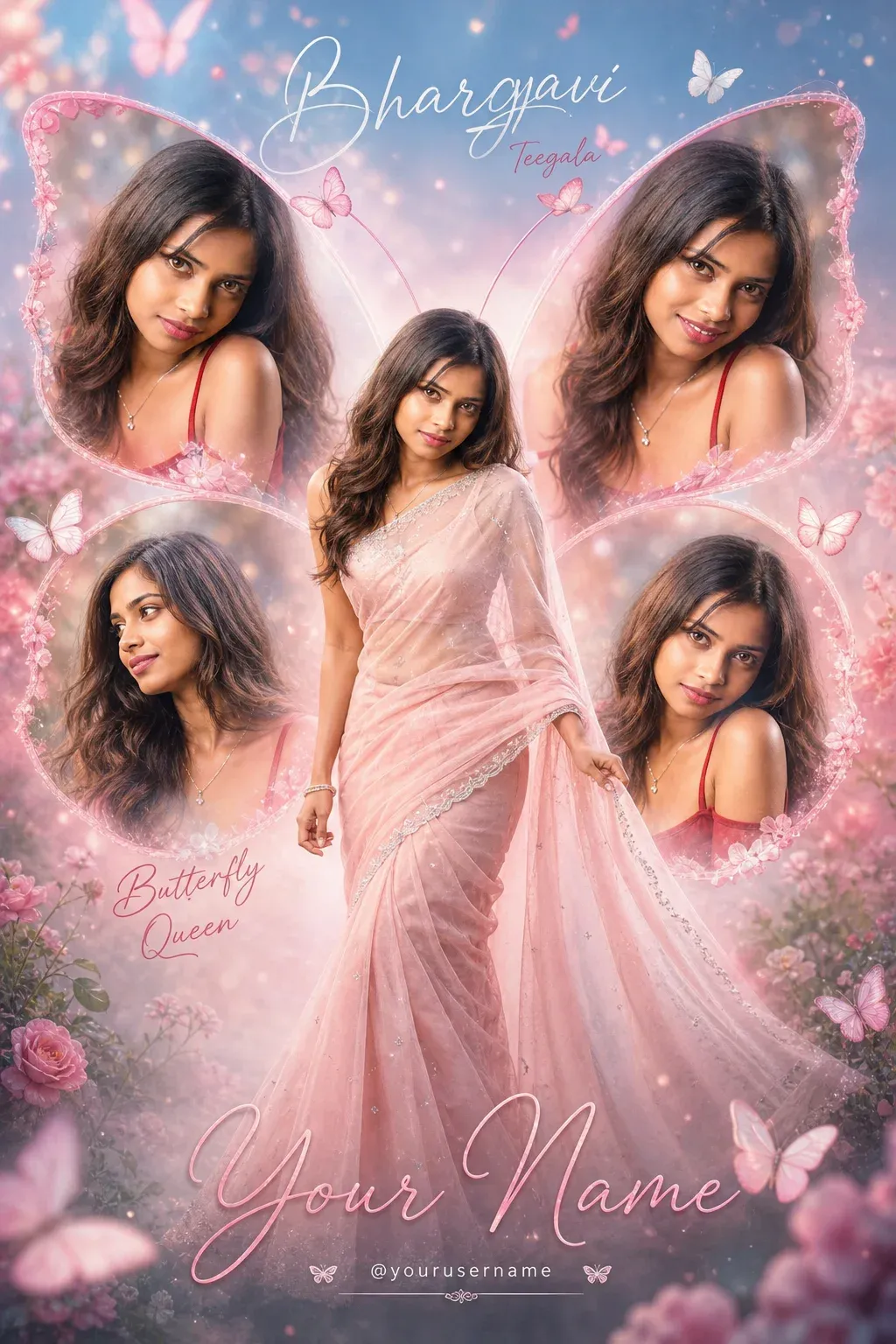
This is one of the most instagram trending prompt copy and paste styles right now. With sparkles, butterflies, floral textures, and soft lighting, it creates a premium, dreamy look. If you’re searching for a chatgpt new prompt that feels high-end and viral-ready, this one delivers.
“Bhargavi Teegala: a high-resolution cinematic butterfly-themed collage poster of a young South Indian woman using the uploaded image as exact face reference (100% strict face preservation, same facial features, skin tone, hairstyle, and expression, no changes at all). She is wearing a soft pink blush saree with a silver border, standing gracefully in a slight twirl as the main full-body central portrait. Surround her with 4 smaller aesthetic portraits (close-up smile, side profile, elegant candid look, soft traditional pose) arranged like butterfly wings with soft blended edges. Background should be dreamy pastel pink and sky blue gradient with subtle floral textures, glowing butterflies, sparkles, soft bokeh lights, and elegant flowers. Add white and pink butterflies flying around for a magical feminine vibe. Soft cinematic lighting, depth of field, ultra realistic skin details, glossy finish, premium poster design, studio-quality photo manipulation. Bhargavi Teegala: in elegant handwritten font: “Butterfly Queen” Bottom text in stylish cursive: “Your Name” Instagram-style username below in minimal font. Style: ultra HD, 4K resolution, sharp focus, professional photo editing, dreamy aesthetic, viral Instagram trending collage poster, luxury feminine design –ar 3:4 –v 6 –style raw. Butterfly collage / scrapbook-style Al portraits are a strong Instagram trend because they use layered portraits, doodles, butterflies, and dreamy lighting for eye-catching “scrapbook-coded” visuals.”
6. All-in-One Butterfly Poster Prompt with Name and Username Design
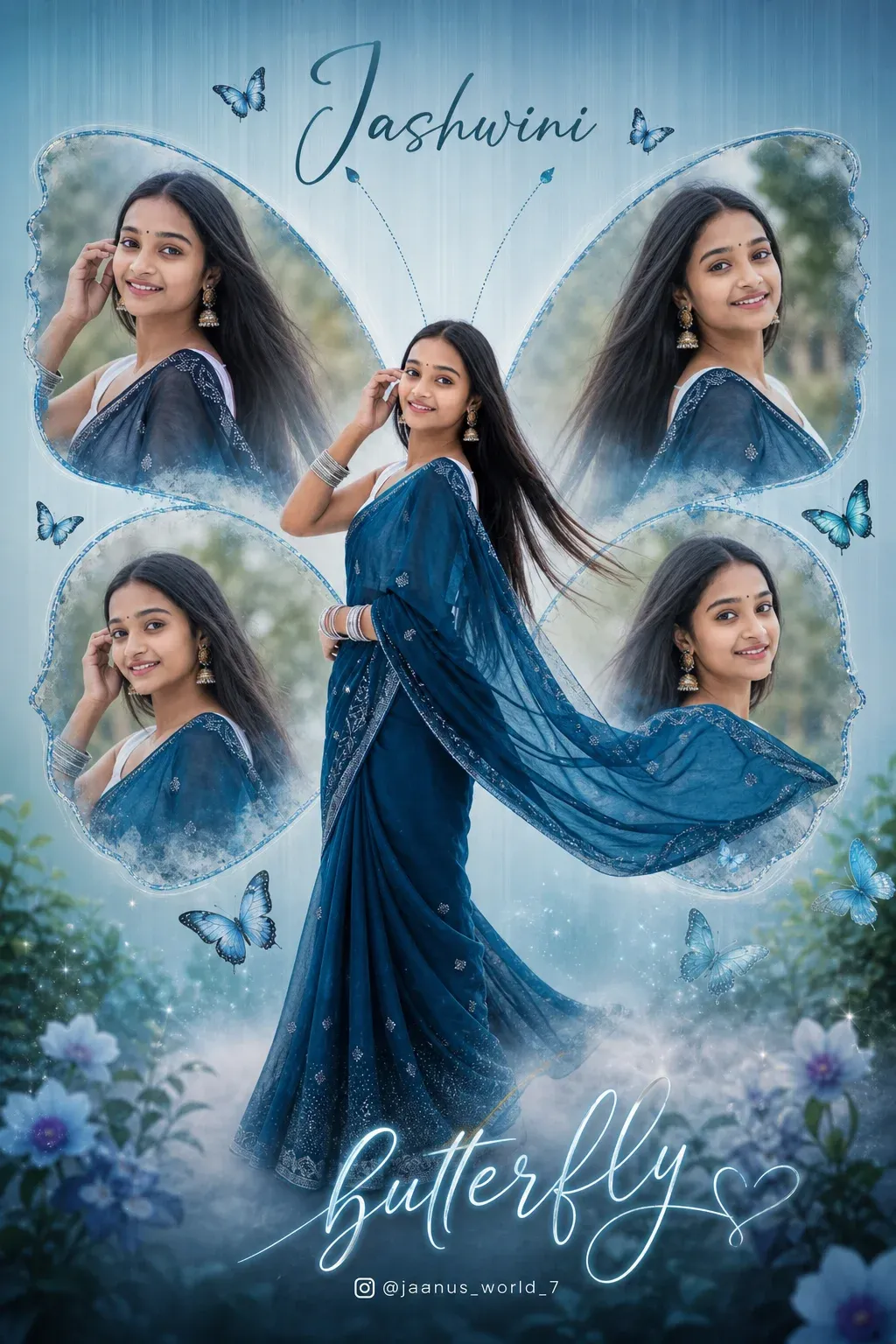
This chatgpt prompt for photo editing trending includes stylish text elements like title, name, and username. It’s perfect for creators who want a complete poster-style output, not just an image. It blends design and photography in one frame using a modern new trending prompt approach.
“Create a high resolution, cinematic butterfly themed collage poster of a young south Indian woman name Jashwini : Jaanus_world_7 use the uploaded image as the exact face reference (strict face preservation 100% identical facial features, skin tone, hair style, expressions, no change at all). The design should feature :a large central full body image of a woman wearing a traditional saree (deep teal/blue tone with silver border), standing gracefully and slightly twirling the surrounding her, include 4 smaller portrait shots (close up angles, smiling, side poses) arranged symmetrically in a butterfly wing shape. Add soft feathered edges around the smaller images to blend into the background. Background:soft pastel teal/blue gradient background with subtle vertical texture lines. Light mist or fog effect at the bottom. Slight nature touch (blurred trees or greenery in background for depth). Styling: elegant, dreamy and feminine aesthetic. Soft natural lighting with smooth skin tones. Add subtle glow and depth of field. Typography: add a stylish cursive title text at the bottom “butterfly” add a name at the top in elegant hand written font. Include a small Instagram style username below. Quality:ultra HD, 4k resolution sharp Focus, professional photo manipulation poster design, studio quality finish –ar 3:4 — v6–style raw create a high resolution, cinematic butterfly themed collage poster of a young south Indian woman.”
7. Minimal Elegant Butterfly Effect Prompt for Natural AI Portraits
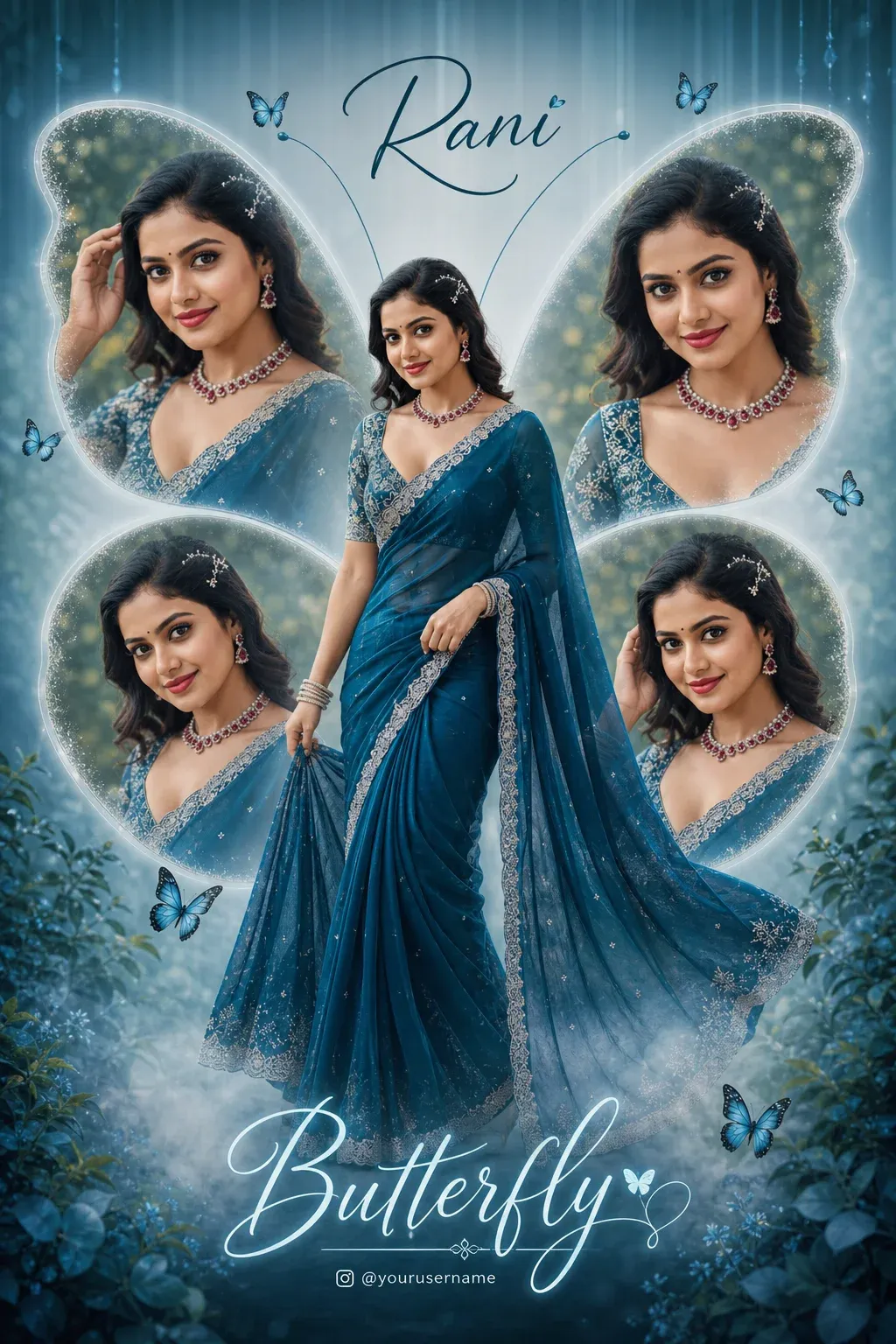
This prompt focuses on balance, soft tones, and natural beauty. It’s great for anyone who prefers a minimal yet elegant look. As a butterfly photo prompt chatgpt, it keeps things simple while still producing high-quality results that work well across platforms.
“Create a high-resolution, cinematic butterfly-themed collage poster of a young South Indian woman.Name: RaniUse the uploaded image as the exact face reference (strict face preservation – 100% identical facial features, skin tone, hairstyle, expression, no changes at all). The design should feature:A large central full-body image of the woman wearing a traditional saree (deep teal/blue tone with silver border), standing gracefully and slightly twirling theSurrounding her, include 4 smaller portrait shots (close-up angles, smiling, side poses) arranged symmetrically in a butterfly wing shape.Add soft feathered edges around the smaller images to blend into the background. Background:Soft pastel teal/blue gradient background with subtle vertical texture lines. Light mist/fog effect at the button. Slight nature touch (blurred trees or greenery in background for depth).Styling:Elegant, dreamy, and feminine aesthetic. Soft natural lighting with smooth skin tones.Add subtle glow and depth of field.Typography:Add a stylish cursive title text at the bottom: “Butterfly” Add a name at the top in elegant handwritten font.Include a small Instagram-style username below.Quality:Ultra HD, 4K resolution Sharp focus, professional photo manipulation Poster design, studio-quality finish–ar 3:4 –v 6 –style raw Create a high-resolution, cinematic butterfly-themed collage poster of a young South Indian woman.”
Frequently Asked Questions
What Is the Best Butterfly ChatGPT Prompt for Beginners?
Beginners can start with a simple prompt that describes the face reference, outfit, butterfly effects, lighting, and collage style. Once you get comfortable, you can add details such as background, camera angle, colors, and cinematic effects.
Can I Use These Butterfly Prompts for Instagram?
Yes. These prompts can be customized to create Instagram-friendly portraits, Stories, Reels, profile pictures, and aesthetic posts. For Reels and Stories, try requesting a 9:16 vertical format.
Do I Need Photo-Editing Skills?
No. You don’t need professional editing experience. AI image-generation and editing tools can handle many of the visual changes based on your prompt and uploaded reference image. However, you may need to refine the prompt if the first result isn’t exactly what you want.
Which AI Tool Works Best With These Prompts?
You can experiment with tools such as ChatGPT, Midjourney, Leonardo AI, and other AI image generators. Results can vary depending on the platform, prompt details, and reference photo, so testing the same idea across different tools can be useful.
Can Boys Use Butterfly AI Prompts Too?
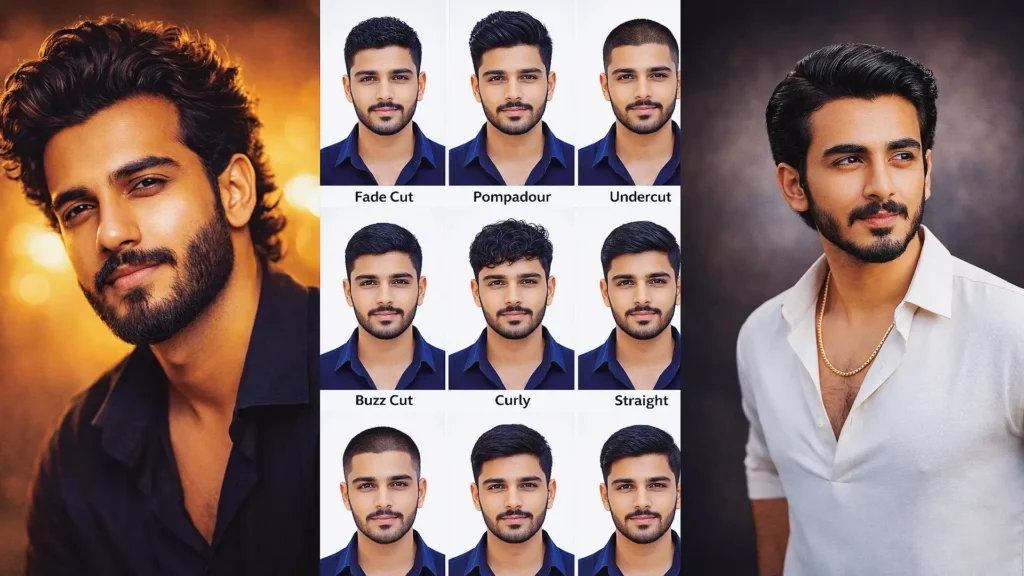
Absolutely. Butterfly-themed prompts aren’t limited to girls. You can modify the outfit, pose, colors, lighting, and overall aesthetic to create a style that suits anyone.
Conclusion
Butterfly-style AI images are more than just a social media trend. They offer a simple way to experiment with creative photography, cinematic effects, and aesthetic visuals without spending hours on traditional photo editing.
With the right ChatGPT prompt for photo editing, you can transform an ordinary portrait into a dreamy butterfly-inspired image in just a few steps.
If you’re new to AI image editing, keep it simple. Choose a prompt, copy and paste it, upload your photo, and experiment with different styles. As you learn what works, you can add more details to create increasingly personalized results.
Whether you’re creating content for Instagram, building a creative profile, or simply trying something new, these trending butterfly prompts give you an easy starting point for your next AI photo edit.