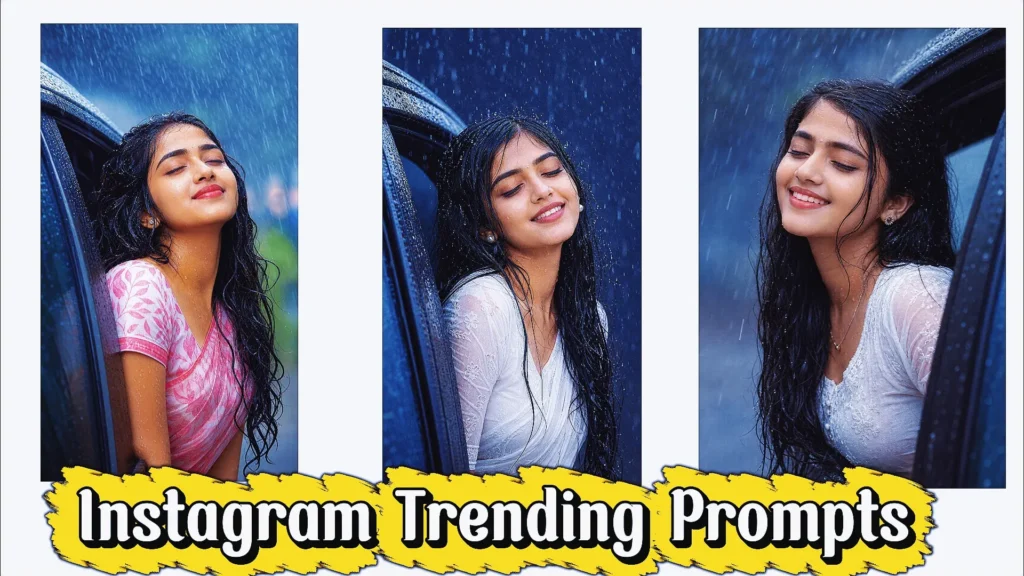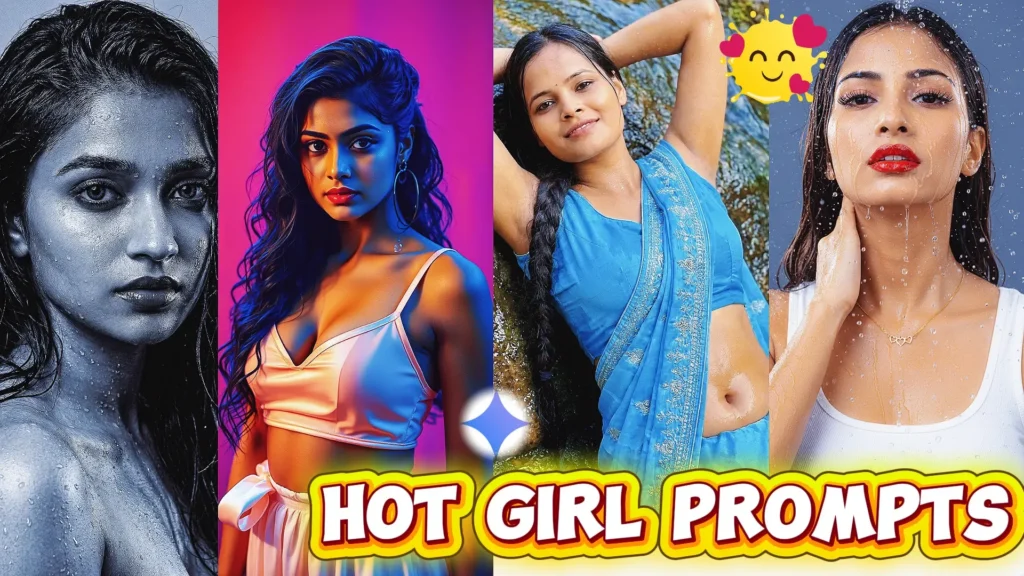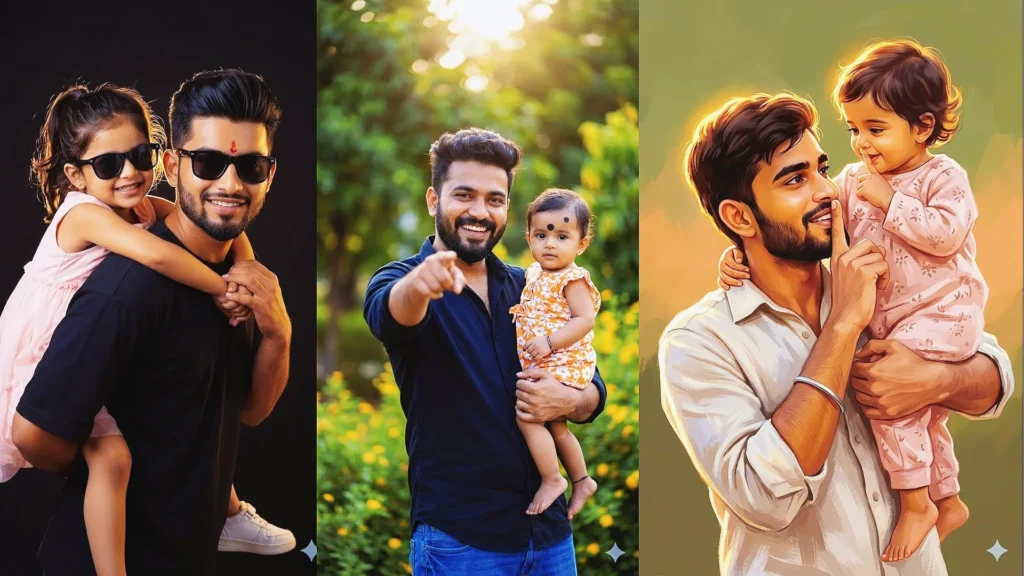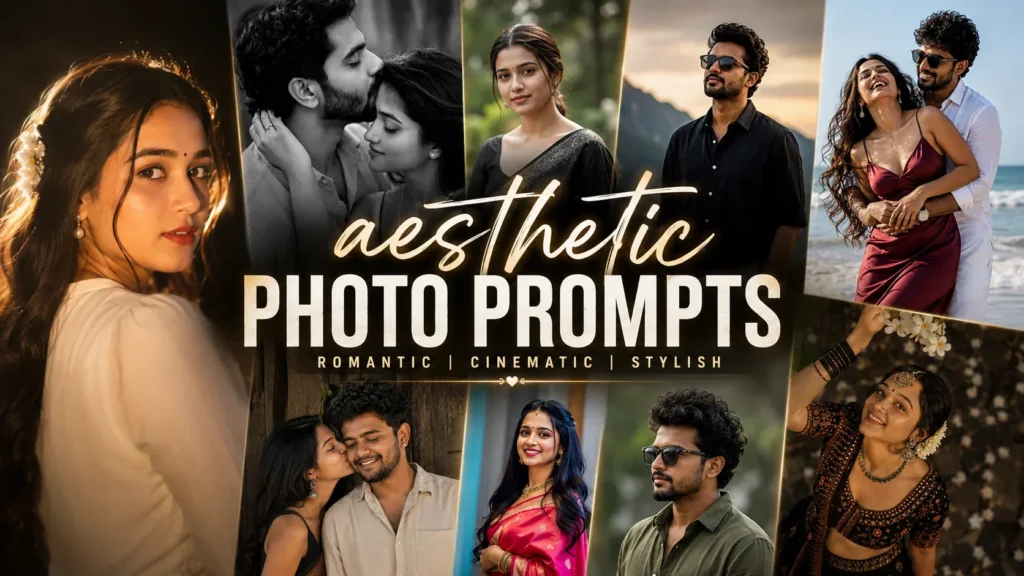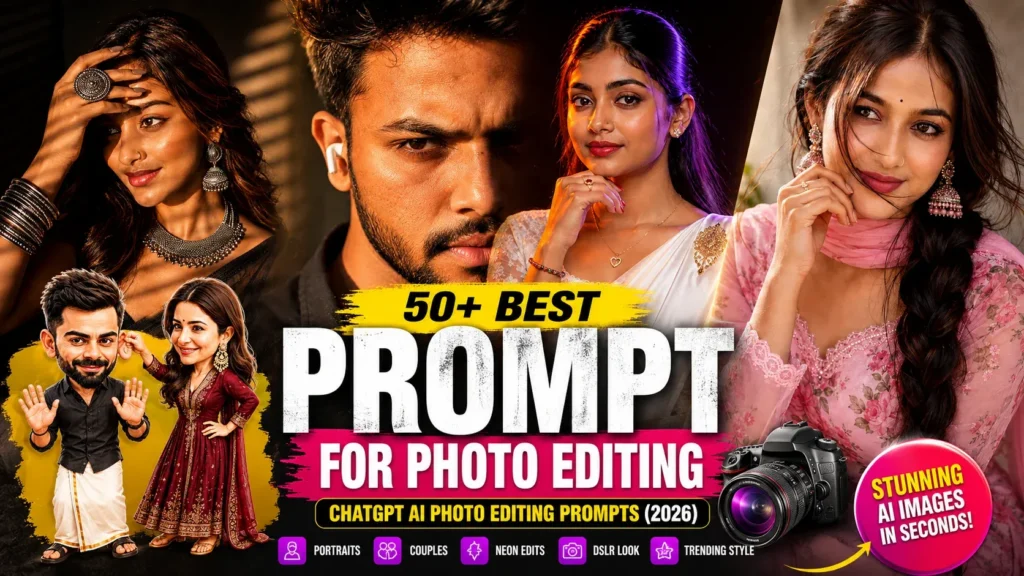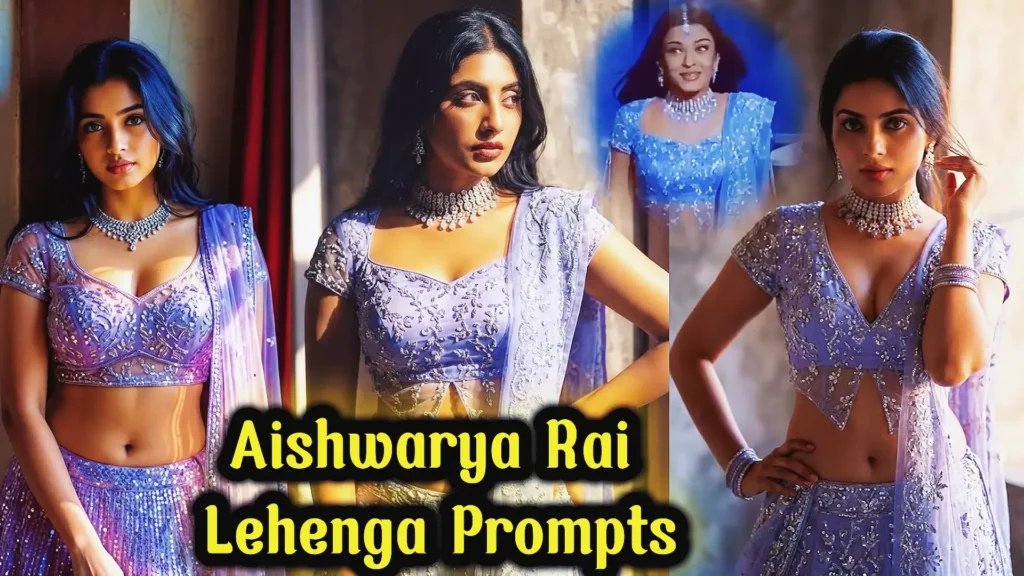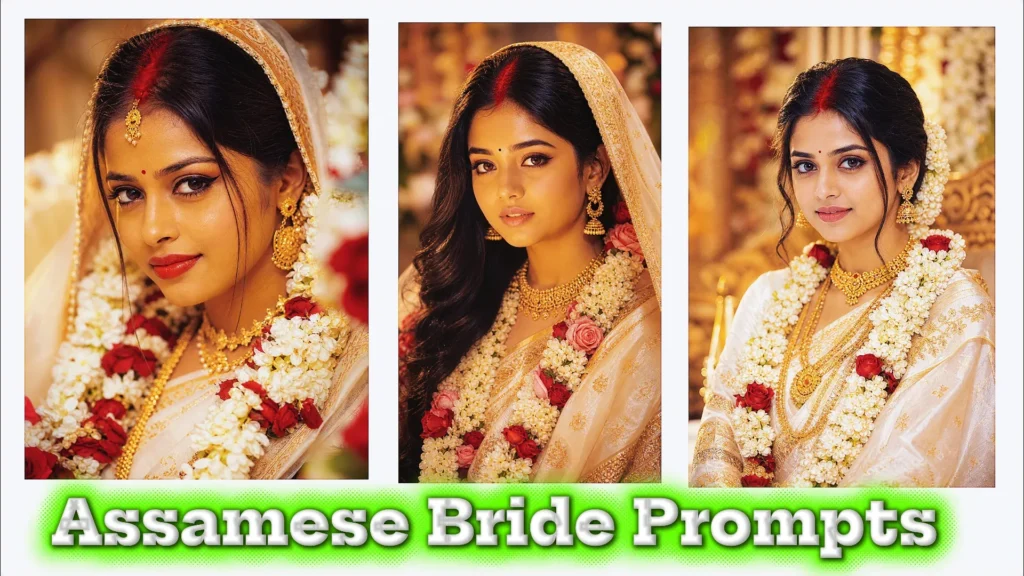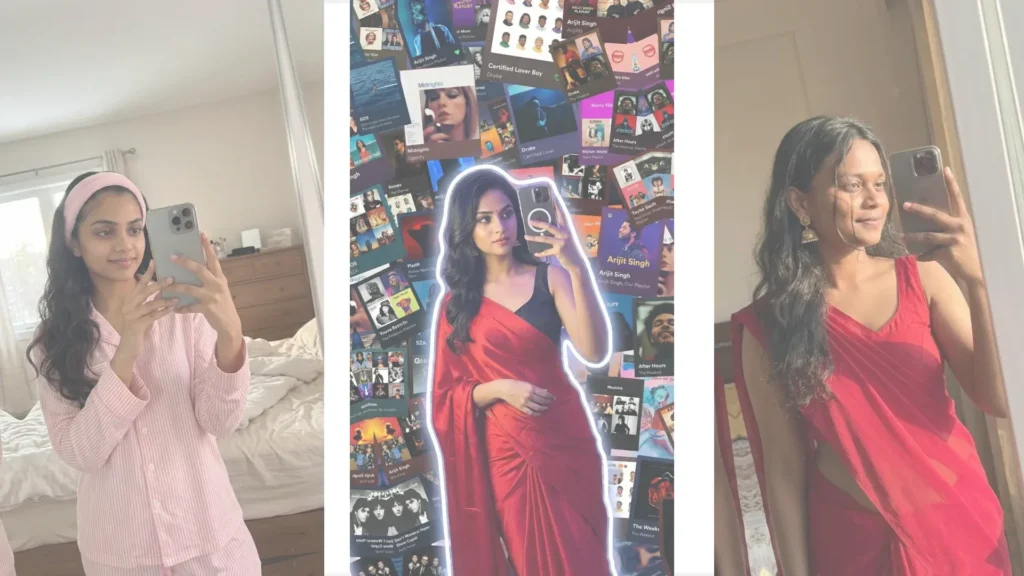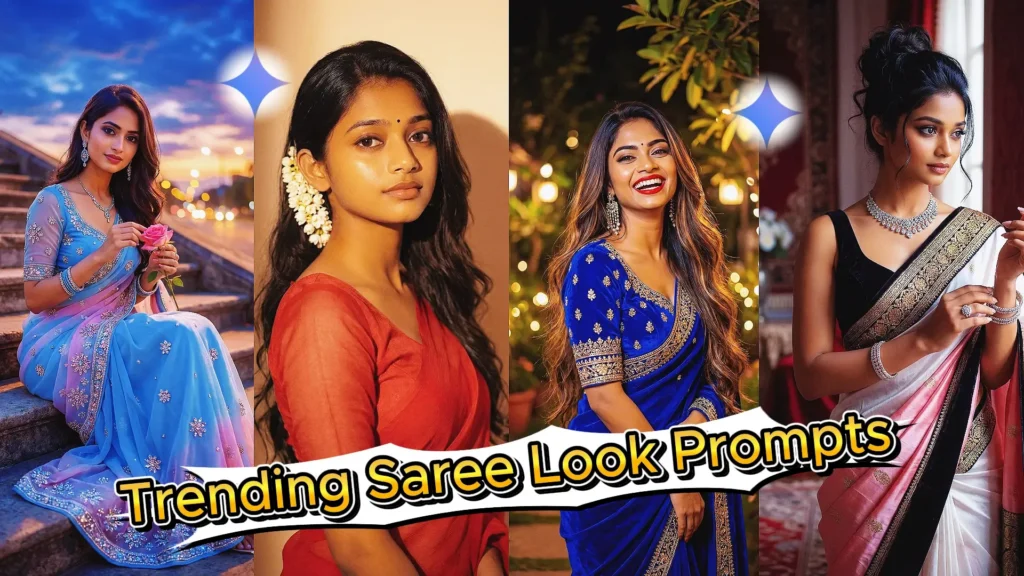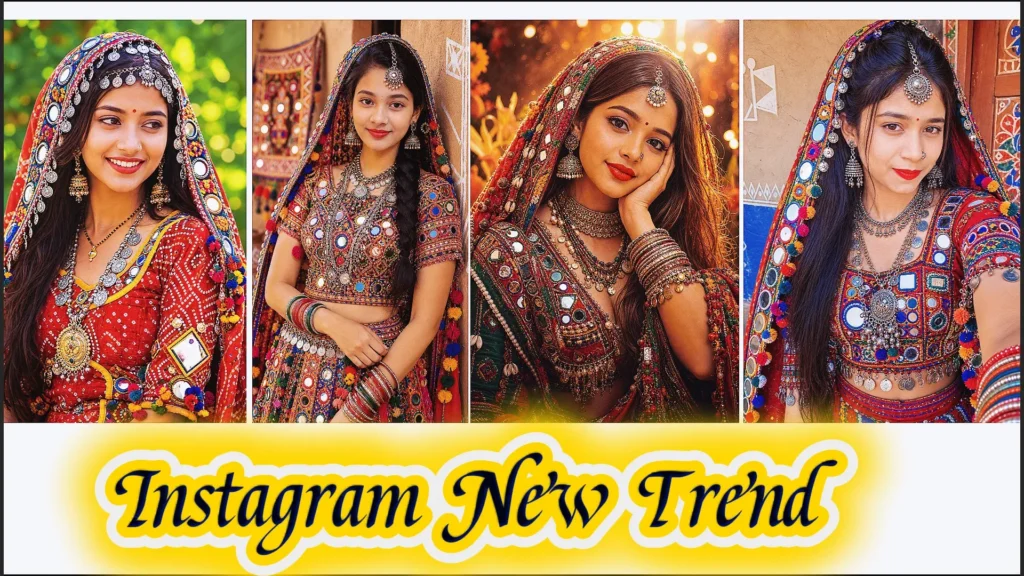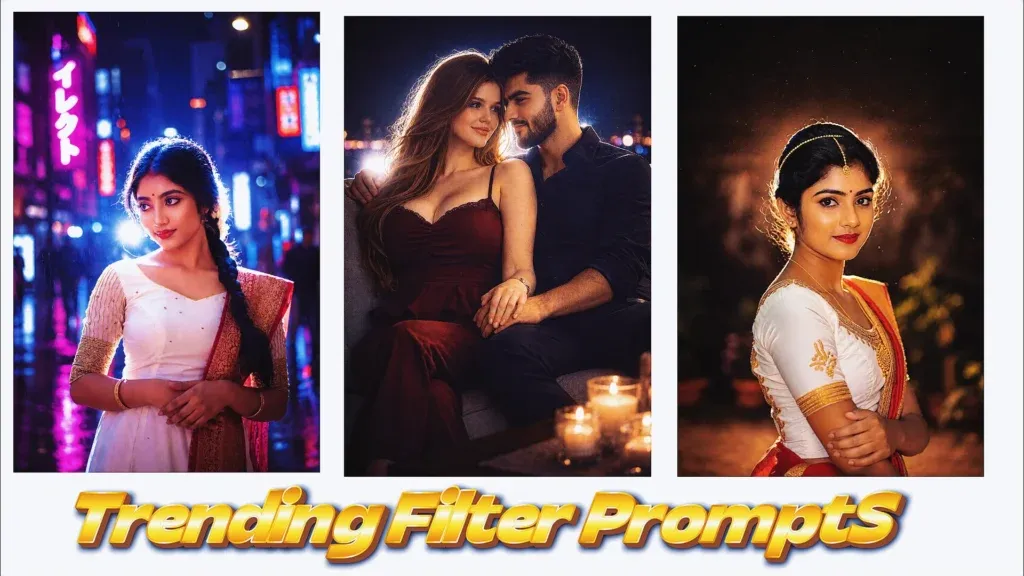
Instagram photo trends are changing faster than ever, and AI image editing has become one of the easiest ways to create eye-catching content. One of the most popular styles right now is the cinematic night-photo look, featuring direct flash, soft glow, film grain, dramatic shadows, and dreamy colors.
You may have already seen these types of images on Instagram, Reels, Pinterest, and other social platforms. A simple selfie can be transformed into something that looks like it was captured during a professional fashion or nightlife photoshoot.
The good news is that you don’t need an expensive camera or advanced Photoshop skills. With the right AI image prompt, you can create these effects using an AI image-generation or editing tool.
In this guide, you’ll find several viral Instagram filter prompts for creating cinematic portraits, nighttime selfies, couple photos, and aesthetic social-media images.
What Are Instagram New Filter Prompts?
Instagram filter prompts are text instructions that tell an AI image editor how you want your photo to look.
Instead of applying a basic preset, you can describe the lighting, background, colors, camera style, mood, and overall atmosphere you want. The AI then uses those instructions to transform your uploaded image.
For example, you can ask for:
- Cinematic night lighting
- Direct camera flash
- Neon backgrounds
- Blue-hour colors
- Vintage film grain
- Soft lens flare
- Moody shadows
- Editorial photography
- Dreamy bokeh
- Luxury fashion aesthetics
The result can look much more customized than a standard Instagram filter.
Viral Instagram New Filter Prompts for Girl & Couple Photos
Try the newest instagram viral filter prompts ideas for girls and couples with cinematic flash photography, dreamy blue hour tones, and aesthetic lofi edits.
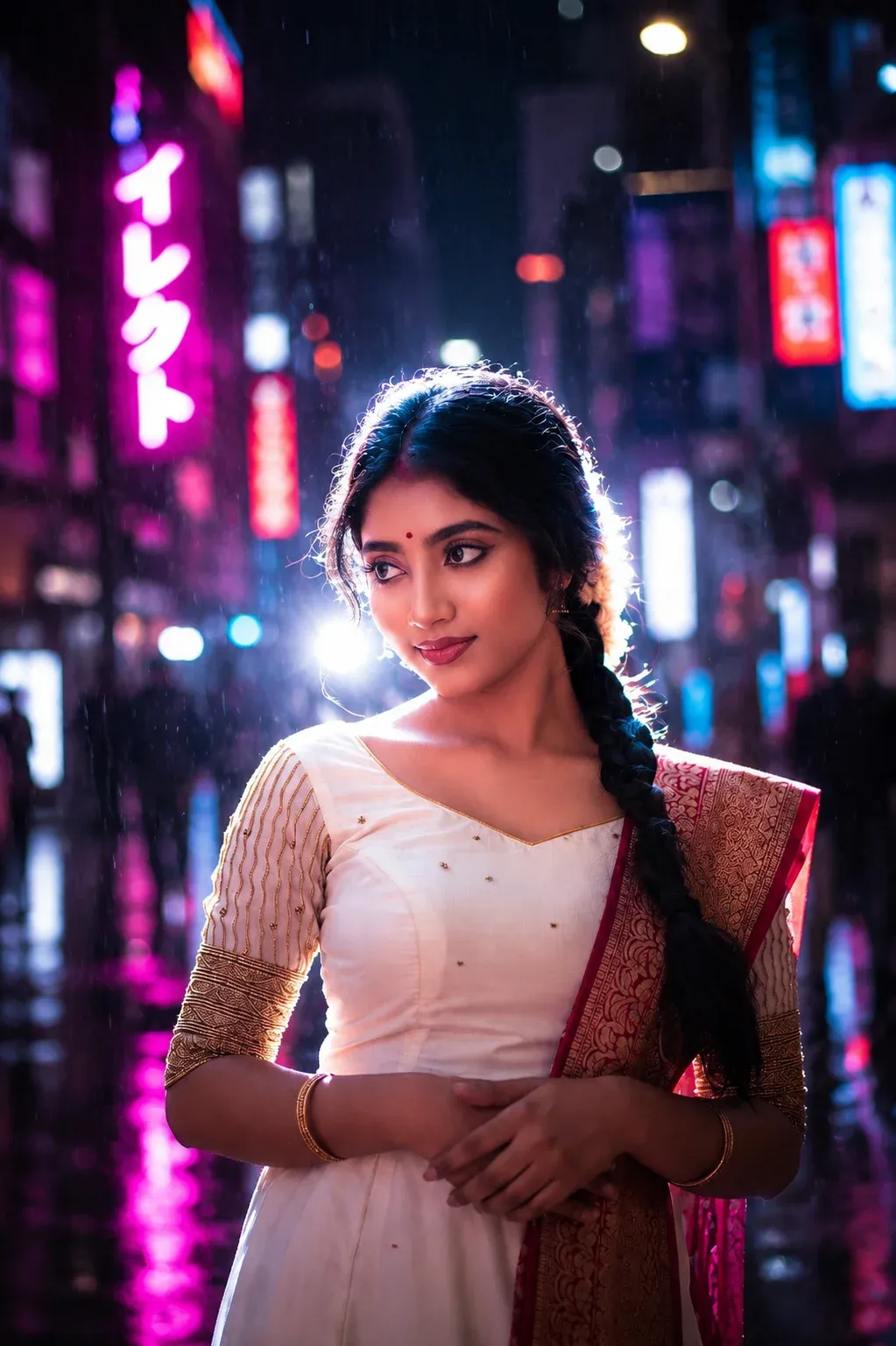
1. Midnight Street Glow
This cinematic portrait style is perfect for creators who want a premium nightlife vibe with deep shadows, glowing rim light, and DSLR flash effects. This instagram new filter prompt creates a realistic editorial look inspired by Tokyo street photography. The dramatic neon ambience, film grain, and soft bloom make it ideal for anyone searching for a bold instagram trending prompt copy and paste aesthetic for Instagram Reels, profile photos, or fashion edits.
2. Flash Mood Portrait
This dark flash-style portrait gives your photo a luxury magazine feel with sharp lighting and glossy skin highlights. The soft front flash mixed with muted shadows creates a clean Instagram Flash Filter Prompts aesthetic that works beautifully for selfies and night portraits. If you want an easy instagram viral filter prompt style that still looks realistic and cinematic, this one works perfectly.
3. Dark Editorial Nights
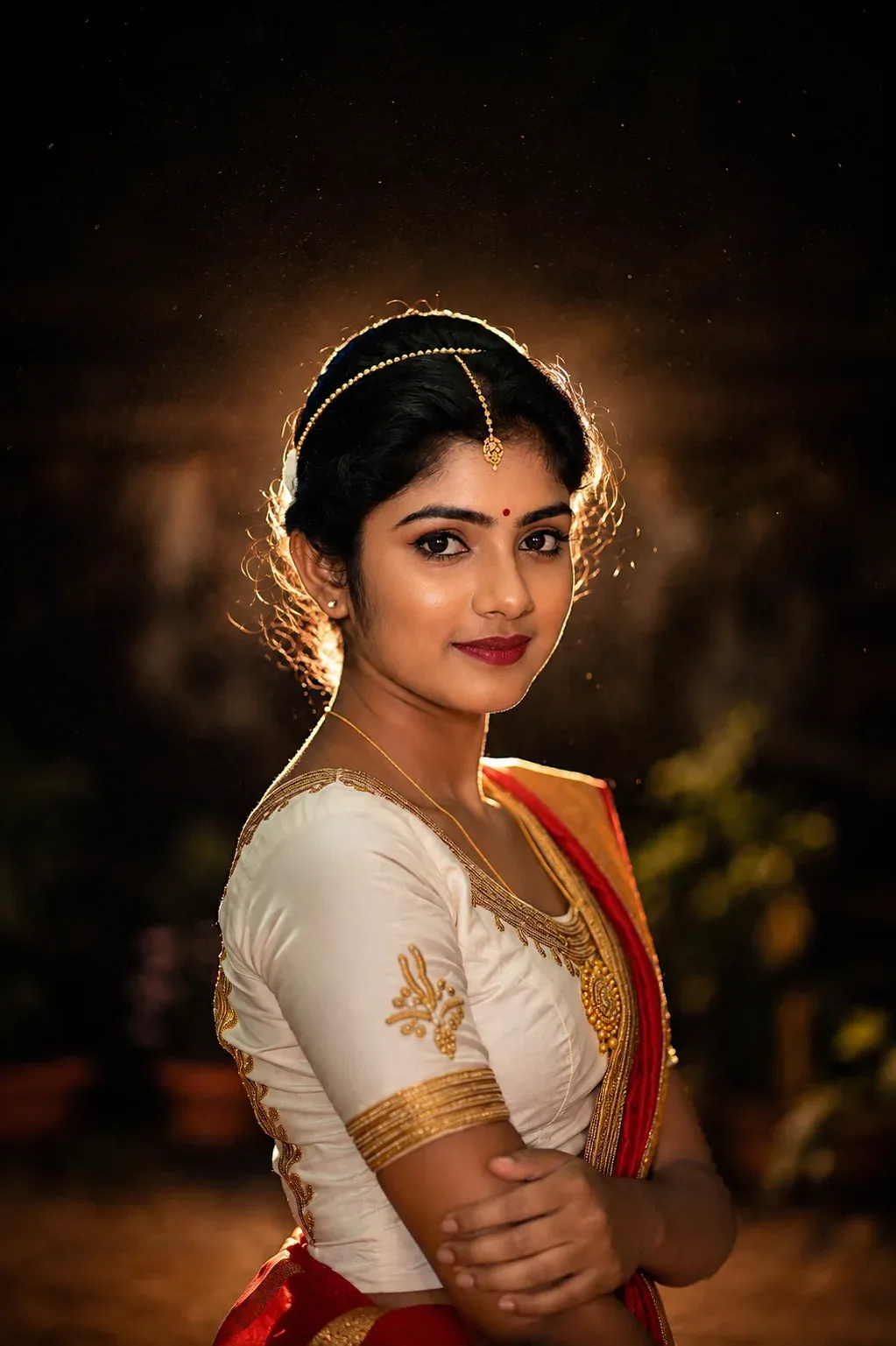
This moody edit transforms ordinary photos into dramatic cinematic portraits with premium DSLR-inspired lighting. The rich contrast, glowing edges, and nostalgic digital camera texture create a powerful instagram filter prompt without making the image look overly edited. It’s one of the best styles for creators who love dark aesthetic photography and luxury Instagram visuals.
4. Dreamy Evening Mood
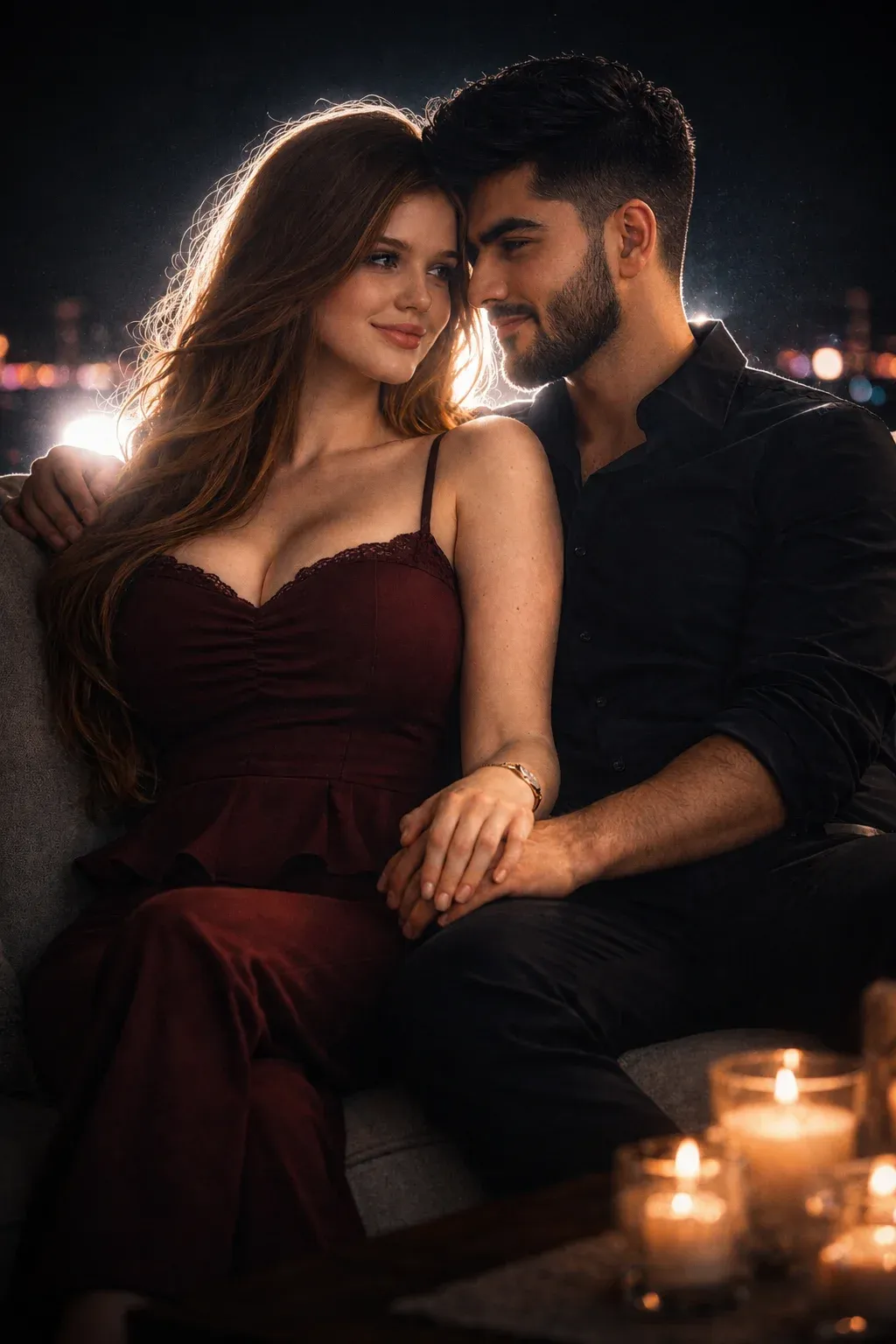
This soft cinematic portrait style creates emotional dusk vibes with atmospheric haze, realistic skin texture, and faded nighttime colors. The nostalgic mood makes this new filter prompt highly popular among creators who want cozy Instagram aesthetics. It’s also a strong viral instagram filter prompt for girls, mirror selfies, and aesthetic nighttime edits because of its dreamy low-light atmosphere.
5. Blue Hour Cinematic
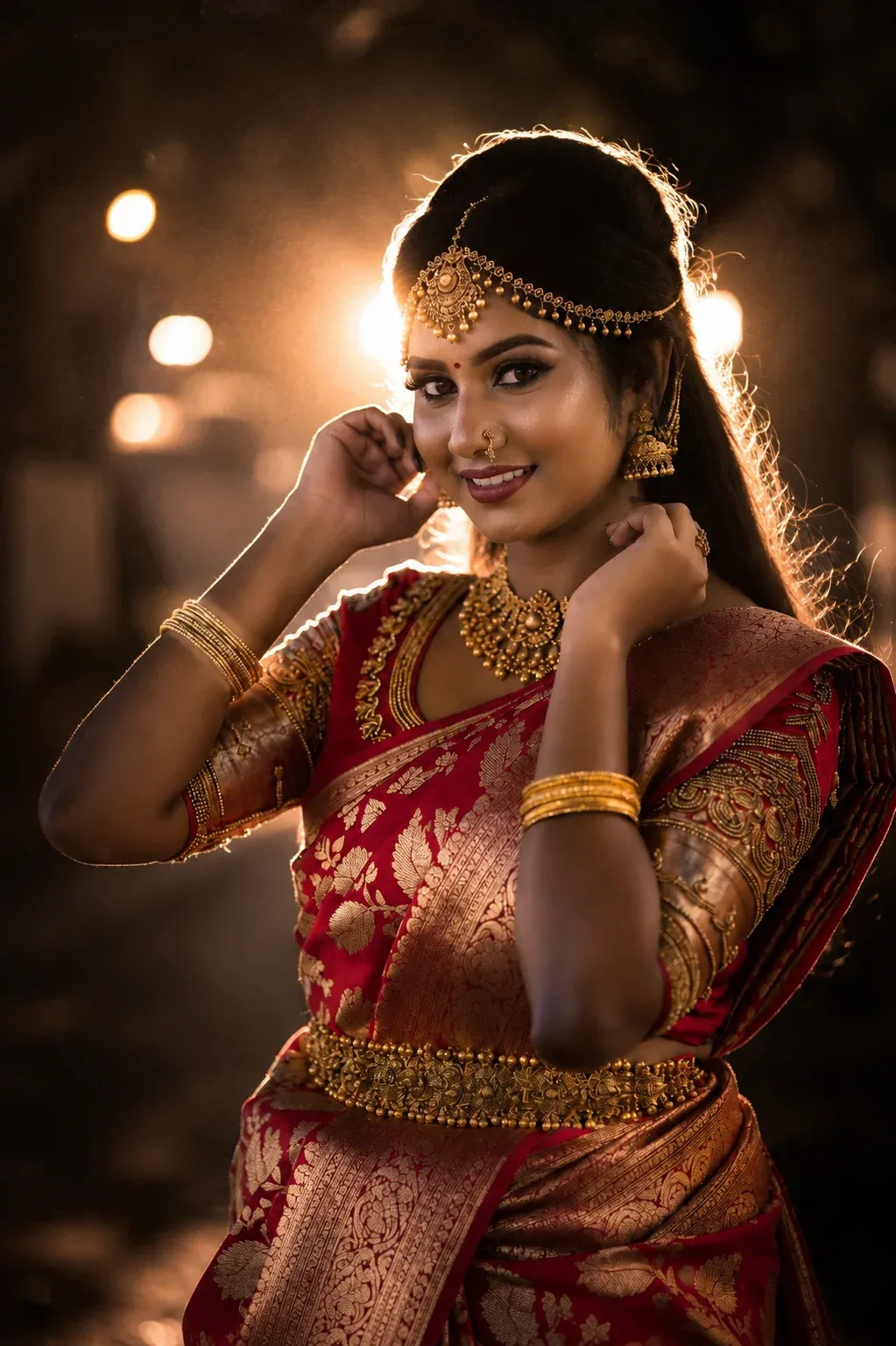
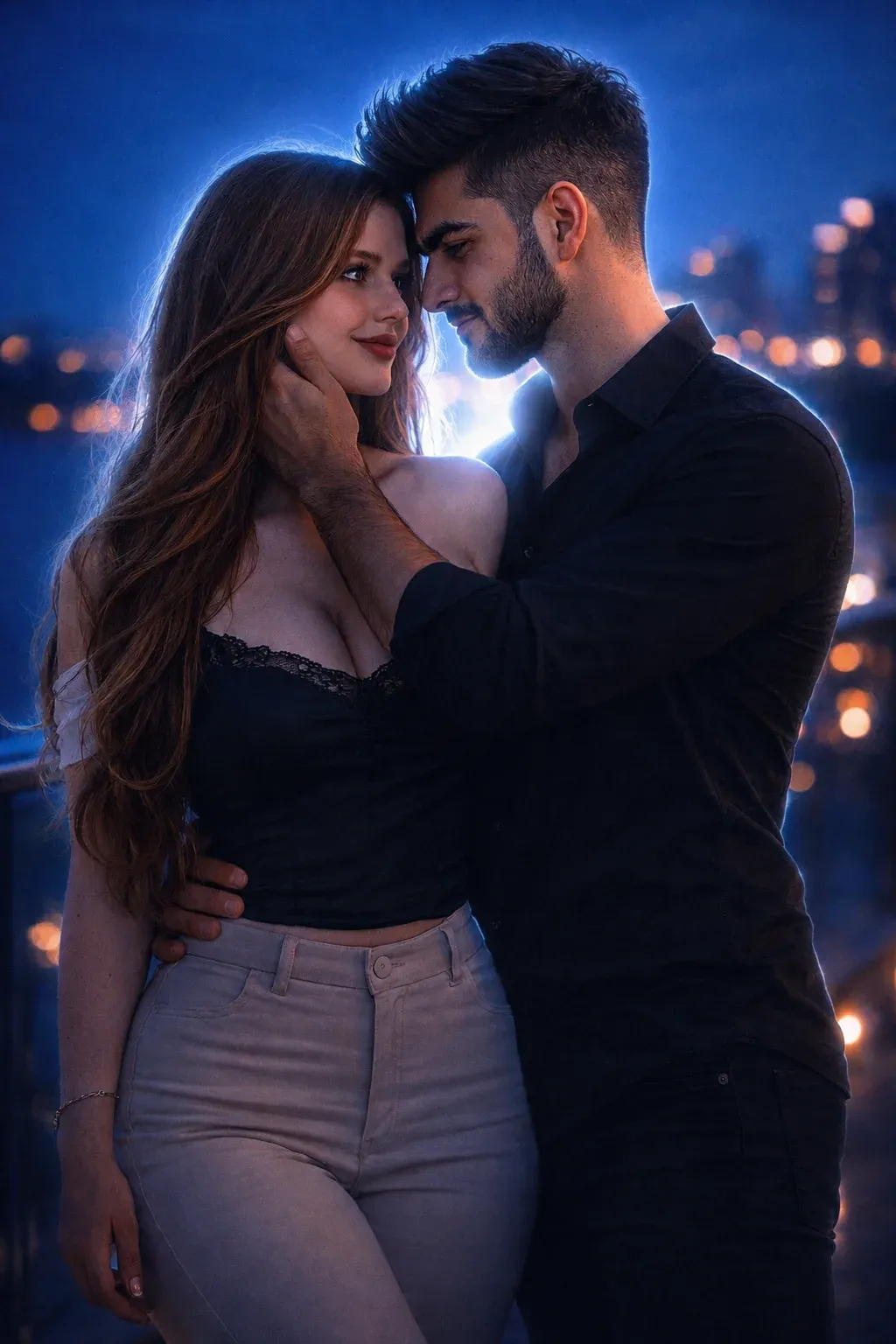
This cool-toned cinematic edit uses navy shadows, glowing rim light, and subtle flash effects to create a dreamy nighttime portrait. The realistic camera grain and shallow depth of field make it one of the most viral trending instagram filter prompt styles trending on Instagram right now. It works especially well as a instagram trending filter prompt because of the soft blue ambience and emotional cinematic mood.
How to Use These Instagram Filter Prompts
Using these prompts is simple, even if you’ve never edited a photo with AI before.
Step 1: Choose Your Photo
Select a clear image with good visibility of your face and body. A high-resolution photo usually produces better results.
Step 2: Upload the Image
Open an AI image editing or generation tool that supports image uploads.
Step 3: Copy the Prompt
Choose one of the prompts above and paste it into the tool.
Step 4: Generate the Image
Allow the AI to process the image. Depending on the tool, you may be able to generate several variations.
Step 5: Adjust the Prompt
If the result isn’t exactly what you want, modify specific elements such as:
- Background
- Lighting intensity
- Color temperature
- Clothing
- Camera effect
- Film grain
- Mood
- Bokeh
- Flash strength
Small changes can make a significant difference in the final image.
Tips for Better AI Instagram Photos
A good prompt is important, but your source image matters too. Keep these tips in mind:
Use a clear original image: Blurry or heavily compressed photos can produce inconsistent results.
Be specific about identity: If you’re editing an existing portrait, tell the AI to preserve the person’s facial features and overall appearance.
Don’t overload the prompt: More instructions aren’t always better. Give the AI a clear visual direction.
Experiment with lighting: Try flash, rim light, neon, blue-hour, sunset, or soft studio lighting to find a style that suits your photo.
Try different backgrounds: Urban streets, rooftops, cafés, night markets, and simple dark backgrounds can produce completely different results.
Generate multiple versions: AI editing can vary between generations, so creating several versions can help you find the strongest result.
Frequently Asked Questions
What are Instagram filter prompts?
Instagram filter prompts are written instructions that help AI image tools transform ordinary photos into specific visual styles. They can control elements such as lighting, colors, backgrounds, camera effects, mood, and texture.
Can beginners use these prompts?
Yes. Most of these prompts can be used as copy-and-paste templates. Upload your image, paste the prompt, generate the result, and make adjustments if necessary.
Which style is best for night photos?
There isn’t one style that works for every photo. Neon-night, direct-flash, dark editorial, dreamy dusk, and blue-hour styles all create different visual effects. Try several versions and compare the results.
Can I use these prompts for couple photos?
Yes. You can adapt the prompts for couple portraits by adding instructions for two people while asking the AI to preserve both identities, poses, clothing, and facial features.
Do I need professional photography equipment?
No. AI editing can recreate many elements associated with professional photography, including flash, depth of field, grain, rim lighting, and cinematic color grading.
Final Thoughts
AI-powered photo editing has made cinematic Instagram photography much more accessible. Instead of relying only on standard filters, you can describe the exact atmosphere you want and let an AI tool create the visual treatment.
If you’re just getting started, experiment with Midnight Street Glow, Flash Mood, Dreamy Dusk, and Blue Hour Cinematic styles. Each creates a different mood, so the best choice depends on the type of photo you’re editing.
The real trick is experimentation. Change the lighting, background, colors, and camera style until you find a look that feels natural to your content.
With the right source image and a well-written prompt, even an ordinary selfie can be transformed into a cinematic social-media portrait.