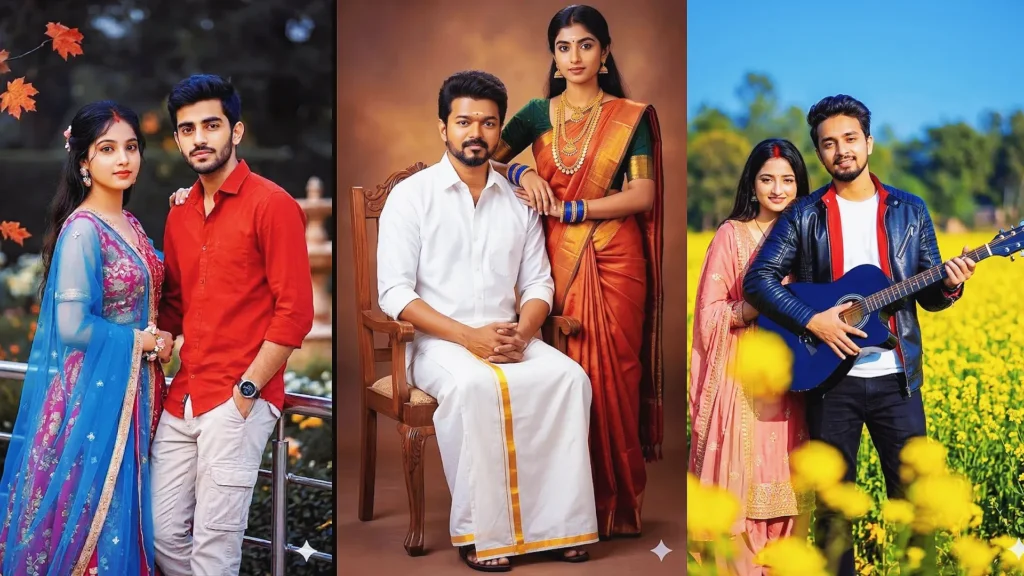
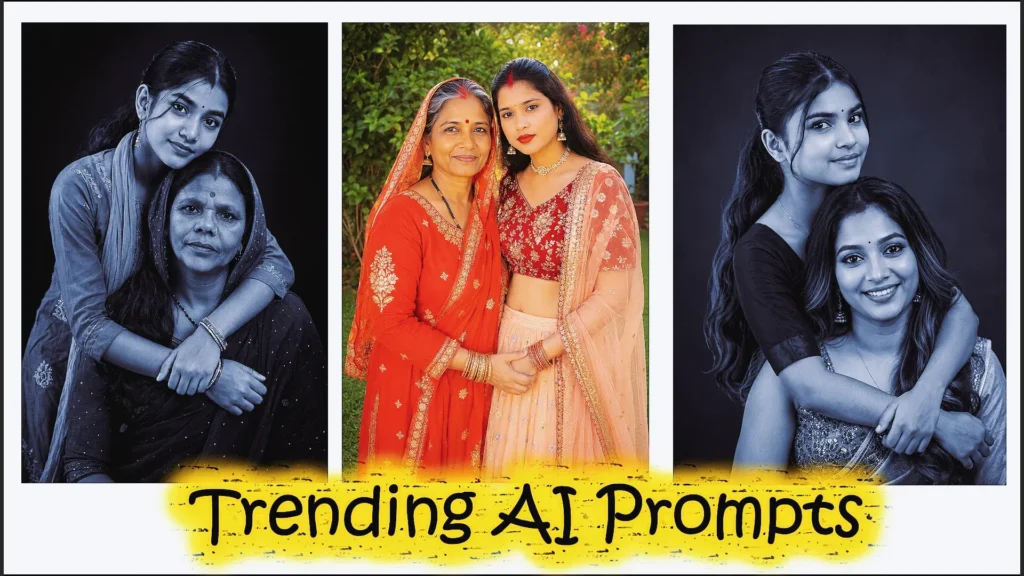
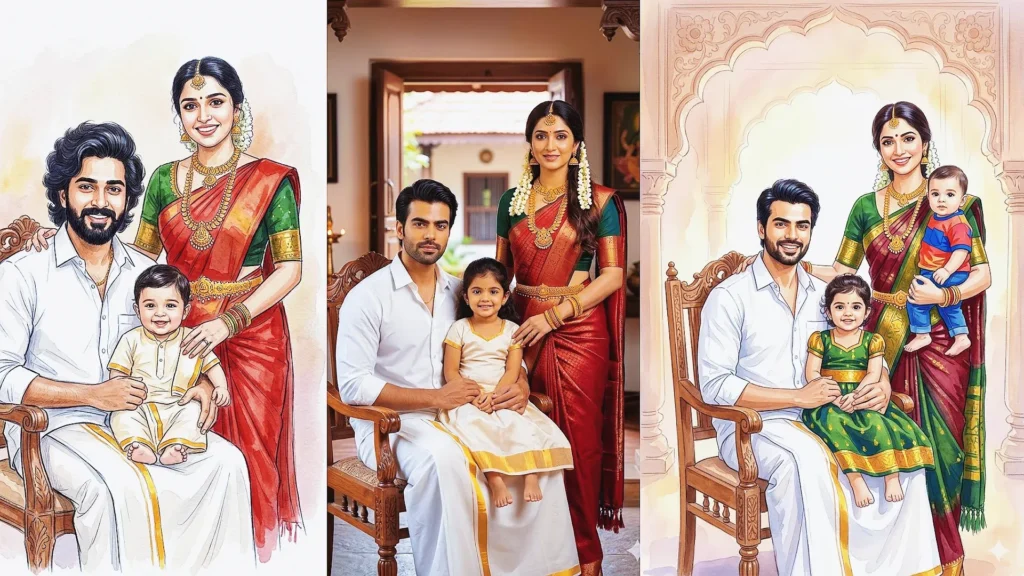
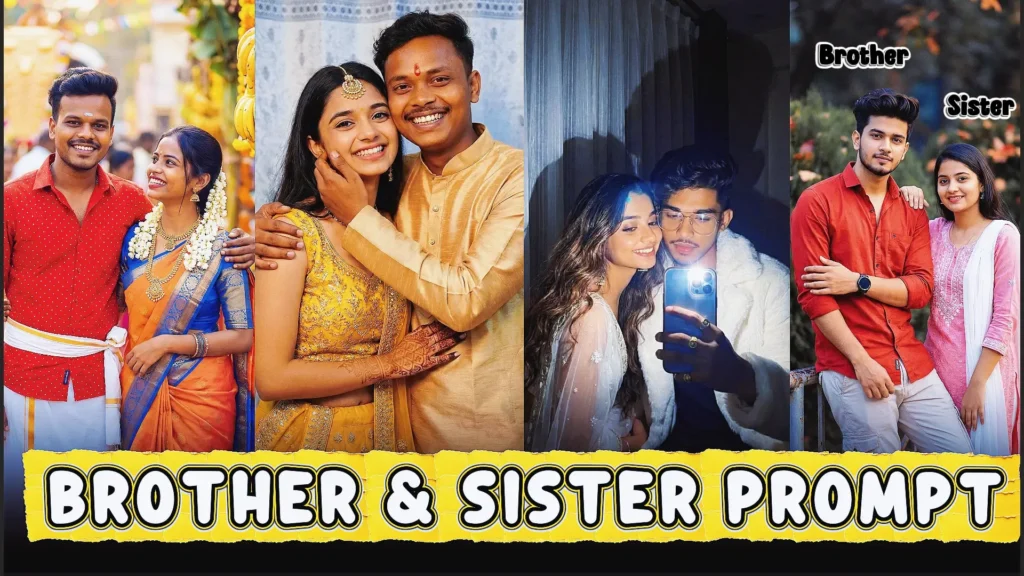
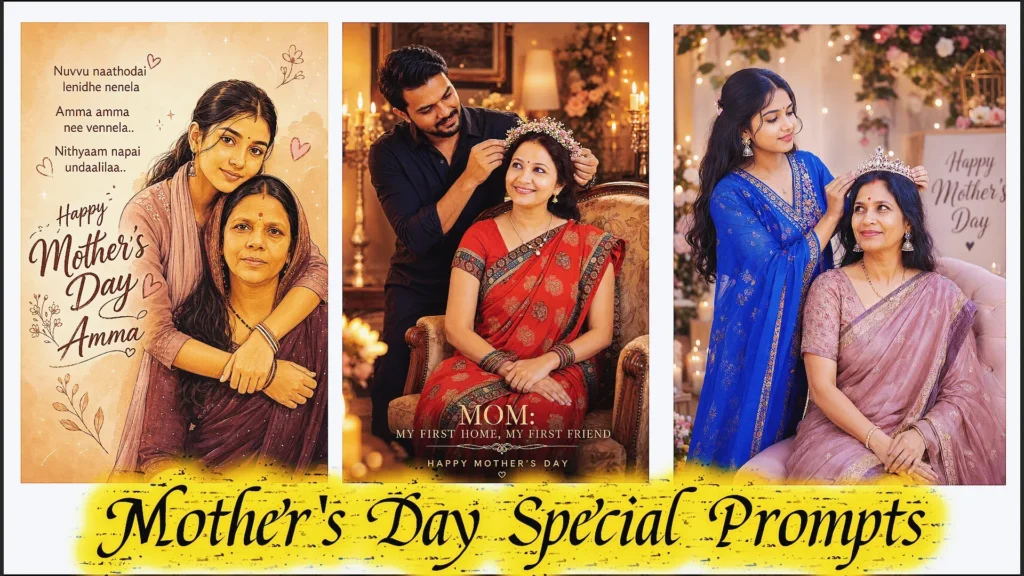
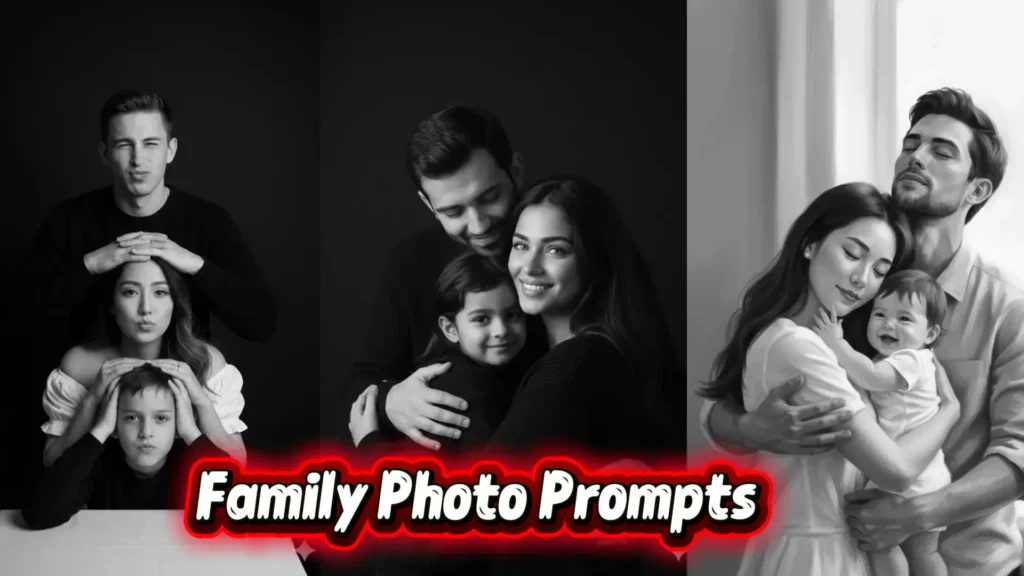
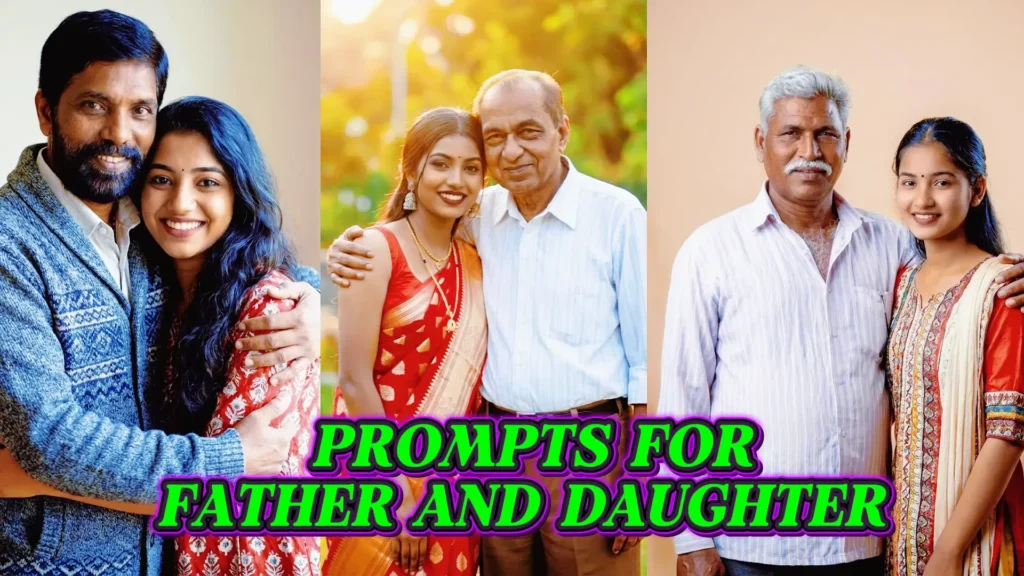
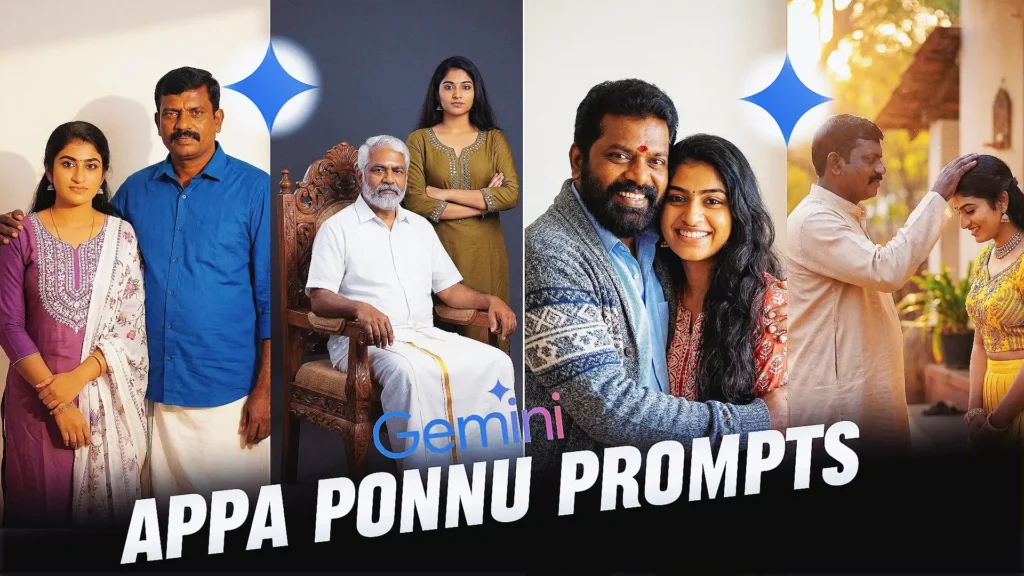
Create Beautiful Family Memories with Gemini AI
Creating a beautiful family photo with AI can feel difficult, especially if you’re trying Gemini AI for the first time. The right family prompts for Gemini AI can help you create realistic, heartwarming images that capture natural expressions, beautiful lighting, and genuine family moments. If you’re struggling with awkward poses or images that don’t look real, a well-written family photo Gemini prompt can make a big difference.
In this guide, you’ll learn how to create natural-looking family photos with Gemini AI, even if you’re a complete beginner.
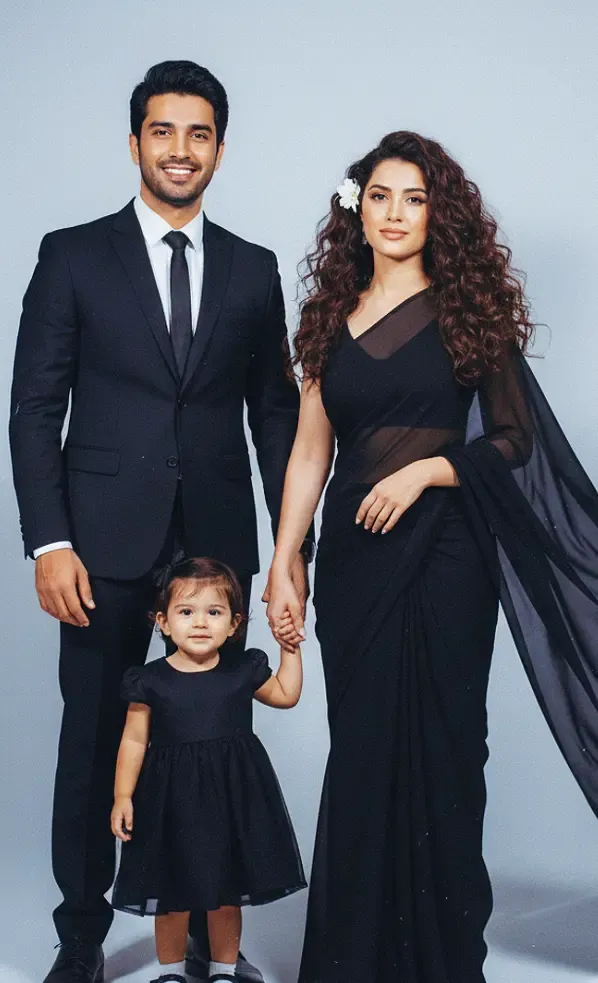
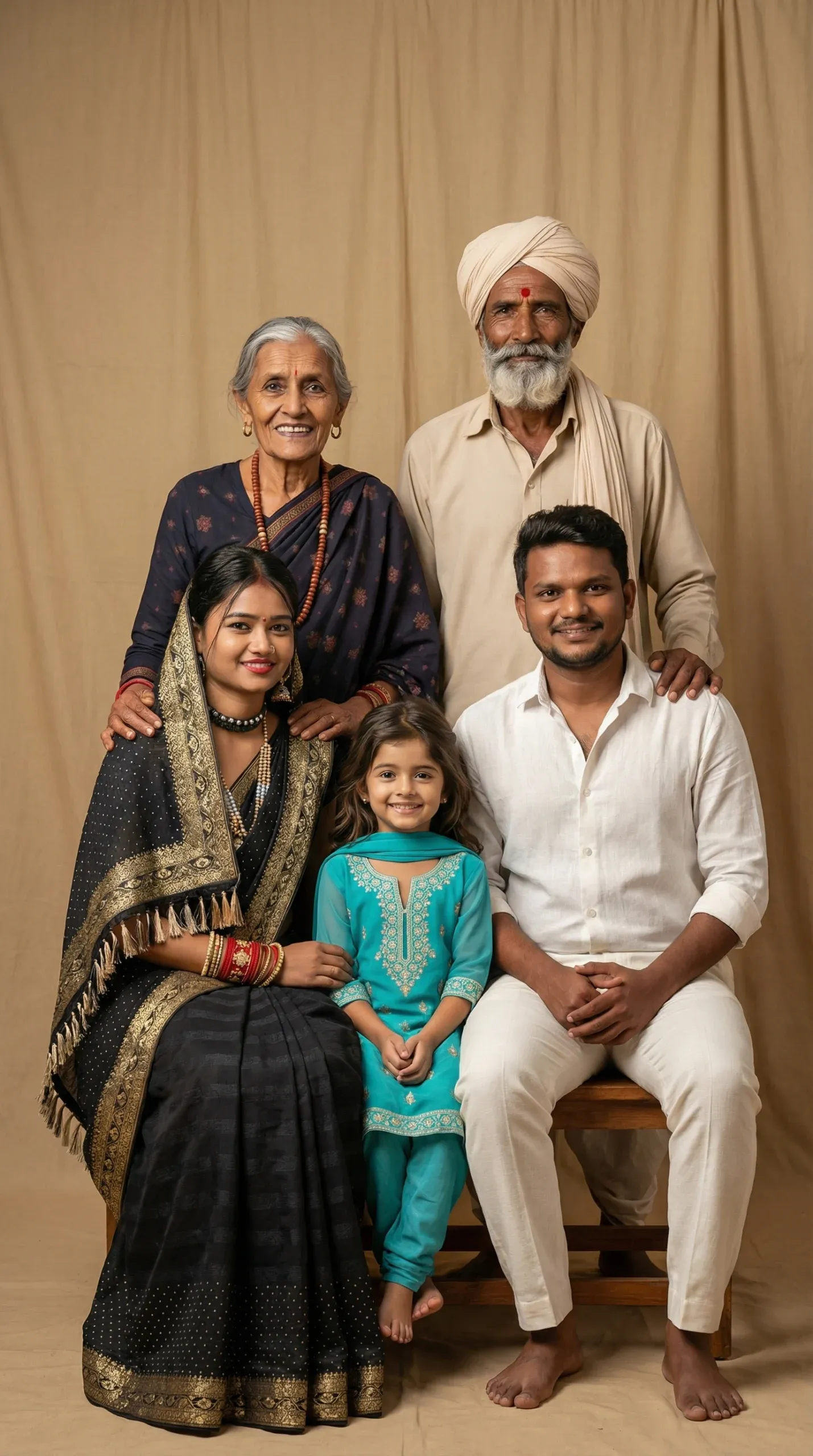
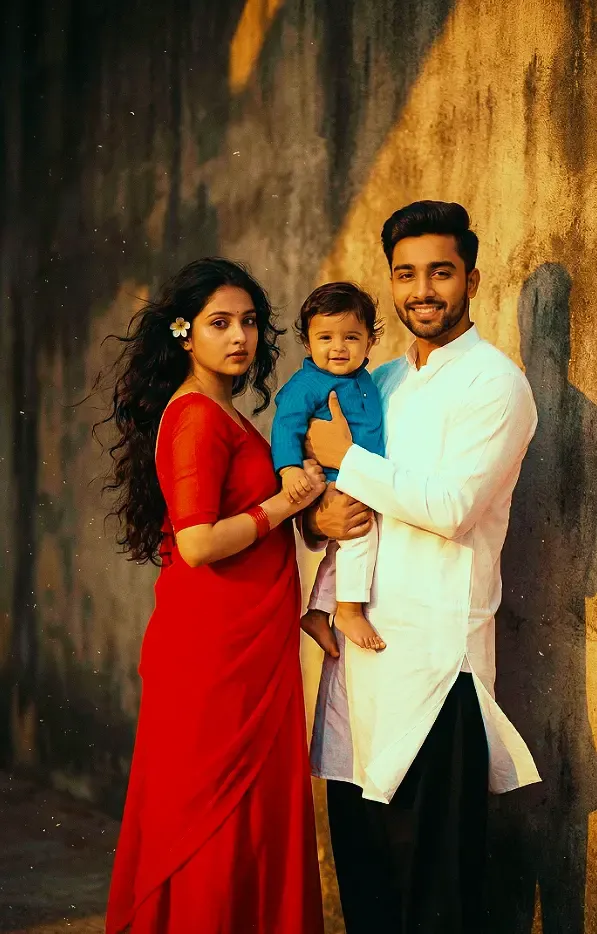
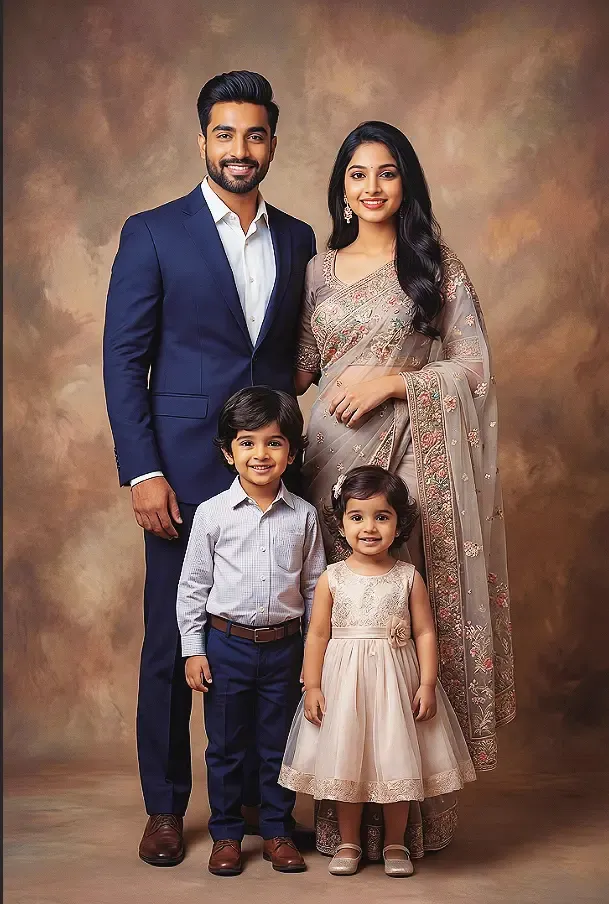
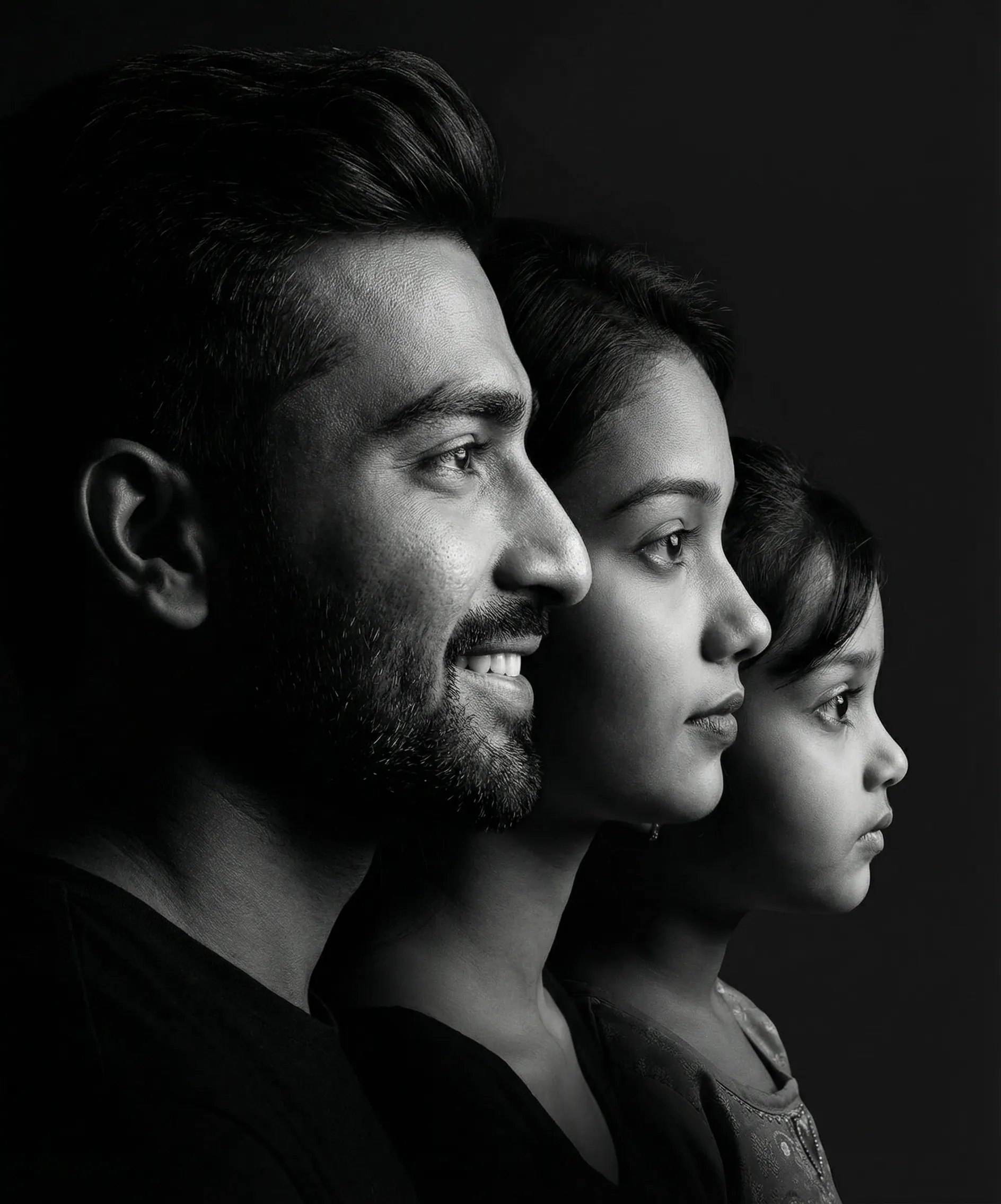
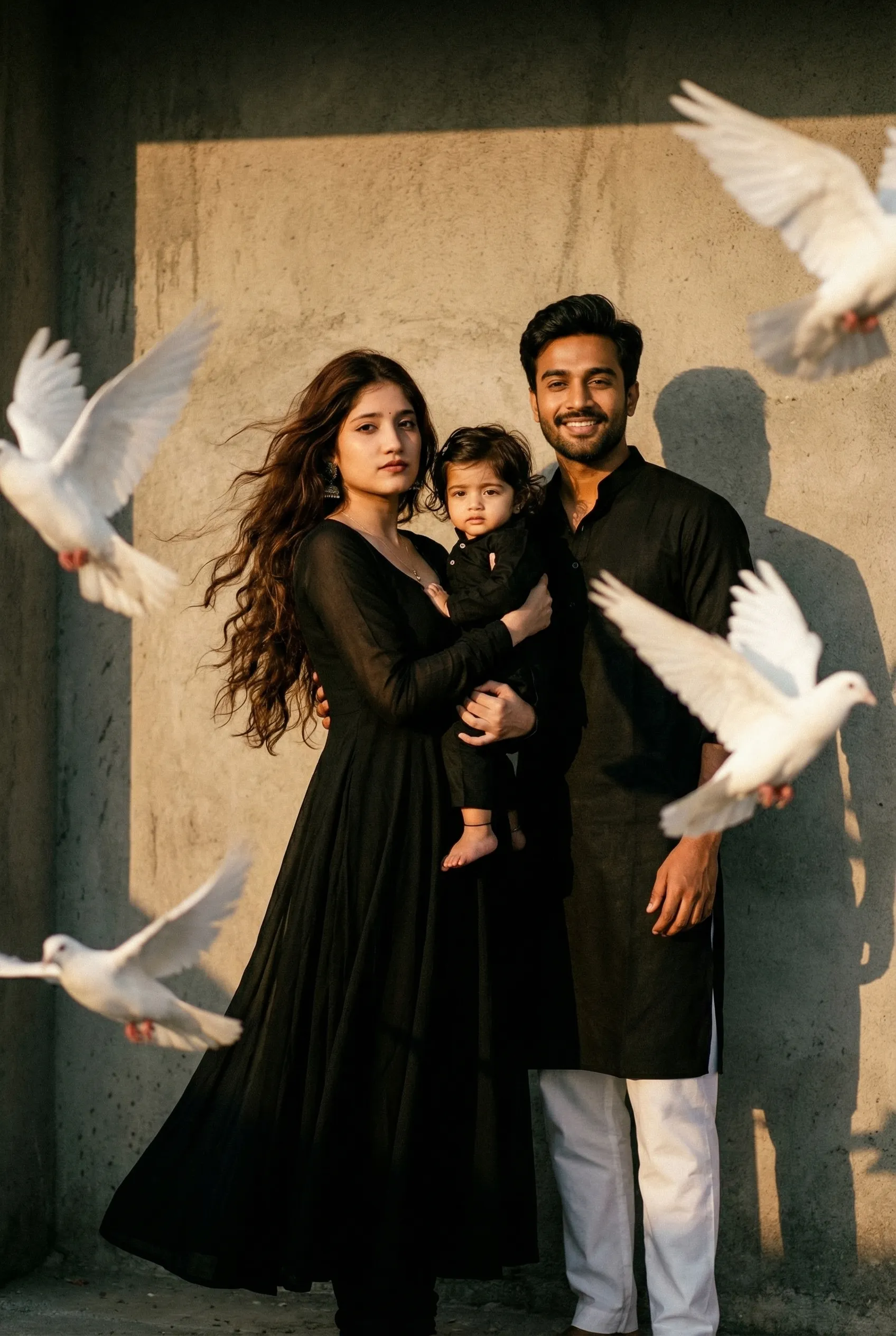
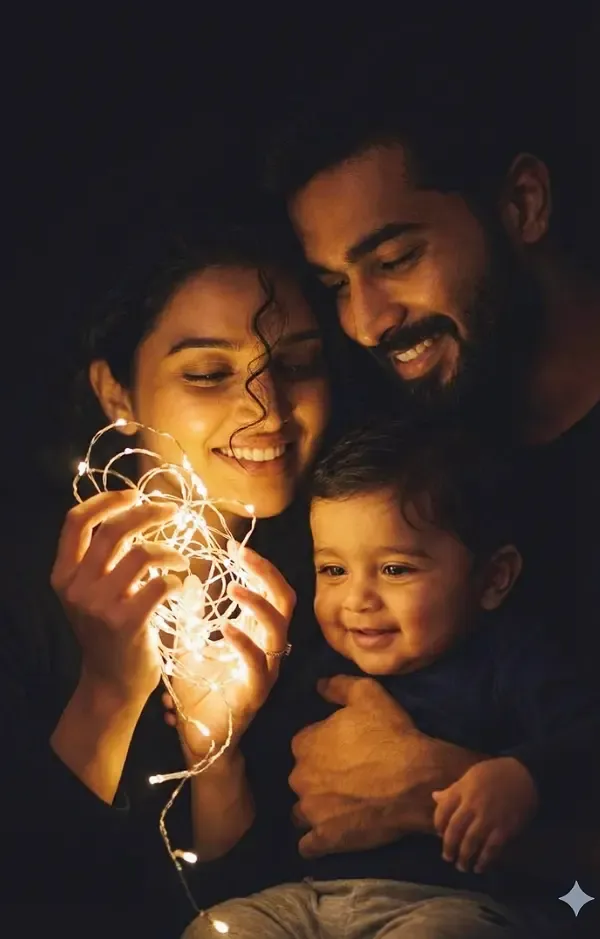
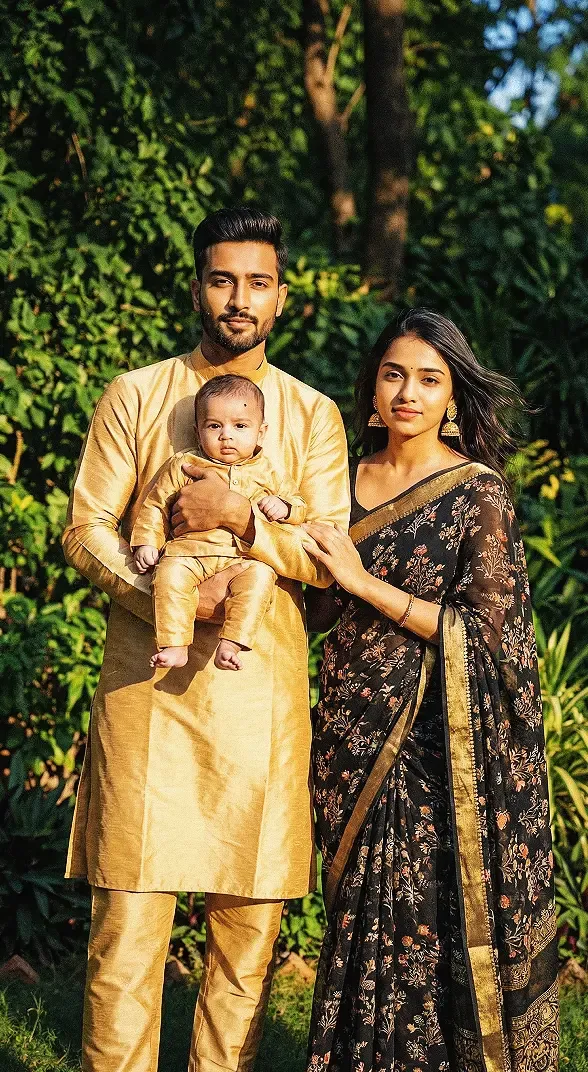
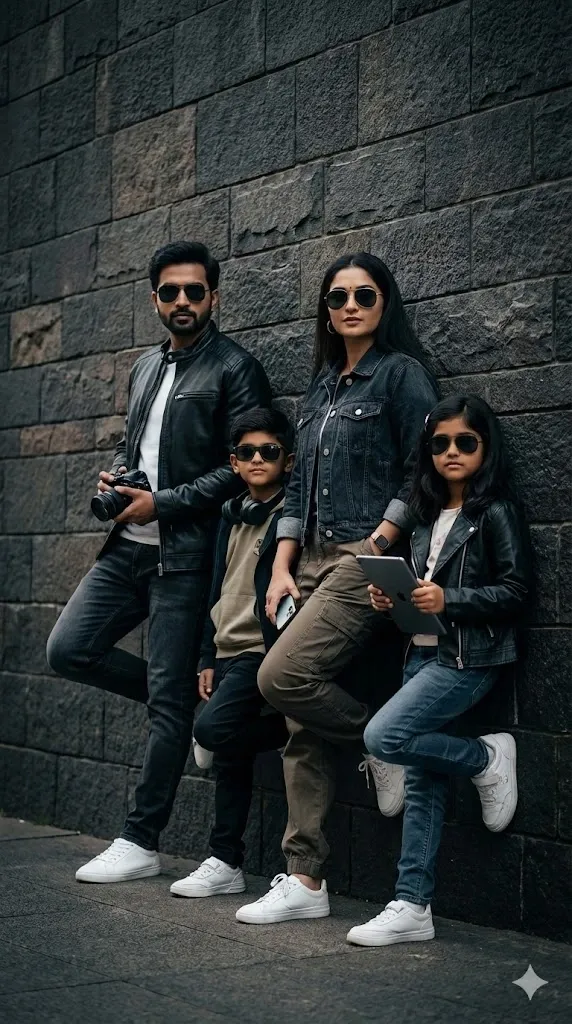
If you want to capture a beautiful family moment without hiring a professional photographer, Gemini AI makes it easy to create stunning and natural-looking images. The family prompts in this guide are beginner-friendly, creative, and perfect for exploring different photo styles. With a few simple edits, you can create family pictures that feel warm, emotional, and full of life.
Whether you’re new to AI image generation or trying Gemini for the first time, these Gemini family photo prompts will help you turn your family memories and stories into beautiful visuals. From candid family portraits to special celebrations, you can customize each prompt to match your vision and create images that feel personal and meaningful.
Tips for Creating Realistic Family Photos with Gemini AI
A well-written prompt is helpful, but a few extra tips can make your results more natural.
Keep the Prompt Clear
Avoid adding too many unrelated ideas in one prompt. Focus on the family members, location, clothing, lighting, and mood.
Use Natural Expressions
Words such as “genuine smile,” “relaxed expression,” and “candid family moment” can help communicate the feeling you want.
Avoid Overly Perfect Poses
Real family photos often include small natural differences in posture and expression. Ask for relaxed body language instead of making everyone stand in exactly the same way.
Mention Realistic Details
Use phrases such as:
- Realistic skin texture
- Natural facial expressions
- Balanced lighting
- Authentic body proportions
- Professional photography
- Natural shadows
These details help explain the visual style you prefer.
Preserve Identity When Editing
If you are using a reference photo, clearly request that the faces and identities remain consistent. However, AI image editing may still change facial details, so review the final result carefully.
Try Different Photography Styles
Experiment with outdoor portraits, studio photography, vintage photos, cinematic images, and candid family moments to find the style you like best.
Common Mistakes to Avoid in Family Photo Gemini Prompts
Beginners often make a few simple mistakes when writing AI photo prompts.
Using Very Short Prompts
A prompt such as “make a family photo” may not explain enough about the desired image.
Instead, describe the family, background, lighting, and mood.
Adding Too Many Details
Long prompts are not always better. Too many conflicting instructions can make the image less consistent.
Forgetting the Mood
If you want an emotional family photo, include words such as “heartwarming,” “loving,” or “genuine family moment.”
Ignoring Facial Details
When editing a reference photo, ask Gemini to preserve the identity and natural appearance of the people.
Expecting Every Image to Be Perfect
AI-generated images can contain mistakes. Review the result and refine the prompt when necessary.
Frequently Asked Questions
What are the best family prompts for Gemini AI?
The best family prompts for Gemini AI clearly describe the people, setting, pose, lighting, and mood. Realistic family portraits, outdoor photos, family reunion pictures, and emotional family moments are popular prompt ideas.
Can I create realistic family photos with Gemini AI?
Yes, Gemini AI can be used to create or edit images when the relevant image features are available to your account. A detailed prompt can help guide the style, setting, and appearance of the family photo.
Can I use a real family photo in Gemini AI?
You can use a real family photo for editing when you have the necessary permission to use it. Upload the image and explain the changes you want. Avoid sharing private or sensitive photos without permission.
How do I make my family photo look natural?
Use a prompt that includes natural expressions, relaxed poses, realistic lighting, authentic clothing, and balanced composition. You can also ask Gemini to preserve the identity of people in the reference photo.
Can I create a family photo with grandparents?
Yes. You can create a family portrait with grandparents, parents, and children by describing the family members, setting, clothing, and mood. A cozy home or outdoor garden can create a warm family atmosphere.
What should I include in a family photo Gemini prompt?
Include the family members, location, pose, clothing, lighting, photography style, and mood. If you are editing a photo, also explain what should remain unchanged.
Can I use these family prompts for social media photos?
Yes. You can customize the prompts for Instagram, Facebook, X, or other social media platforms. Choose a suitable composition and aspect ratio for the platform where you plan to share the image.
Why does my Gemini family photo look unrealistic?
Unrealistic faces, hands, poses, or lighting may occur because AI image generation is not perfect. Try using a clearer prompt, fewer conflicting instructions, and a request for realistic facial details and natural body proportions.
Final Thoughts
Creating beautiful family photos with Gemini AI is a fun way to explore creativity and preserve meaningful memories. With the right family prompts for Gemini AI, you can experiment with realistic portraits, outdoor family moments, festival photos, and emotional family pictures.
The key is to describe your idea clearly. Mention the people, background, clothing, lighting, and mood you want. If you are editing a real photo, explain which details should remain unchanged.
Try the family photo Gemini prompts in this guide and customize them to match your own family memories. With a little practice, you can create images that feel natural, beautiful, and full of emotion.