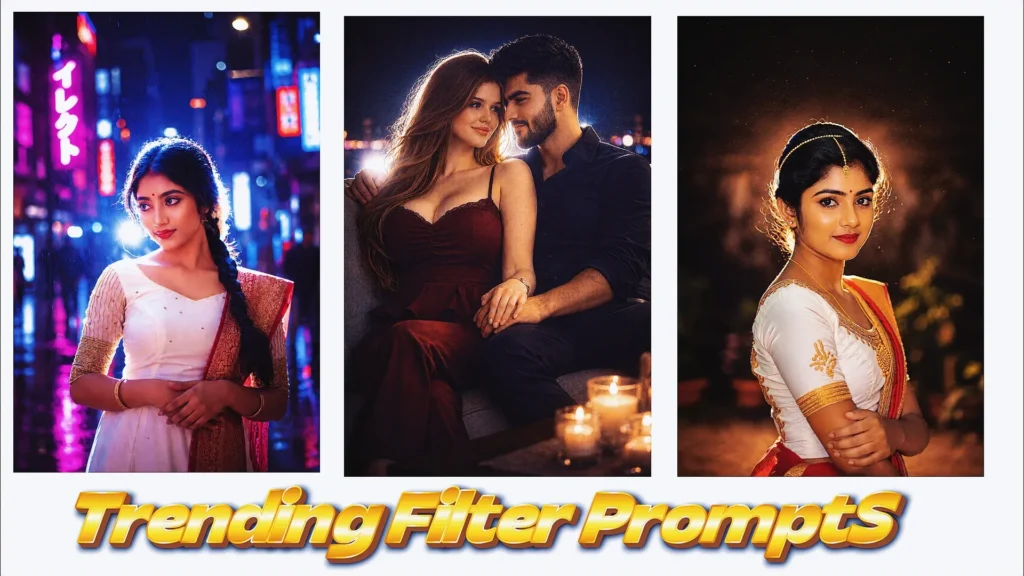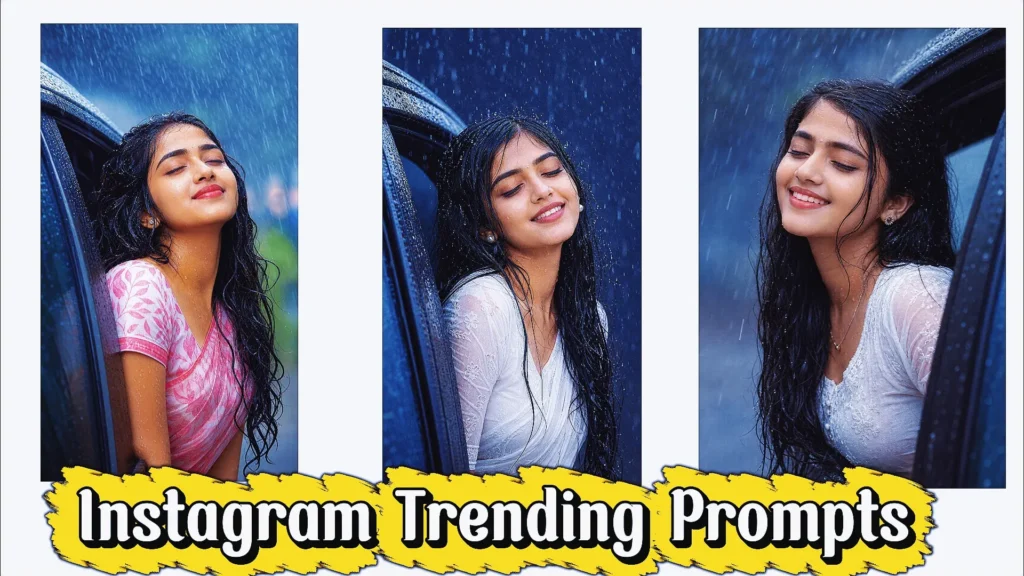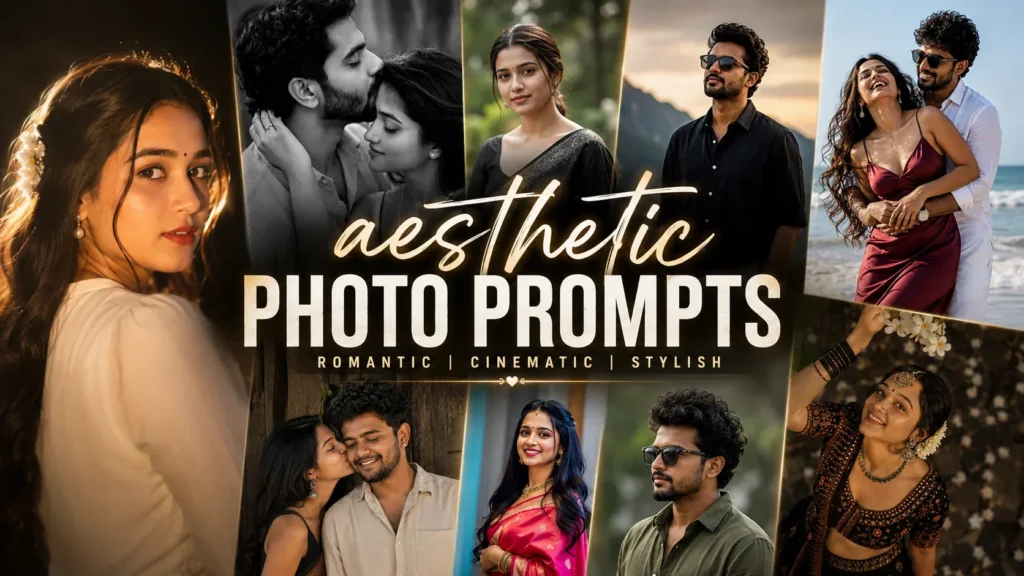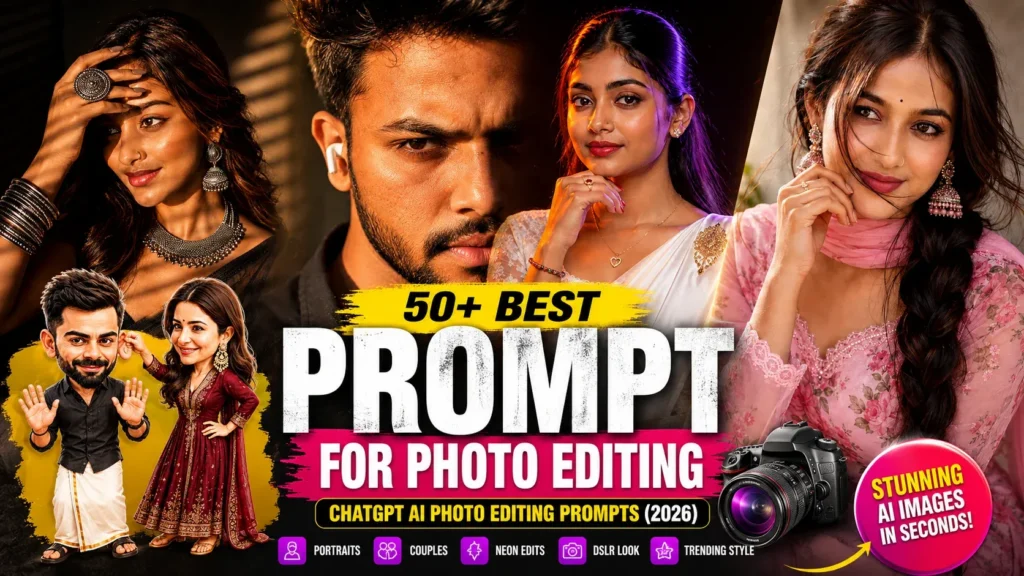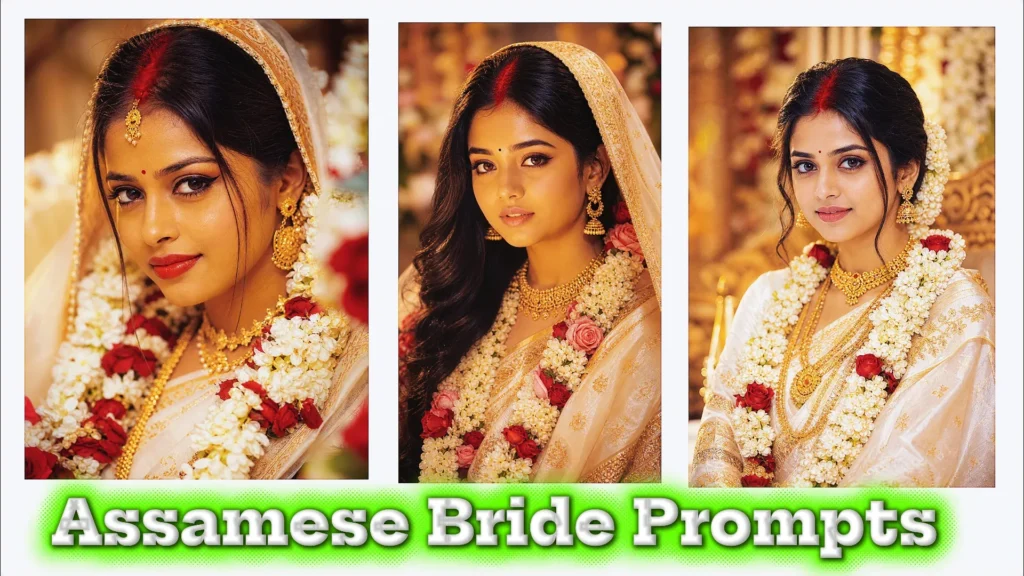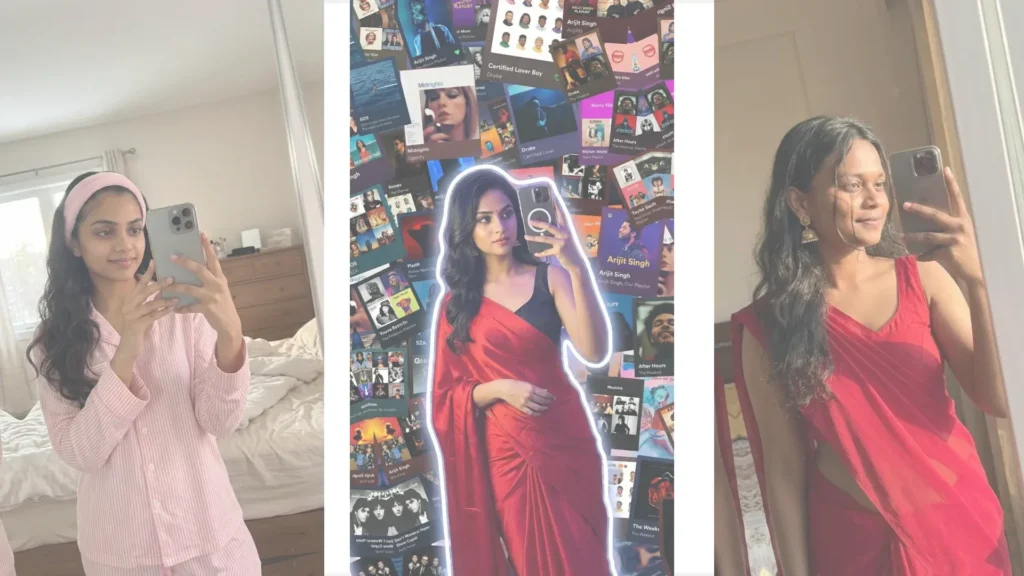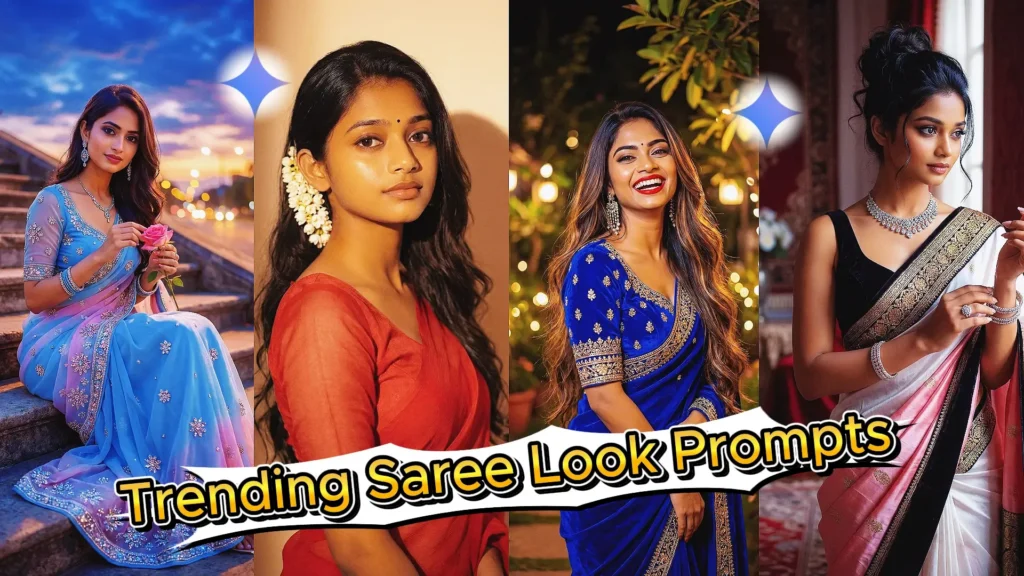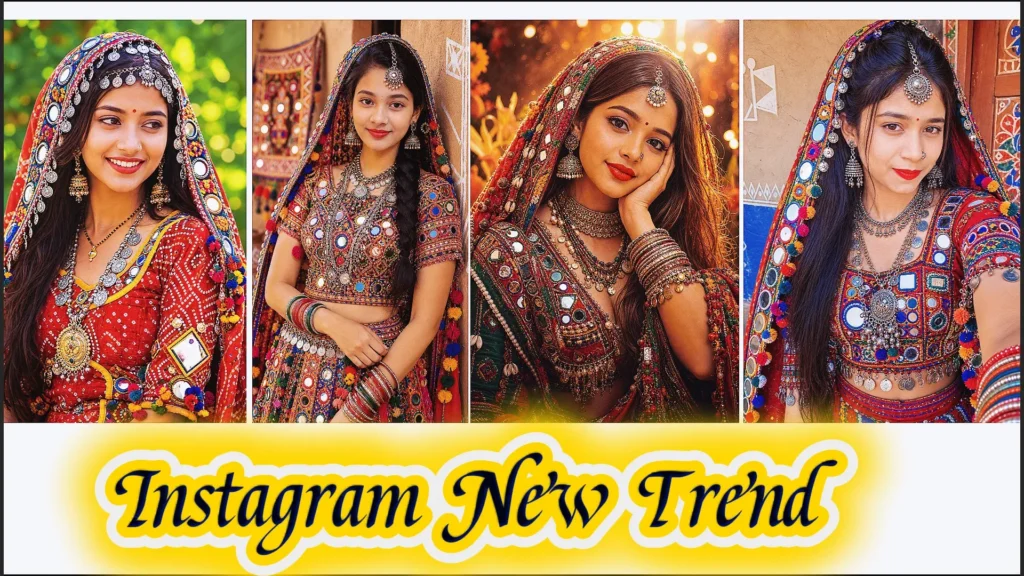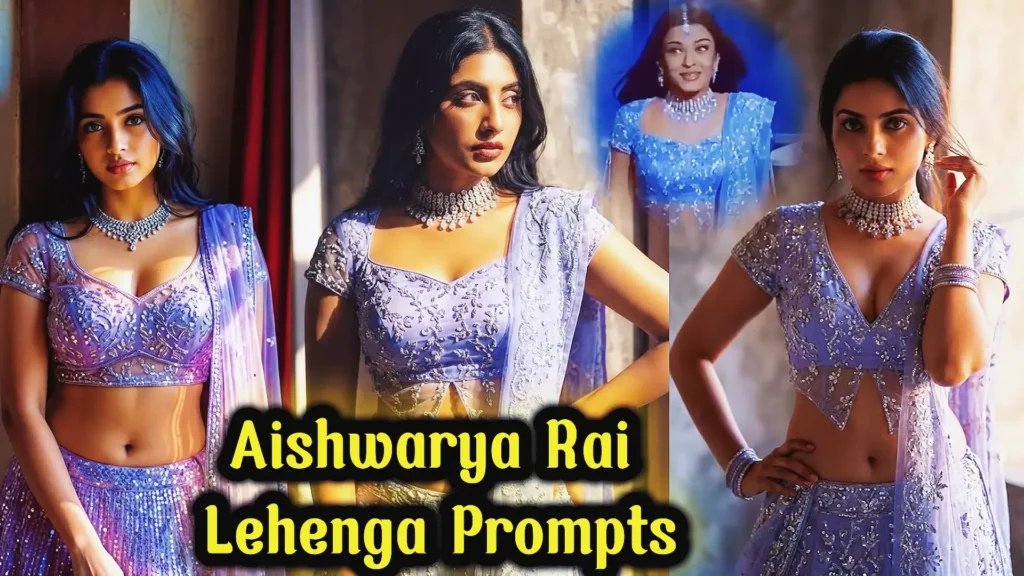
Scrolling through Instagram today, you’ll often come across glamorous Indian fashion portraits featuring detailed lehengas, elegant styling, warm lighting, and a cinematic photography look. This combination has become especially popular among creators experimenting with AI-generated and AI-edited photos. You don’t necessarily need an expensive outfit, professional studio, or elaborate photoshoot to explore this visual style. With a carefully written Aishwarya Rai lehenga AI prompt, you can create a celebrity-inspired fashion concept while using your own photograph as the starting point.
AI image tools such as Gemini can help you experiment with different lehenga designs, colors, jewelry, backgrounds, lighting styles, and photography aesthetics. If maintaining your own appearance is important, you can also instruct the tool to preserve your recognizable facial features while changing the requested visual elements. In this guide, you’ll learn how to approach these trending lehenga edits, what details to include in your prompts, and how to refine your results for social media-friendly images.
Why Are Aishwarya Rai-Inspired Lehenga Images Trending?
The appeal of this style comes from the combination of traditional Indian fashion and polished editorial photography. A detailed lehenga naturally provides AI with plenty of visual elements to work with, from embroidery and fabric textures to jewelry and color combinations.
Here are some reasons creators enjoy experimenting with this concept:
Elegant Indian Fashion
Lehengas offer a wide range of styling possibilities. You can experiment with embroidered fabrics, embellished dupattas, statement jewelry, traditional accessories, and different color palettes.
Cinematic Photography
Warm lighting, shallow depth of field, soft highlights, and carefully composed backgrounds can give an AI-generated portrait a polished photography feel.
Suitable for Social Media
Fashion-focused AI portraits can be adapted for Instagram posts, profile pictures, reels covers, Pinterest content, and other visual platforms.
Multiple Creative Possibilities
You can experiment with royal wedding styling, festive outfits, outdoor portraits, luxury interiors, palace-inspired settings, or modern fashion photography without changing the basic concept.
What Is an Aishwarya Rai-Inspired Lehenga AI Edit?
An Aishwarya Rai-inspired lehenga edit is an AI-generated or AI-edited fashion concept that draws inspiration from glamorous Indian celebrity photography while allowing you to customize the overall appearance.
Instead of simply asking an AI tool to “change my dress,” you can describe the complete visual direction. For example, you might request a heavily embroidered lehenga, elegant jewelry, warm golden lighting, a sophisticated background, and a professional fashion photography composition.
The goal is to make the different elements work together naturally rather than adding random effects.
What Should Your Prompt Include?
A strong prompt can describe several important components:
- Lehenga design: Mention embroidery, fabric, patterns, and overall style.
- Color palette: Choose shades such as red, maroon, gold, pink, pastel, emerald, or other combinations.
- Accessories: Add earrings, bangles, necklaces, hair accessories, or other suitable details.
- Lighting: Specify soft daylight, golden-hour illumination, studio lighting, or cinematic highlights.
- Background: Choose a palace, wedding venue, garden, luxury interior, or simple studio environment.
- Pose: Describe whether you want a standing portrait, seated pose, walking shot, or close-up composition.
- Photography style: Include fashion editorial, realistic portrait, cinematic photography, or DSLR-style composition.
- Identity preservation: If you’re editing your own photograph, ask the AI to maintain your recognizable facial features.
Why Is Face Preservation Important?
When editing a personal photograph, changing too many facial details can make the final image look unlike the original person. A useful prompt can explicitly request that the subject’s recognizable facial characteristics remain consistent while the outfit and environment are modified.
However, AI image tools can still alter facial details, so always review the generated result before using it publicly.
How to Create a More Realistic Lehenga Transformation
Start with a clear photograph where the subject is visible and the lighting is reasonably good. Then describe the specific fashion transformation you want rather than relying on vague instructions.
For example, you could ask for a detailed traditional lehenga with realistic fabric folds, naturally matching shadows, coordinated jewelry, soft warm lighting, and a sophisticated background.
Pay attention to how the new outfit interacts with the original pose. The fabric should appear to follow the body’s position, while the lighting and shadows should match the environment. This can make the final result feel more cohesive and photograph-like.
Tips for Better Aishwarya Rai Lehenga AI Prompts
Use a High-Quality Reference Photo
A sharp and well-lit source image gives the AI more visual information to work with. Avoid heavily blurred or extremely dark photographs when possible.
Be Specific About the Outfit
Instead of simply saying “add a lehenga,” describe the material, color, embroidery, dupatta, jewelry, and overall fashion direction.
Match the Lighting
If your original photo has strong sunlight, requesting a completely dark studio environment may create inconsistencies. Try to describe lighting that complements the original composition.
Avoid Too Many Unrelated Effects
Adding excessive filters, colors, backgrounds, and artistic styles can make the image look unnatural. Choose one primary aesthetic and build the prompt around it.
Refine the Result Gradually
If the first image isn’t quite right, make targeted changes. For example, you can request more realistic fabric, softer lighting, a simpler background, or better preservation of facial features instead of starting over completely.
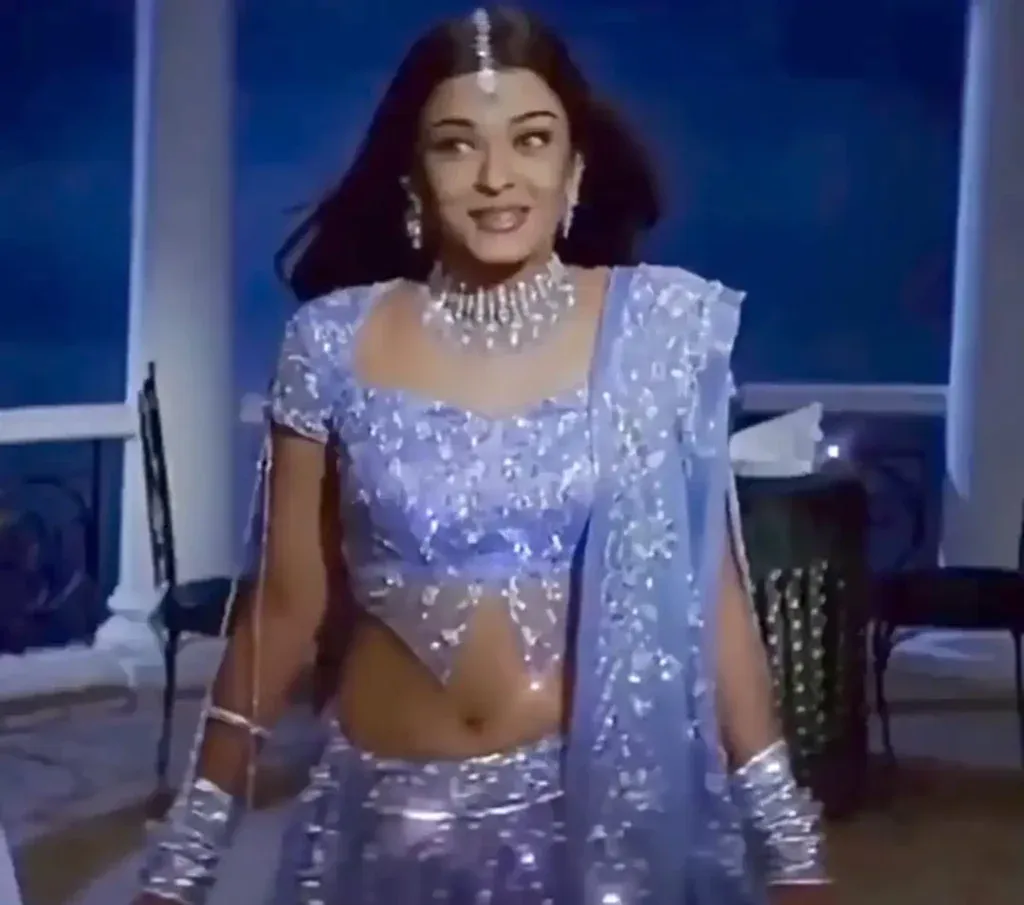
Download Aishwarya Rai Lehenga Reference Photos
Before jumping into prompts, reference images matter a lot. Download Reference Image.
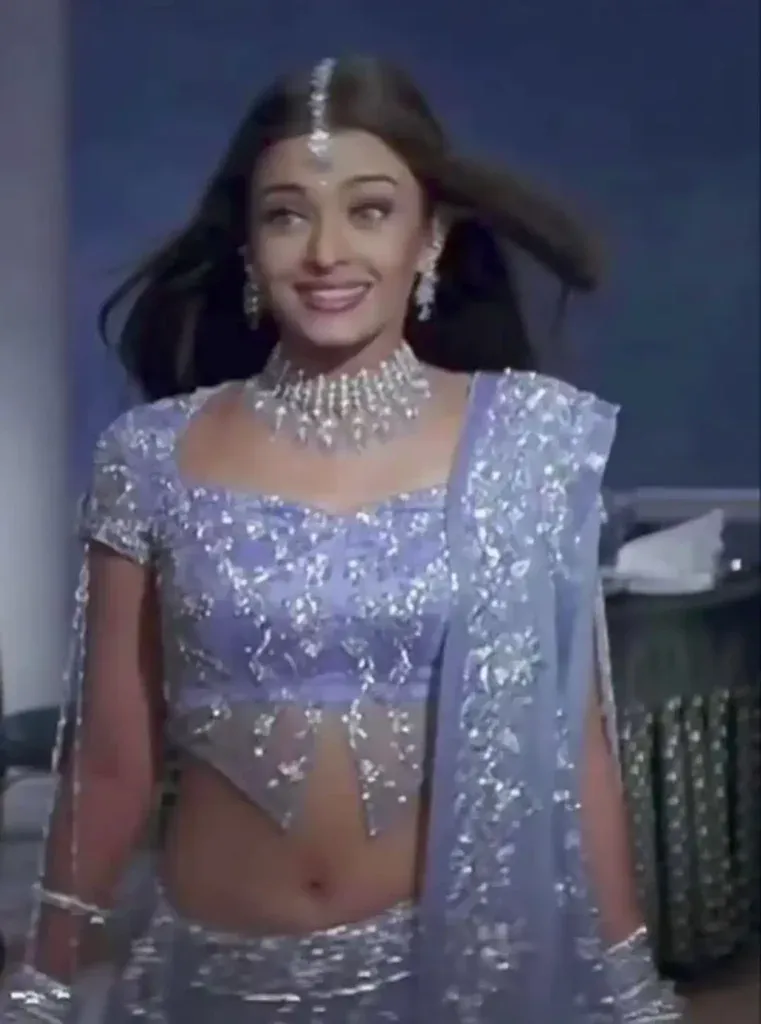
Top Instagram Aishwarya Rai Lehenga Prompts (Tested & Reliable)
You can copy-paste these aishwarya rai purple lehenga prompt directly. Each one serves a slightly different aishwarya rai viral lehenga photo purpose.
1. Strict Face Preservation Lehenga Prompt
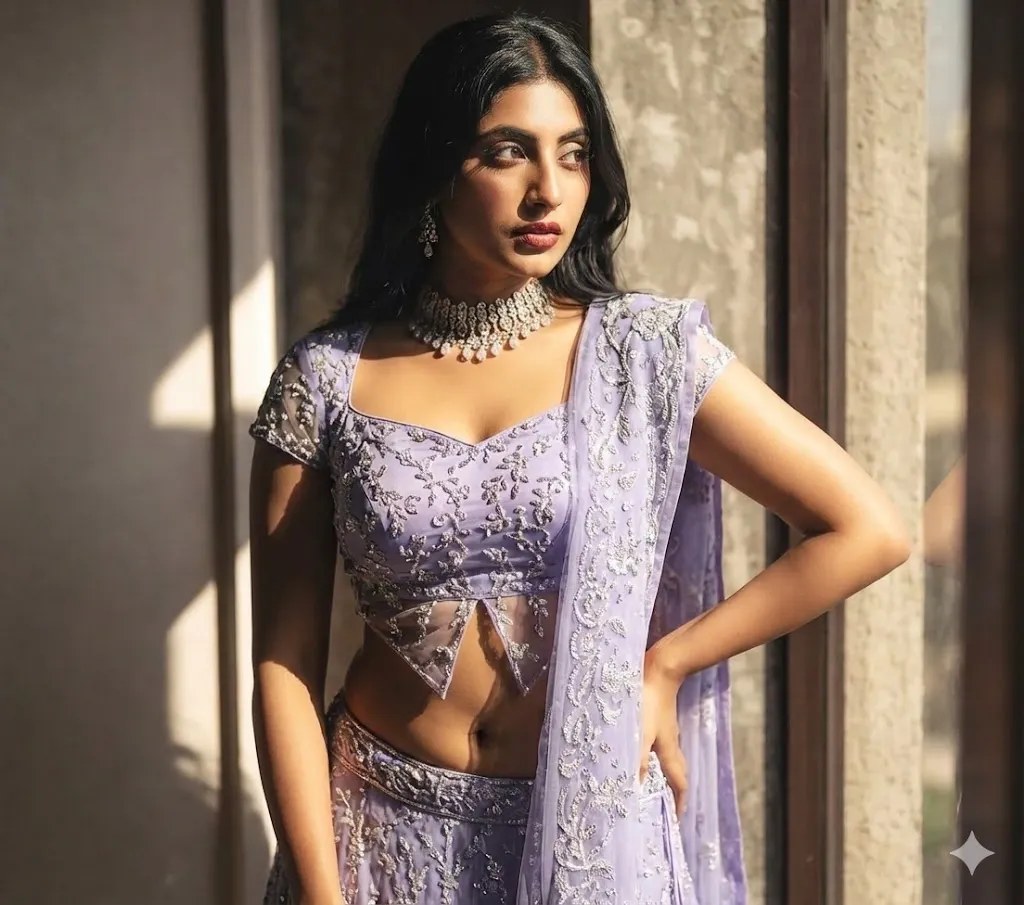
2. Golden Hour Realistic Lehenga Prompt
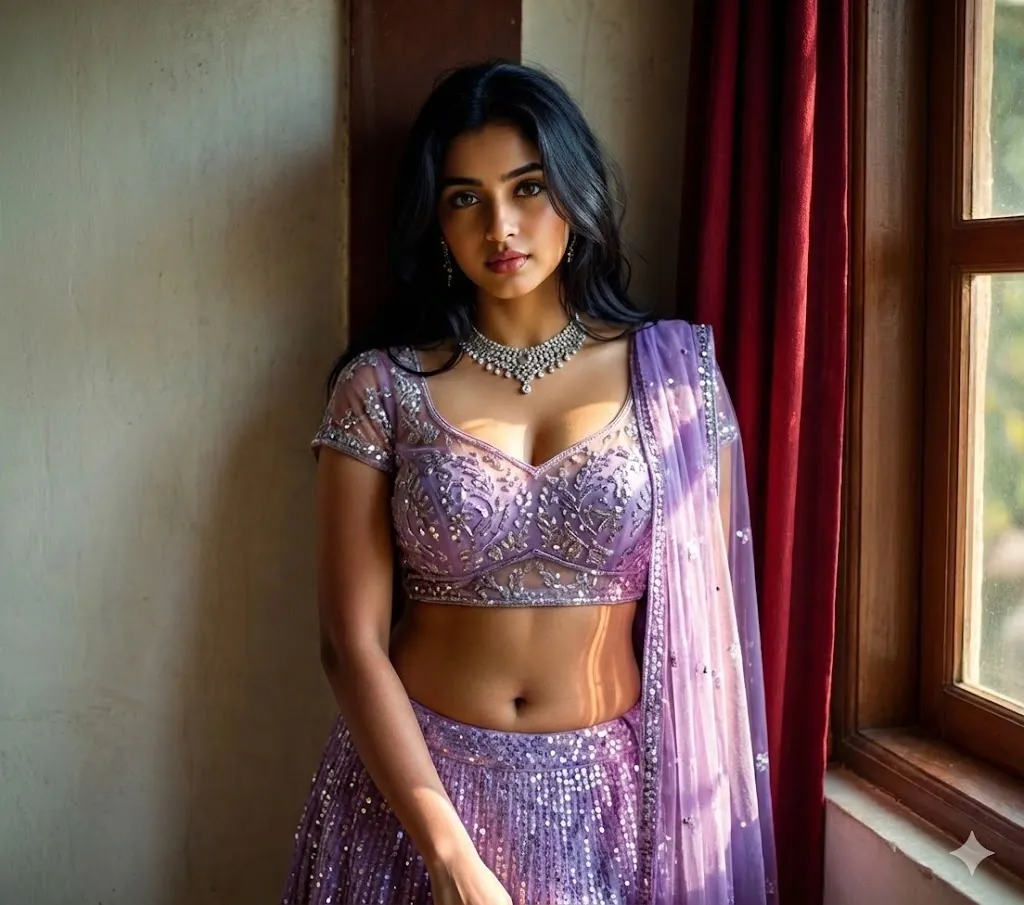
3. Purple Lehenga Full Body Prompt
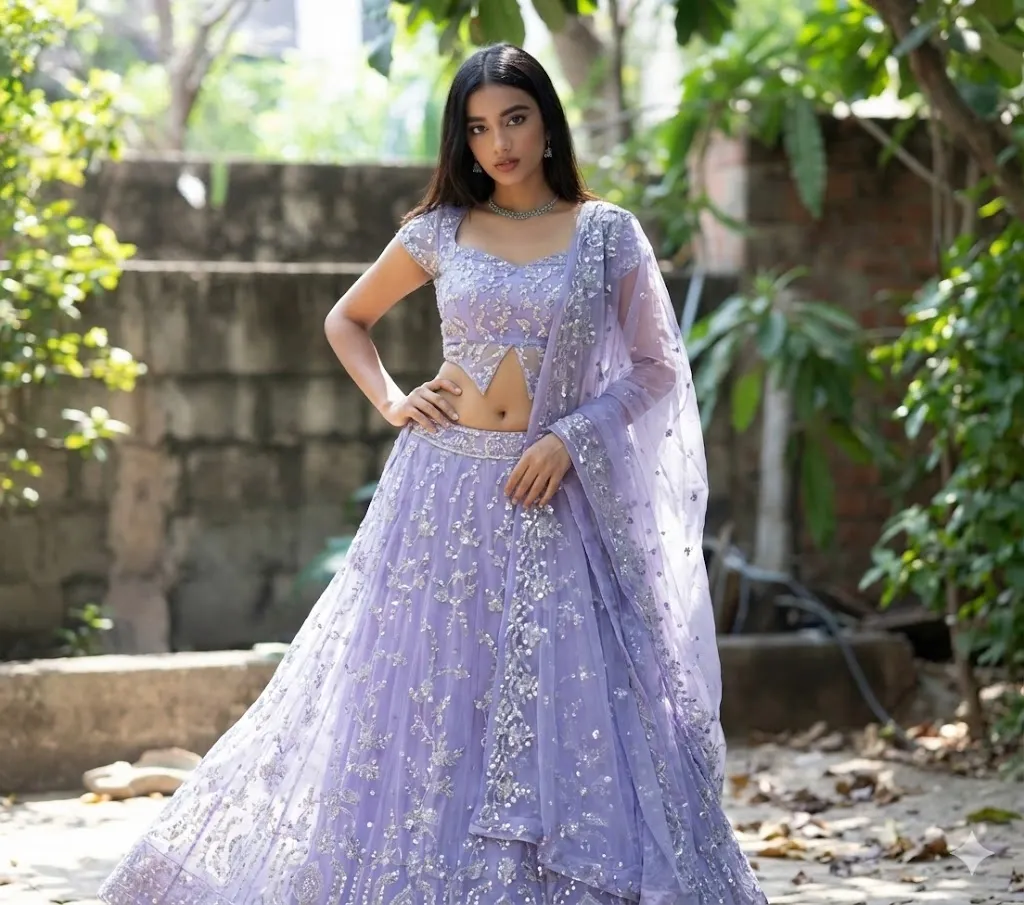
4. Reverse Outfit Transfer Prompt
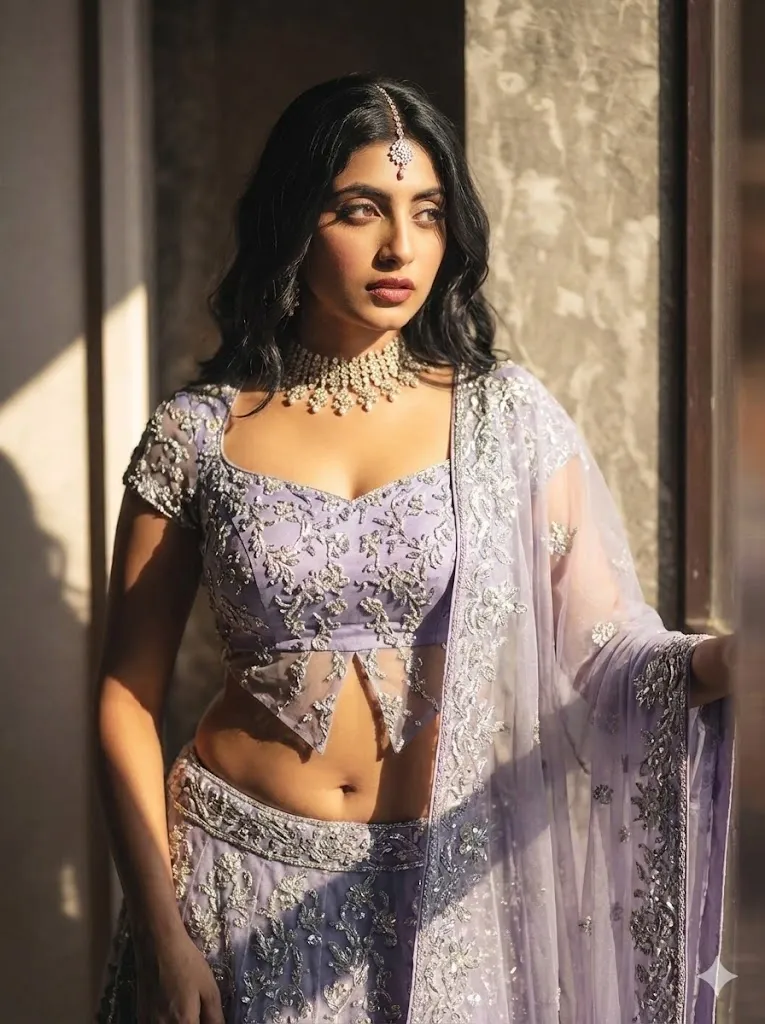
5. Outfit + Pose Lock Prompt
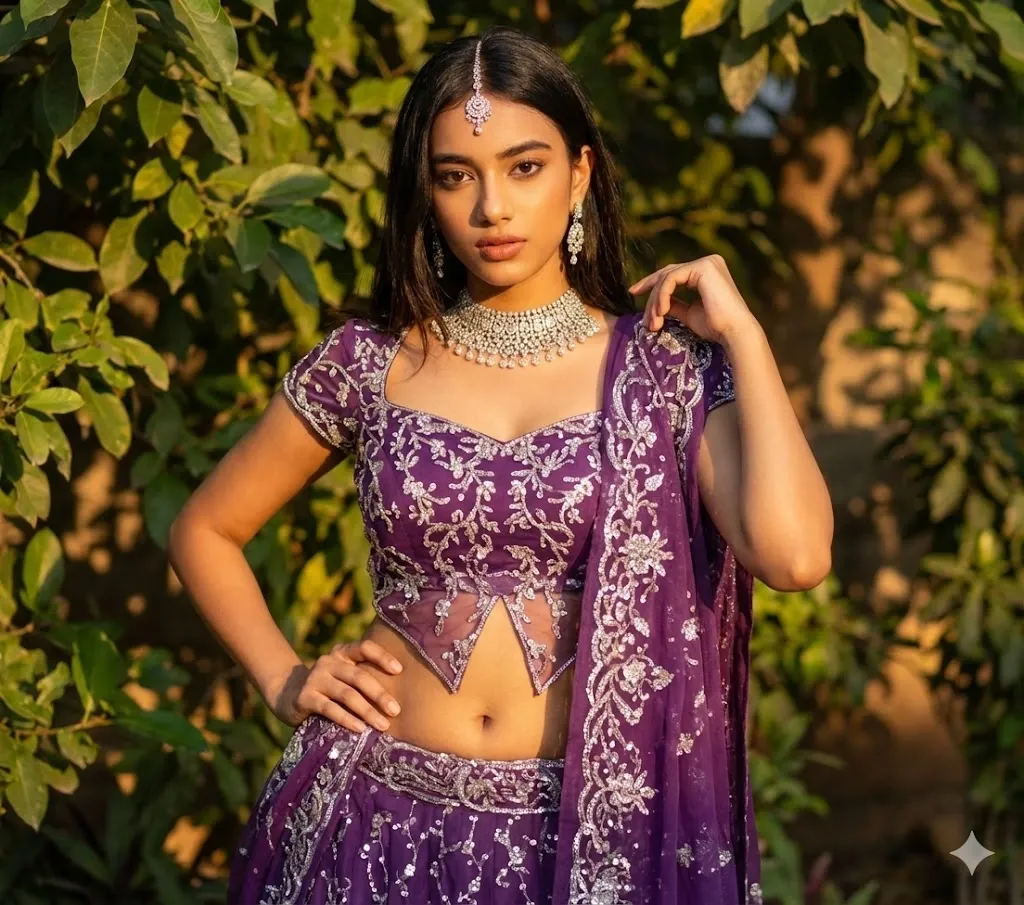
6. Ultra-Realistic Cinematic Lehenga Prompt
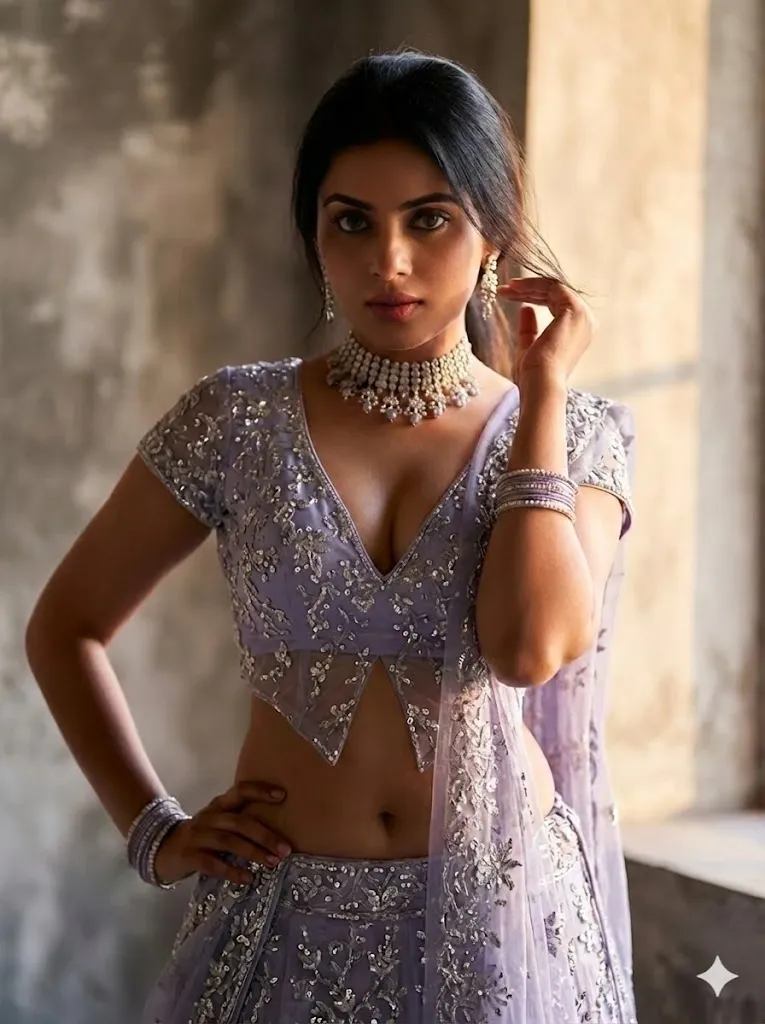
How to Use Aishwarya Rai Lehenga Prompts in Gemini AI
Creating an Aishwarya Rai-inspired lehenga photo in Gemini AI is simple when you provide clear references and specific instructions. Follow these steps for a more realistic result:
- Open Gemini AI and select the image generation or image editing feature.
- Upload your original photograph as the first reference image.
- Add a second image showing the Aishwarya Rai-inspired lehenga style you want to recreate.
- Choose one of the prompts from this guide and paste it into Gemini. For your first attempt, use a detailed prompt that describes the outfit, lighting, pose, and image quality.
- Generate the image and carefully check the face, clothing details, hands, shadows, and overall proportions.
- If necessary, make small adjustments with another prompt instead of changing everything at once.
- Apply light color or brightness adjustments afterward if you want the final image to look more polished.
Using two clear reference images and giving Gemini precise instructions can make the editing process much more consistent.
Mistakes to Avoid When Creating AI Lehenga Photos
Even a good AI prompt can produce an unrealistic result if the reference image or instructions are unclear. Avoid these common problems:
- Uploading blurry, dark, or heavily filtered photos
- Using a lehenga reference with unclear clothing details
- Failing to tell the AI to preserve your facial identity
- Changing the face, pose, outfit, background, and lighting all at once
- Adding too many visual effects that make the image look artificial
- Using excessive filters after generating the image
For a convincing Aishwarya Rai lehenga AI photo, focus on realistic fabric texture, natural lighting, accurate proportions, and consistent facial details. A simple and well-structured prompt usually produces better results than an overly complicated one.
FAQs About Aishwarya Rai Lehenga AI Prompts
Can I share an Aishwarya Rai-inspired AI photo on Instagram?
Yes, you can share an AI-generated image on Instagram. However, it is better to make it clear that the image is AI-generated or inspired by a celebrity style, especially if the image could otherwise create confusion about whether the person shown is actually Aishwarya Rai.
Will Gemini change my face while editing the photo?
It can happen if the prompt does not clearly instruct Gemini to preserve your identity. Mention that your facial features, face shape, skin details, and overall identity should remain unchanged while the outfit is modified.
Which lehenga colors work well for this AI photo trend?
Rich shades such as royal blue, deep purple, wine, emerald, red, and ivory can create a luxurious Indian fashion appearance. The best choice depends on your original photo, lighting, skin tones, and the overall mood you want.
Can I use these AI-generated lehenga photos on my website?
You can use AI-generated images on a website, but you should review the terms and conditions of the AI tool you used and make sure the image does not create a misleading impression about a real person, endorsement, or event.
Why does the AI-generated lehenga sometimes look unrealistic?
Unnatural fabric folds, incorrect shadows, distorted accessories, and mismatched lighting can make an AI lehenga image look fake. Using a high-resolution reference photo and describing the fabric, lighting, camera style, and outfit details more precisely can help improve the result.
Final Thoughts
The Aishwarya Rai-inspired lehenga AI photo trend combines traditional Indian fashion with modern image-generation technology. With the right reference photos and a carefully written prompt, you can experiment with glamorous lehenga designs, cinematic lighting, elegant backgrounds, and different photography styles.
The quality of the final image depends less on simply choosing an AI tool and more on how clearly you describe the transformation. Start with a clean photograph, use a detailed lehenga reference, protect your facial identity, and make changes gradually.
Try different colors, fabrics, poses, and backgrounds to discover a style that suits your photo. With a little experimentation, Gemini AI can help you create polished and visually engaging lehenga-inspired images for social media and creative projects.