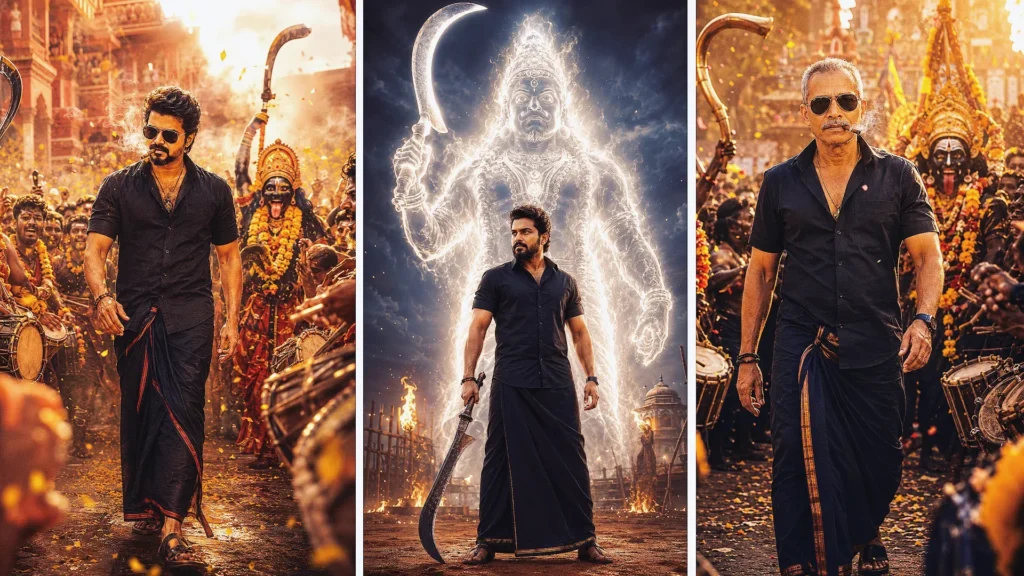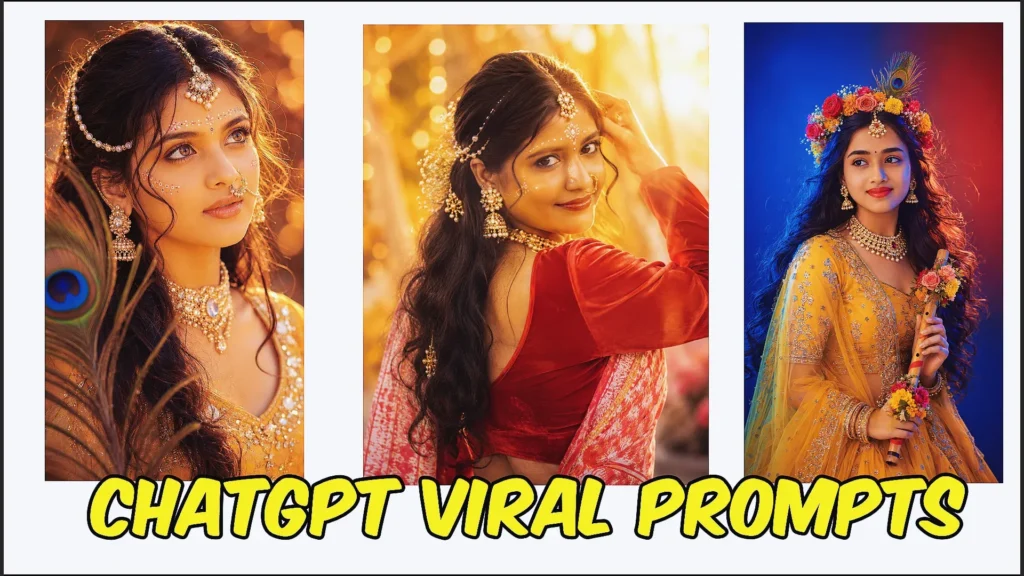
AI-generated photos have changed the way people create social media content. One trend that has attracted a lot of attention is the Photo With God prompt, where you can create cinematic images of yourself with spiritual or mythological figures.
From peaceful temple scenes to emotional moments in nature, these prompts allow you to turn a simple photograph into a meaningful visual story.
With ChatGPT and other AI image-generation tools, you can describe the location, clothing, expressions, lighting, camera angle, and mood you want. You can also upload your own photo and ask the AI to use your facial appearance as the main reference.
In this guide, you’ll find creative Photo With God prompts that you can copy, customize, and use to create unique AI images.
What Is a Photo With God Prompt?
A Photo With God prompt is a detailed instruction used with an AI image generator to create a scene featuring a person alongside a divine or mythology-inspired figure.
For example, you could create an image of yourself:
- Sitting peacefully inside an ancient temple
- Talking with Lord Krishna
- Receiving blessings from Lord Shiva
- Walking through a beautiful mountain landscape
- Sitting beside divine figures during an emotional moment
- Meditating in a peaceful spiritual environment
- Celebrating a meaningful occasion with divine companions
The goal isn’t simply to place two subjects in the same picture. A good prompt describes the entire scene so the generated image has a believable setting, composition, lighting, and emotional atmosphere.
Why Are Photo With God AI Prompts Popular?
These prompts combine several visual elements that work well together: personal photography, storytelling, spirituality, and cinematic AI art.
A normal portrait might show only a person’s face and clothing. A detailed AI prompt can turn that portrait into a complete story.
For example, instead of saying:
“Create my photo with Lord Shiva.”
You can describe the temple, time of day, clothing, expression, camera perspective, lighting, surroundings, and interaction between the subjects.
That extra information gives the AI a much clearer creative direction.
Best Photo With God Prompts to Try
1. Finding Comfort in a Sacred Temple
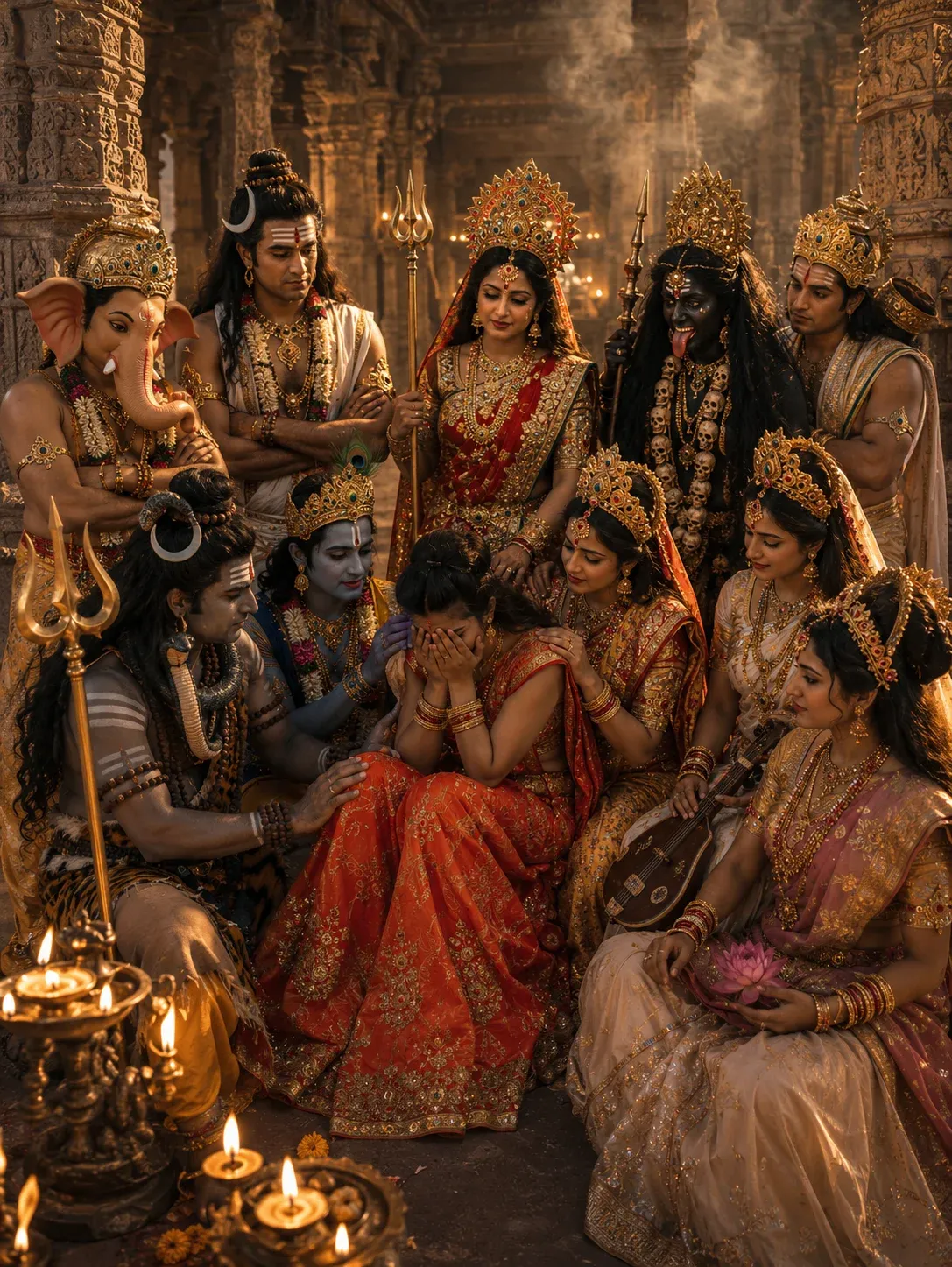
This emotional temple scene is perfect for creators looking to explore the latest AI storytelling trend. If you’re searching for a realistic photo with god prompt that combines spirituality, cinematic visuals, and emotional depth, this concept delivers stunning results. Many users are currently using a god prompt ChatGPT workflow to create similar images, making it one of the most popular ideas in the trending prompt ChatGPT category. The detailed temple environment and divine presence help create an engaging Instagram trending photo prompt that feels meaningful and visually powerful.
2. A Young Man’s Emotional Moment in an Ancient Temple
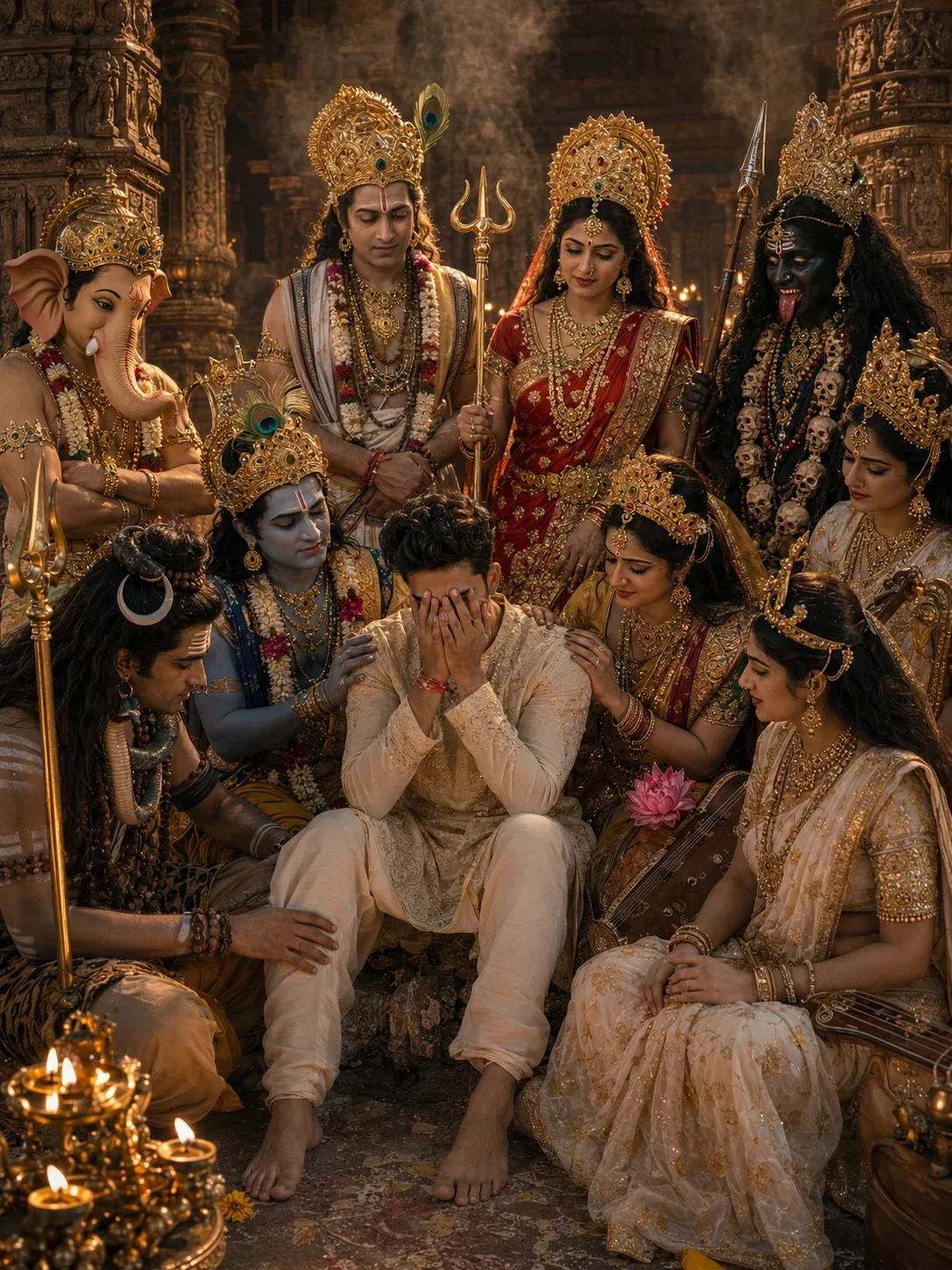
This cinematic temple concept is ideal for anyone looking for a new Instagram trend prompt for boy with a spiritual and emotional touch. Using a carefully crafted ChatGPT god prompt copy paste, creators can generate realistic scenes that feel like movie stills. This style has become a trending god prompt because it blends emotion, storytelling, and high-quality visuals into one unforgettable image. It’s also a great example of how a god prompt generator can help create unique AI artwork with minimal effort.
3. Divine Friends in a Modern Night Scene
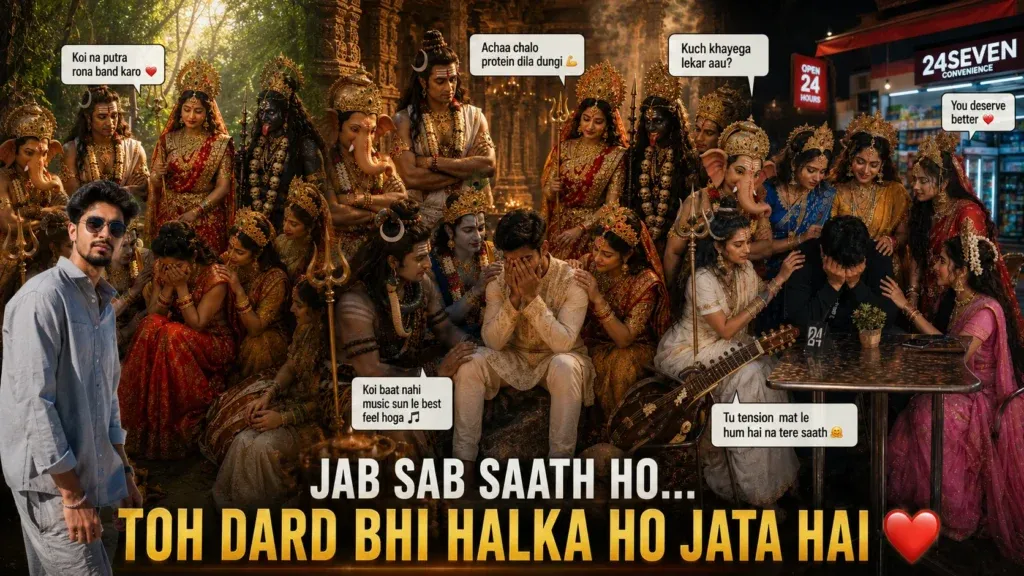
This modern mythology concept adds humor and relatability to AI-generated content. It has become a favorite among users looking for a new Instagram trend prompt for girl that stands out from traditional portraits. The combination of emotional storytelling and playful interactions makes it a strong new trending prompt for social media creators. Many people use a ChatGPT photo editing prompts trending Instagram approach to create similar viral visuals that feel fresh, entertaining, and highly shareable.
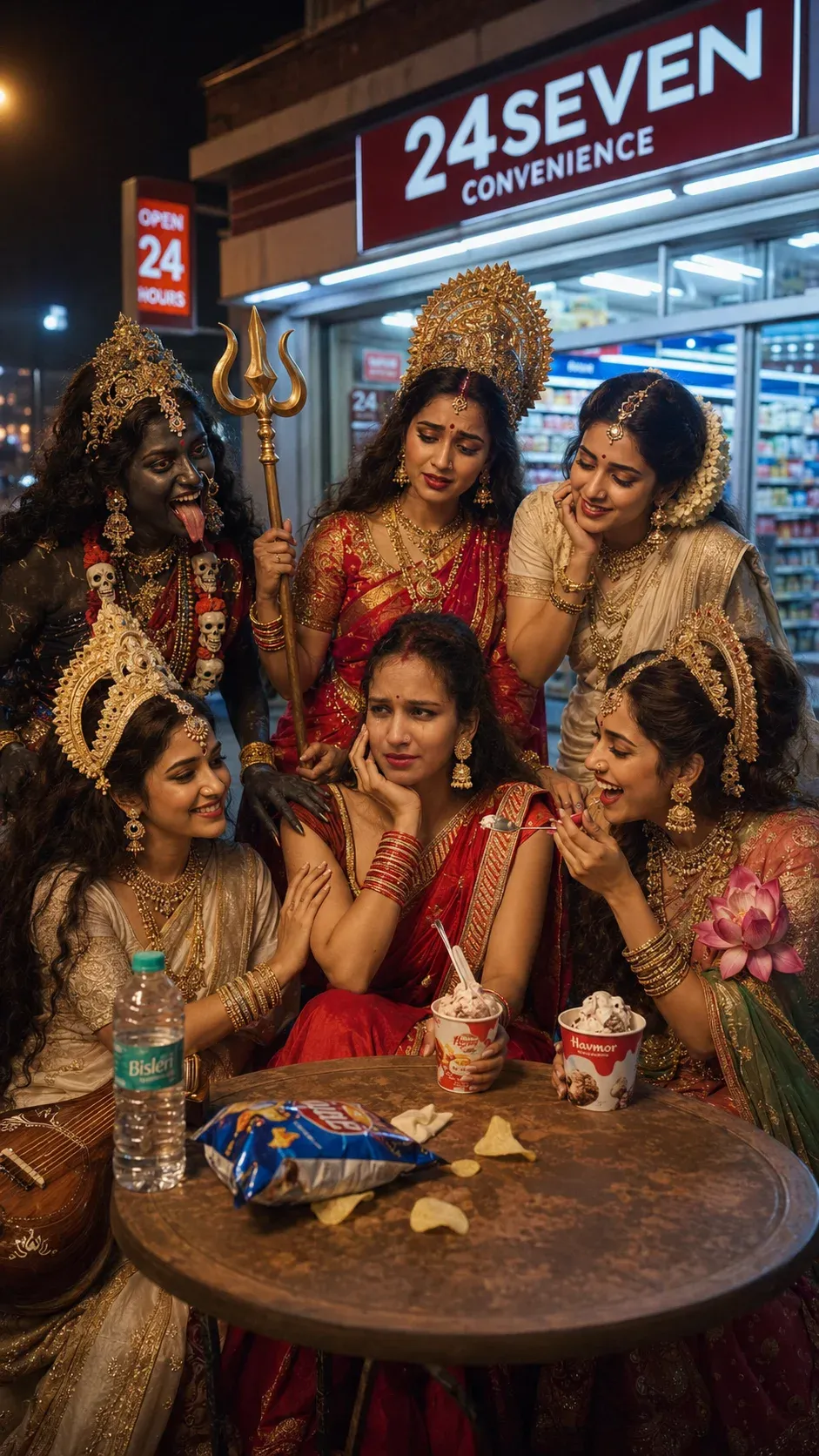
4. The Ultimate Emotional Support Squad
This café-inspired concept combines humor, friendship, and cinematic photography into one memorable scene. It works exceptionally well as a new chat GPT trend photo prompt because it captures emotions that audiences instantly relate to. The idea has gained popularity among creators searching for a trending prompt in Instagram AI photo categories, especially those wanting something different from traditional AI portraits. It also showcases how a creative god prompt can turn a simple image into a viral social media moment.
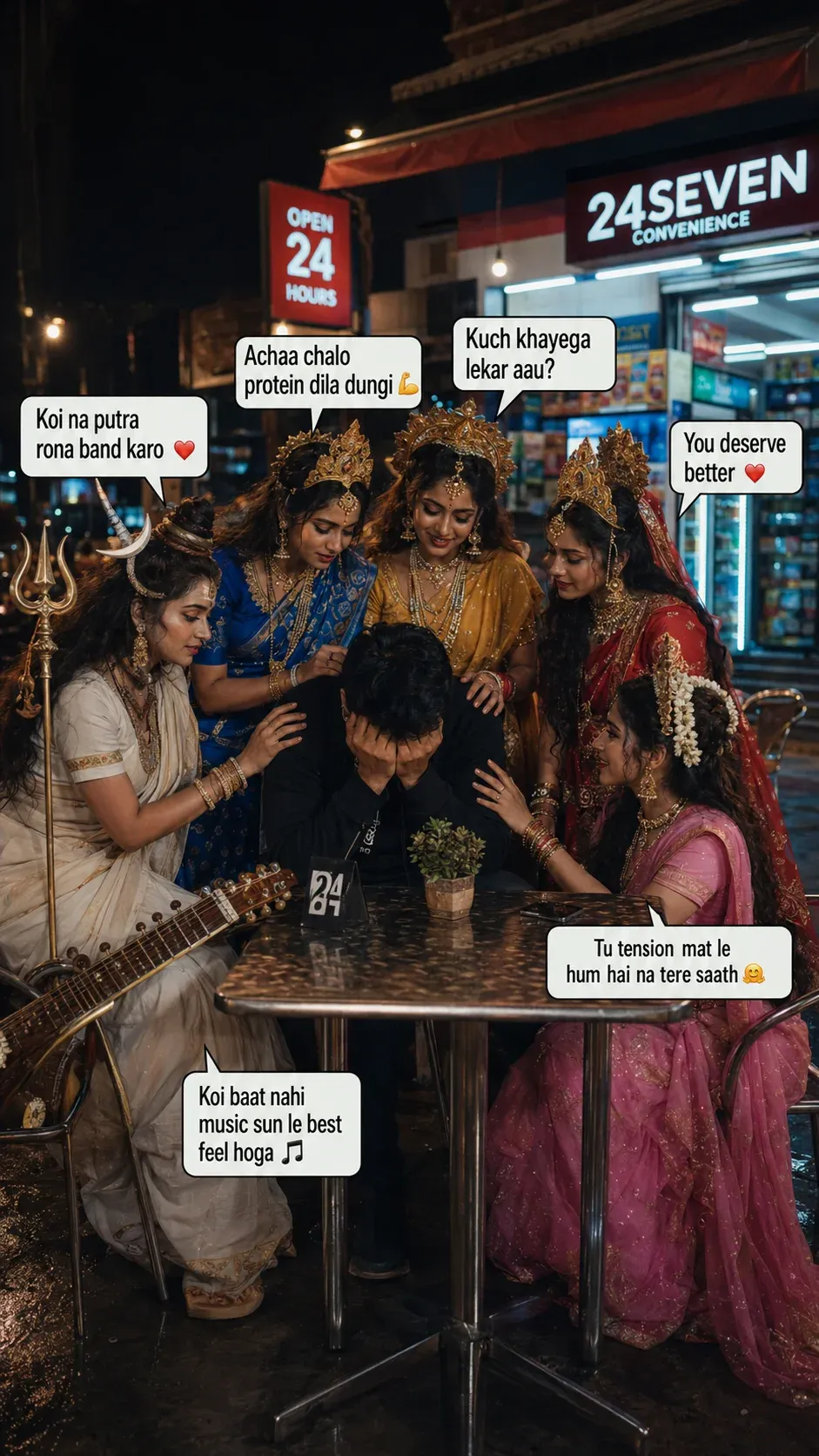
5. Guidance During Difficult Times
This minimarket scene creates a powerful contrast between everyday life and divine wisdom. It has become one of the most recognizable styles within the photo with god prompt trend because of its realistic setting and emotional storytelling. Creators frequently use a ChatGPT god prompt to generate similar cinematic images that feel authentic and relatable. If you’re exploring the latest trending photo prompt ideas, this concept is an excellent place to start.
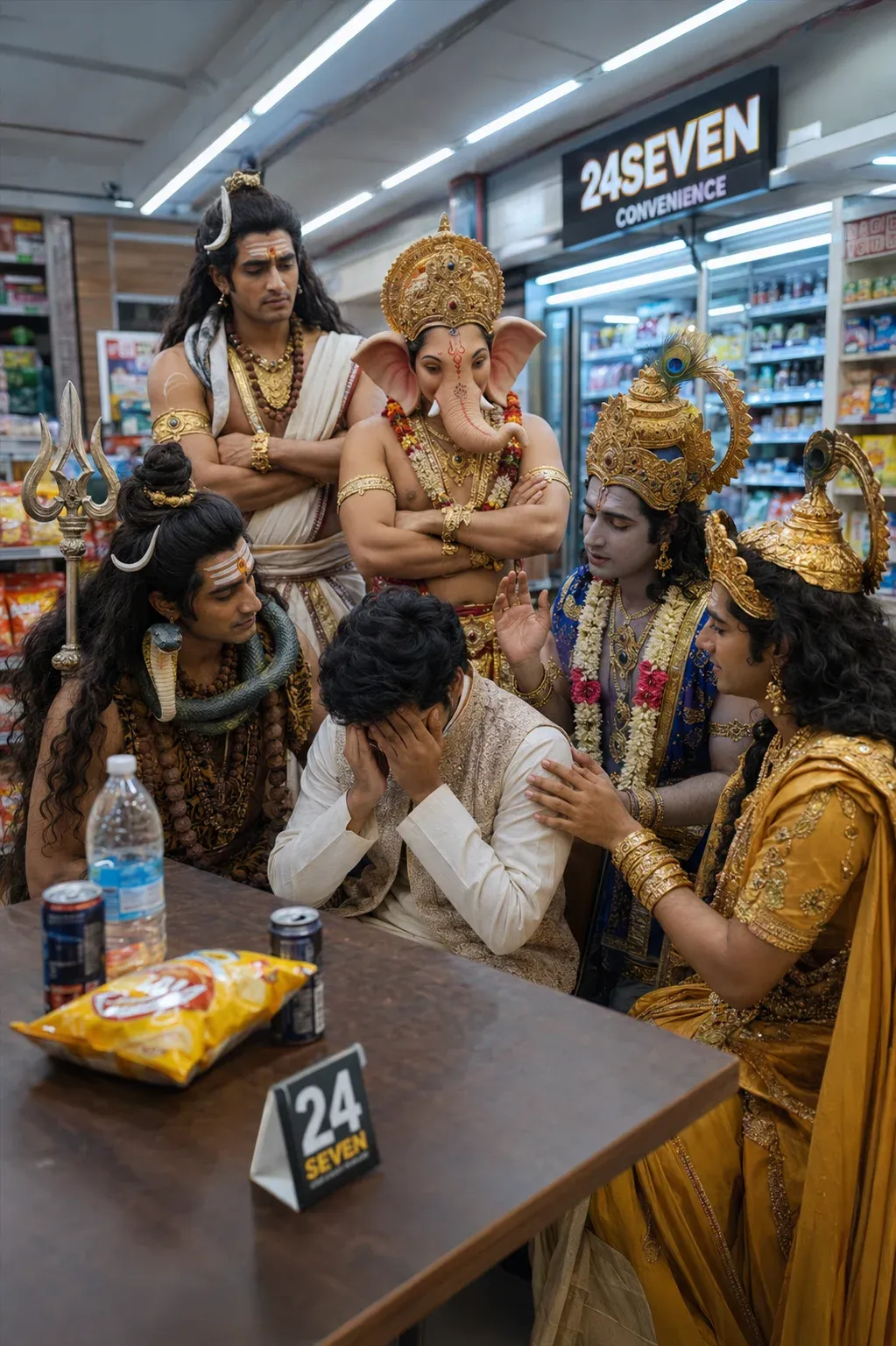
6. Surrounded by Strength, Wisdom, and Compassion
This emotional scene has become a popular choice among users looking for a new Instagram trend prompt that combines spirituality with cinematic realism. The presence of multiple divine figures creates a visually rich composition that performs well on social media platforms. Many creators discover ideas like this through a god of prompts ChatGPT prompt generator or by experimenting with a new god prompt designed specifically for emotional storytelling. The result is a highly engaging image that resonates with audiences.
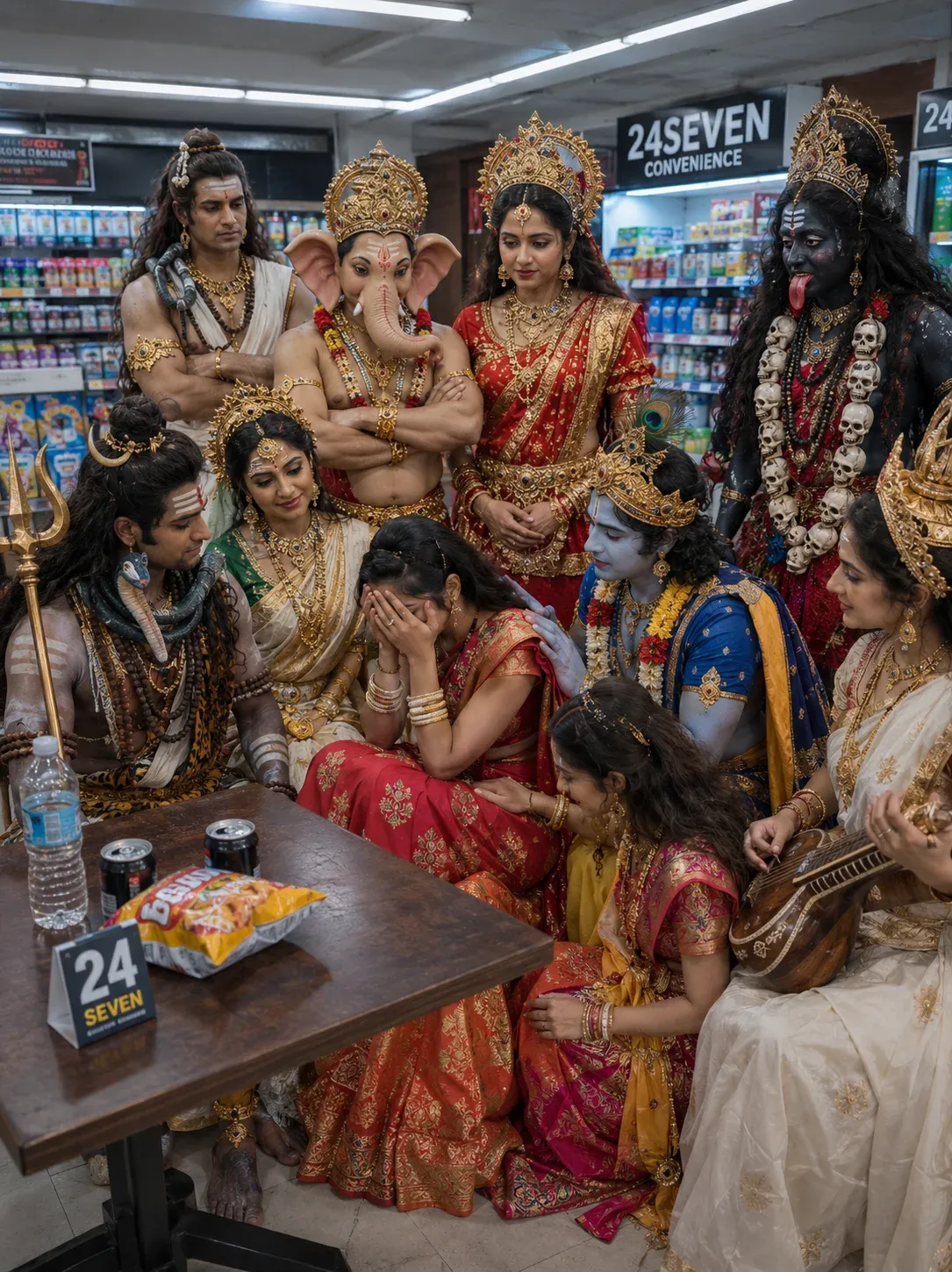
7. A Journey of Reflection in Nature
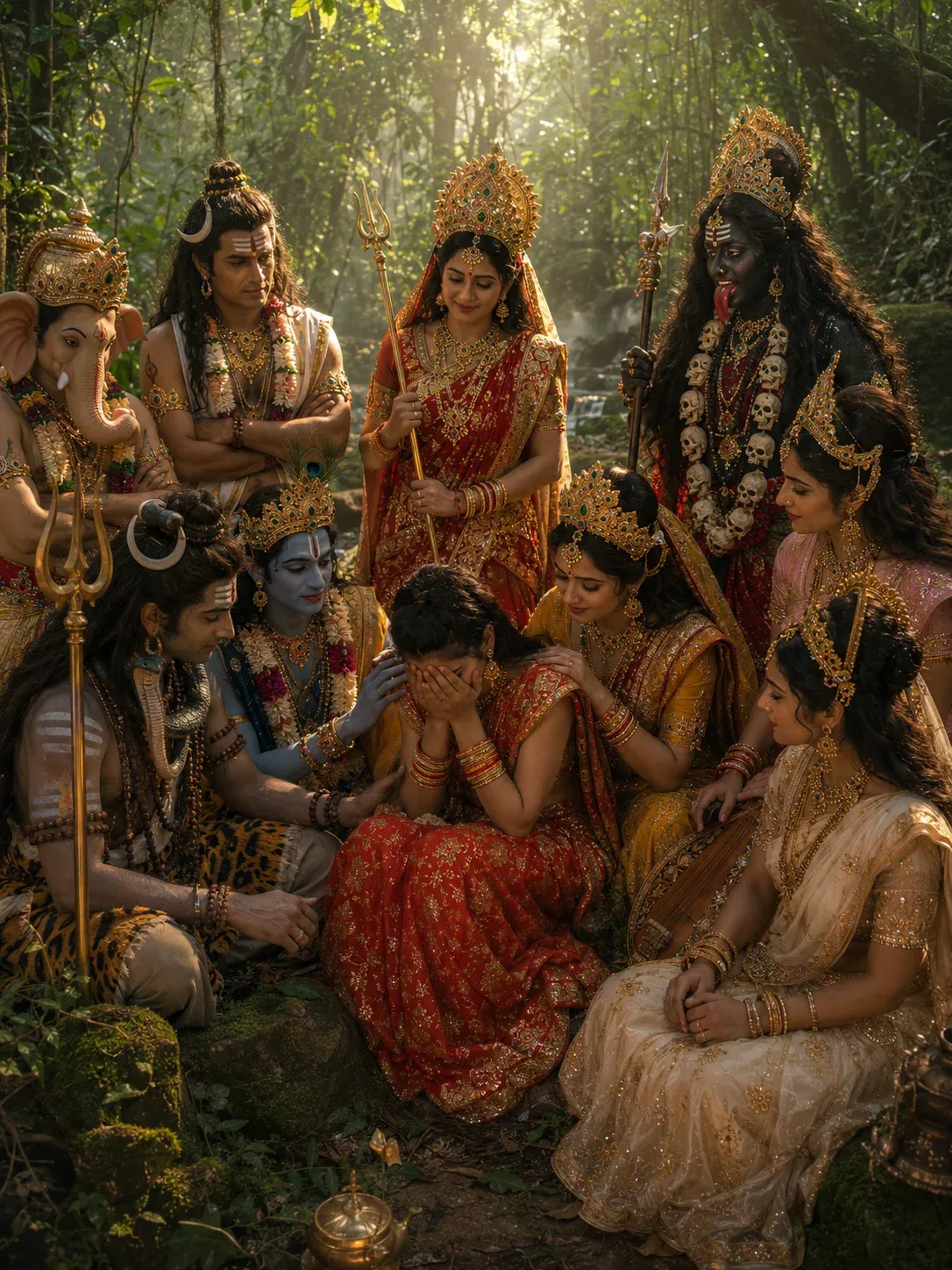
This jungle-based concept offers a unique alternative to temple and urban settings. The natural surroundings create a peaceful atmosphere that enhances the emotional impact of the image. As AI-generated storytelling continues to evolve, this style has emerged as a popular chatgpt god mode prompt 2026 concept among creative users. It also fits perfectly within the growing demand for a new ChatGPT trend prompt that blends nature, spirituality, and cinematic photography into one compelling visual experience. By using a well-crafted god prompt generator, creators can easily produce breathtaking images inspired by this trend.
How to Create Your Own Photo With God Prompt
You don’t have to use a ready-made prompt every time. You can build your own by combining a few important elements.
1. Start With Your Reference Photo
Upload a clear photograph if you want the generated character to resemble you.
For better consistency, use a photo where your face is clearly visible and isn’t heavily filtered.
2. Choose the Divine Figure
Decide who you want in the scene, such as:
- Lord Shiva
- Lord Krishna
- Lord Ganesha
- Lord Vishnu
- Maa Durga
- Maa Lakshmi
- Maa Saraswati
- Maa Parvati
3. Pick a Location
Your scene could take place in:
- An ancient temple
- Himalayan mountains
- A forest
- A riverside
- A peaceful garden
- A modern café
- A village setting
- A sunset landscape
4. Describe the Mood
Be specific about the emotion you want.
Examples include:
- Peaceful
- Emotional
- Hopeful
- Reflective
- Joyful
- Calm
- Spiritual
- Cinematic
5. Add Camera Instructions
You can specify the visual style with terms such as:
- Photorealistic
- Smartphone photography
- Cinematic portrait
- Professional photography
- Shallow depth of field
- Natural lighting
- Vertical 9:16
How to Use Photo With God Prompts in ChatGPT
Using these prompts is simple:
- Open your preferred AI image generator.
- Upload a clear photo of yourself.
- Copy one of the prompts from this article.
- Paste the prompt into the image-generation chat.
- Generate the image.
- Review the result.
- Ask for specific corrections if something looks wrong.
For example, instead of regenerating everything, you can say:
“Keep the same composition, but make my face more accurate, improve the hands, and make the lighting more natural.”
This approach can save time because you’re correcting the specific problem instead of starting from scratch.
Tips for Realistic AI Photos
A detailed prompt isn’t automatically a better prompt. Specificity matters more than length.
Keep these points in mind:
Use a High-Quality Reference
A sharp, well-lit photograph usually gives the image model more useful visual information.
Don’t Overload the Scene
Adding ten characters, multiple locations, complex actions, and lots of text can reduce consistency.
Describe the Interaction
Instead of simply saying “I am with Lord Krishna,” explain what is happening.
For example:
“We are sitting beside a river and having a peaceful conversation.”
Control the Camera
Mention whether you want a close-up, medium shot, full-body portrait, or wide cinematic composition.
Check AI-Generated Details
AI images can sometimes produce inaccurate hands, jewelry, clothing details, facial features, or text. Always inspect the final image before publishing it.
Frequently Asked Questions
What is a Photo With God prompt?
It is a detailed instruction for an AI image generator that describes a scene involving a person and a divine or mythology-inspired figure.
Can I use my own photo?
Yes. Upload a clear reference image and instruct the image generator to preserve your facial identity and appearance.
Can I create these images with ChatGPT?
Yes, if image generation is available in your ChatGPT experience. You can also adapt the prompts for other AI image-generation platforms.
Which photo should I upload?
A clear, high-resolution photo with your face visible works better than a heavily edited or blurry image.
Can I change the background?
Yes. You can replace a temple with a mountain, forest, river, café, garden, or another environment simply by modifying the location section of the prompt.
How do I make the image look more realistic?
Focus on realistic lighting, natural expressions, believable poses, detailed environments, appropriate camera perspective, and consistent facial features.
Final Thoughts
Photo With God prompts give creators a simple way to combine personal photography with spiritual storytelling and cinematic AI visuals.
The strongest results usually come from a clear concept rather than an unnecessarily complicated prompt. Decide what story you want the image to tell, choose the right setting, describe the interaction, and then add camera and lighting details.
You can start with a temple scene and gradually experiment with mountains, forests, rivers, modern locations, and other environments.
Most importantly, treat the prompt as a starting point. Generate an image, identify what needs improvement, and make targeted changes until the composition matches your idea.