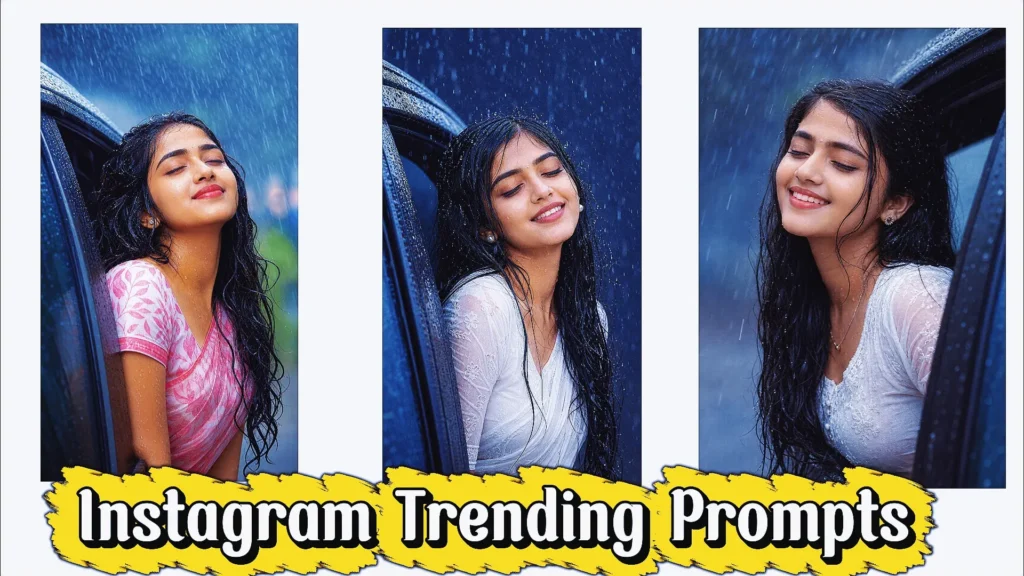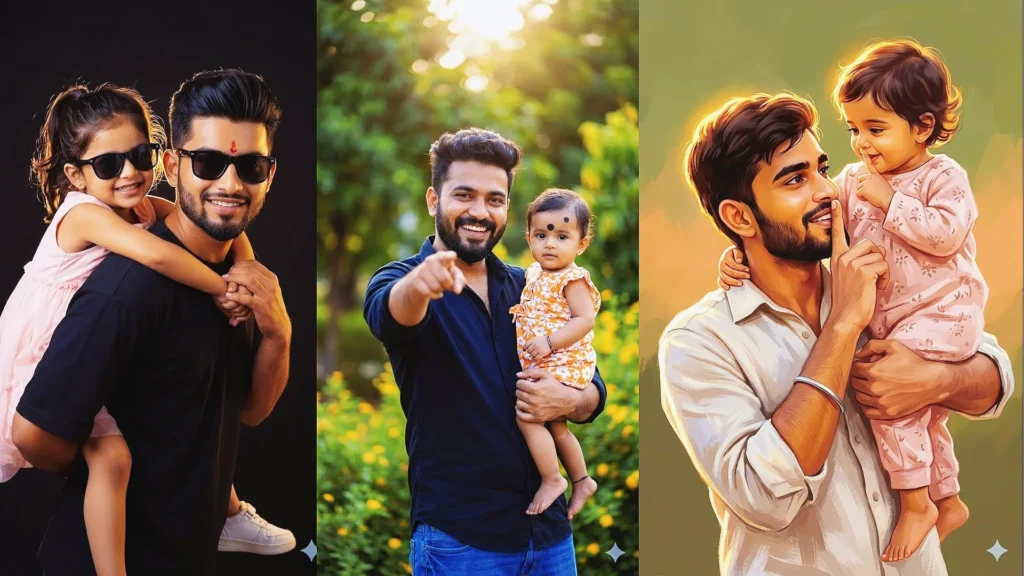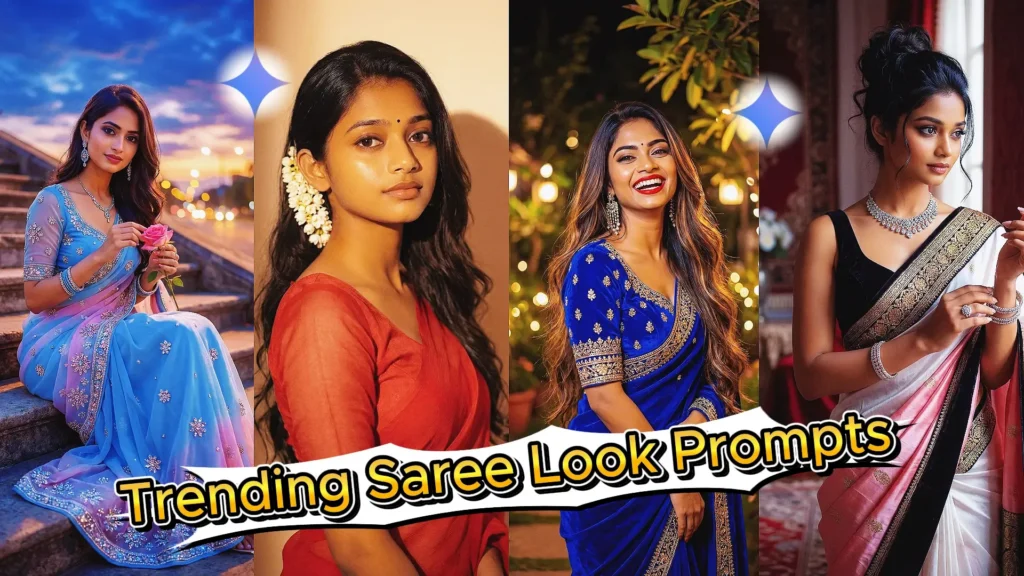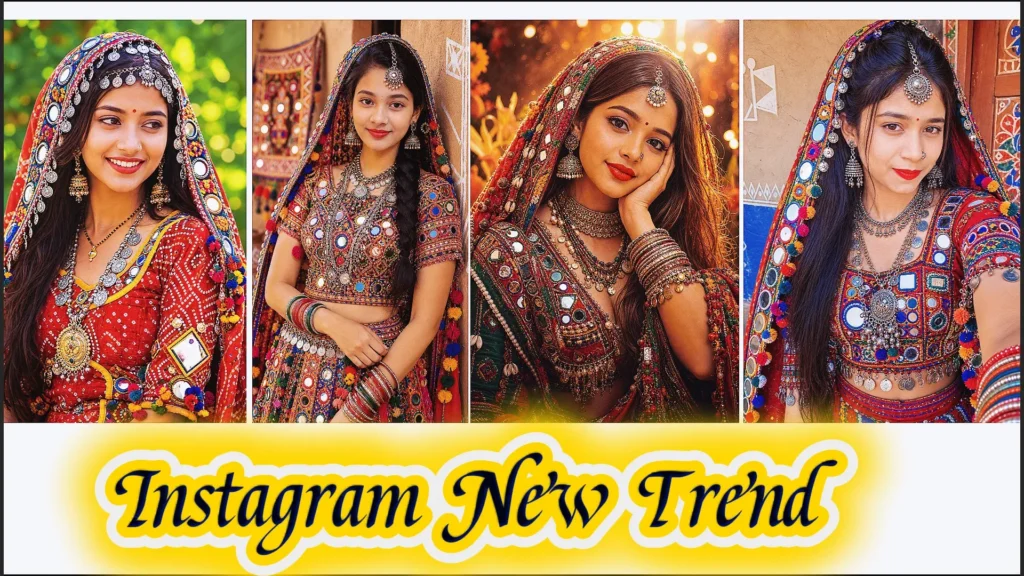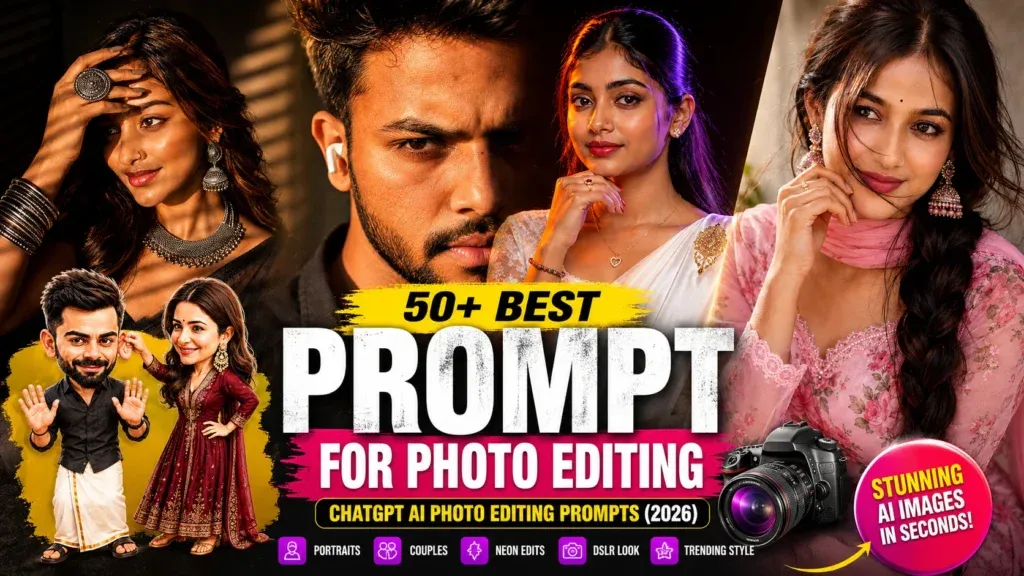
AI photo editing has changed the way people create and improve photographs. You no longer need advanced Photoshop skills to experiment with cinematic portraits, fashion photography, vintage effects, professional profile pictures, or creative social media images.
With ChatGPT photo editing prompts, you can describe exactly how you want an existing photograph to look. You can change the background, lighting, outfit, atmosphere, color grading, photography style, or overall composition while asking the AI to preserve the important characteristics of the original person.
The difference between an average AI edit and a convincing one often comes down to the instructions you provide.
A vague prompt such as:
“Make my photo look cinematic.”
doesn’t give the AI much direction.
A better prompt explains the subject, environment, lighting, clothing, camera perspective, mood, image quality, and elements that should remain unchanged.
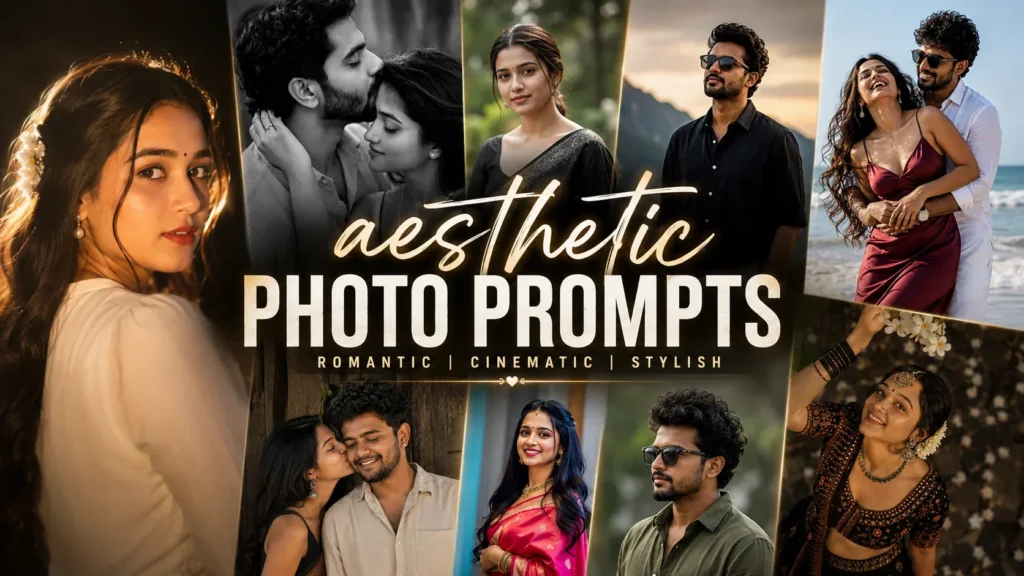
In this guide, you’ll find 50+ ChatGPT photo editing prompts covering portraits, boys, girls, couples, fashion, cinematic scenes, vintage photography, professional images, travel photos, and creative AI edits.
What Is a ChatGPT Photo Editing Prompt?
A ChatGPT photo editing prompt is a detailed instruction that tells an AI image tool how you want an image changed or enhanced.
A useful prompt can describe:
- What the person should look like
- Which parts of the original image should remain unchanged
- Clothing and accessories
- Background
- Lighting
- Camera angle
- Composition
- Mood
- Photography style
- Image quality
- Aspect ratio
For existing photographs, it is especially useful to tell the AI what not to change.
For example:
Keep the original facial identity, hairstyle, expression, body proportions, and pose. Change only the background and lighting.
This gives the AI a much clearer editing target.
50+ Best ChatGPT Photo Editing Prompts
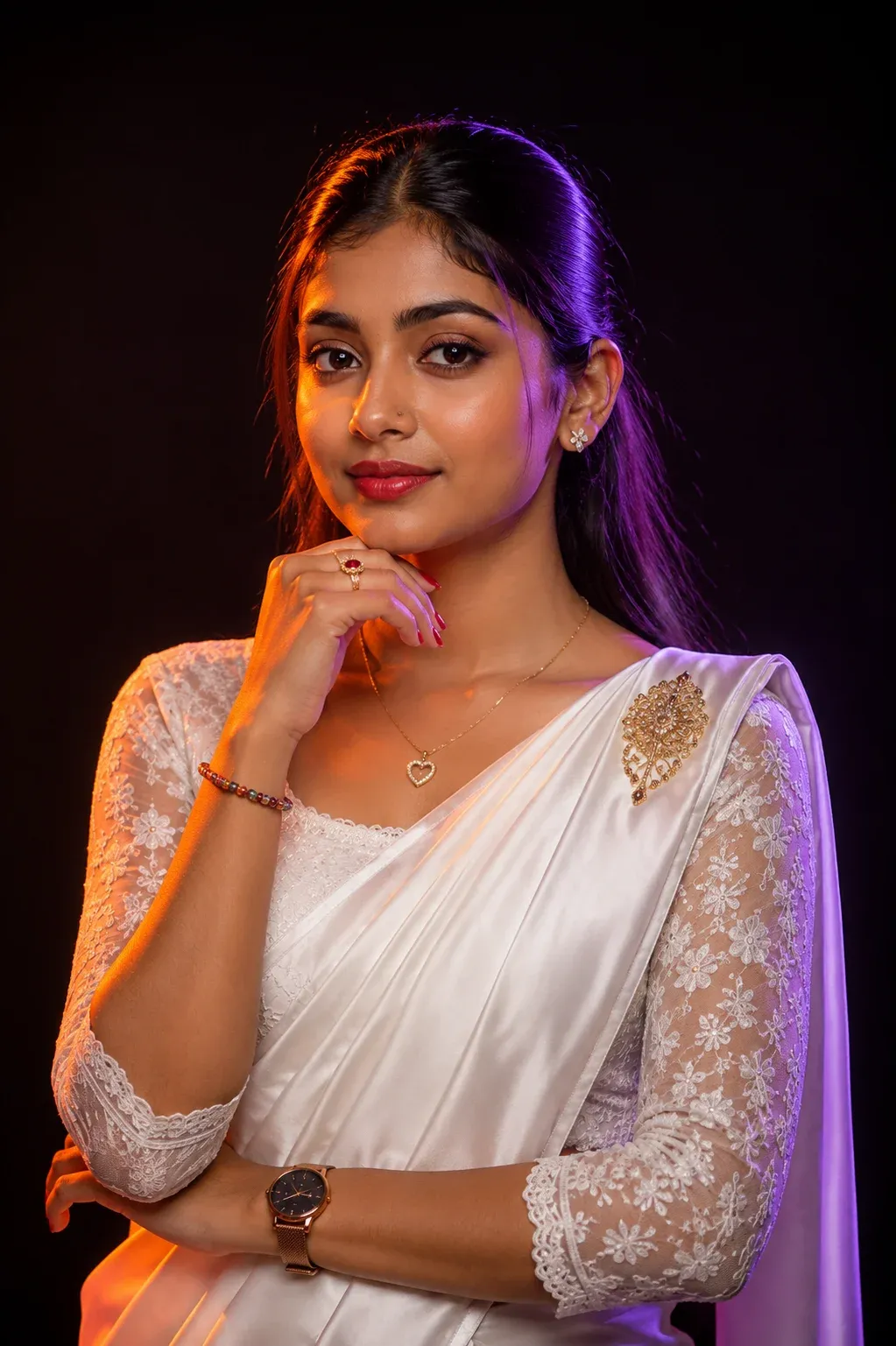
1. Cinematic Neon Kandyan Saree Studio Portrait
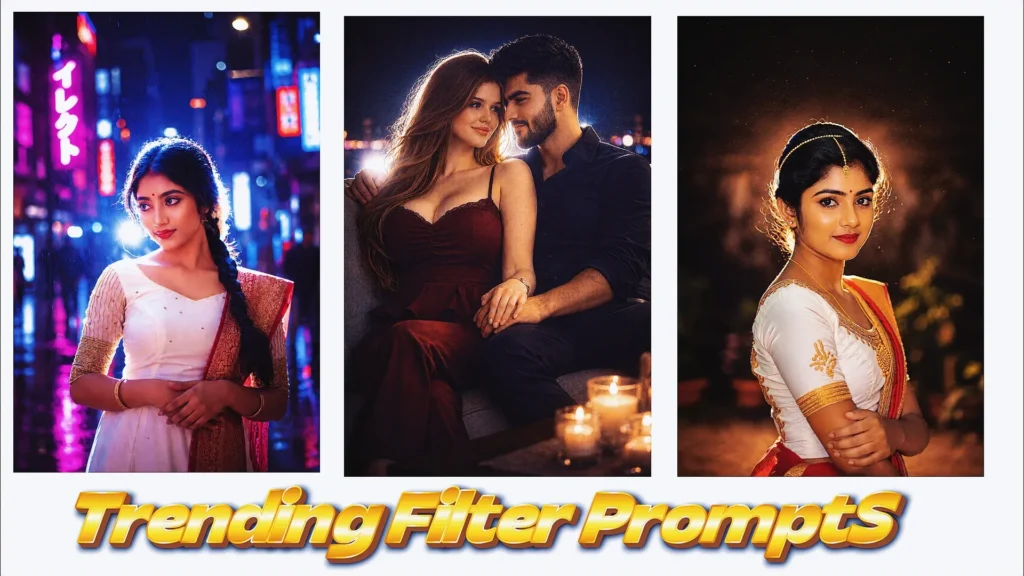
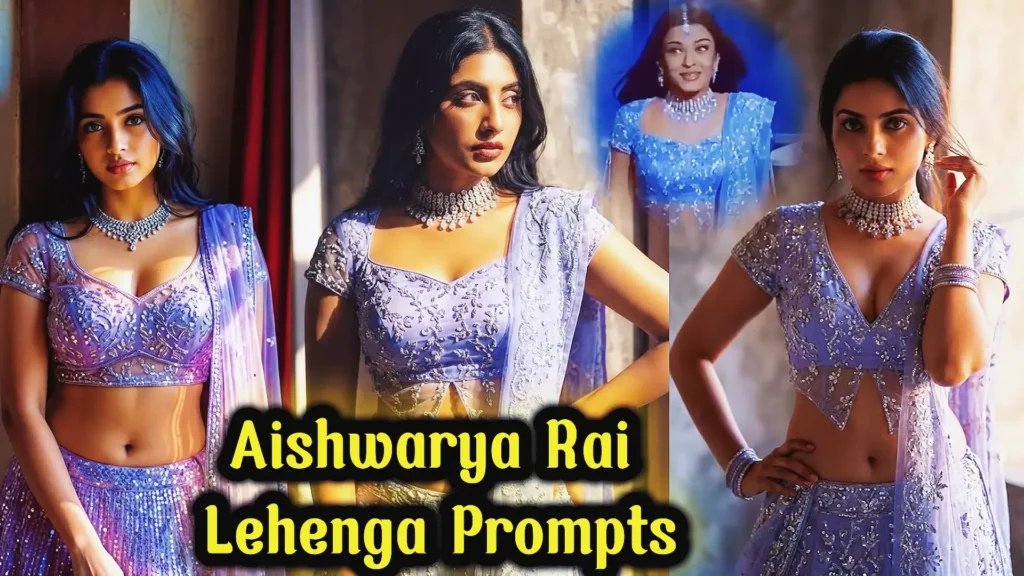
Create a premium studio portrait with this elegant dual-neon lighting setup that transforms an ordinary image into a cinematic masterpiece. This chat gpt prompt for photo editing is ideal for fashion portraits, traditional attire, and DSLR-style photography. If you’re searching for chatgpt photo editing prompts this detailed setup delivers realistic skin tones, dramatic lighting, and luxury editorial-quality results.
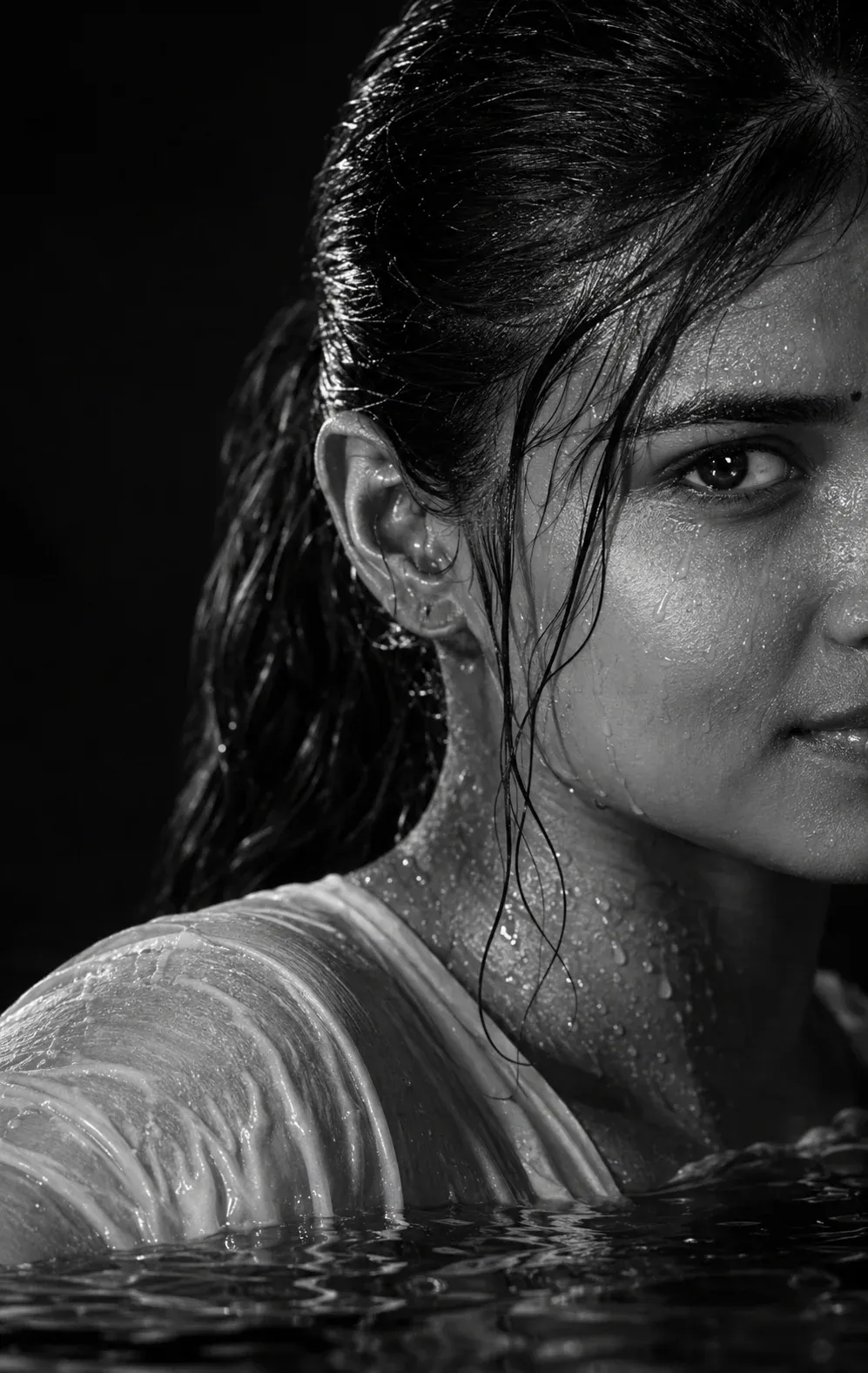
2. Dramatic Black & White Water Portrait for Women
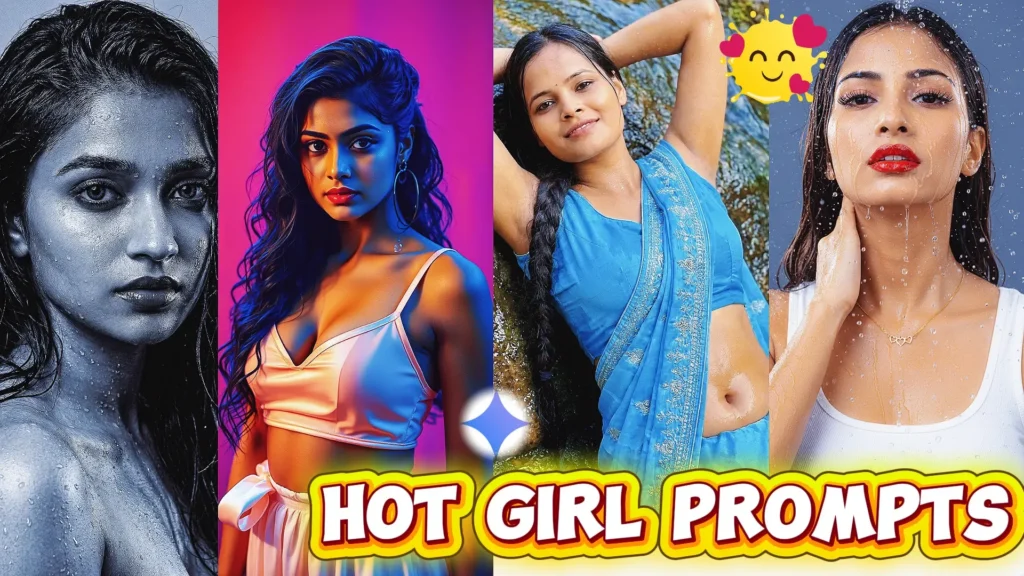
Turn your portrait into a bold monochrome editorial image with intense eye contact, realistic water droplets, and cinematic low-key lighting. This AI photo editing prompt is perfect for creating luxury fashion-inspired portraits while preserving your original facial identity. It’s one of the chatgpt photo editing prompts trending among creators looking for a new trending prompt ChatGPT and high-end black-and-white aesthetics.
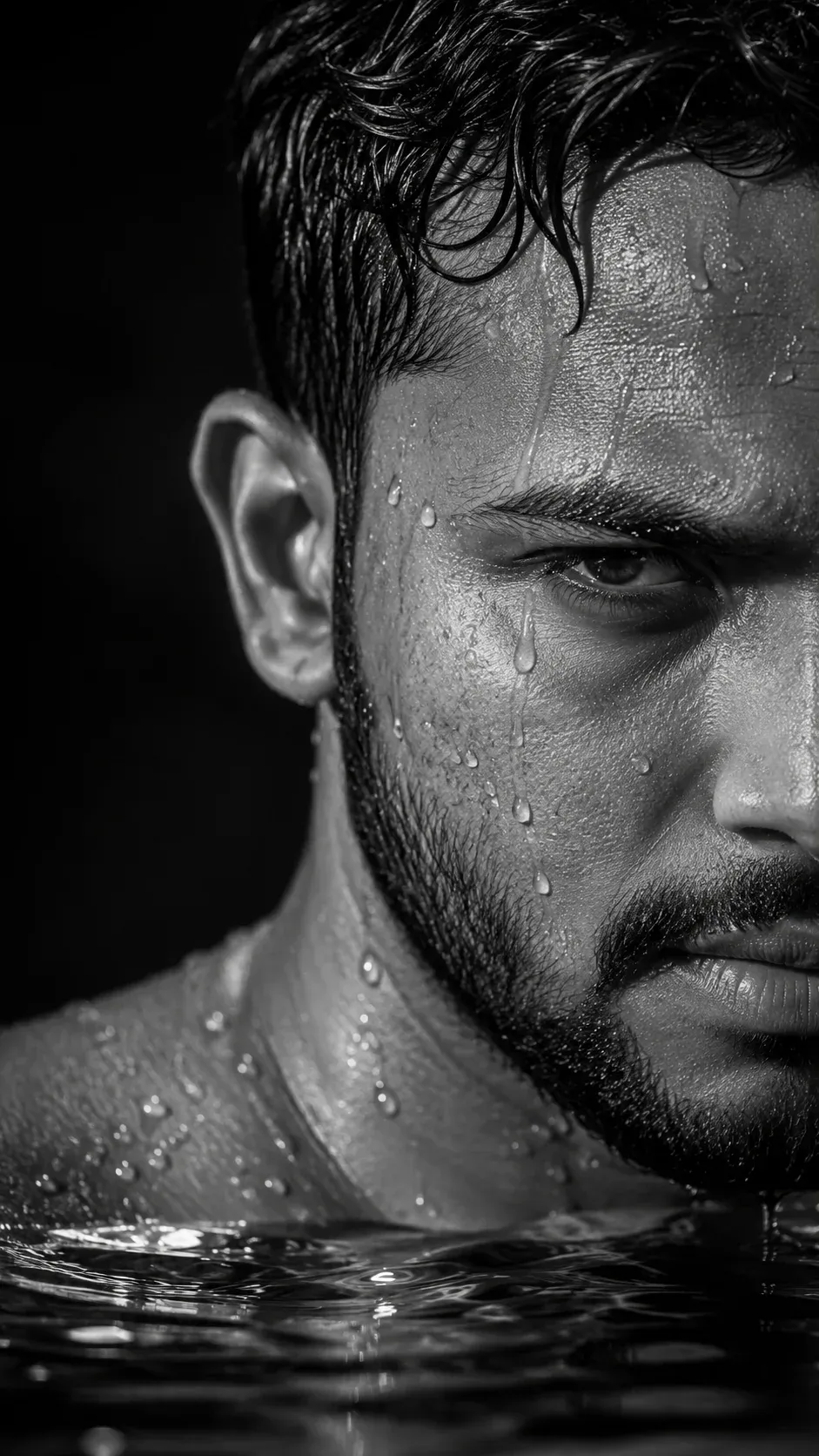
3. Rugged Cinematic Water Portrait for Men
Create a powerful masculine portrait featuring dramatic shadows, wet skin textures, and premium editorial photography. This prompt for ChatGPT photo editing is designed for realistic male portraits with cinematic depth and studio-quality lighting. It’s a chatgpt trending photo prompt that works well for social media, profile pictures, and chatgpt photo editing prompts 2026.
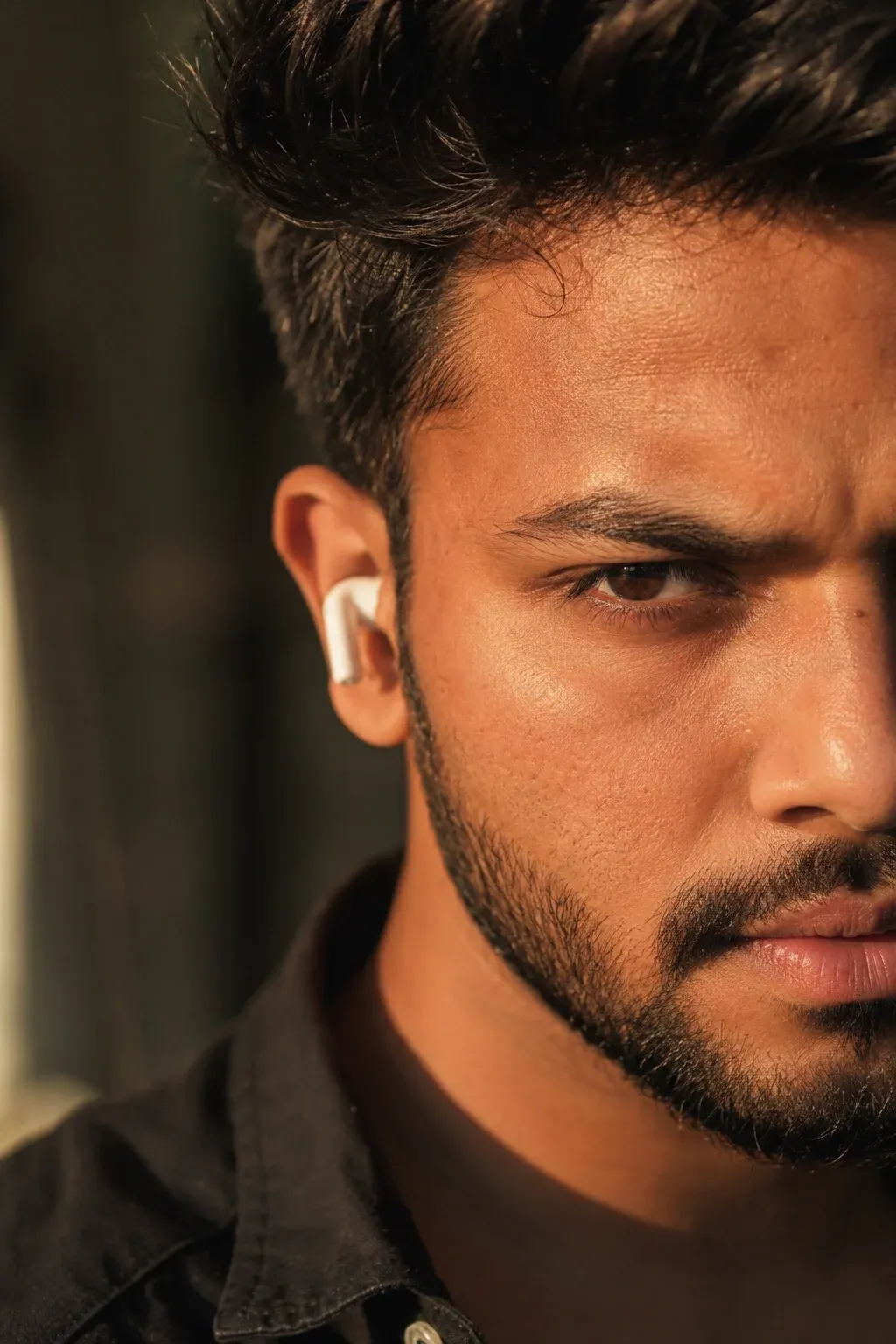
4. Golden Hour Close-Up Portrait for Men
Generate a stunning close-up portrait with warm golden sunlight, dramatic shadows, and ultra-realistic facial details while keeping your original face unchanged. This chat gpt photo edit prompt creates Instagram-ready portraits with DSLR-quality results. It’s a popular choice among chatgpt photo editing prompts trending Instagram 2026 and users looking for a prompt for photo editing trending.
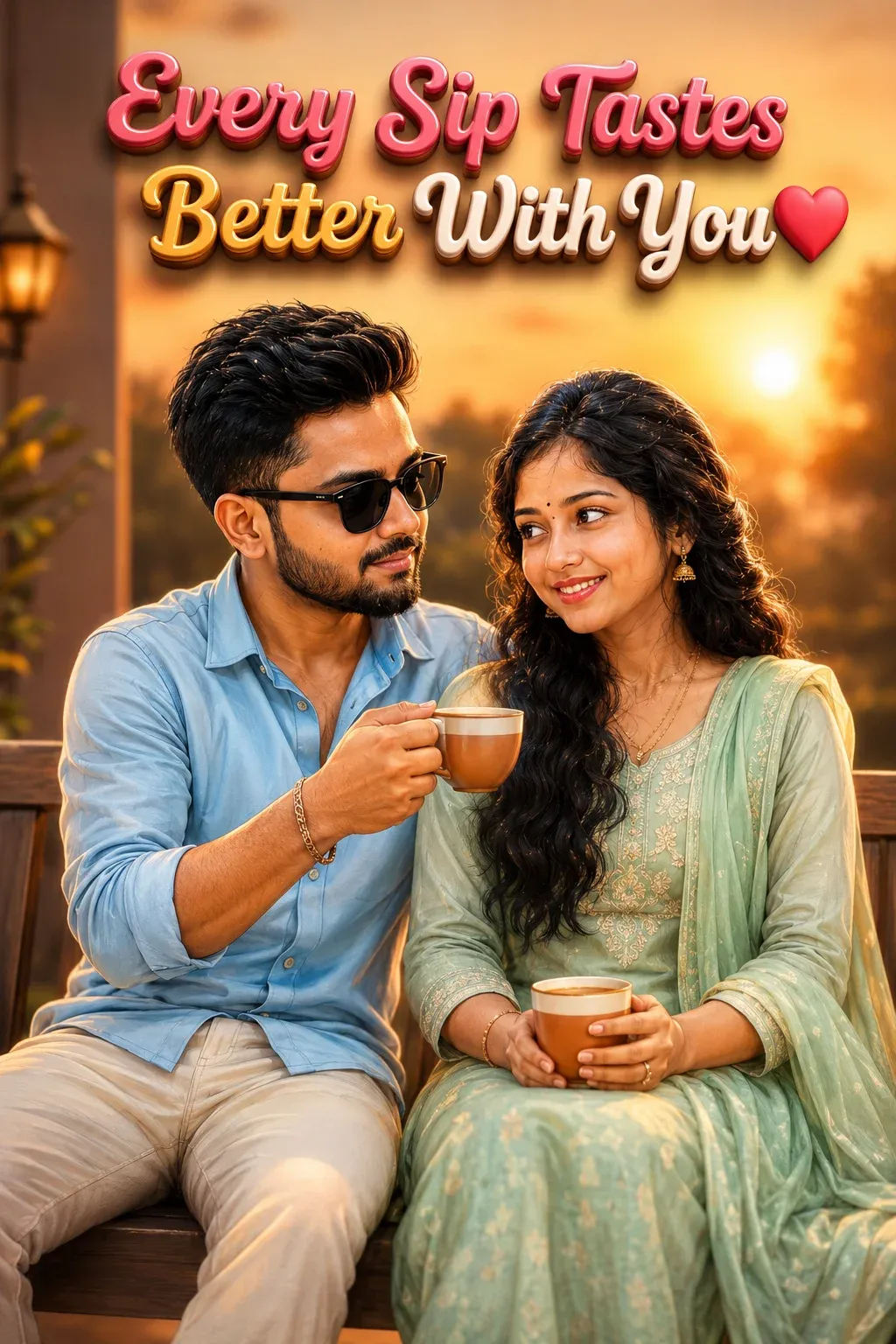
5. Romantic Evening 3D Couple Caricature
Design a heartwarming 3D caricature featuring a couple enjoying a peaceful evening together with beautiful sunset lighting and personalized text. This chatgpt couple photo editing prompts text is perfect for anniversaries, gifts, and romantic social media posts. It is one of the chatgpt photo editing prompts new that combines realistic facial preservation with premium cartoon rendering.
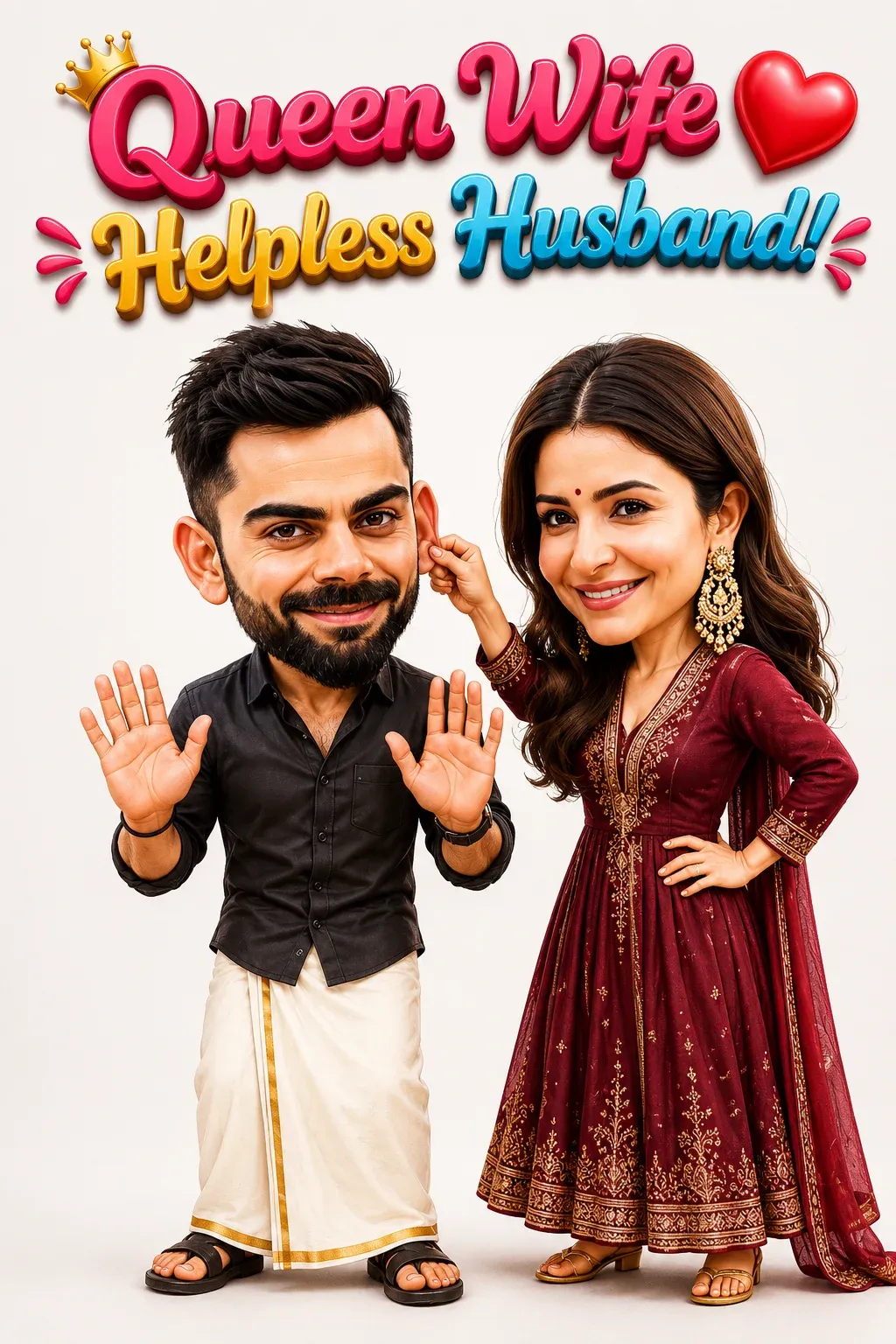
6. Funny Husband and Wife 3D Cartoon Portrait
Create a playful Pixar-inspired caricature where the wife’s humorous expression and the husband’s innocent reaction tell a fun story. This chatgpt couple photo editing prompts text preserves facial identity while adding charming cartoon effects. If you’re searching for a new trending photo editing prompt, this creative concept is ideal for entertaining couple portraits and viral social media content.
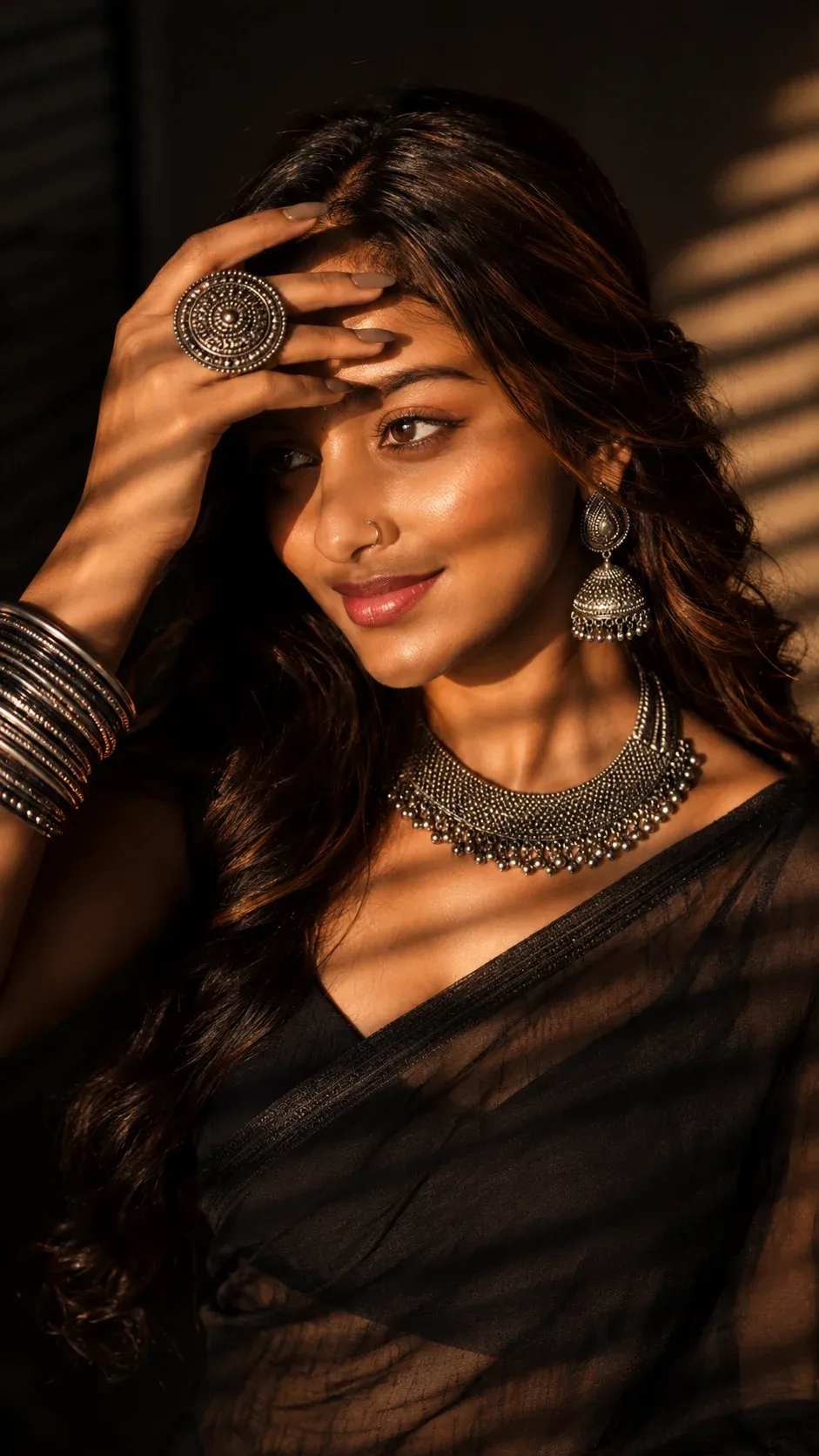
7. Luxury Traditional Jewelry Fashion Portrait
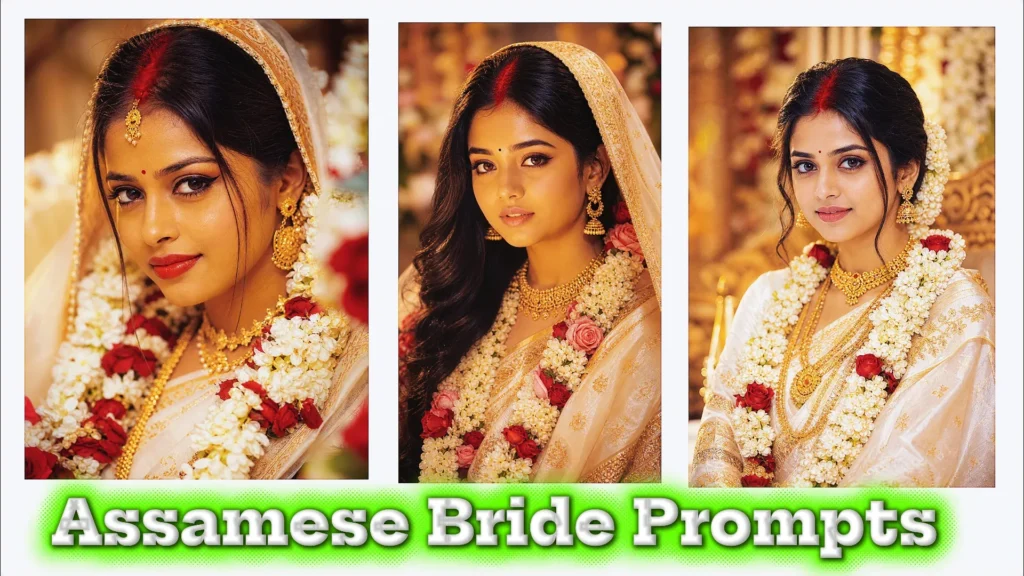
Transform your portrait into a premium editorial photograph featuring dramatic window-shadow lighting, oxidized silver jewelry, and warm golden-hour tones. This chatgpt photo editing prompts text creates elegant fashion-inspired images with realistic skin texture and cinematic composition. It’s a chatgpt prompt for photo editing trending option for creators who love traditional styling with a modern editorial look.
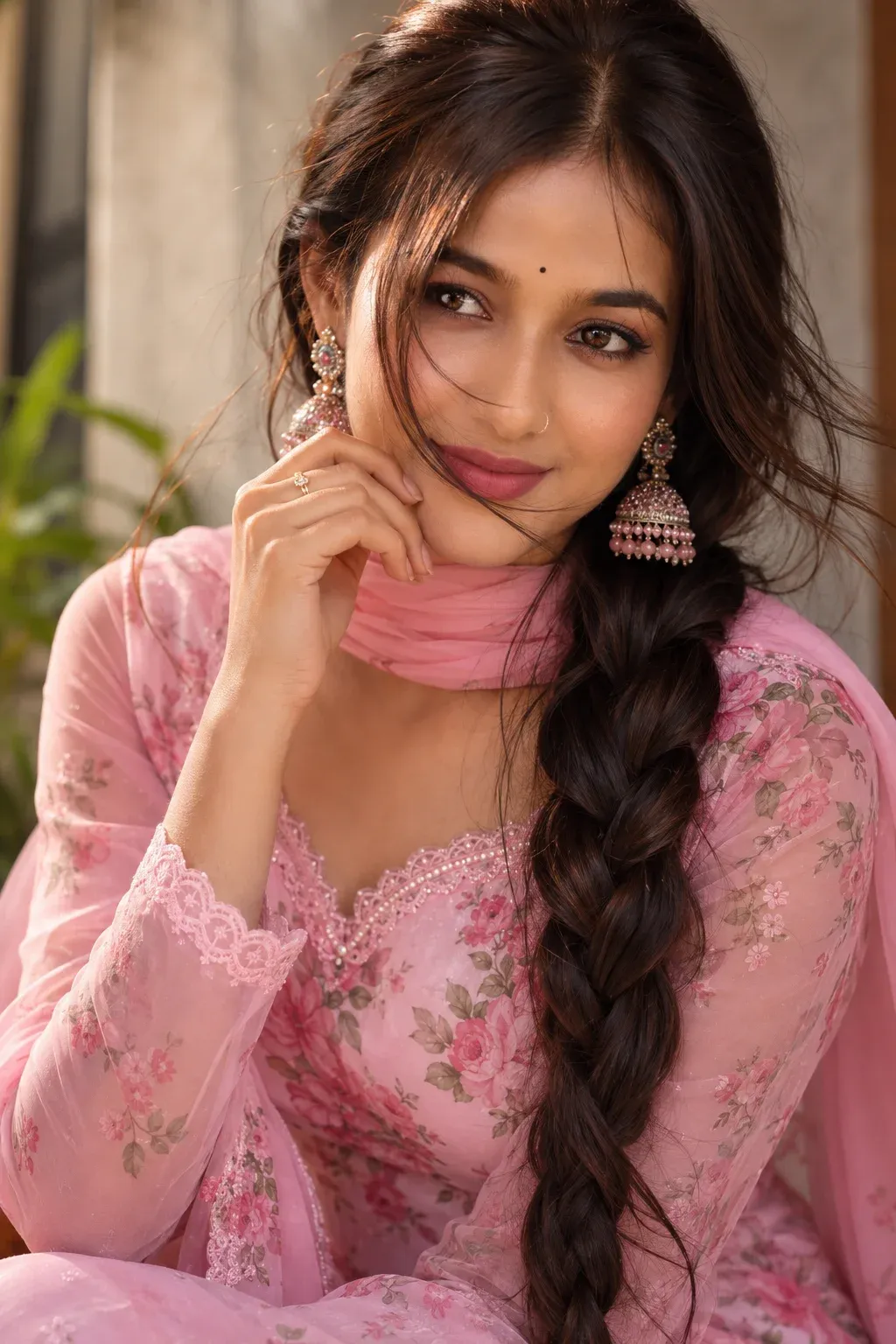
8. Elegant Floral Salwar Suit Portrait
Create a graceful close-up portrait featuring a floral salwar suit, braided hairstyle, natural makeup, and realistic facial details. This chatgpt photo editing prompts for girl is ideal for festive portraits, profile pictures, and lifestyle photography. As a chat gpt prompt for photo editing, it produces clean, natural-looking results that are perfect for Instagram and personal branding.
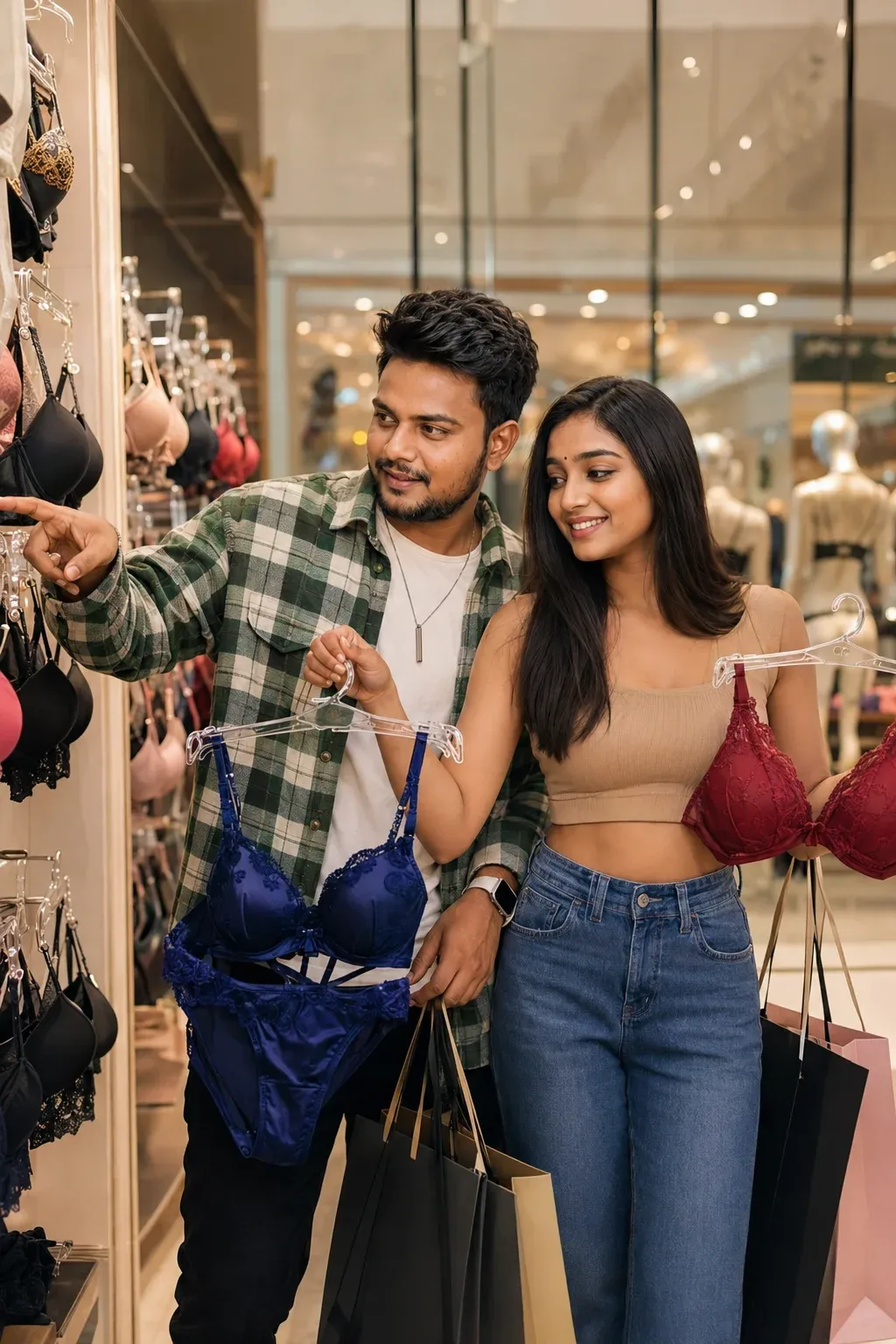
9. Luxury Couple Shopping Editorial Scene
Design a realistic shopping experience inside a premium luxury mall with natural couple interaction, cinematic lighting, and high-fashion photography. This AI photo editing prompt creates lifestyle images that look professionally photographed while maintaining realistic facial features. It’s among the chatgpt photo editing prompts 2026 gaining popularity for romantic lifestyle and fashion-themed content.
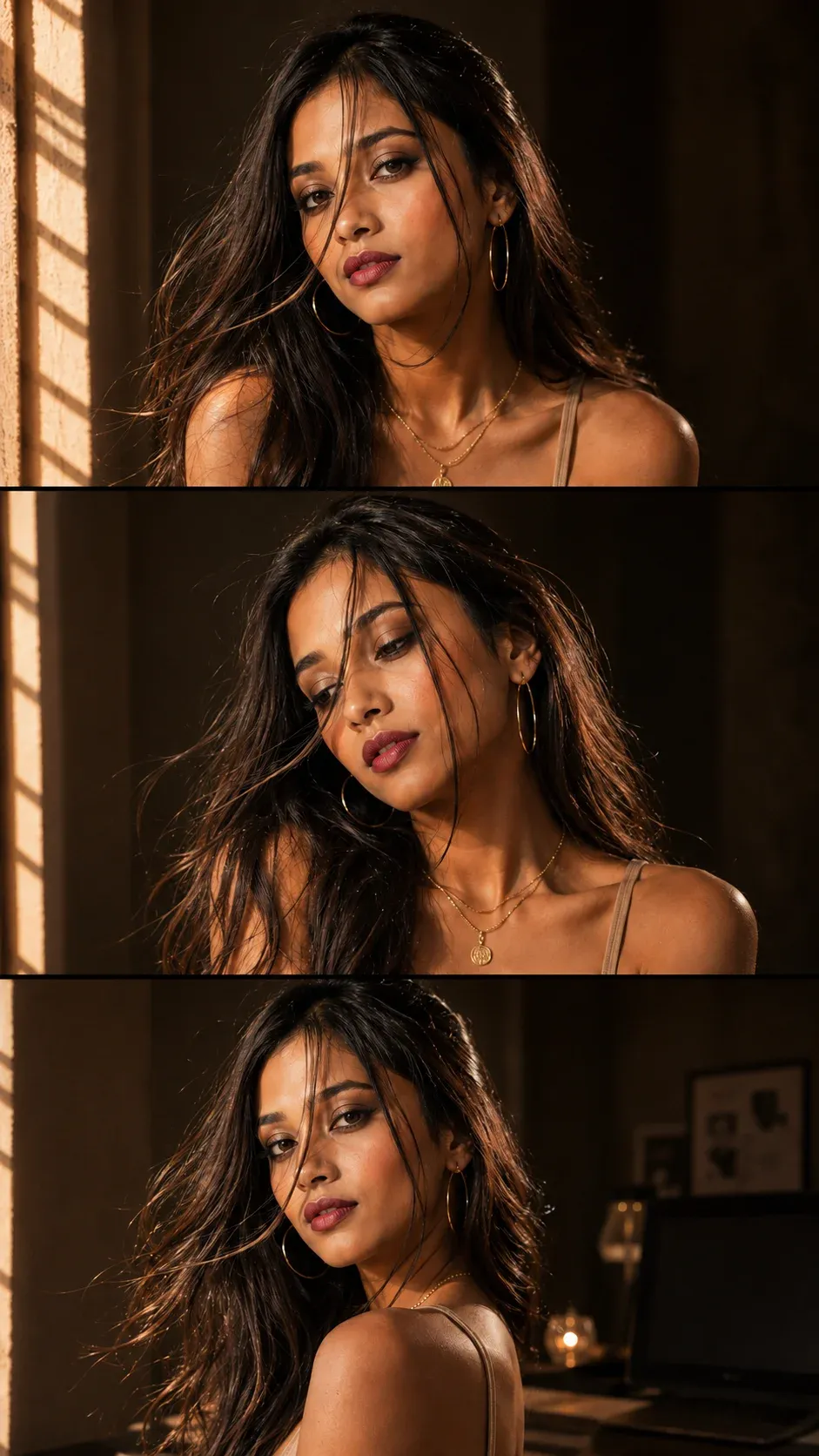
10. Cinematic Three-Panel Editorial Collage
Create a magazine-style three-panel collage featuring dramatic sunlight, luxury fashion styling, and multiple cinematic poses while preserving the original face. This chatgpt photo editing prompts trending concept is perfect for portfolio images, Instagram reels, and fashion content. If you’re looking for a chat gpt photo editing prompts, trending prompt ChatGPT 2026, or a chat gpt prompt for photo editing link to inspire your next edit, this collage style delivers a premium editorial finish without sacrificing realism.
How to Use ChatGPT Photo Editing Prompts
Using these prompts is simple.
Step 1: Open ChatGPT
Start a conversation where image upload and image generation/editing are available.
Step 2: Upload Your Photograph
Attach the image you want to transform.
A clear, well-lit photograph usually gives the AI more useful visual information.
Step 3: Choose a Prompt
Select a prompt based on the result you want.
You can copy the complete prompt or use it as a template.
Step 4: Customize It
Replace details such as:
- Outfit
- Background
- Location
- Lighting
- Pose
- Mood
- Color palette
- Aspect ratio
Step 5: Generate the Image
Submit the prompt and inspect the result.
If something needs correction, don’t necessarily rewrite the entire prompt.
Try:
Keep the same composition, face, clothing, and lighting. Correct only the hands and make their proportions natural.
Small corrections can be more effective than starting over.
How to Write a Better ChatGPT Photo Editing Prompt
A useful prompt can follow this structure:
Reference → Subject → Change → Environment → Lighting → Camera → Mood → Quality → Restrictions
For example:
Use my uploaded image as the identity reference. Keep my face, hairstyle, expression, and body proportions unchanged. Change the background to a modern city street at sunset. Add warm directional sunlight, realistic shadows, shallow depth of field, natural skin texture, and professional 85mm portrait photography. Keep the result photorealistic.
This structure is much more useful than simply writing:
“Make my photo beautiful.”
Important Details to Include
Identity
If you’re editing an existing photograph, specify which facial characteristics should remain consistent.
Clothing
Describe the outfit rather than using vague terms like “stylish clothes.”
Background
Tell the AI exactly where the person should be.
Lighting
Lighting can completely change the mood of a photograph.
Examples include:
- Golden hour
- Soft window light
- Studio lighting
- Dramatic side lighting
- Neon lighting
- Overcast daylight
- Warm evening light
Camera Style
You can describe:
- Close-up portrait
- Full-body photograph
- 35mm photography
- 50mm lens look
- 85mm portrait
- Shallow depth of field
- Editorial photography
- Documentary photography
Negative Prompt for More Realistic Results
When appropriate, you can add:
Avoid blurry details, distorted hands, extra fingers, duplicate people, unnatural facial features, plastic-looking skin, incorrect proportions, warped clothing, unrealistic shadows, excessive sharpening, low resolution, artifacts, watermark, and unwanted text.
Don’t add a huge list of restrictions automatically. Use only the ones relevant to your image.
Common Mistakes to Avoid
1. Writing Extremely Short Prompts
“Make this photo cinematic” leaves too much open to interpretation.
2. Adding Conflicting Instructions
Don’t ask for a dark studio and bright outdoor sunlight in the same scene unless you intentionally want both.
3. Changing Too Many Things at Once
If you need a simple background replacement, don’t also request a completely different pose, outfit, hairstyle, and camera angle.
4. Ignoring Lighting
A new background needs lighting that matches the person.
5. Overusing Quality Keywords
Adding “8K, 16K, 32K, ultra-HD, super-HD” repeatedly doesn’t automatically make an image better.
Describe the actual visual qualities you want instead.
How to Make AI Photos Look More Realistic
Preserve Identity
Tell the AI which characteristics should remain unchanged.
Match Lighting
The person and background should appear to receive light from the same direction.
Keep Natural Skin Texture
Avoid excessive smoothing.
Use Realistic Depth
A background that is slightly out of focus can make portraits feel more photographic.
Describe Materials
Mention realistic fabric, glass, metal, wood, skin, hair, or environmental textures when relevant.
Make Corrections Incrementally
If only one element is wrong, correct that element instead of rebuilding the whole image.
Best ChatGPT Prompt Categories
Depending on your goal, you can experiment with:
For Boys
- Cinematic portraits
- Street fashion
- Business portraits
- Car photography
- Motorcycle photography
- Travel portraits
- Gym photography
- Black-and-white portraits
For Girls
- Saree portraits
- Traditional fashion
- Floral photography
- Studio portraits
- Luxury fashion
- Sunset photography
- Winter fashion
- Lifestyle portraits
For Couples
- Sunset photography
- Café dates
- Beach portraits
- Wedding photography
- Rainy scenes
- Travel photography
- Rooftop portraits
- Anniversary images
Creative Styles
- Vintage
- Polaroid
- Movie poster
- Neon
- Editorial
- Minimalist
- Black and white
- 3D caricature
- Magazine cover
Frequently Asked Questions
Can ChatGPT edit my existing photograph?
ChatGPT can support image generation and editing in versions where those capabilities are available. You can upload an image and provide instructions describing the changes you want.
What makes a good ChatGPT photo editing prompt?
A strong prompt clearly describes the subject, desired changes, environment, lighting, composition, style, and important elements that should remain unchanged.
Should I tell ChatGPT to keep my face unchanged?
If maintaining identity is important, yes. Explicitly describing the facial features and other characteristics you want preserved can help guide the edit.
Are longer prompts always better?
No. Specific prompts are better than unnecessarily long prompts. Every detail should serve a purpose.
Why does my edited image sometimes have strange hands?
AI image generation can occasionally produce anatomical or object-related errors. A targeted correction such as “fix the hands while keeping everything else unchanged” can help.
Can I use these prompts for Instagram?
Yes. You can adapt the composition and aspect ratio for Instagram posts, Stories, Reels covers, profile pictures, and other social-media formats.
Can I use these prompts for professional photos?
Yes. They can be adapted for LinkedIn portraits, personal branding, portfolios, business profiles, and marketing images.
Can I use someone else’s photo?
Only use photographs when you have appropriate permission or rights to edit and publish them. Avoid creating misleading representations of real people or events.
Final Takeaway
The secret to better AI photo editing isn’t simply finding the longest prompt. It is giving the image model clear visual instructions.
Start by identifying the photograph, decide what you want to change, and then describe the environment, lighting, clothing, composition, and photography style. At the same time, tell the AI which important characteristics should remain unchanged.
A simple formula is:
Reference image + specific changes + lighting + environment + camera style + realism instructions = a stronger editing prompt.
The 50+ prompts in this guide give you a starting point for creating cinematic portraits, fashion images, couple photographs, professional profile pictures, travel scenes, vintage edits, and creative social media content.
Don’t be afraid to customize them. Change the location, outfit, lighting, mood, camera angle, and composition until you find a style that fits your photograph.
Most importantly, don’t blindly add more keywords. Better instructions beat longer instructions.